
There’s no room in the basement for this. Maybe the garage?
-
I finally was able to fly the next leg in the PilotEdge Alphabet Challenge today, which was Jacqueline Cochran (KTRM) to Kanab (KKNB). This is the fifth-longest flight in the challenge, logging in at 269.9 miles as the crows would fly it. I decided to fly it using GPS navigation as VOR would have lengthened the route even more, so I had only one waypoint along the way, Grand Canyon West (K1G4). This helped make sure I stayed out of the canyon’s no-fly zones (and in that portion of the canyon airspace I needed to maintain at least 7,999 feet MSL). This was the only airspace consideration of note along the way, but to hone my radio skills and give me something to listen to I asked for flight following from PE SoCal approach along the way.
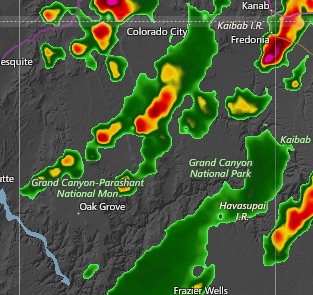
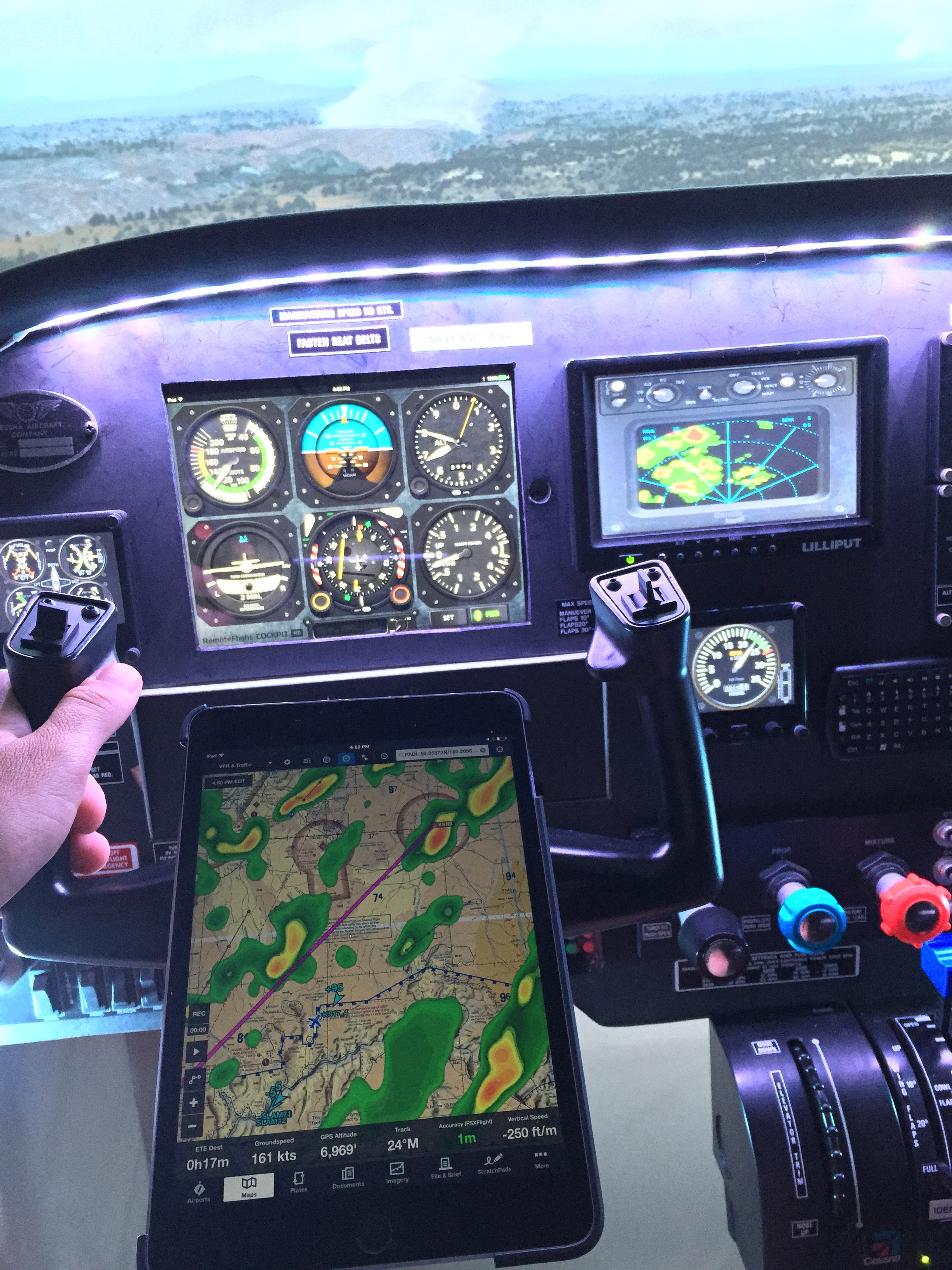
Real World Radar Would Indicate Trouble Ahead! The flight was uneventful. I don’t use autopilot, but had no issues with heading or altitude flying the old fashioned way. Things got interesting, though, as I crossed the north rim of the canyon. At that point a simple layer of clouds (injected by Active Sky 16) pretty quickly turned into a line of thunderstorms. I was surprised by this as the weather at departure was VFR all the way. So I checked the real-world radar in ForeFlight, and sure enough: thunderstorms from me to Kanab. I switched off the GTN 750 GPS unit and turned on the REX/MilViz WX Advantage weather radar gauge and started negotiating the weather, working hard to stay below the clouds but above the 7,999 foot canyon minimum. I was quite impressed with how well AS 16 replicated the real world radar echoes. Below is a shot of the sim panel, with the iPad showing the real-world radar on ForeFlight, and the REX WX Advantage Radar in the dash showing the t-storm and rain echoes in the sim. It was really cool.
Things got skinny. Finally I was able to spot some blue sky through a pass and risked the chance of a downdraft going through. In real life I don’t know that I would have made the same decision, and instead would have tried to put down at nearby Grand Canyon Bar 10.
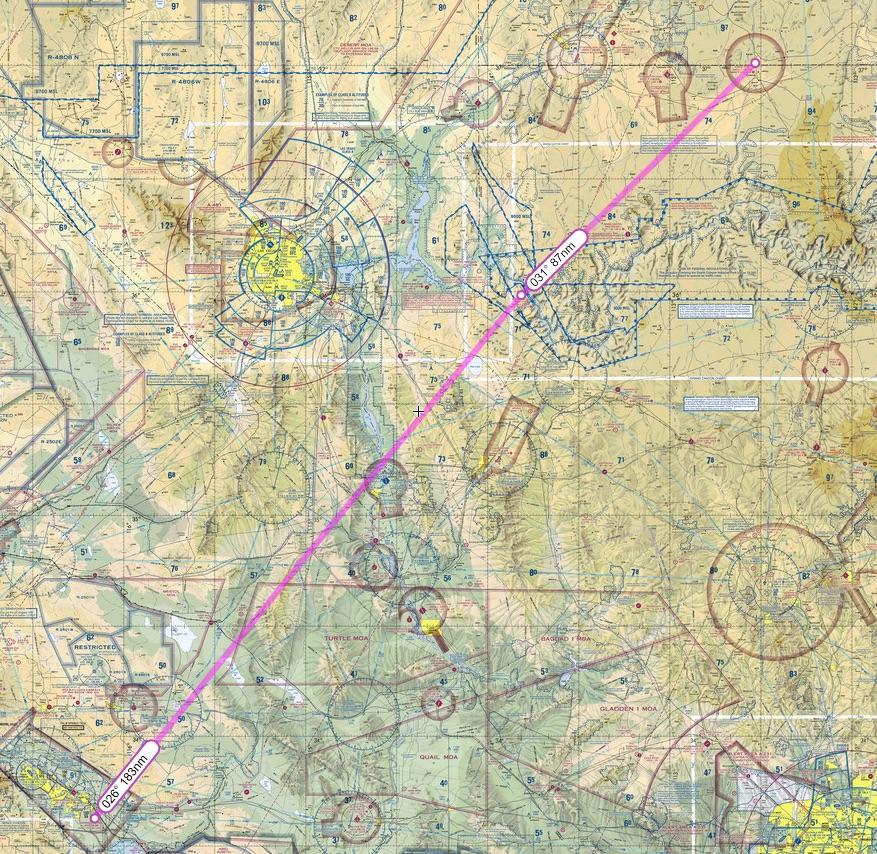
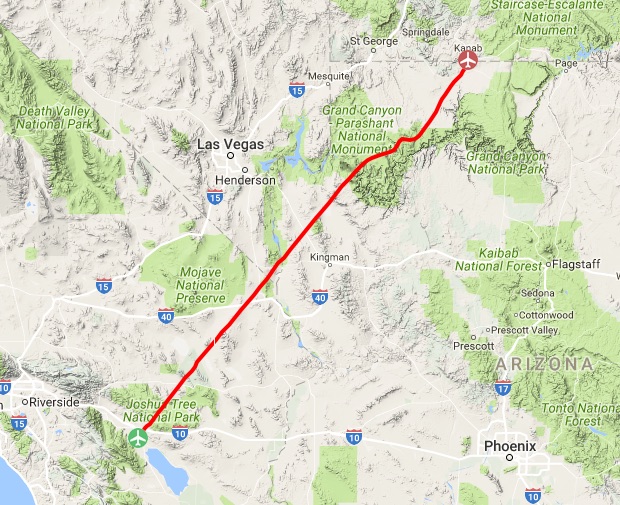
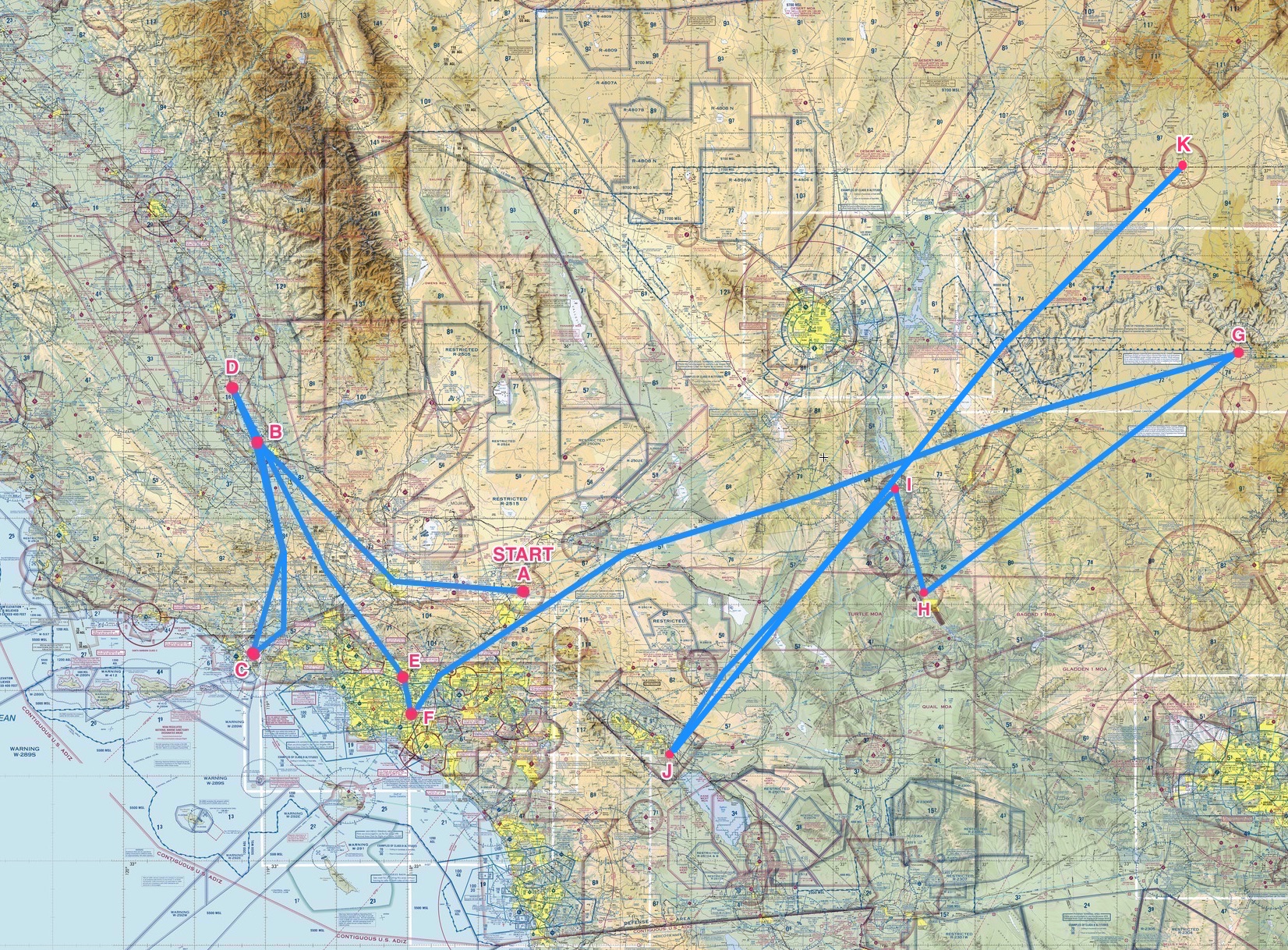
Once I was out of the altitude restriction I had more room to maneuver, and started to tack back north on a heading to Kanab. AS16 did a great job of rending the winds, turbulence, and clouds. It as all really pretty realistic and my pulse was definitely up. In the end I was able to make the landing on 19 in Kanab without further simulated incident, but it was an interesting flight a good practice for checking carb heat, holding altitude, keeping heading, etc. Here’s the planned route, and the actual route after my weather deviations.
Next up: Kanab to Long Beach, the second-longest flight in the series (and only short of being the longest by a mile). And here’s the challenge progress to date.
-
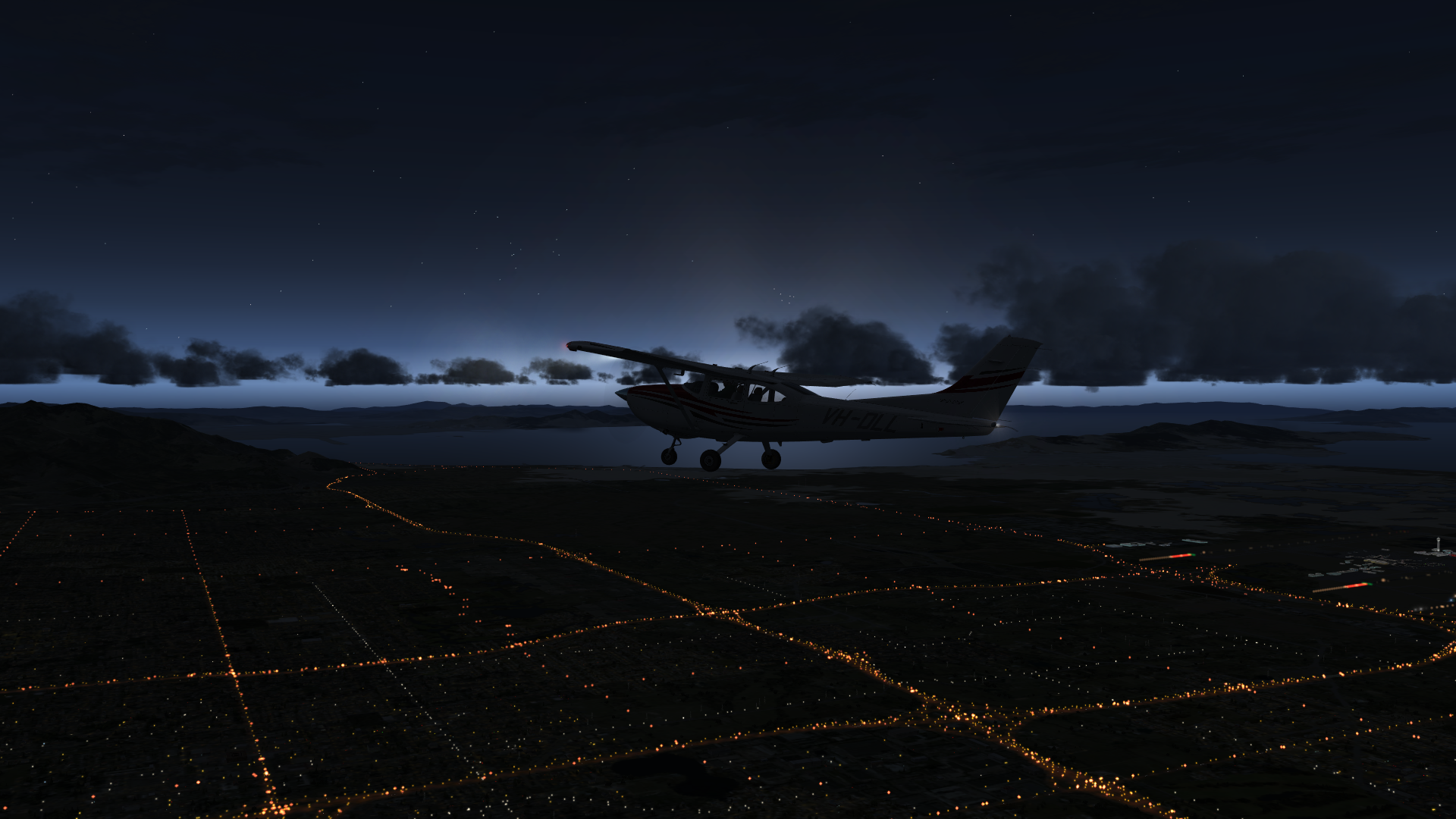
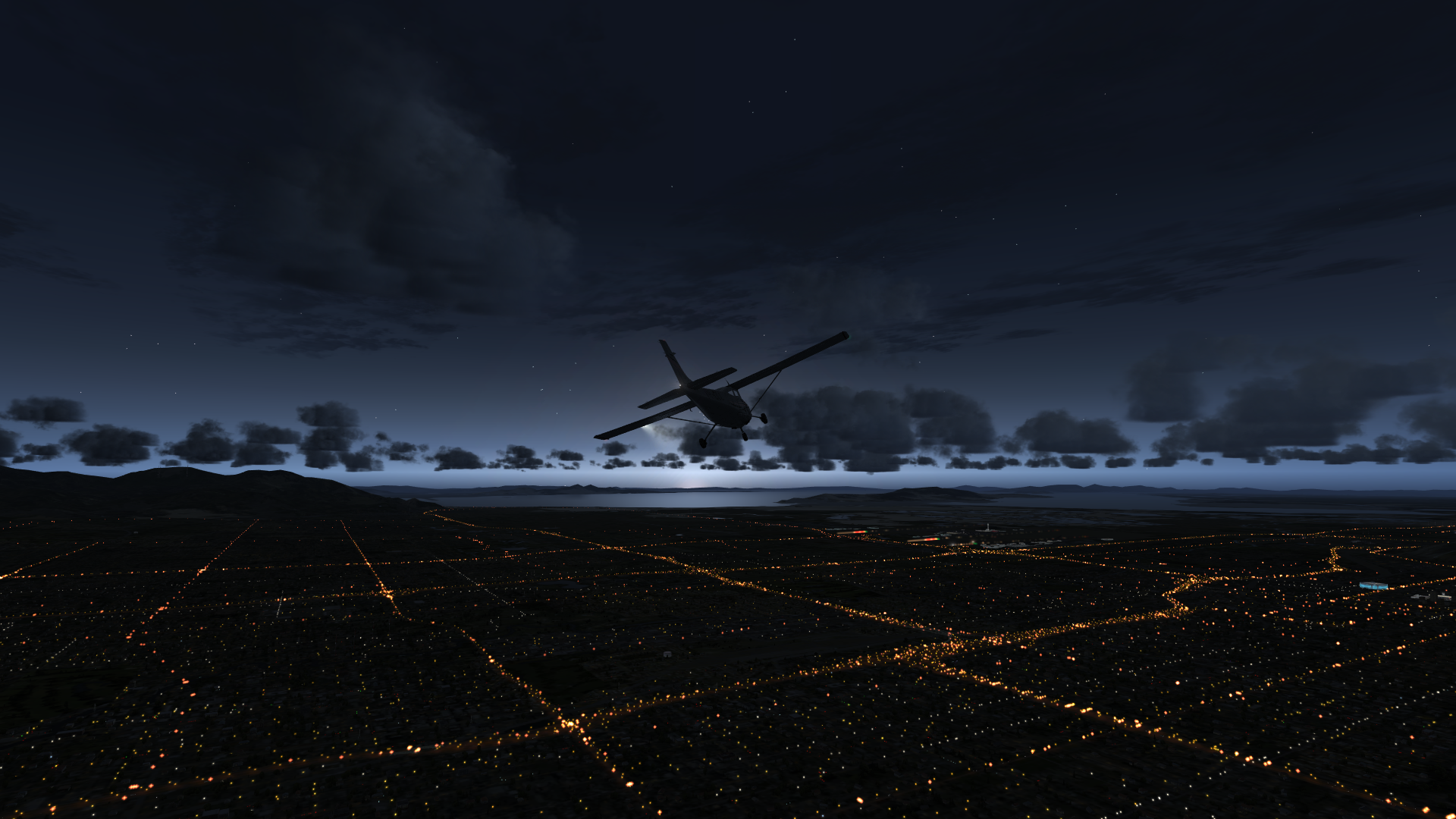
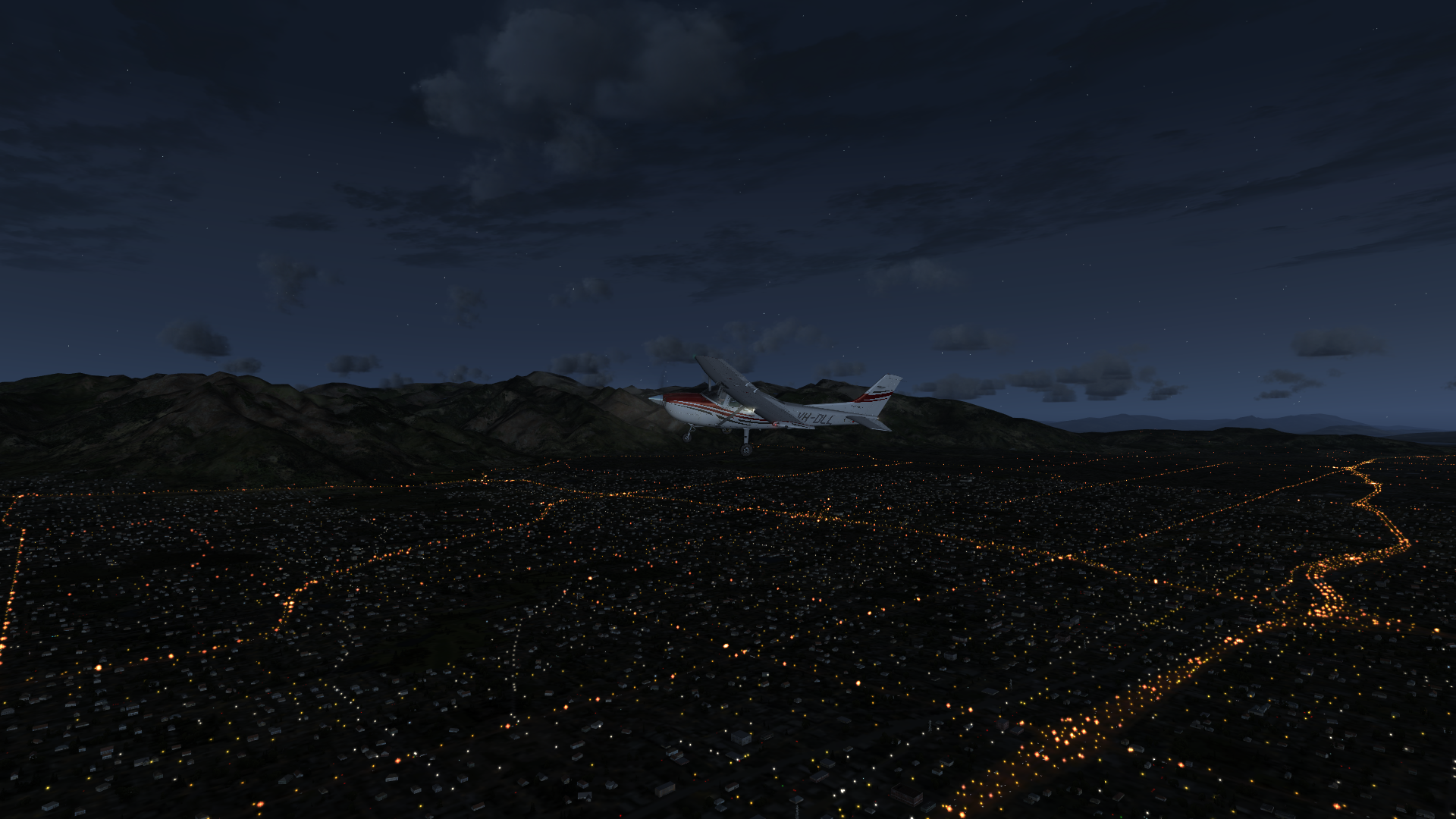
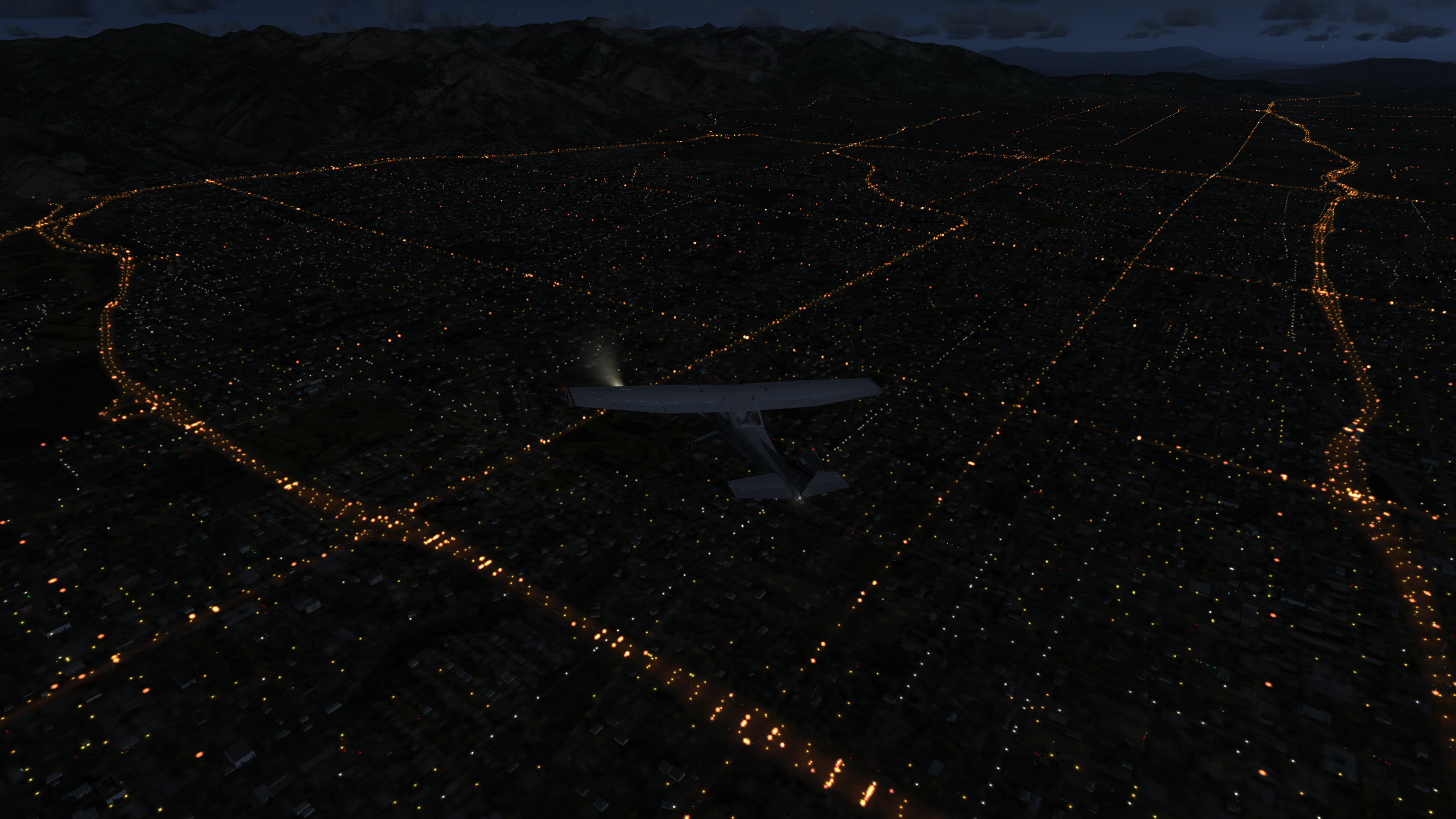
It sure looks good, especially with a bit of Taburet base lighting underneath. It’s like a whole new sim at night.



-
One of the most common questions I get about the basement sim is how I’ve aligned the cameras across the side LEDs and the front projection screen. I wrote a post about the process here, but a few folks have still asked for the config files themselves. I’ve actually written the camera settings into the individual configuration files for each aircraft I fly, but I do keep a reference file that has the settings. I’ve pasted it below the “continue reading” break below.
But please remember: these settings are based on the aircraft in the sim, the width of my cabin, the size of my screens, and the distance and height of my projector. Your mileage may vary considerably. Also, note that the first several camera settings below are in the format you need to add a custom camera to a scenario file, and the final one (for the Piper 180) is in the format you need to add a camera view to an aircraft config file. Hope this all helps.
-
For several years running I was fortunate to fish for silver salmon on the Togiak River, which is a big river nobody in the lower 48 has heard of that flows into Bristol Bay. The typical way to get to the camp was to fly in an Otter or Grumman Goose out of Dillingham, over the mountains, and land on the Togiak itself. It was a great adventure (with more treetop approaches under the weather than I’d like to recall), so I decided to recreate it in the sim. Since I don’t have a seaplane, we fly the A2A C182 from Dilly, over the camp, and down to land at Togiak Village. As always, thanks for watching.
Details:
– Prepar3d v3.3
– A2A C182
– REX 4 Direct textures and soft clouds
– ORBX Vector, Global, and NA Land Class -
It’s good to be back in the sim after a few weeks away.
In a recent flight lesson my CFI had me do what he called “non-traditional approaches”: forward slips, no flaps, and power off. Here I practice them in the basement sim. Thanks for watching!
-
There’s a nice blog post here from a pilot who recently toured SoCal TRACON (the Terminal Radar Approach CONtrol for the Sothern California region, the nation’s busiest and also the airspace you fly on PilotEdge). It’s very interesting, especially for VFR pilots (which was his focus in writing the piece). One insight for me was the controllers suggesting that VFR pilots avoid Bravo and Charlie airspace by two miles laterally and 1,000 feet vertically, given that the TRACON radar is not nearly as accurate as your GPS and that they could easily see you as inside the airspace when you’re not. I know that on PE I will often cut it closer than that, so I found this helpful.
The piece also echoes much of the coaching I’ve heard PE controllers offer pilots on the network. I’d suggest this as very worth reading for student pilots and simmers new to PE.
-
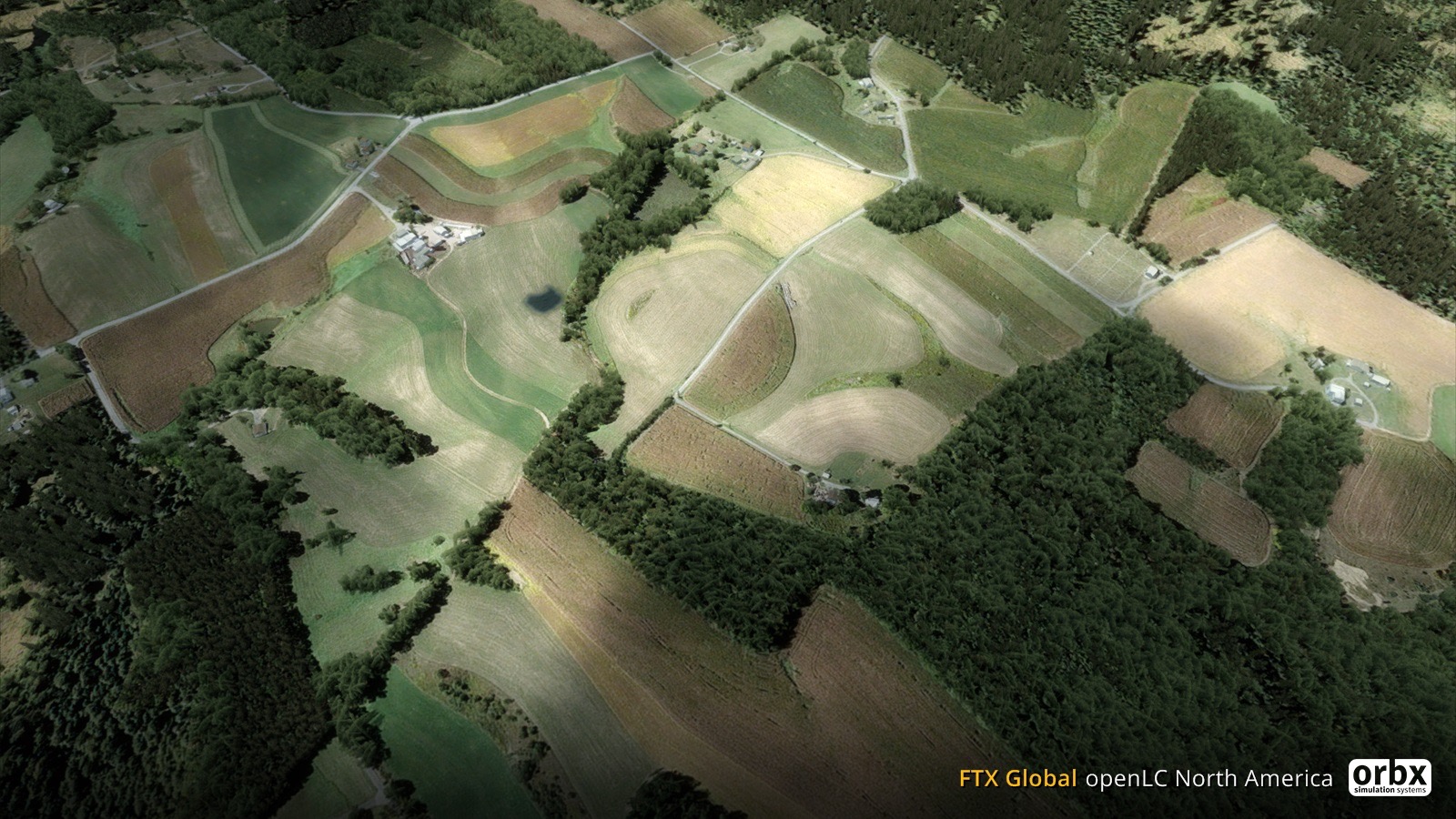
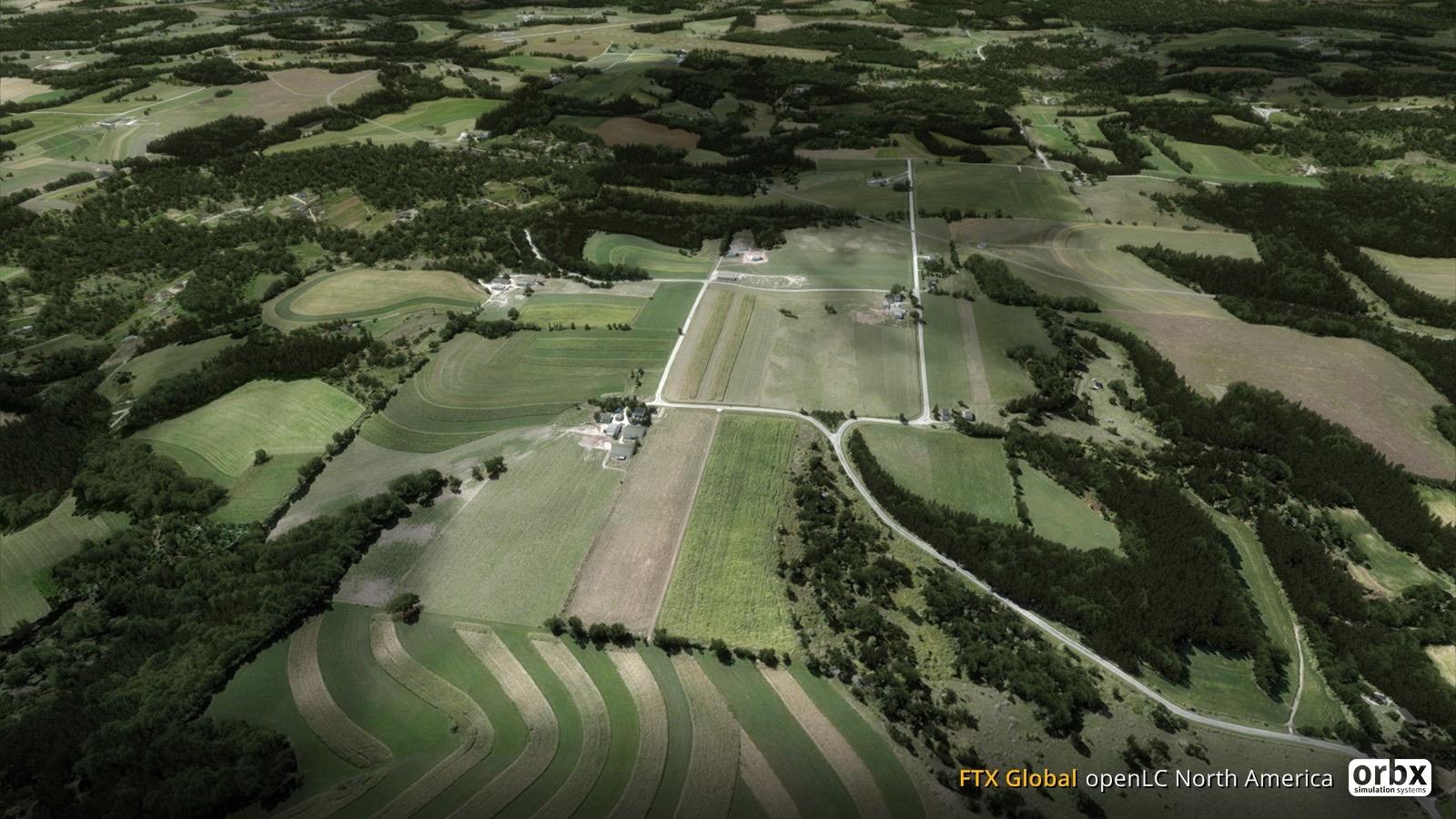
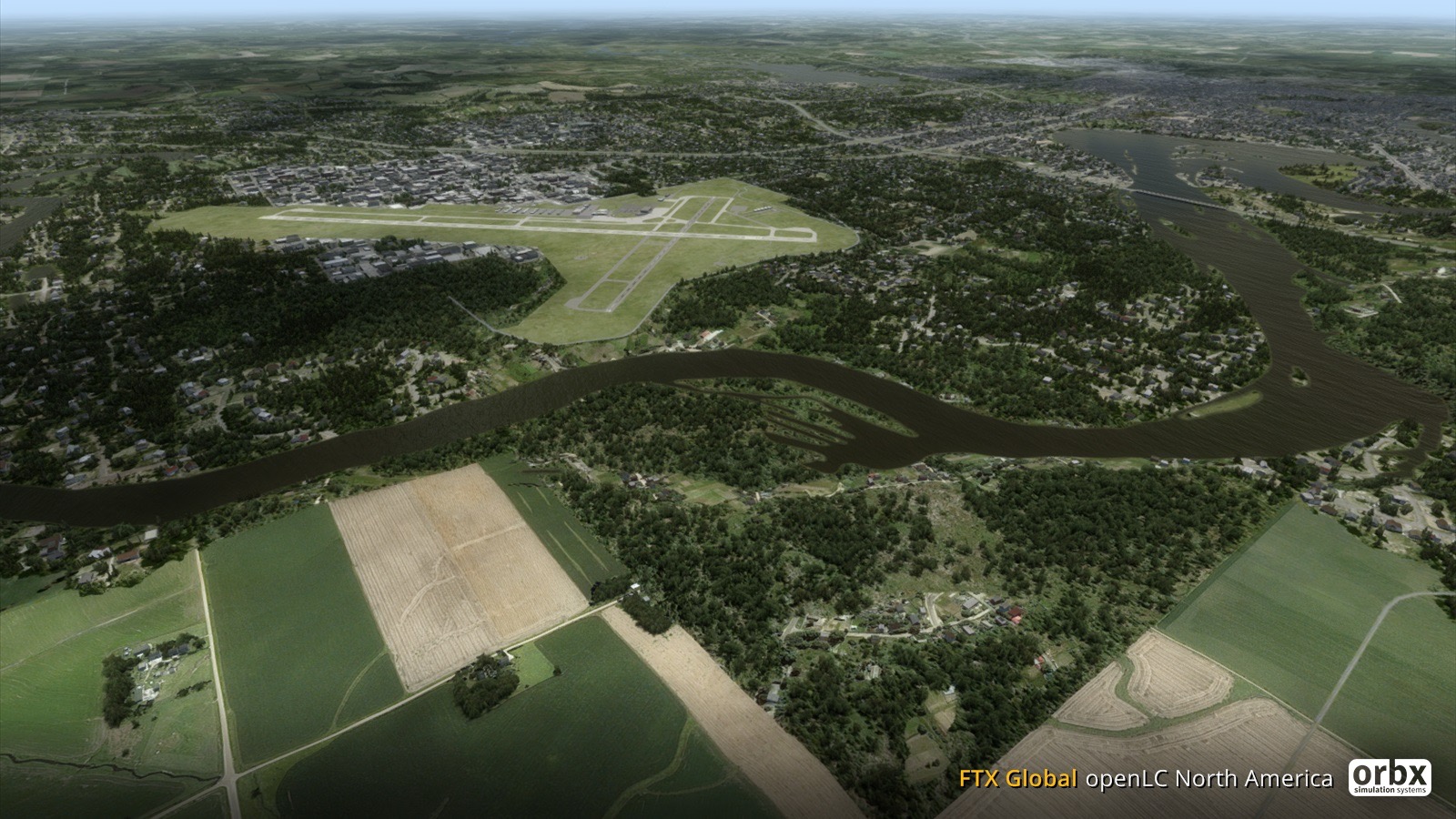
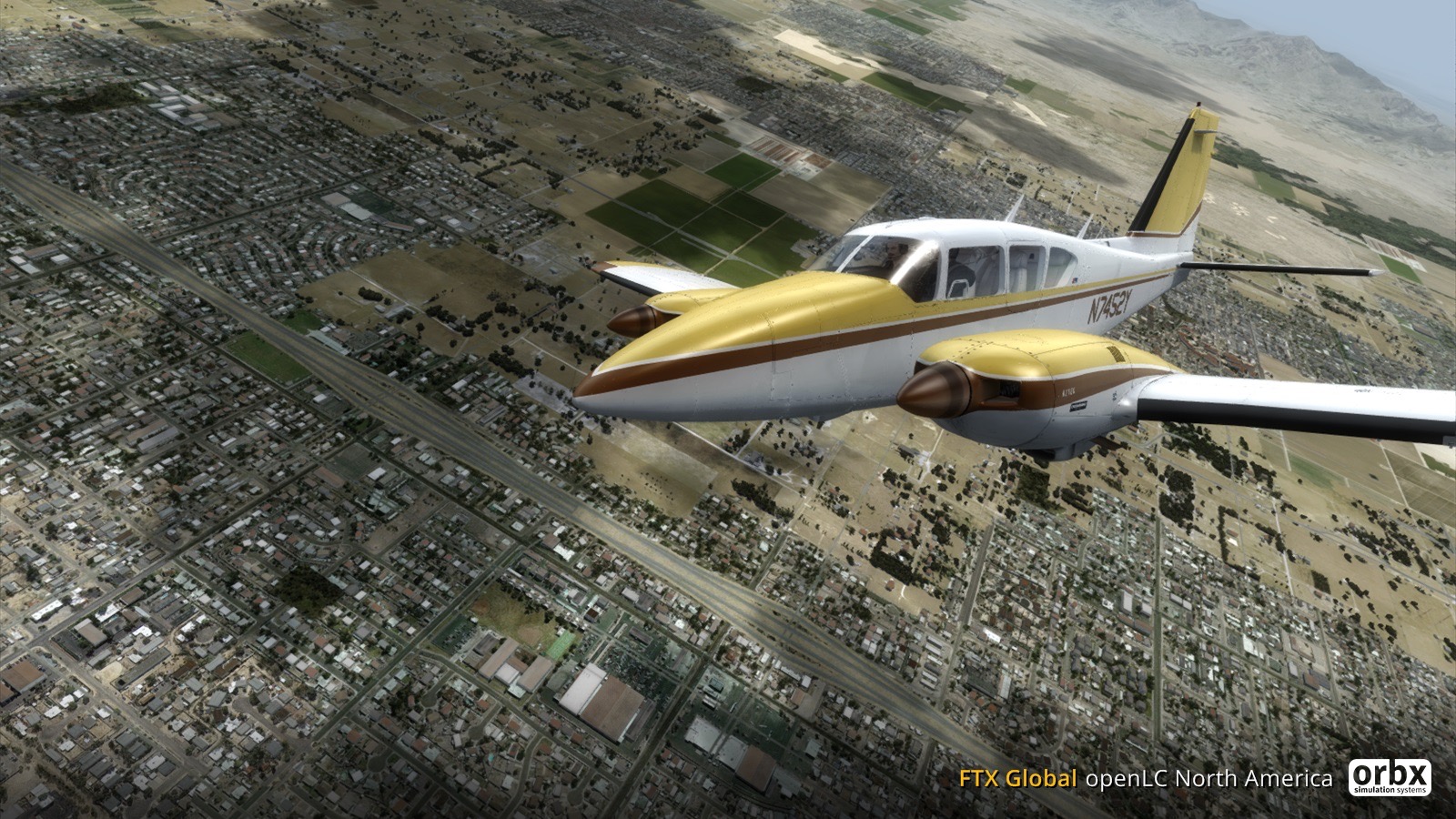
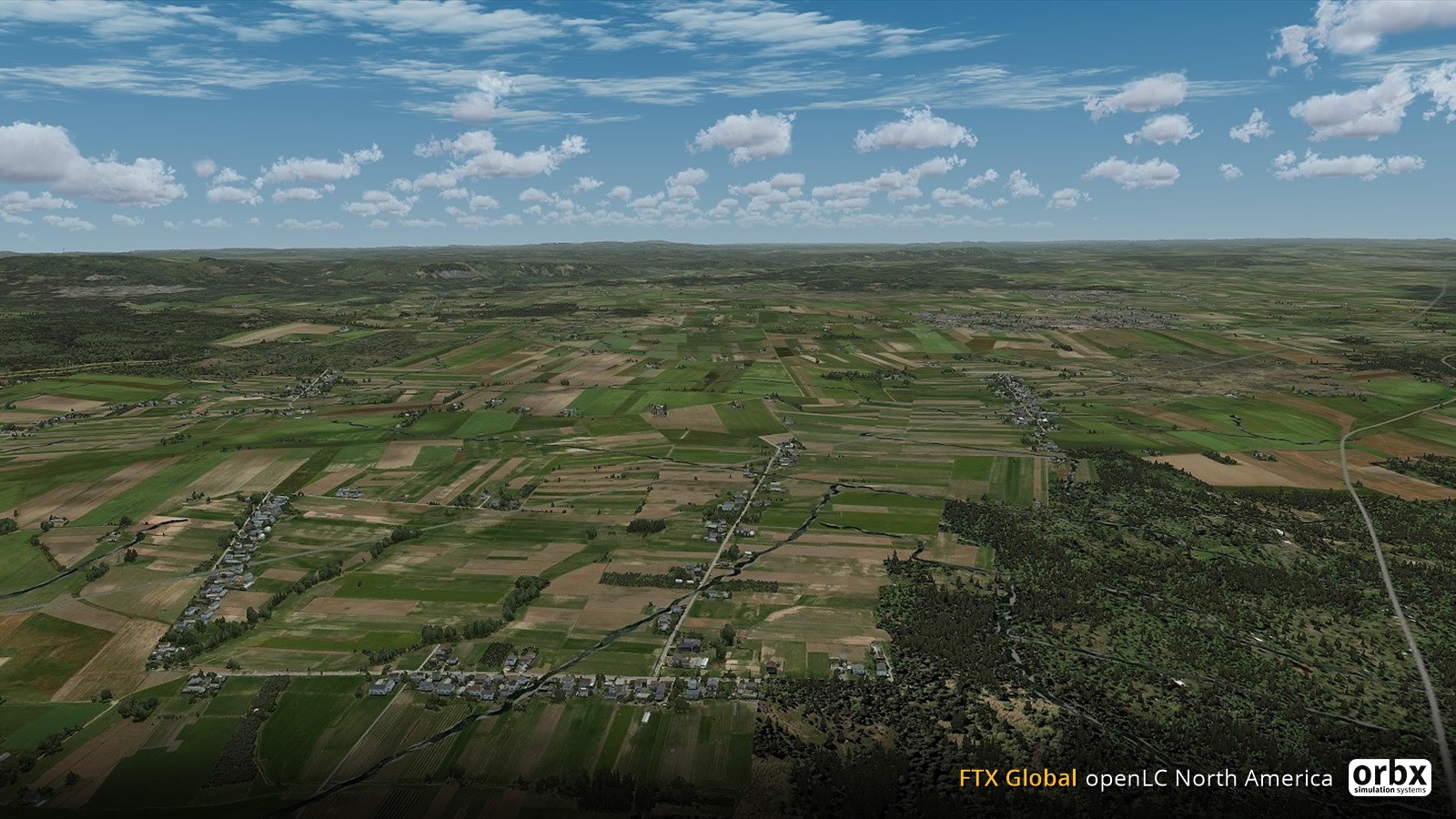
My hiatus continues. I’ll be back in the sim next week, and the first thing I will do is download the new North America land class from ORBX. I know it will be a fantastic addition to the sim, and here are a few of the screen caps they’ve issued just to whet the appetite.
-
I was able to get back in the airplane today after nine-day layoff due to travel. It was great to get in a lesson, and I had a lot of fun doing more slow flight, steep turns, and stalls. My CFI has also been building up my “hood time,” which is flying with “foggles,” plastic safety-type glasses that allow you to only see the instruments and not outside the aircraft. That hood work isn’t really necessary until later in the private pilot curriculum, but he’s been having me fly 12 minutes (and today, 18) of hood time the past few lessons to get me proficient more quickly. I enjoy it, and the simulator is great training for this. Today I did turns, climbs, climbing and descending turns while maintaining airspeed, and slow flight all under the hood. That all went well.
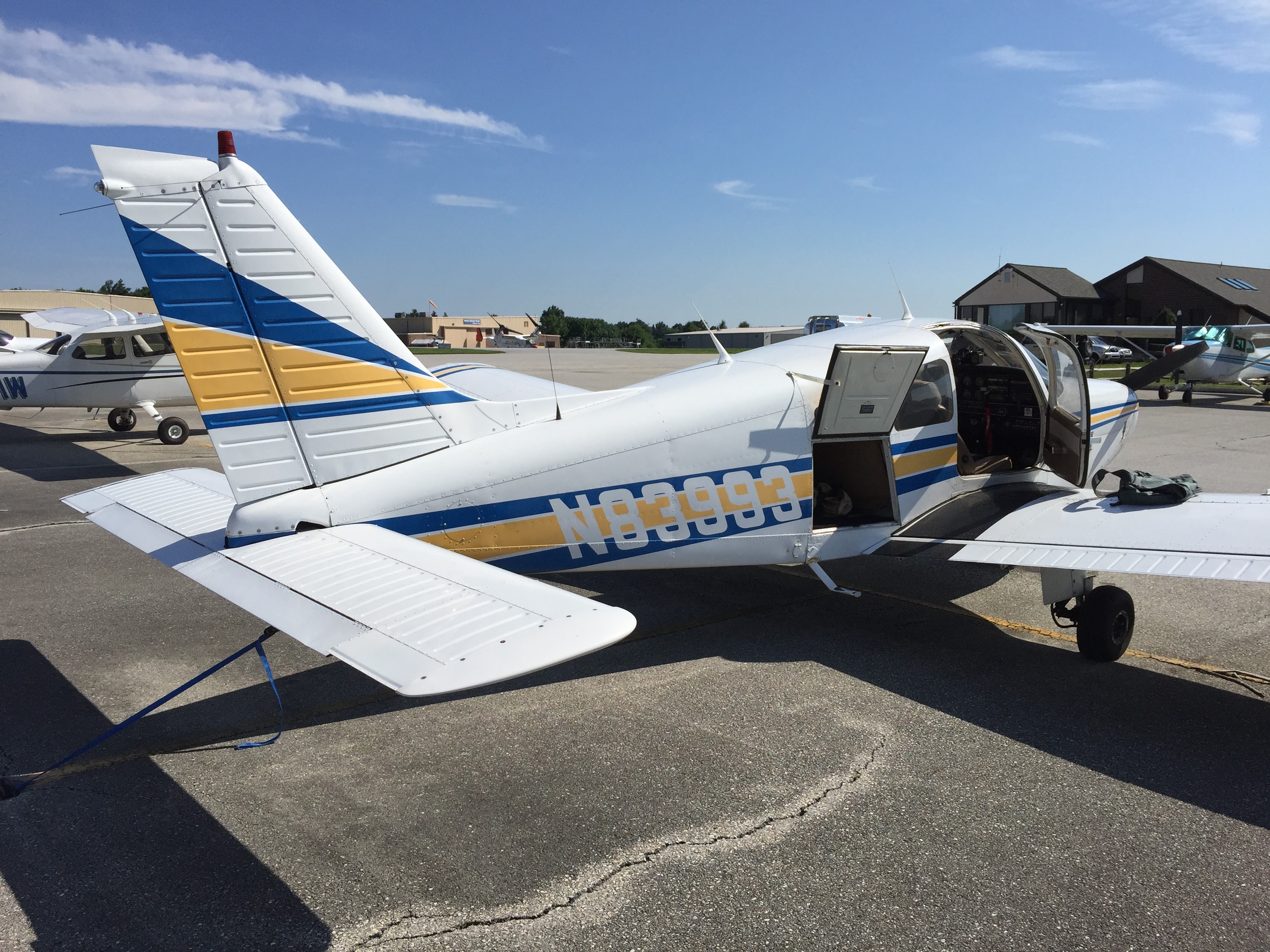
Another fun part of today was the TFR (temporary flight restriction) in place in the Philadelphia region due to the Democratic National Convention. The TFR meant we needed to get ATC clearance to fly, broadcast a squawk code, and fly with ATC flight following throughout the lesson. We had Philadelphia approach on the radio the entire flight, which was really cool, and which made me realize how realistic PilotEdge is (very). And coming back to the field I made the calls to Philly approach, which was VERY cool.
A great lesson today, and I’m having a great time real-world.
-
One of the best real world tools that I’ve used for my simulation work and my real world flight training has been ForeFlight, which is an electronic flight bag app that I run on my iPad. I use it to plan routes in PilotEdge, for VFR navigation and charts while flying the sim, and as a backup to my paper logbook for training. I also take it along when I travel for business, pulling the commercial route I’m flying off FlightAware and loading them into ForeFlight on the iPad so I can track the route and read and follow the IFR procedures for arrival and approach. It’s truly great software.
And now the next generation is coming, with ForeFlight 8 set for August release. And it looks fantastic:
You must be logged in to post a comment.