On The Glideslope

  • How To
    • How I Configure For VR In X-Plane
    • How To Have Dual Controls In X-Plane
    • How To Configure X-Plane 11 For Multiple Screens
    • How To Create Custom Cameras In P3D
    • How To Get Started With X-Plane 11
  • Resources
    • Schematics
    • Center Console Plans
    • Basement Sim Video Tour
    • Screen Configurations
    • A2A LVAR List PDFs
    • How To Talk ATC
    • Cessna 172 Cabin Dimensions
    • USB u0026 Saitek
  • Reviews
  • What’s In The Sim
  • About OTG
    • About OTG
    • The Construction Journey
  • Back In The Air, Real World

    2016-12-04

    |

    Real World Instruction
    foggles
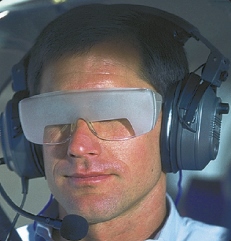
    An Example Of Foggles. No, That’s Not Me.

    I was back in the real airplane today for the first time since November 14, thanks to a pattern of high winds that led to three cancelled flight lessons. But today was great for learning, with slight turbulence and crosswinds of about seven knots. The curriculum for today was to take off, climb to 2,500 feet, and then track the Modena VOR 350 radial like we were going somewhere. Then it was time for “hood work,” which means flying wearing Foggles, which are glasses that make it so you can only see the instruments and not outside the airplane (also called working “under the hood”). The plan was to practice some turns and climbs, slow flight, and a power-off stall under the hood, and then practice unusual attitude recoveries. To do the latter the CFI had me fly with my eyes closed until the plane was too far nose up, nose down, or banked, at which point he’d tell me to open my eyes, look at the instruments, and correct. Then we did more extreme attitude recoveries, in which the CFI took the controls and had me close my eyes and put my head down, at which point he got us into extreme banks, always with either a nose-up or nose-down attitude, at which point he’d tell me to open my eyes, look at the instruments, and correct.

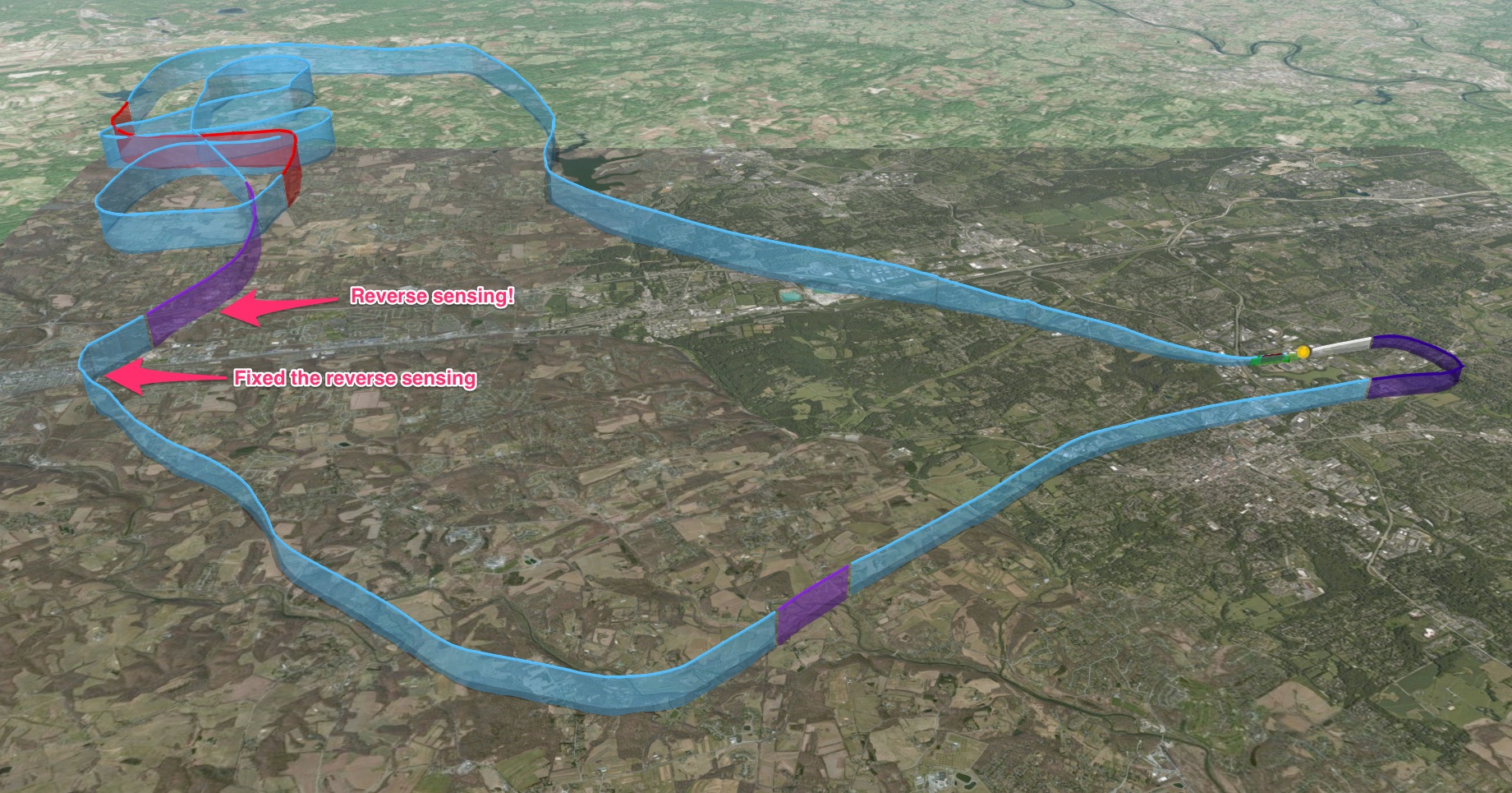
    Then we simulated what I’d do if I’d flown into instrument conditions as a low-hour pilot (and while still under the hood). First step was to call ATC to ask for advisories and vectors back to the field (and out of the imagined clouds). The instructor played ATC in this case, with me making the calls and him giving the directions. We managed to get back to the Modena VOR, which is about five miles from the home field, but not before I made the mistake of “reverse sensing,” meaning I was tracking the needle “OUT” rather than “IN,” which meant I kept flying away from rather than to the desired radial. This made the instructor very happy, as he did not need to artificially explain this navigation mistake. I was happy to have helped him out. Once we were at Modena I took off the Foggles and we entered the pattern for a crosswind landing (which went very well).

    All in all it was excellent practice. The air was a bit turbulent, with up and down drafts testing my ability to keep a level altitude under the hood. I felt like I was working and learning the entire time, and I could tell it had been a while since the last lesson, but all the stuff that is supposed to be comfortable by this point (takeoff, slow flight, stall recovery, flying the pattern, radio work) was, and the crosswind landing was very solid. I was pleased, and I’m eager for the next lesson (set for next week, but with possible weather intervening).

    Here is the CloudAhoy map of the flight. Follow this link to see the route and replay it if you’re interested in doing so.
    CloudAhoy

    Share this:

    • Share on X (Opens in new window) X
    • Share on Facebook (Opens in new window) Facebook
    • Email a link to a friend (Opens in new window) Email
    • Print (Opens in new window) Print
  • How To Simulate A Forward Slip Landing

    2016-12-04

    |

    Simmer Tutorial Video Series, Videos

    Next in our “how to simulate” series, in which we bring real-world procedures to flight simmers (and which is generally tied to what I’m learning in my real-world flight training). In this video we simulate a forward slip approach to landing. Thanks for watching.

    Share this:

    • Share on X (Opens in new window) X
    • Share on Facebook (Opens in new window) Facebook
    • Email a link to a friend (Opens in new window) Email
    • Print (Opens in new window) Print
  • A2A Piper 250 LVAR List

    2016-12-03

    |

    Saitek

    If you’re looking to use your Saitek panels with the A2A Comanche, you’re going to need to create some custom assignments in SPAD.neXt. The LVAR variable list will help an awful lot on this, and you may find it here.

    UPDATE: And there’s a very informative A2A forum post on the topic here.

    Share this:

    • Share on X (Opens in new window) X
    • Share on Facebook (Opens in new window) Facebook
    • Email a link to a friend (Opens in new window) Email
    • Print (Opens in new window) Print
  • A New Ride: The A2A Comanche 250

    2016-12-03

    |

    Add Ons, Screen Caps

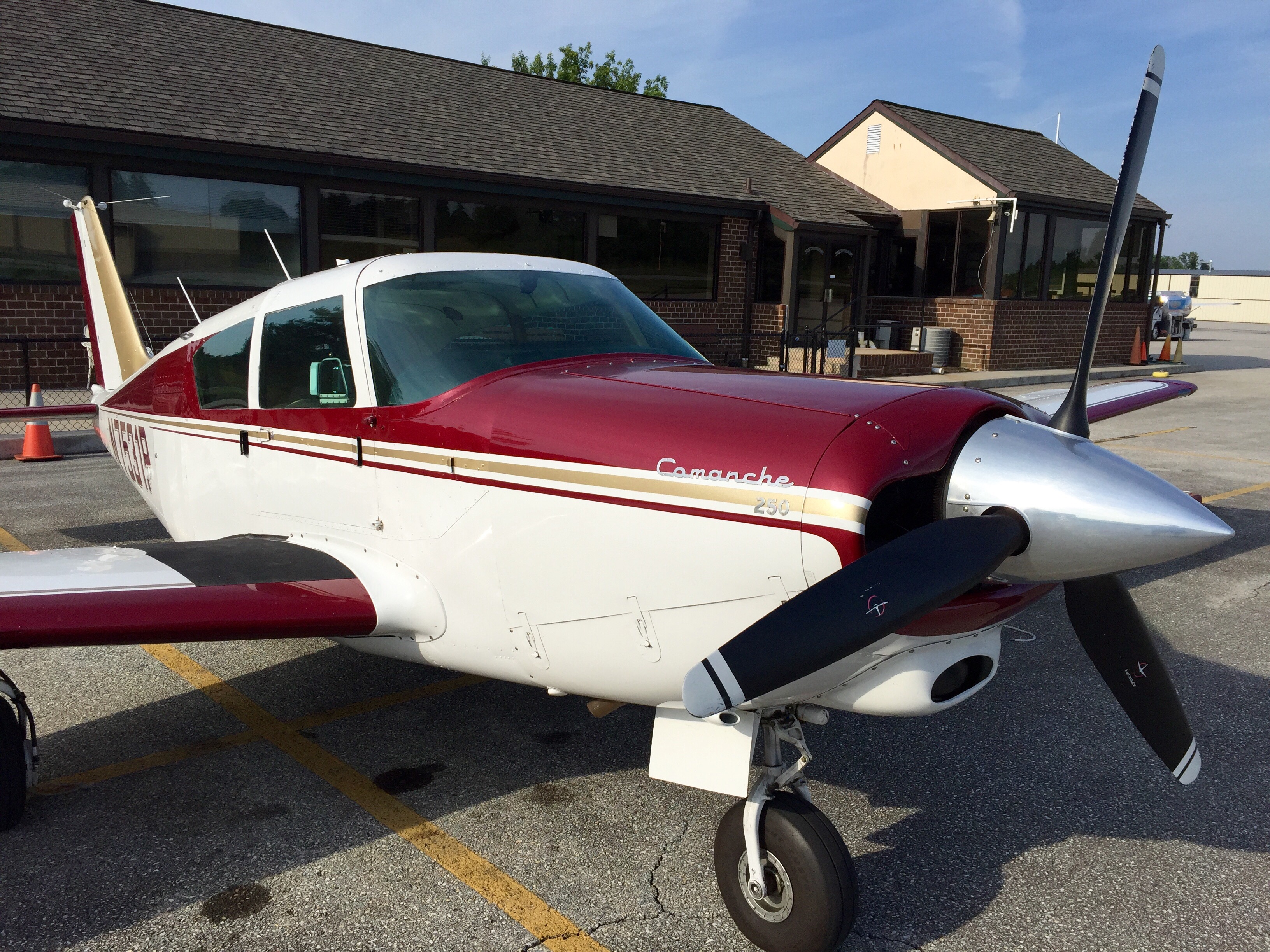
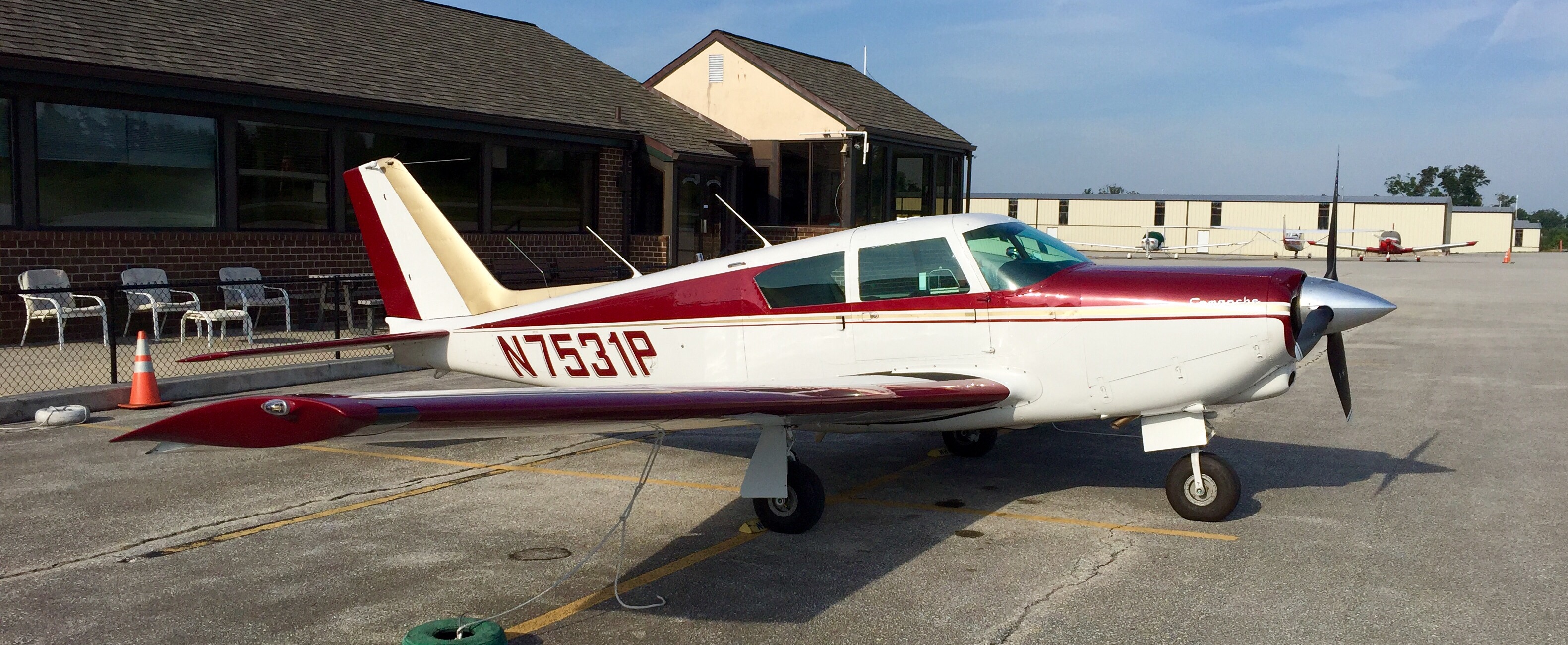
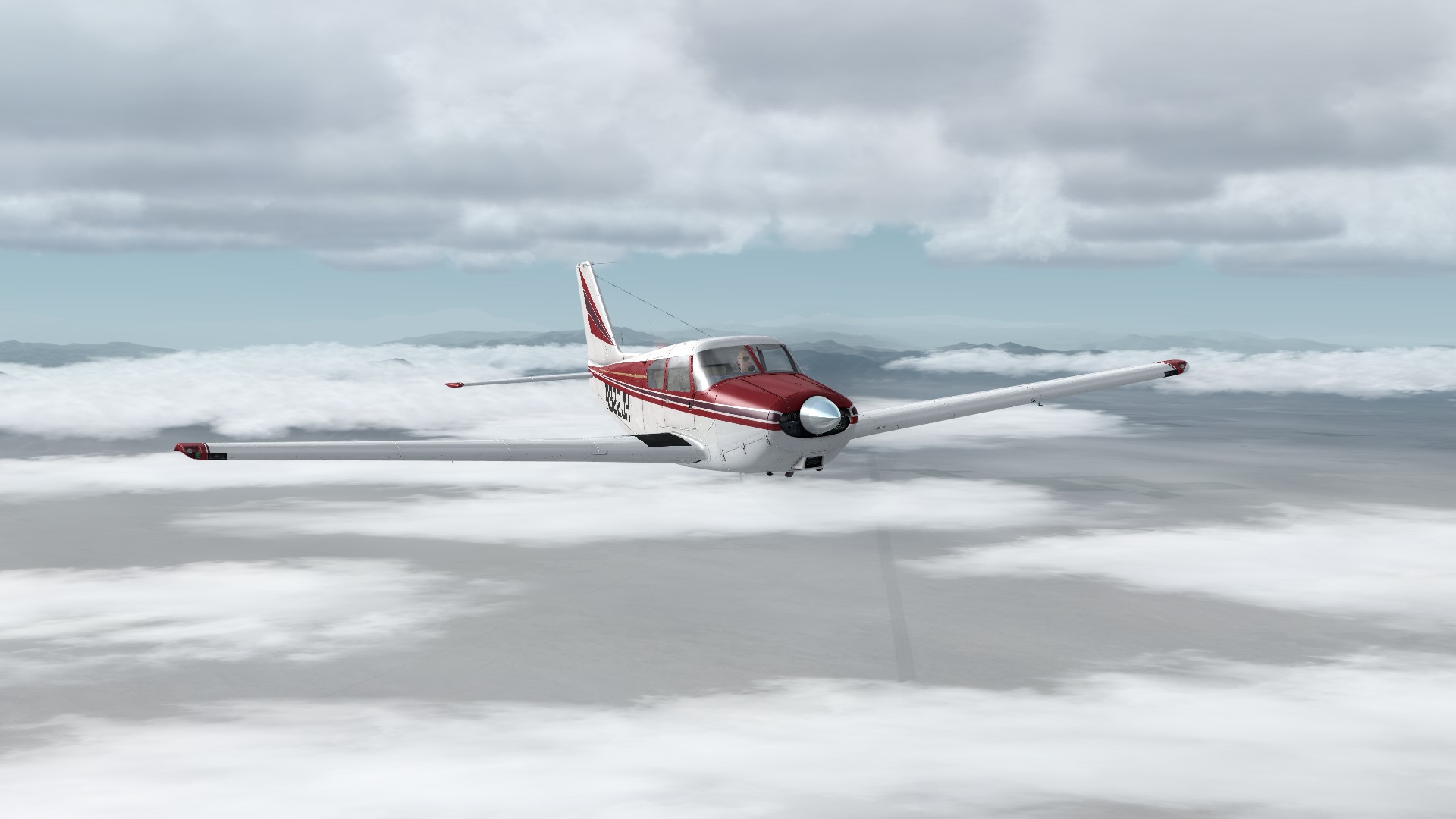
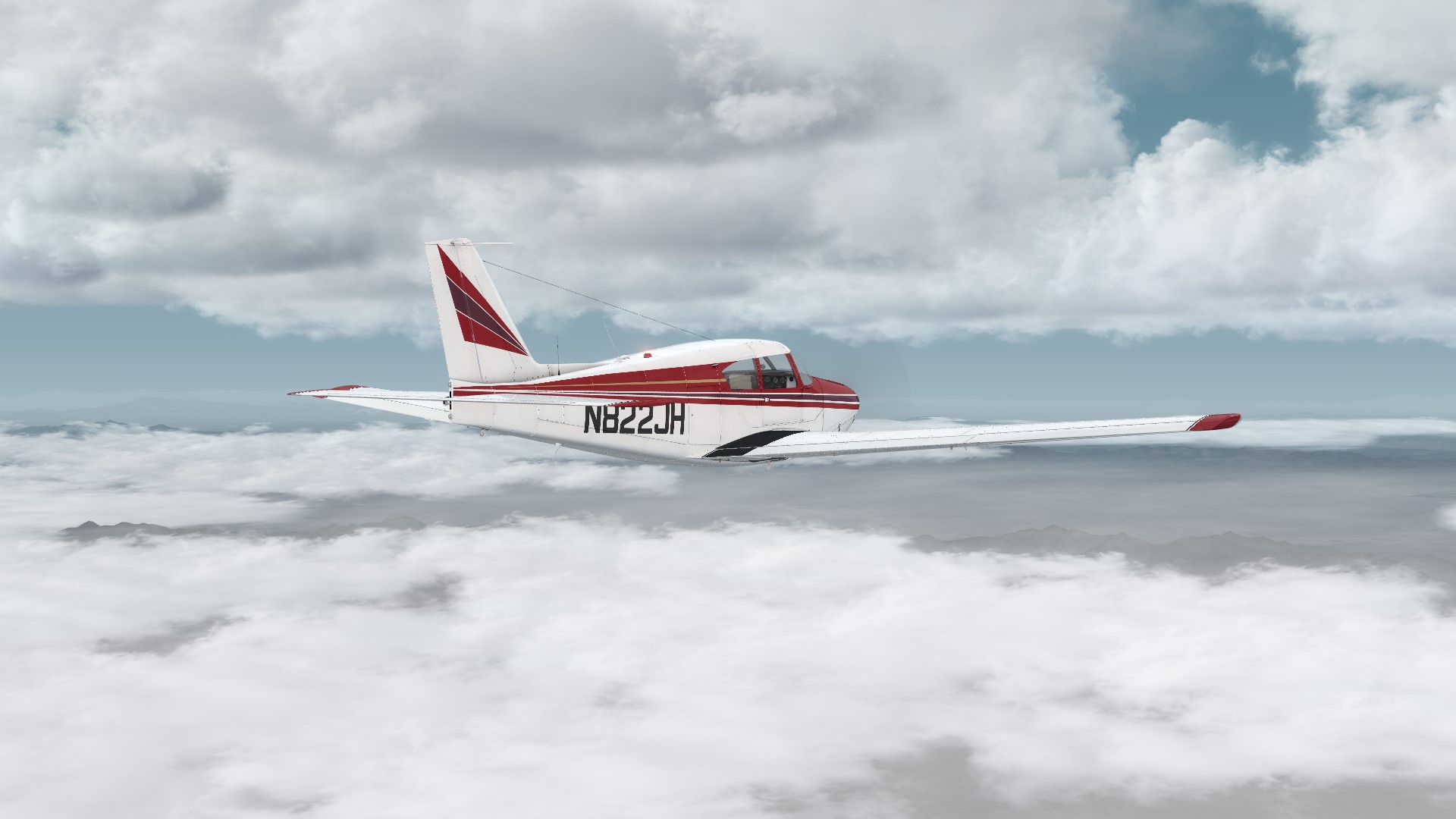
    One of my favorite GA aircraft is the Piper Comanche. I bumped into this beauty on the ramp this Summer, and I’ve loved this airframe since.

    img_3944

    img_3943

    So I’ve coveted the A2A Comanche 250 as well, but never pulled the trigger on the purchase until today. I’m getting better at handling more powerful aircraft in the sim, and for long Alphabet Challenge flights have been using a Cirrus or the Cardinal, but the Comanche fits the bill perfectly. And in the sim at least, it’s fun to fly – although it’s a lot of power to bleed off in approach, thats for sure.

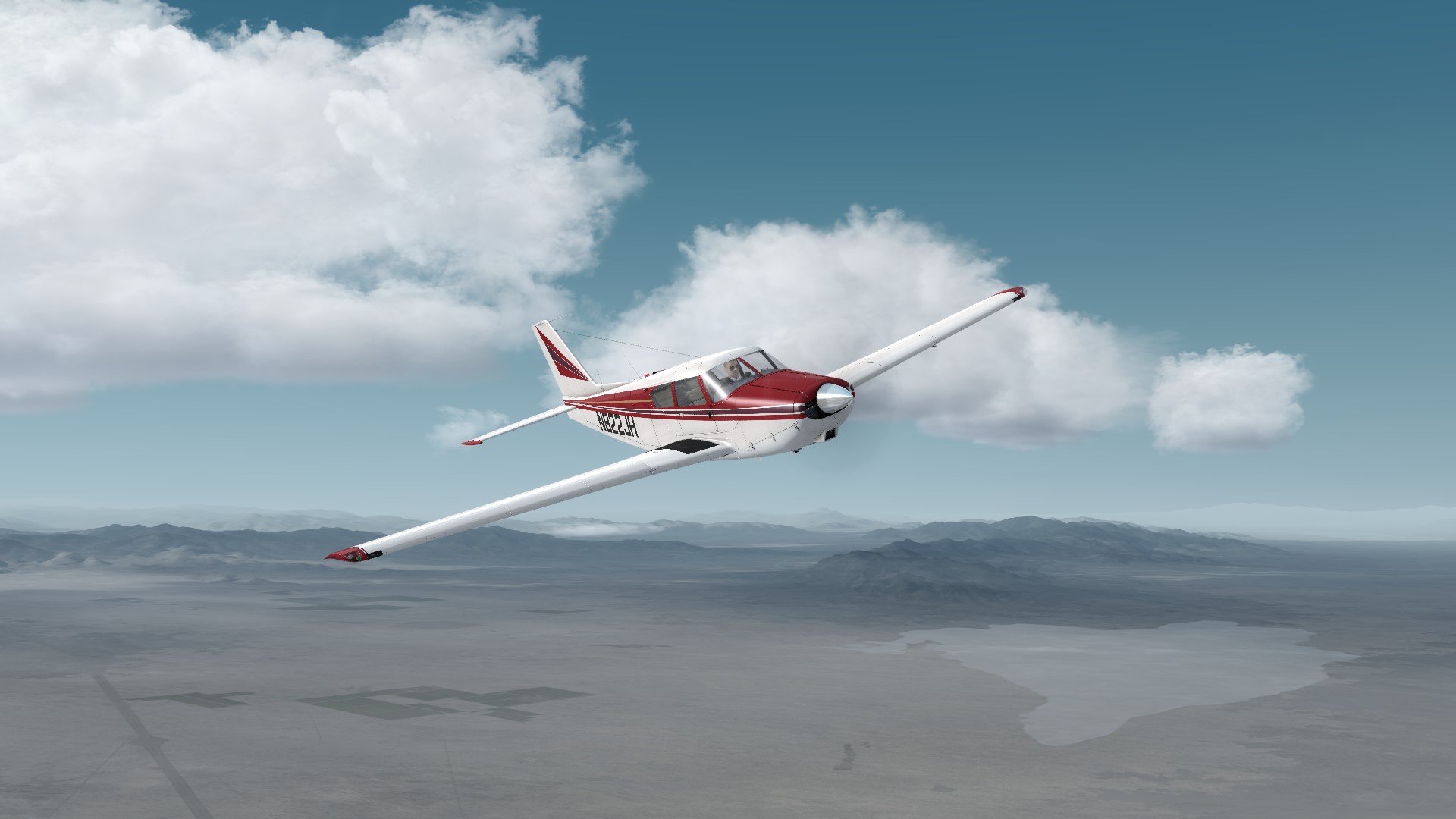
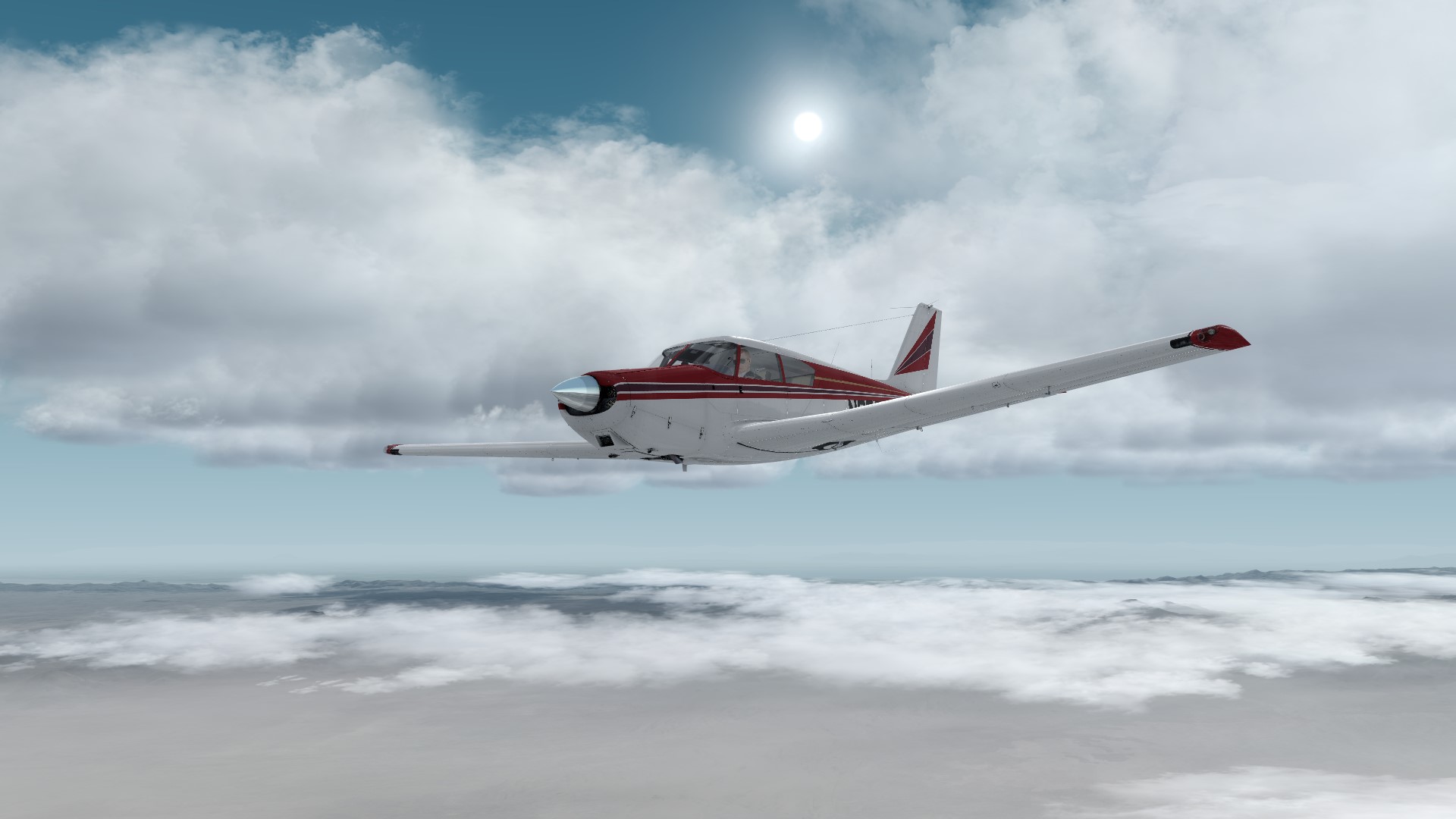
    Here are some screen caps from the first PE flight earlier this evening. There’s a repaint out there very close to the real thing above, and I’ll be finding it this weekend, I think.

    2016-12-3_0-0-16-515

    2016-12-3_0-1-36-131
    2016-12-3_0-2-3-33

    2016-12-3_0-2-30-672

    Share this:

    • Share on X (Opens in new window) X
    • Share on Facebook (Opens in new window) Facebook
    • Email a link to a friend (Opens in new window) Email
    • Print (Opens in new window) Print
  • First Thoughts On X-Plane 11

    2016-12-01

    |

    Uncategorized

    So I downloaded the demo and spent some time working with it today. First reactions …

    • The user interface is spectacular. I cannot WAIT for this to be the standard in the sim world.
    • Full graphics were a slide show on my rig
    • Most important (for me) is that while the new multi-screen interface is clever and makes it easy to span a view across multiple monitors, I wasn’t able to achieve the immersive “out the windows” views that I prefer in the Basement Sim. Unlike the custom cameras in P3D, in XP11 when you move the eyepoint for one monitor, they all move, and I need variable eye points to get views out the side windows and the front that don’t show the panel, window frame, seats, etc.

    So variable eye locations become a future option, XP11 holds promise for me. Otherwise, unfortunately, it probably does not.

    Share this:

    • Share on X (Opens in new window) X
    • Share on Facebook (Opens in new window) Facebook
    • Email a link to a friend (Opens in new window) Email
    • Print (Opens in new window) Print
  • PilotEdge CAT-06 Rating

    2016-12-01

    |

    PilotEdge CAT Ratings, Videos

    Another PE CAT rating, the 06. In this rating we learn how to pick up ATC radar services prior to departure. This video is a bit different than the others in that it’s a night flight, and that I recorded pretty much the entire flight without edits from start to finish. As always, thanks for watching.

    Share this:

    • Share on X (Opens in new window) X
    • Share on Facebook (Opens in new window) Facebook
    • Email a link to a friend (Opens in new window) Email
    • Print (Opens in new window) Print
  • The CAT-05 Rating On PilotEdge

    2016-12-01

    |

    PilotEdge CAT Ratings, Videos

    Another CAT rating down, this one where you depart a Delta and get pick up radar services en route. I bonk on this one, running out of GoPro juice before arrival, but you’ll get the gist. Also note the nice stormy AS16/ASCA weather along the way. File this one under “flights I’d never make in real life.” Thanks for watching.

    Share this:

    • Share on X (Opens in new window) X
    • Share on Facebook (Opens in new window) Facebook
    • Email a link to a friend (Opens in new window) Email
    • Print (Opens in new window) Print
  • X-Plane 11

    2016-11-30

    |

    Uncategorized

    It’s on the way, and it’s the talk of the hobby over the past few days thanks to the surprise release of a free beta. And based on the video, it looks visually fantastic:

    Early reviews range from “totally buggy, visually bland in the day time, framerate hog” to “my God, it’s the most fantastic thing ever, cue the death of Prepar3D.” My sense is that it’s going to take time but will be a great platform. Most important, in my opinion, is developers like ORBX and HiFi getting on board, as the developer community tends to produce add-on functionality with much greater quality and specialization than any individual sim could manage. And this simmer, at least, really appreciates high quality scenery and weather.

    I am a big fan of XP historically (flying it in v8-10 on the Mac before I built the sim), and I really like the flight mechanics. The challenge with 10 has been that to run my multiple screens I would need to run multiple instances of the sim on multiple PCs. With 11 that is apparently no longer necessary, and you can span views across multiple screens. So I’ve been eager to download it. Reading the manual online today, though, I still don’t know that I’ll be able to recreate my side-window layout. I suppose the only way to know is to try, and I will in the next few days.

    Regardless of whether I use it or not, though, I have to believe that a vibrant, high-quality (and 64-bit) X-Plane can only be good for our hobby. Competition is a great thing for technical development, so I’m glad to see both P3D and X-P as vigorous platforms, and hope that Dovetail can add to the competition with its sim as well (now set for 2017).

    Share this:

    • Share on X (Opens in new window) X
    • Share on Facebook (Opens in new window) Facebook
    • Email a link to a friend (Opens in new window) Email
    • Print (Opens in new window) Print
  • Guide Update

    2016-11-30

    |

    Uncategorized

    I’ve been on the road all week, and haven’t made much progress on the “How To Build Your Basement GA Simulator” guide in the past few days, but will be at it again tomorrow. I’d say it’s more than half done. The only problem is that the more I write, the more I think of to write about – so it keeps expanding. But it’s on the way.

    Share this:

    • Share on X (Opens in new window) X
    • Share on Facebook (Opens in new window) Facebook
    • Email a link to a friend (Opens in new window) Email
    • Print (Opens in new window) Print
  • Africa! Lagos To Akure

    2016-11-28

    |

    Videos

    I’ve had several requests for flights in Nigeria, so here one finally is. The original request was a bit long for me to complete in one siting, so here we fly from Lagos to Akure. I REALLY enjoyed this flight – even in the sim the scenery was interesting and unique.

    Along the way we also…

    • Get a good look at AS16/ASCA clouds post-Service Pack 1 (which look great, at least to me)
    • Do some treetop flying
    • Get an introduction to the new FlightIllusion avionics and autopilot

    This one was fun. I hope you like it, and thanks for watching.

    Share this:

    • Share on X (Opens in new window) X
    • Share on Facebook (Opens in new window) Facebook
    • Email a link to a friend (Opens in new window) Email
    • Print (Opens in new window) Print
Previous Page
1 … 35 36 37 38 39 … 59
Next Page

On The Glideslope

  • Instagram
  • Facebook
  • X

Loading Comments...

You must be logged in to post a comment.