On The Glideslope

  • How To
    • How I Configure For VR In X-Plane
    • How To Have Dual Controls In X-Plane
    • How To Configure X-Plane 11 For Multiple Screens
    • How To Create Custom Cameras In P3D
    • How To Get Started With X-Plane 11
  • Resources
    • Schematics
    • Center Console Plans
    • Basement Sim Video Tour
    • Screen Configurations
    • A2A LVAR List PDFs
    • How To Talk ATC
    • Cessna 172 Cabin Dimensions
    • USB u0026 Saitek
  • Reviews
  • What’s In The Sim
  • About OTG
    • About OTG
    • The Construction Journey
  • So Long, Old Friend

    2016-12-21

    |

    Uncategorized

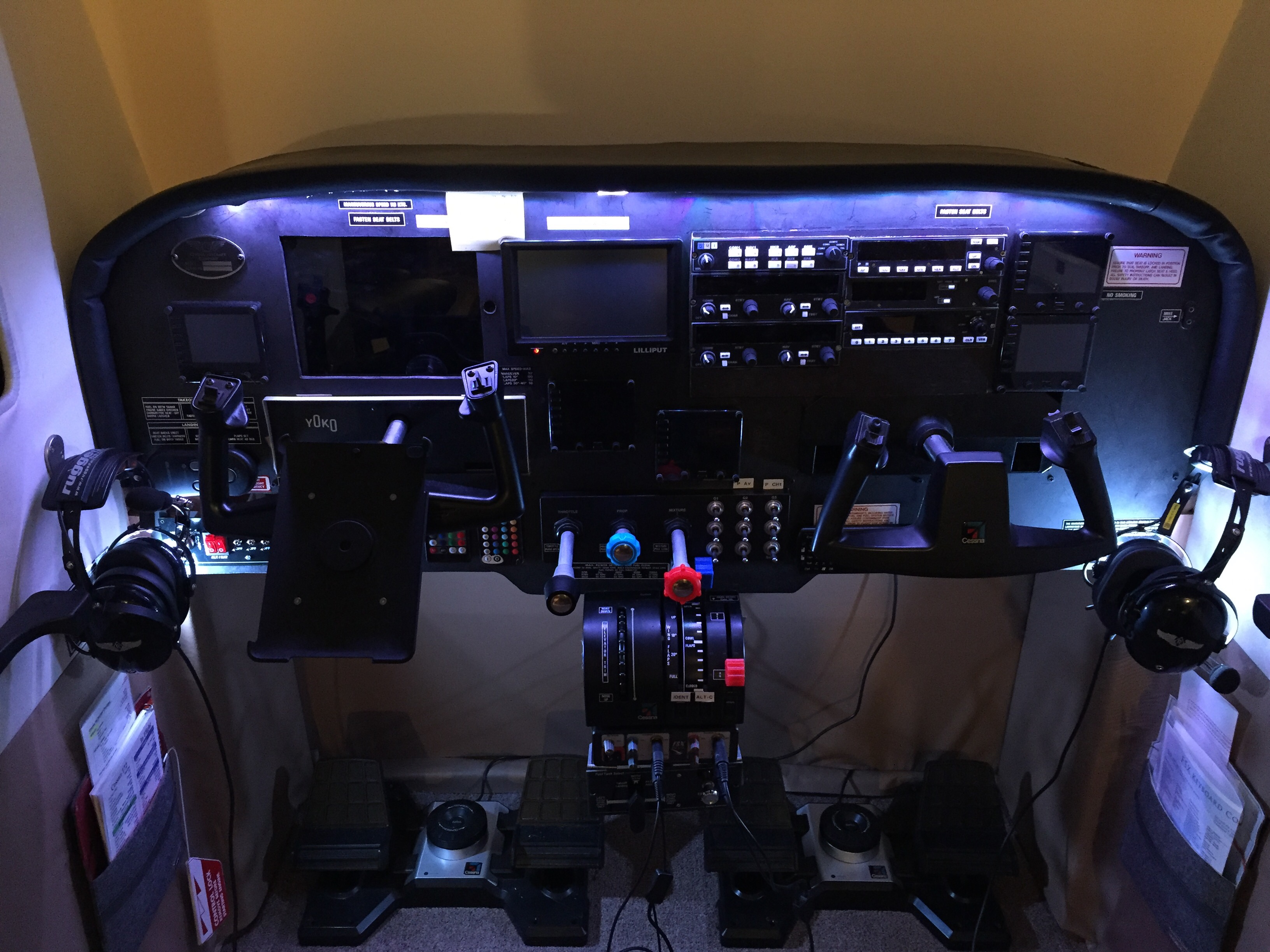
    You served me well. 

    Share this:

    • Share on X (Opens in new window) X
    • Share on Facebook (Opens in new window) Facebook
    • Email a link to a friend (Opens in new window) Email
    • Print (Opens in new window) Print
  • The New Panel Build

    2016-12-20

    |

    Uncategorized

    It starts tomorrow. 

    Share this:

    • Share on X (Opens in new window) X
    • Share on Facebook (Opens in new window) Facebook
    • Email a link to a friend (Opens in new window) Email
    • Print (Opens in new window) Print
  • An Early Christmas Present

    2016-12-20

    |

    Uncategorized

    I can’t say what, but I get to do something fun tonight. Watch this space for a report and video tomorrow …

    Share this:

    • Share on X (Opens in new window) X
    • Share on Facebook (Opens in new window) Facebook
    • Email a link to a friend (Opens in new window) Email
    • Print (Opens in new window) Print
  • Reader Sim Update: Ian From New Zealand

    2016-12-20

    |

    Reader Sims

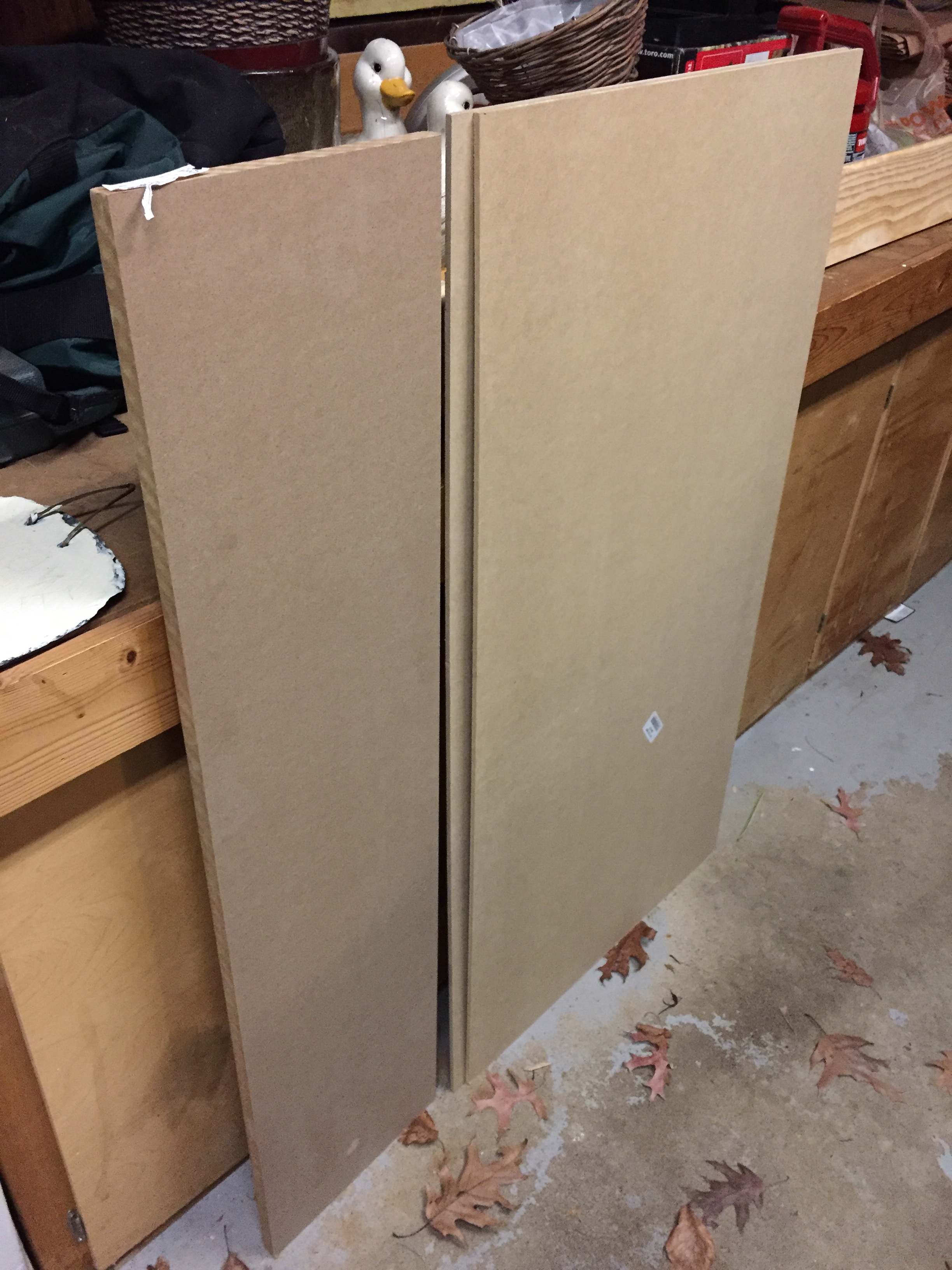
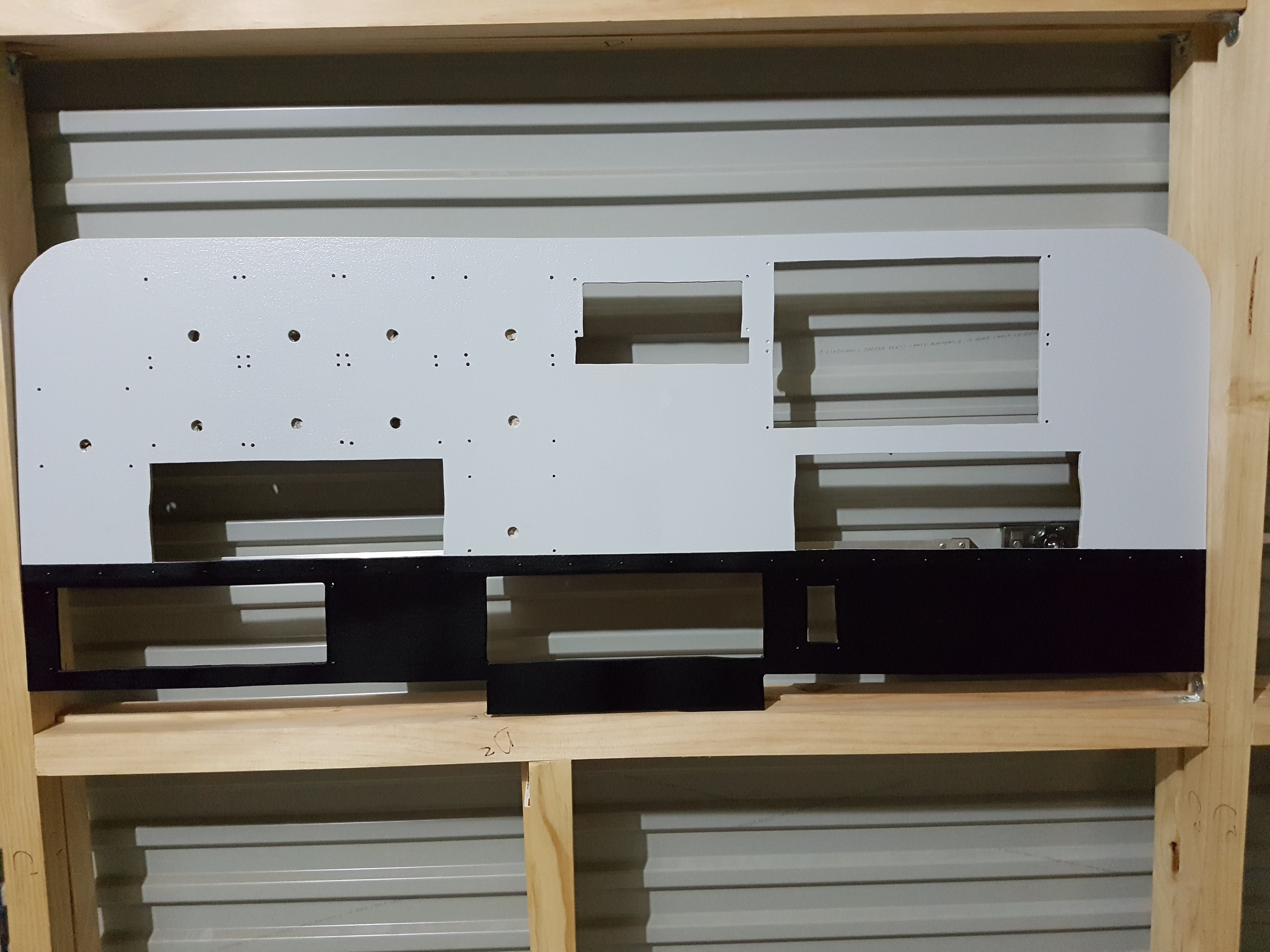
    You might remember my first post on Ian’s home cockpit here. He’s making progress, and here’s the latest:
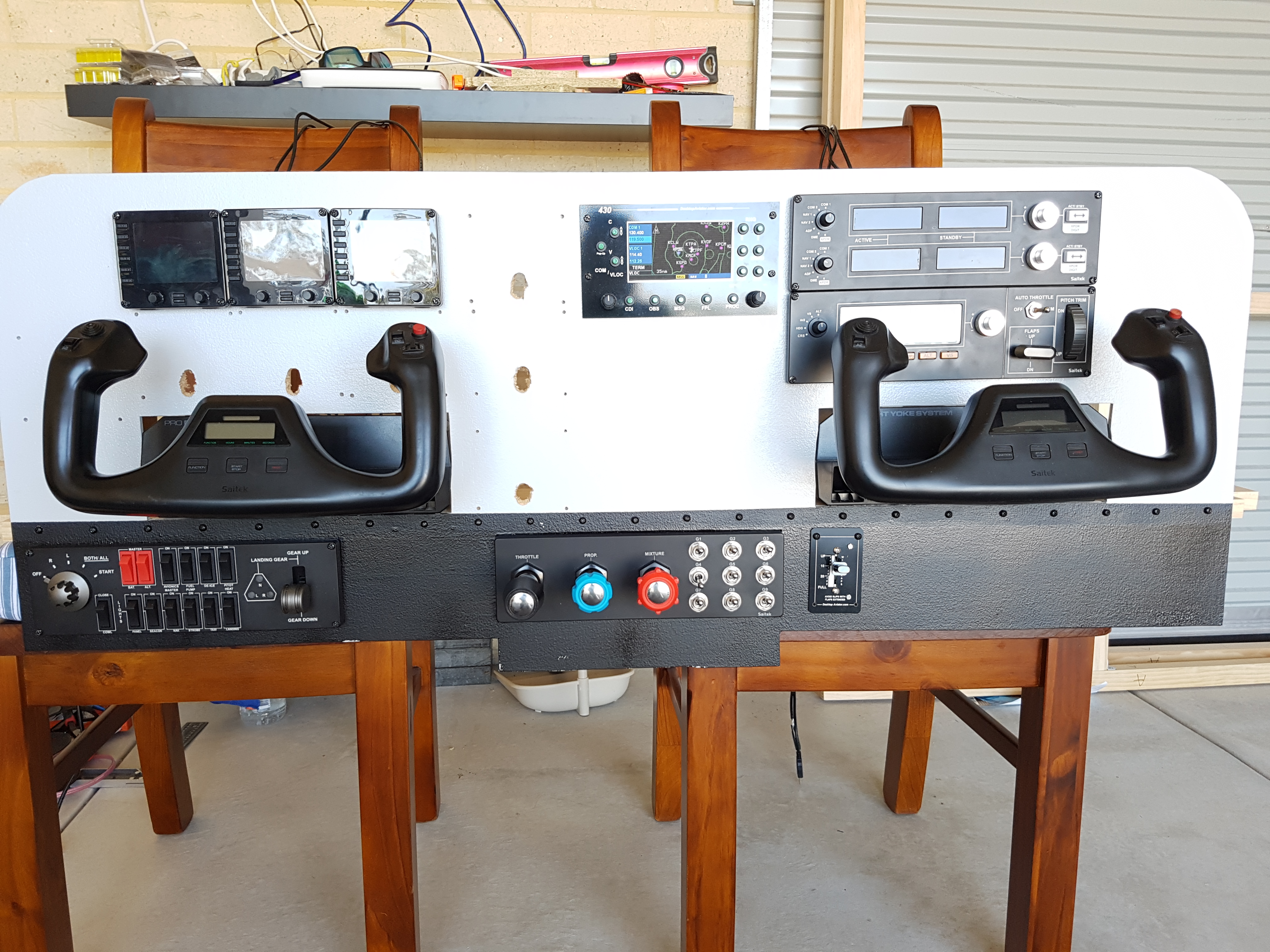
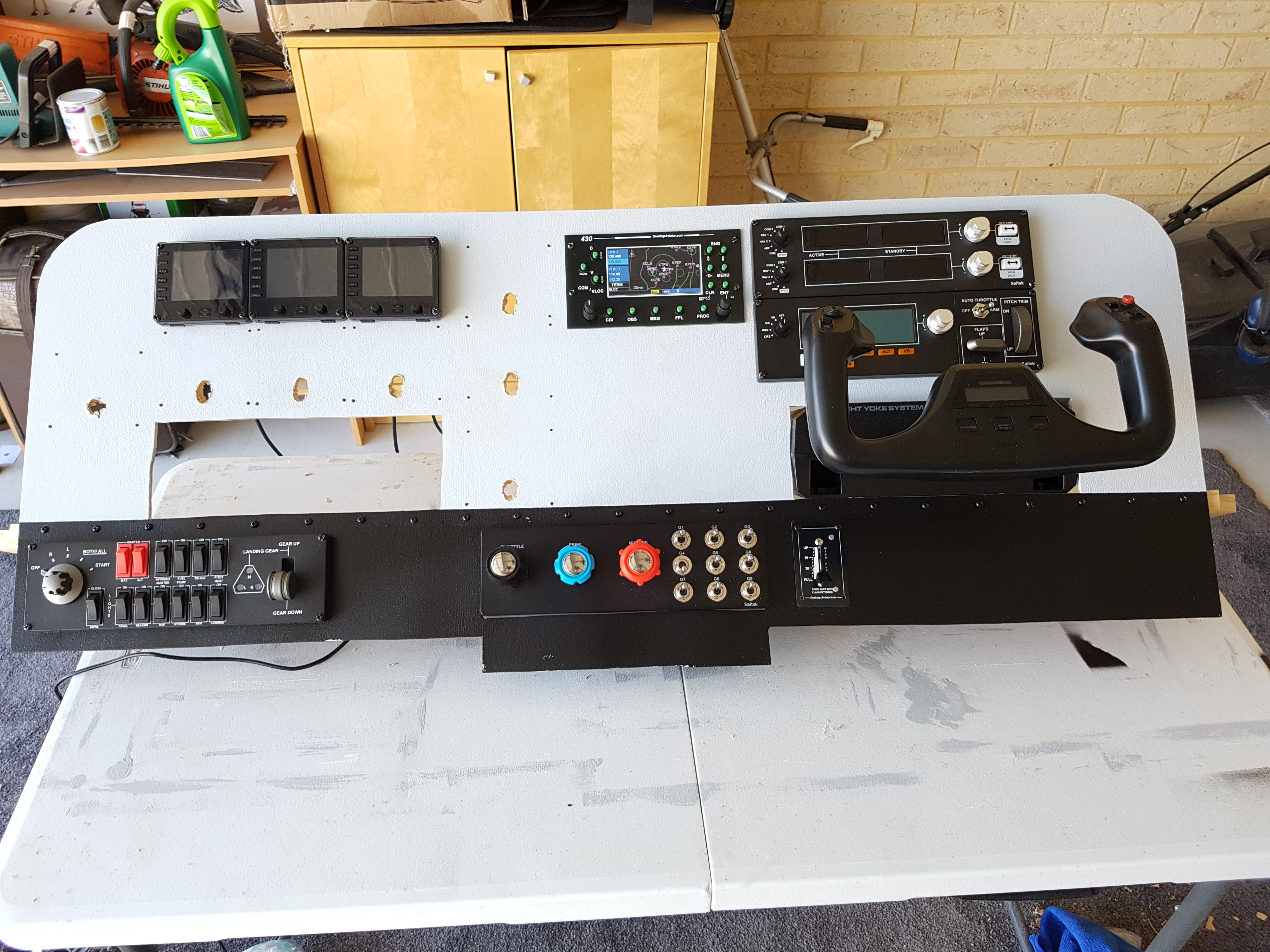
    20161120_152633

    20161120_151203

    20161120_131920

    Share this:

    • Share on X (Opens in new window) X
    • Share on Facebook (Opens in new window) Facebook
    • Email a link to a friend (Opens in new window) Email
    • Print (Opens in new window) Print
  • An Update On X-Plane 11 Screen Configs

    2016-12-19

    |

    X-Plane 11

    Today I tested my assumption that with the first C172 screen config under my belt I could configure other planes in much less time. This is correct, and I now have the Baron 58 and the Cirrus Jet set up for the sim. My basic routine was to create a copy of the aircraft folder, open the aircraft file in Planemaker, adjust the viewpoint default to the center of the aircraft, and then use the visualizer to decide which objects to delete (and delete them). In both cases this took just a few minutes. On loading the Baron I did notice that I needed to move the view up just a bit (which I can set in the .acf file if I like). I also changed the front-screen offset a few degrees to set the horizon, but that only takes a few seconds (unlike editing camera files in P3D …) and you can do it in real time inside the sim.

    Share this:

    • Share on X (Opens in new window) X
    • Share on Facebook (Opens in new window) Facebook
    • Email a link to a friend (Opens in new window) Email
    • Print (Opens in new window) Print
  • The New X-Drive

    2016-12-19

    |

    Uncategorized

    I’m liking X-Plane so much, and enjoying so much of the free scenery that’s available for it, that I decided it needed its own solid-state drive. So today, with a great sale at my local computer shop going, I purchased a new one terabyte SDD and installed it in the PC. It’s fast and strong, and I’m looking forward to how X plane will run on it.
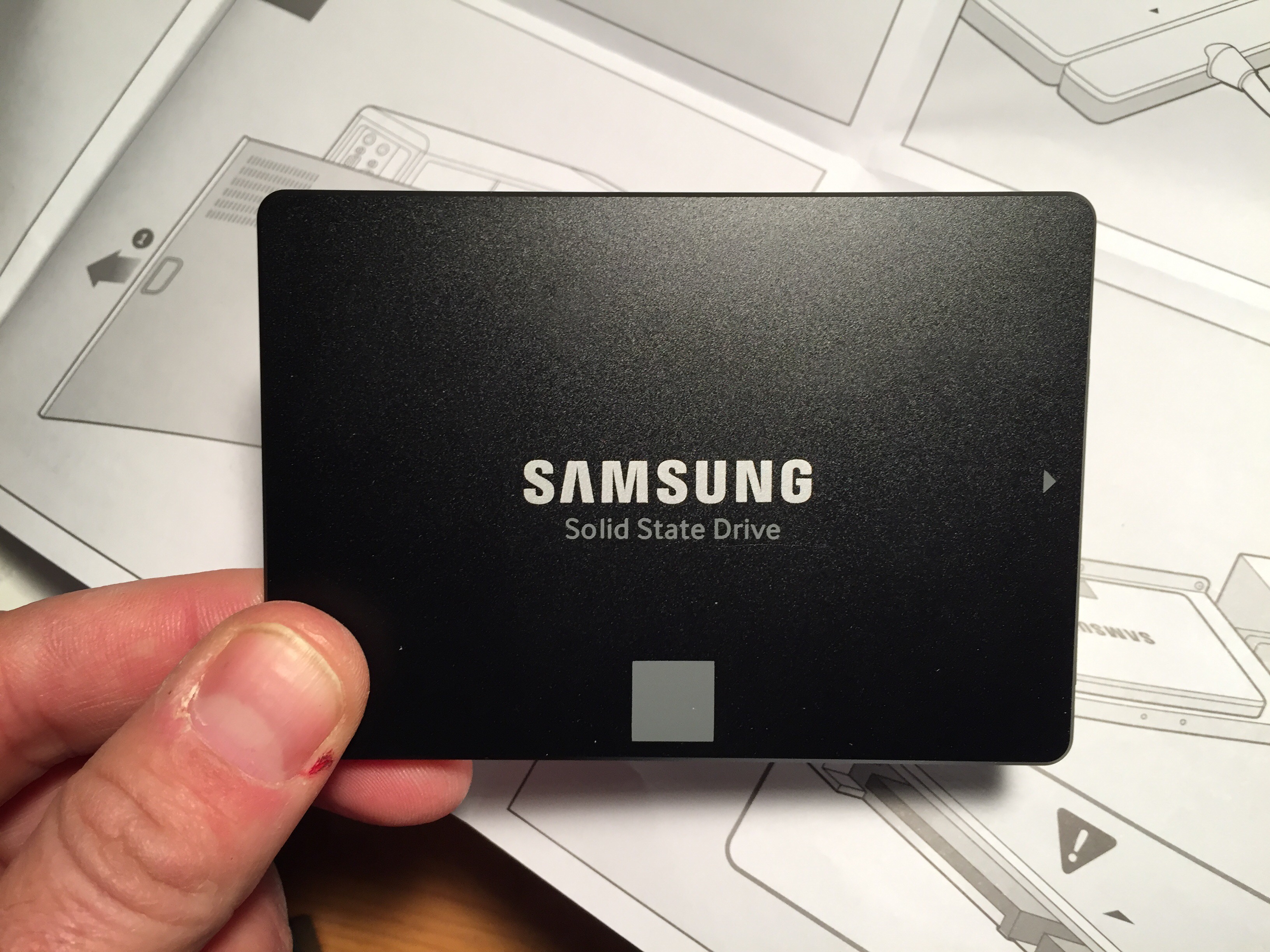
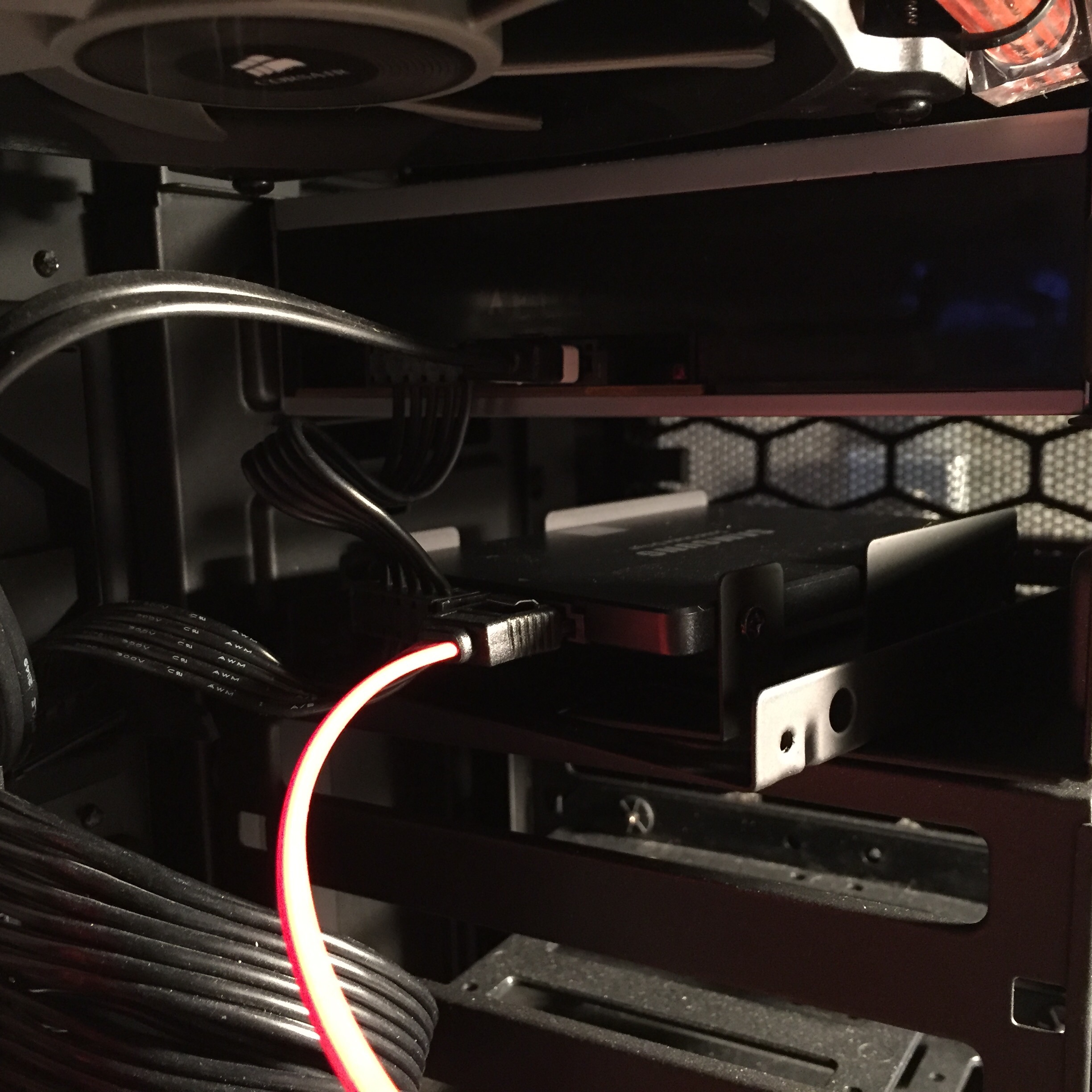
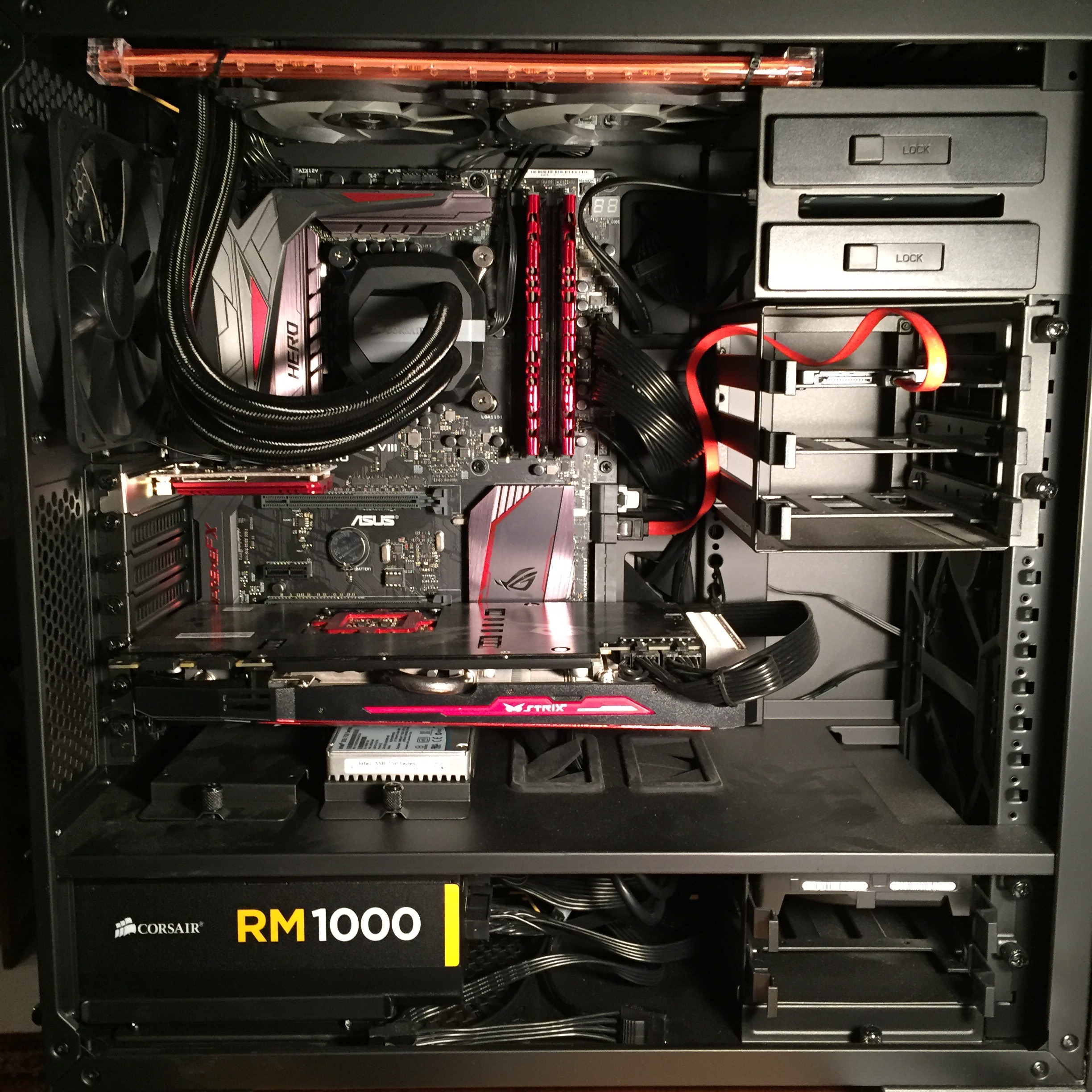
    Share this:

    • Share on X (Opens in new window) X
    • Share on Facebook (Opens in new window) Facebook
    • Email a link to a friend (Opens in new window) Email
    • Print (Opens in new window) Print
  • Photorealistic Scenery In X-Plane

    2016-12-18

    |

    X-Plane 11

    A viewer was kind enough to gift me photorealistic scenery for a good portion of the world as a holiday gesture. I’ve been able to install most of it, and here’s a quick iPhone video below. As you can see, X-Plane is able to place autogen buildings and vegetation and lights ON TOP of photorealistic scenery, something that Prepar3D is unable to do. When paired with accurate street-level data / mesh and the World2XPlane objects and mapping, it’s a pretty awesome combination. Here’s a quick video illustrating it in SoCal. I tried my local field this morning, and it’s now an uncannily realistic experience flying into and out of my neck of the woods. Thanks so much to that viewer!

    Share this:

    • Share on X (Opens in new window) X
    • Share on Facebook (Opens in new window) Facebook
    • Email a link to a friend (Opens in new window) Email
    • Print (Opens in new window) Print
  • Well, This May Come As A Shock To Some Of You …

    2016-12-17

    |

    Uncategorized

    … but this afternoon I moved my P3D install and all its add ons to my secondary drive to clear space for X-Plane 11 and associated photoscenery. I haven’t opened P3D since the X-Plane install, in fact. Looks like I’m an X-Plane guy for a while. 

    Share this:

    • Share on X (Opens in new window) X
    • Share on Facebook (Opens in new window) Facebook
    • Email a link to a friend (Opens in new window) Email
    • Print (Opens in new window) Print
  • The xEnviro Roadmap

    2016-12-15

    |

    Uncategorized

    It’s online here, and it’s looking like a very good developmental path for X-Plane weather. And this photo from the dev team looks great as well.
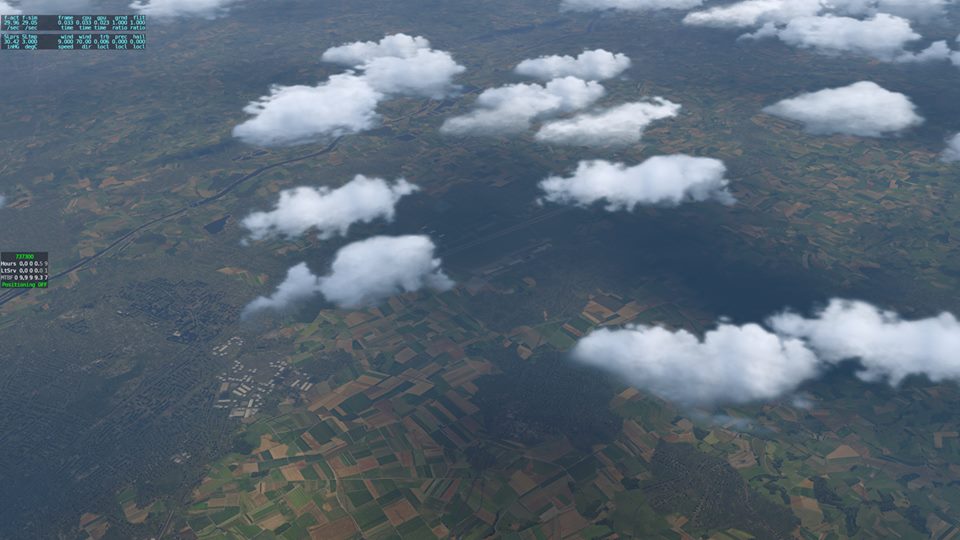
    15542130_10154906046792578_5332807127704947028_n

    Share this:

    • Share on X (Opens in new window) X
    • Share on Facebook (Opens in new window) Facebook
    • Email a link to a friend (Opens in new window) Email
    • Print (Opens in new window) Print
  • X-Plane 11 Beta Review Flight

    2016-12-15

    |

    Add Ons, X-Plane 11

    The first full flight with the visuals set for the Basement Sim in the X-Plane 11 Beta, including some of my initial reactions having spent some time with the sim (and coming from Prepar3D). I refer to several add ons in this video, including:

    • W2XP America texture mapping (donation ware)
    • X-Plane HD Mesh terrain / vectors (freeware)
    • Prefab Airports airport scenery (freeware)
    • Airport Environments HD  airport textures (freeware)
    • xEnviro weather (payware)

    As always, thanks for watching.

    Share this:

    • Share on X (Opens in new window) X
    • Share on Facebook (Opens in new window) Facebook
    • Email a link to a friend (Opens in new window) Email
    • Print (Opens in new window) Print
Previous Page
1 … 33 34 35 36 37 … 59
Next Page

On The Glideslope

  • Instagram
  • Facebook
  • X

Loading Comments...

You must be logged in to post a comment.