On The Glideslope

  • How To
    • How I Configure For VR In X-Plane
    • How To Have Dual Controls In X-Plane
    • How To Configure X-Plane 11 For Multiple Screens
    • How To Create Custom Cameras In P3D
    • How To Get Started With X-Plane 11
  • Resources
    • Schematics
    • Center Console Plans
    • Basement Sim Video Tour
    • Screen Configurations
    • A2A LVAR List PDFs
    • How To Talk ATC
    • Cessna 172 Cabin Dimensions
    • USB u0026 Saitek
  • Reviews
  • What’s In The Sim
  • About OTG
    • About OTG
    • The Construction Journey
  • P.A.T. Fun On PilotEdge

    2016-11-26

    |

    PilotEdge

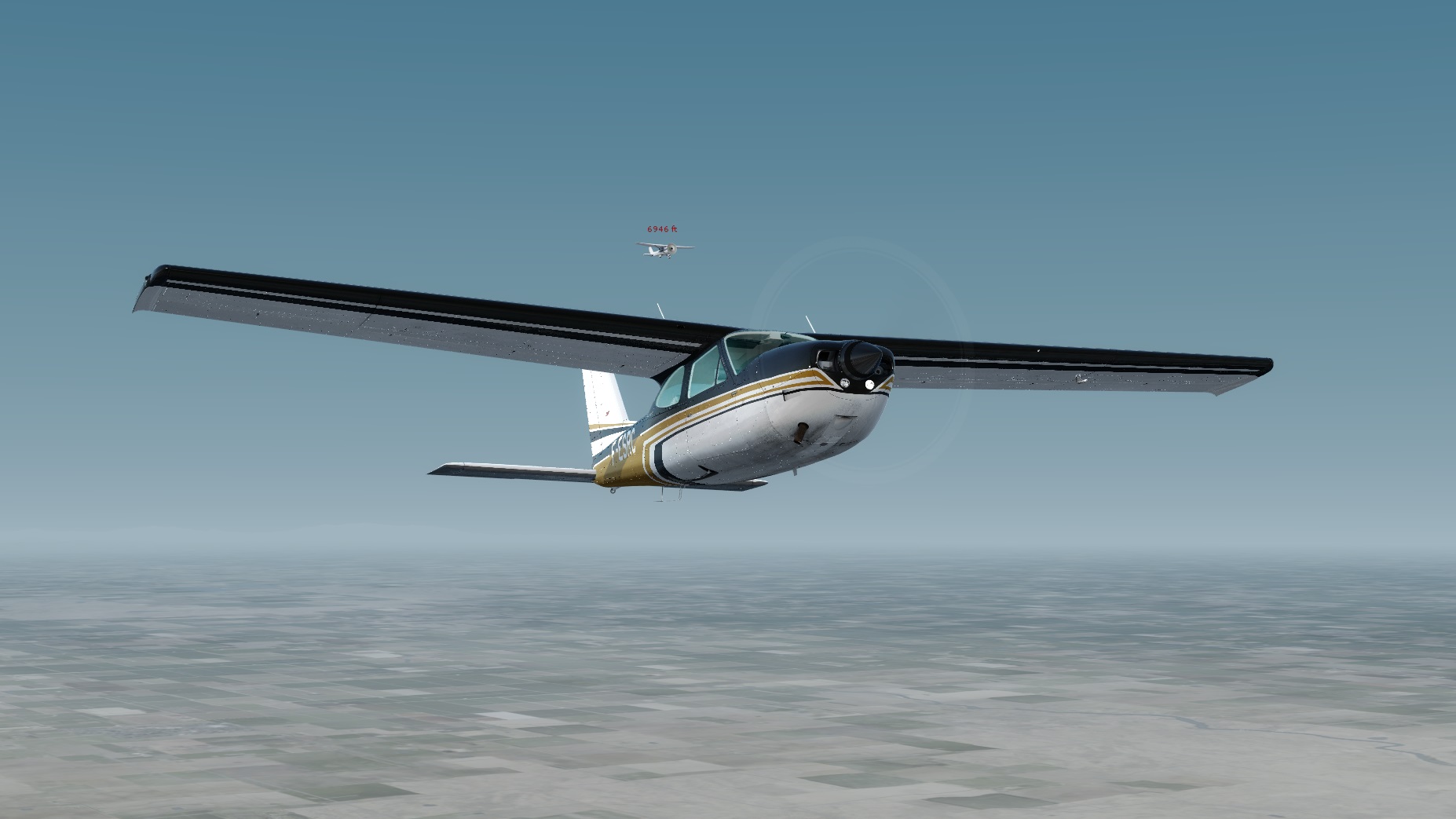
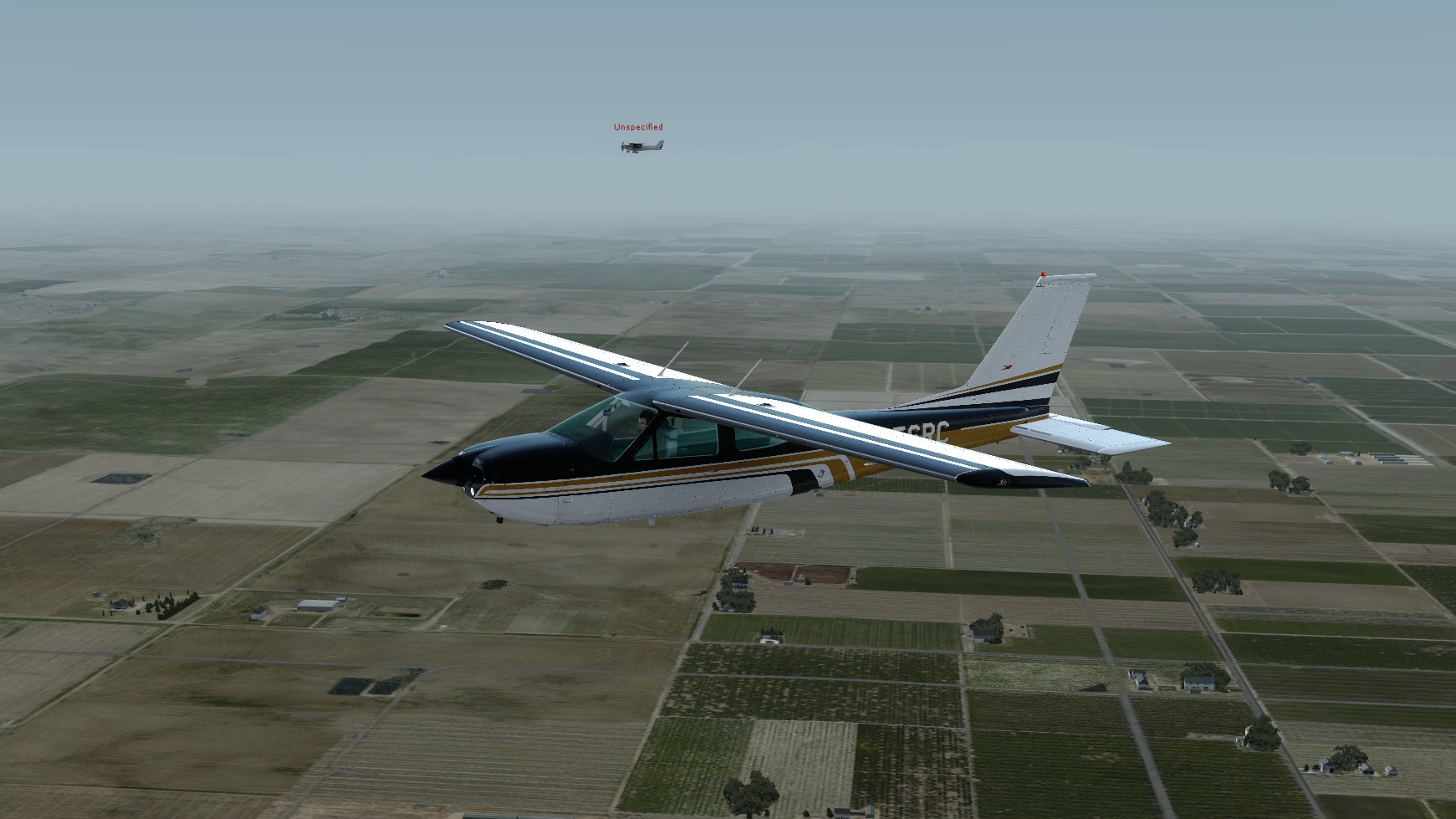
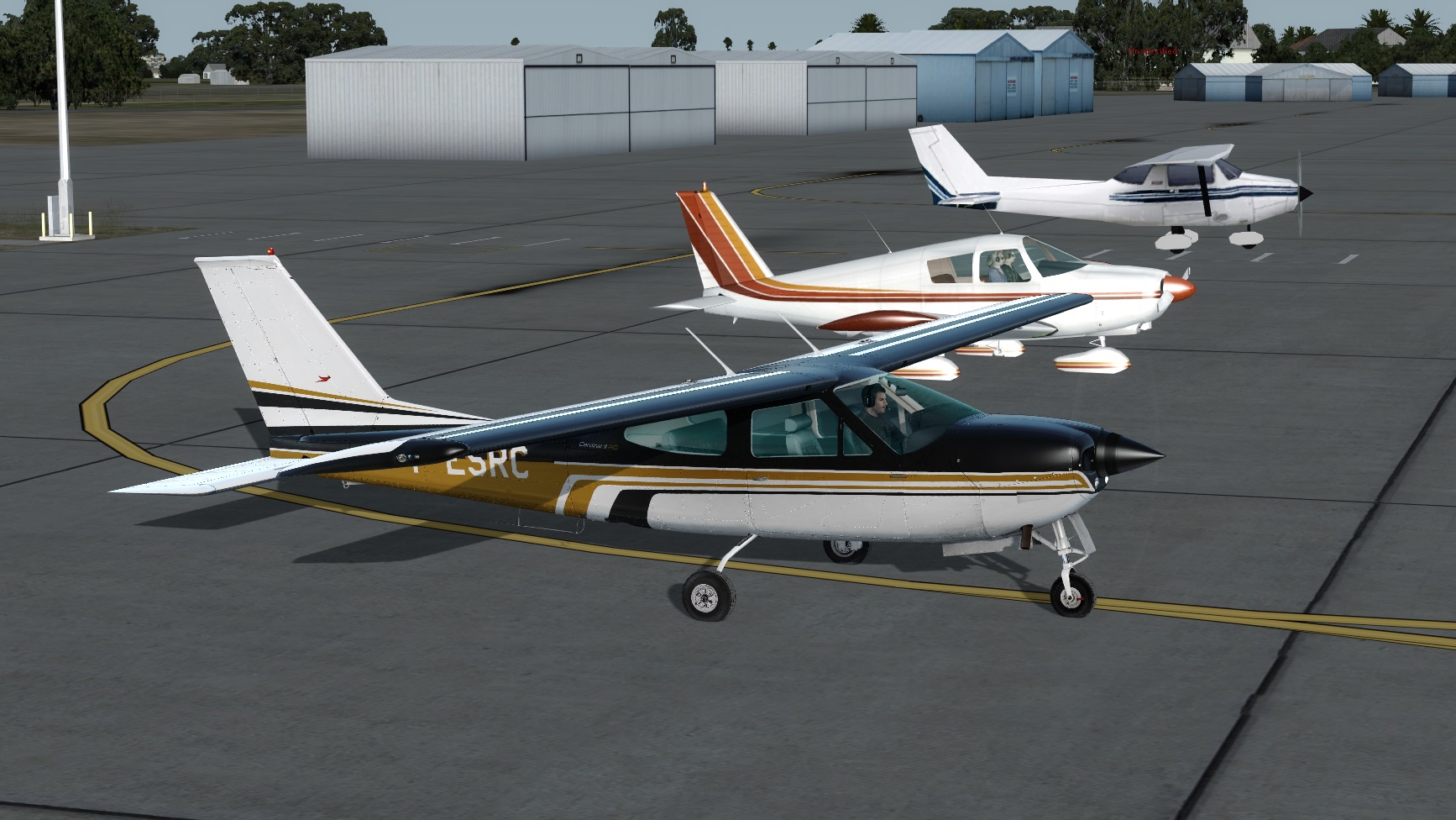
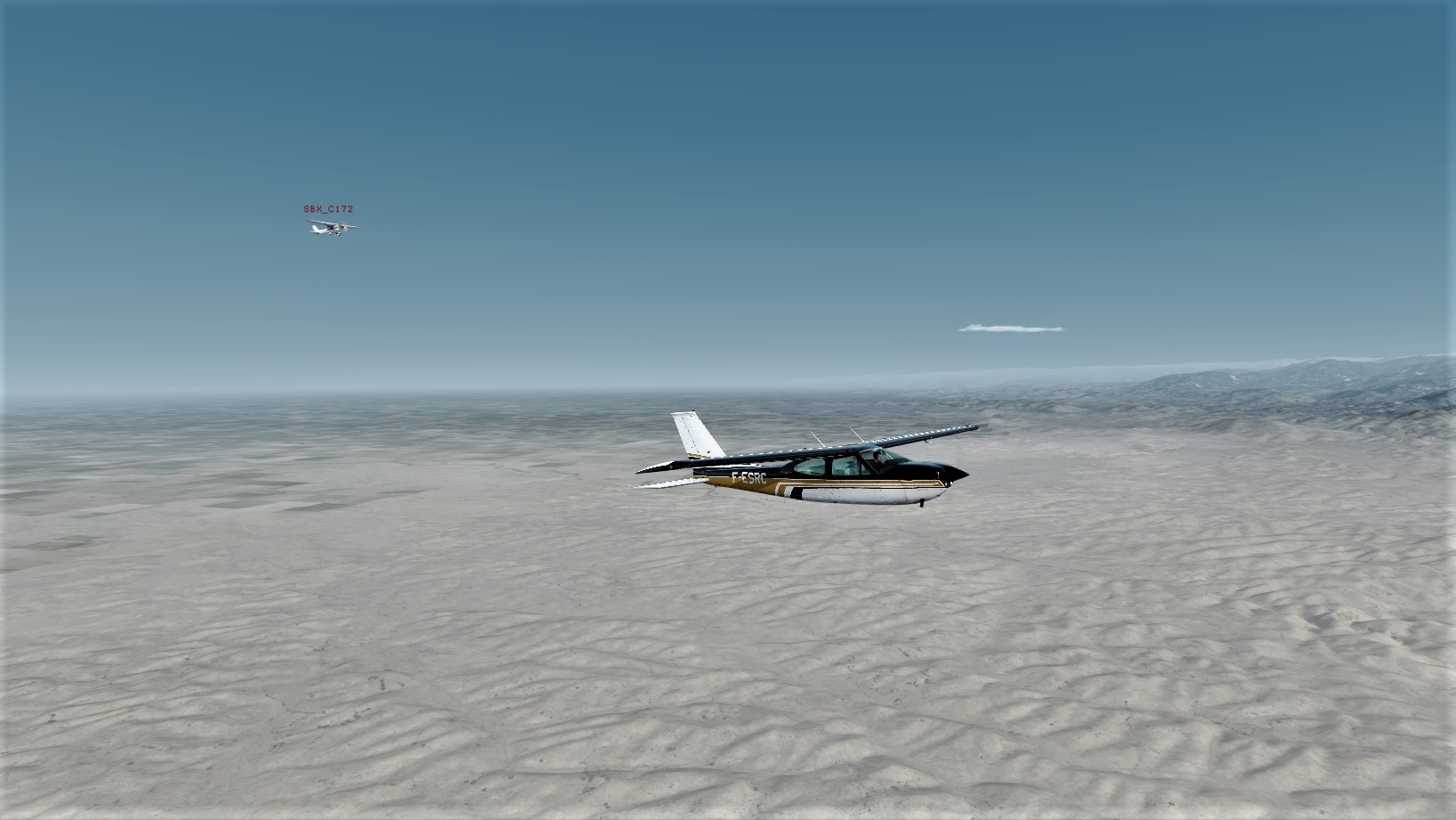
    A few PilotEdge users, led by Jiva, have arranged some pattern traffic together in the hours before controllers start manning their stations on the network (hence PAT – PilotEdge Afterhours Traffic). Today I joined the group a bit late at KDLO where we did pattern work, and then Jiva and I flew out Elizabeth Lake for a touch and go, and then to Bakersfield (which by then was manned by a controller) for landing. As always it was a learning experience, and it was a lot of fun flying from place to place as a flight. Here are some pics, and if you’re on PE, we’d love to have you join us. Watch the Fly With Me thread in the PE forums for updates.

    Also worth noting in these pics: The hangars and airport textures of REX Worldwide Airports HD,  the wonderful haze and sky textures of As16/ASCA with the Service Pack 1 update, the fantastic textures of ORBX SoCal scenery, and the beautiful lines of the Carenado C 177 RG Cardinal II.
    Flight1
    Ready To Go
    Headed East
    Flight2
    In Formation
    Flight4
    A Flight To KBFL

    Share this:

    • Share on X (Opens in new window) X
    • Share on Facebook (Opens in new window) Facebook
    • Email a link to a friend (Opens in new window) Email
    • Print (Opens in new window) Print
  • Coming Soon: My Guide To Building A Basement GA Flight Simulator

    2016-11-25

    |

    Construction, How Tos

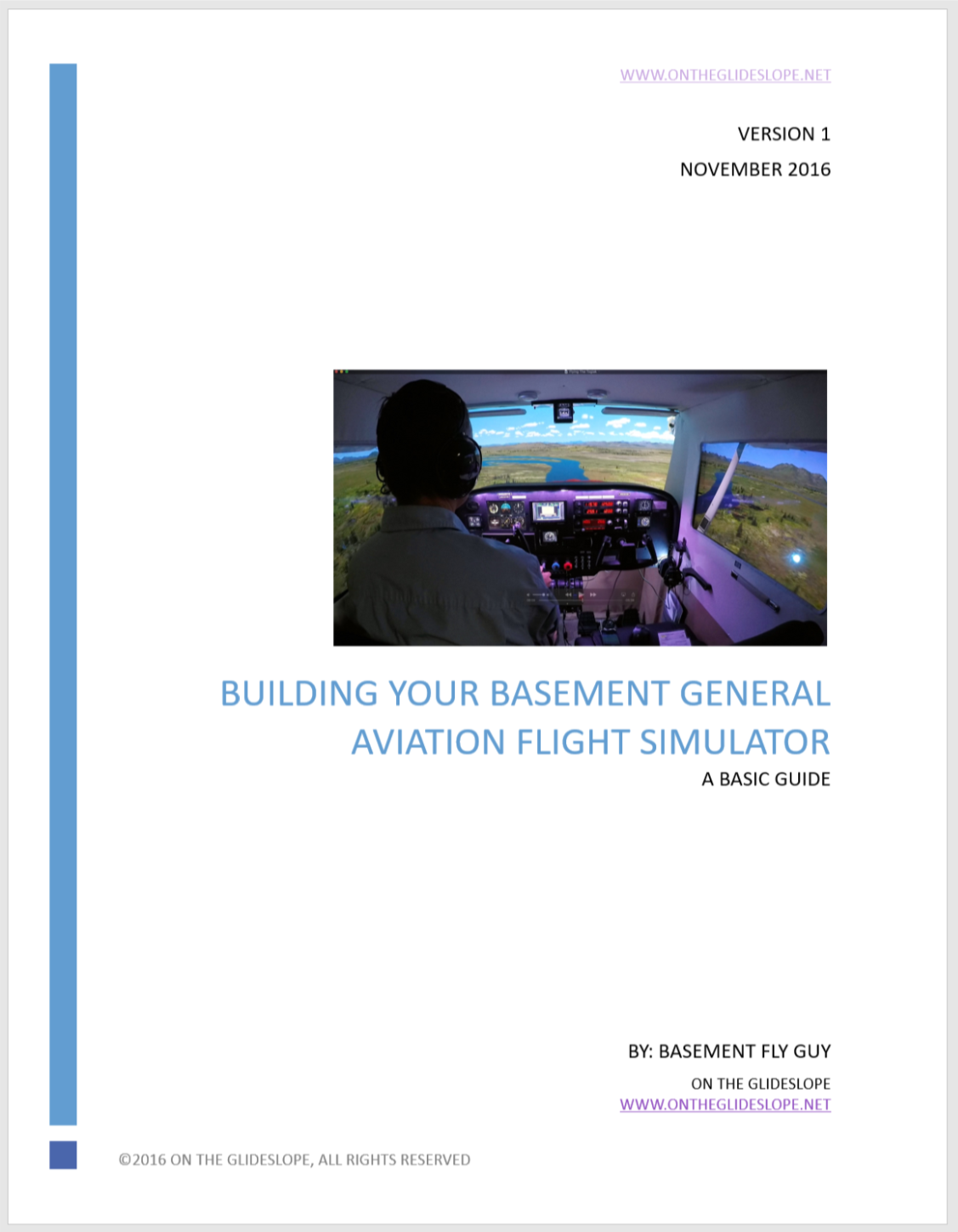
    CoverI’ve been trying to post more and more information that can help folks build their own Basement Simulator, and have finally decided to take the plunge and write a guide on the topic. I do NOT want to offer something that goes into significant detail about the software, hardware, and PC side of things, as Sim Samurai’s Ultimate Guide To Advanced Flight Simulation achieves that with far greater detail than I’ll ever have to offer. (And if you’re planning to build a home sim and haven’t purchased the UGTAFS, I can say it was one of the first things I did when I got started, and it’s worth the price.) Rather, I want to offer something that describes in reasonable detail the design I’ve used, choices I’ve made, and lessons I’ve learned in building the Basement Sim — including plans, tools, and parts — so that others who wish to build a similar GA cockpit can more easily do so. My vision is something that will be enough of a detailed resource that someone could use it to build and start flying in a sim like mine.

    I began producing the guide yesterday, and have 18 pages written so far, including side, front, top and back plan elevations. I hope to complete it sometime next week. Because of the time and energy invested, I do plan to offer the guide for sale, and expect to do so for somewhere around $30 with a full money-back guarantee if people who buy the guide aren’t satisfied with it. I figure the experience I’ve put into it is probably worth that, but we’ll see.

    For those who are curious, here’s the current table of contents, and I presume each of these sections will make it into the final draft:

    • INTRODUCTION
    • OVERALL DESIGN
    • TOOLS & PARTS
      • Tools
      • Parts
    • COMPUTING EQUIPMENT
    • TVS & PROJECTORS
      • On Resolution
      • The Projector
      • Projector Or TV Front View?
      • The TVs
    • INSTRUMENTS, CONTROLS, AND AVIONICS
      • Instruments
      • The Wonderful FIP Gauges By Tom Tsui
      • GPS
      • Controls
      • The Importance Of USB Hubs And Proper Power
      • Final Thoughts On Avionics And Controls
    • BUILDING THE FRAME
      • Basic Frame Plans
      • Side Elevation
      • Top Elevation
      • Front Elevation
      • Back Elevation
      • The Panel
    • SIDE PANELING
    • UPHOLSTERY & CARPET
    • THE GLARE SHIELD
    • TRIM
      • Placards & Stickers
      • Real-World Parts
    • LIGHTING
    • INTERCOM & HEADSETS
    • SEATS
    • OTHER TOPICS
      • FSX, P3D, or X-Plane?
      • Rumblers
      • GoPro and Video

    So stay tuned! I hope it will be a valuable resource for others looking to pursue the hobby as I have.

    Share this:

    • Share on X (Opens in new window) X
    • Share on Facebook (Opens in new window) Facebook
    • Email a link to a friend (Opens in new window) Email
    • Print (Opens in new window) Print
  • Real Birds

    2016-11-25

    |

    Uncategorized

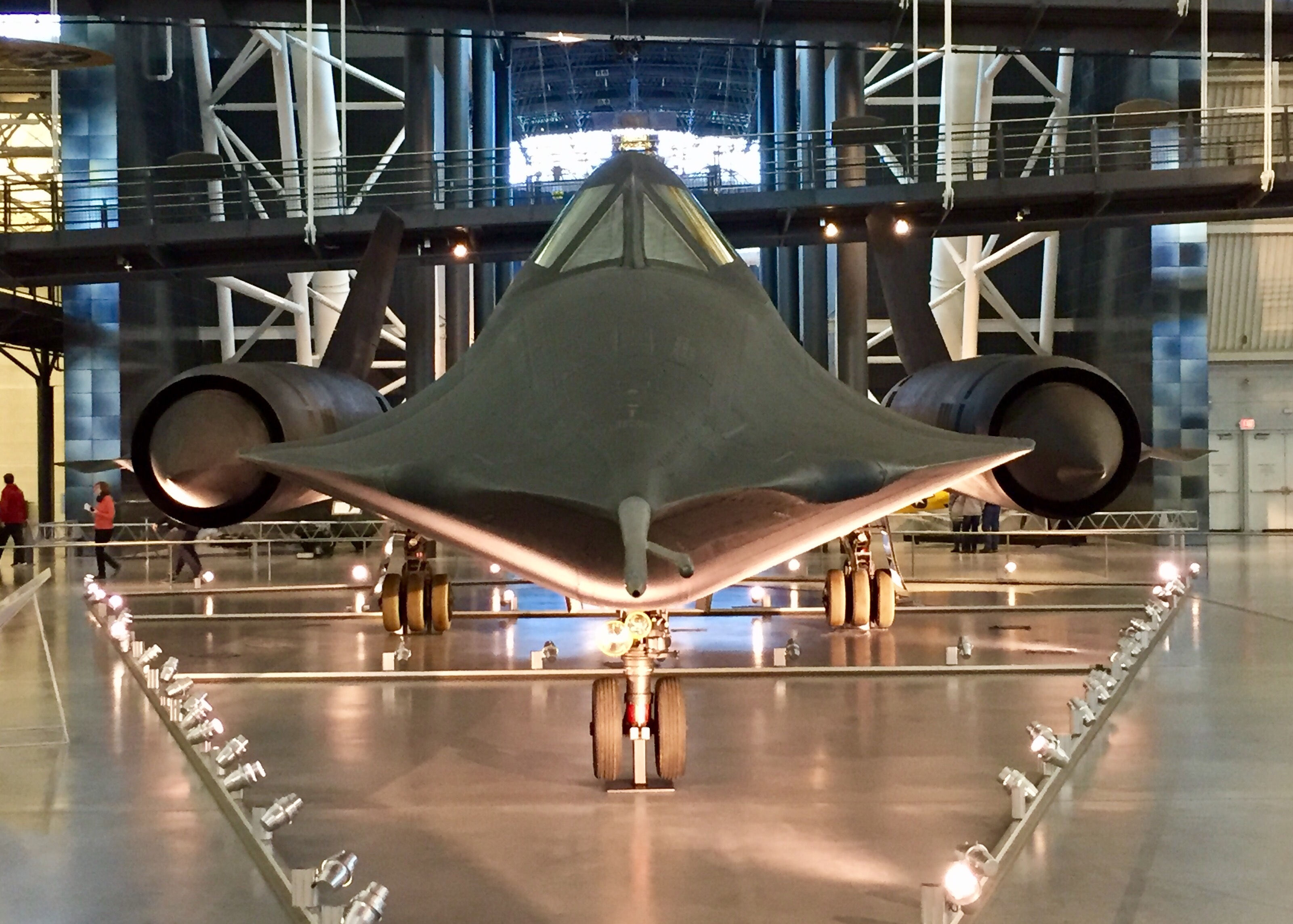
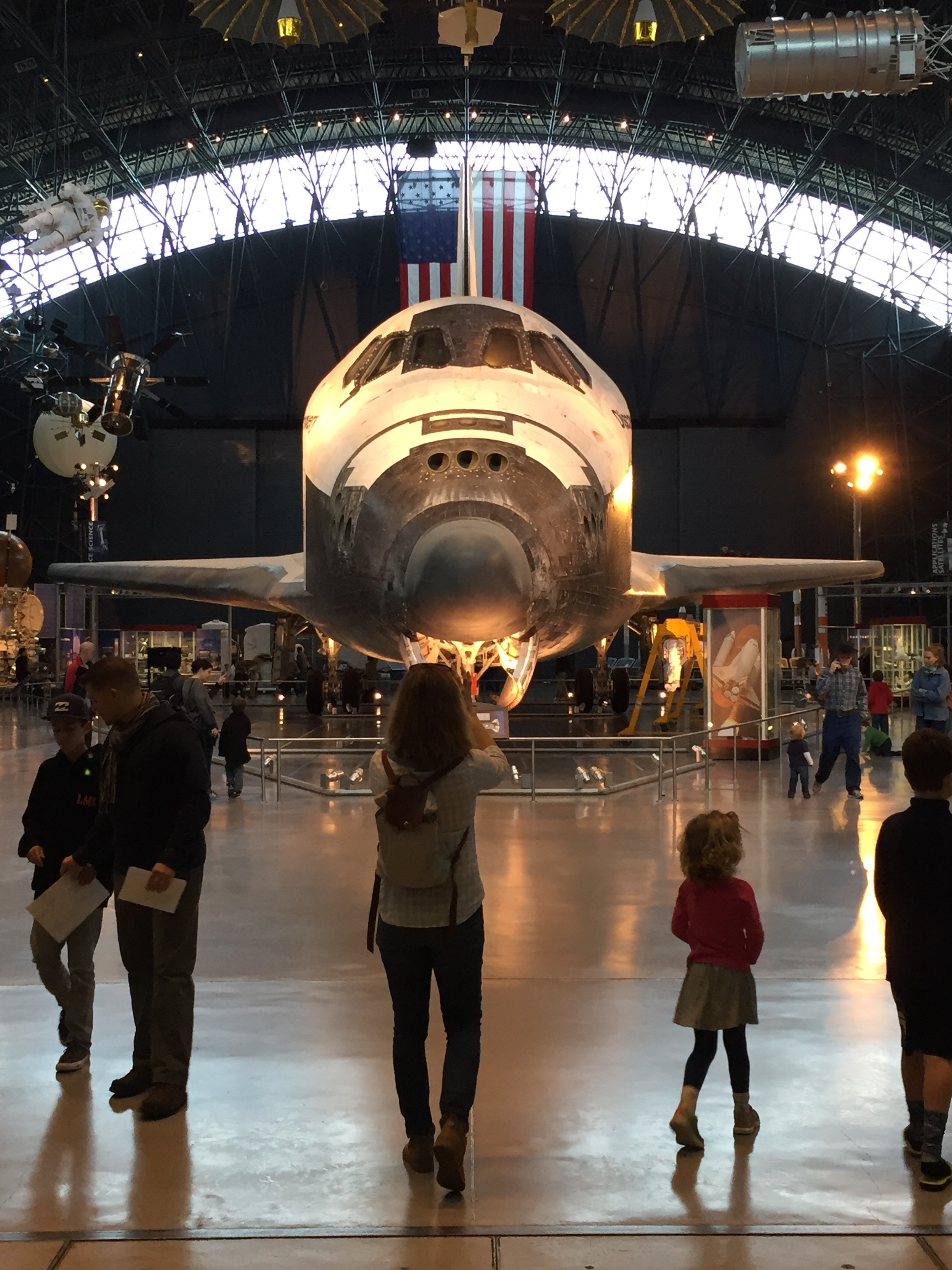
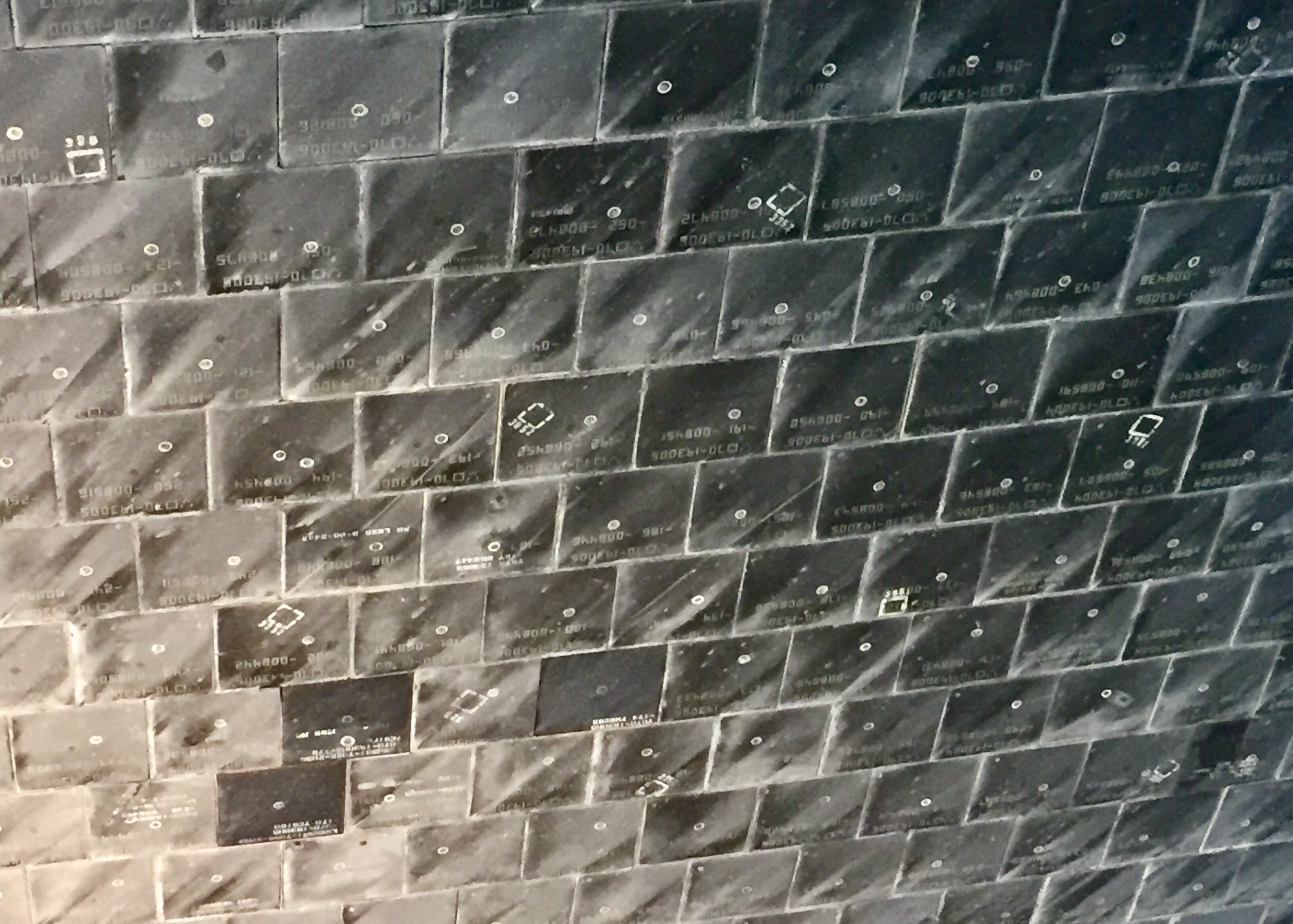
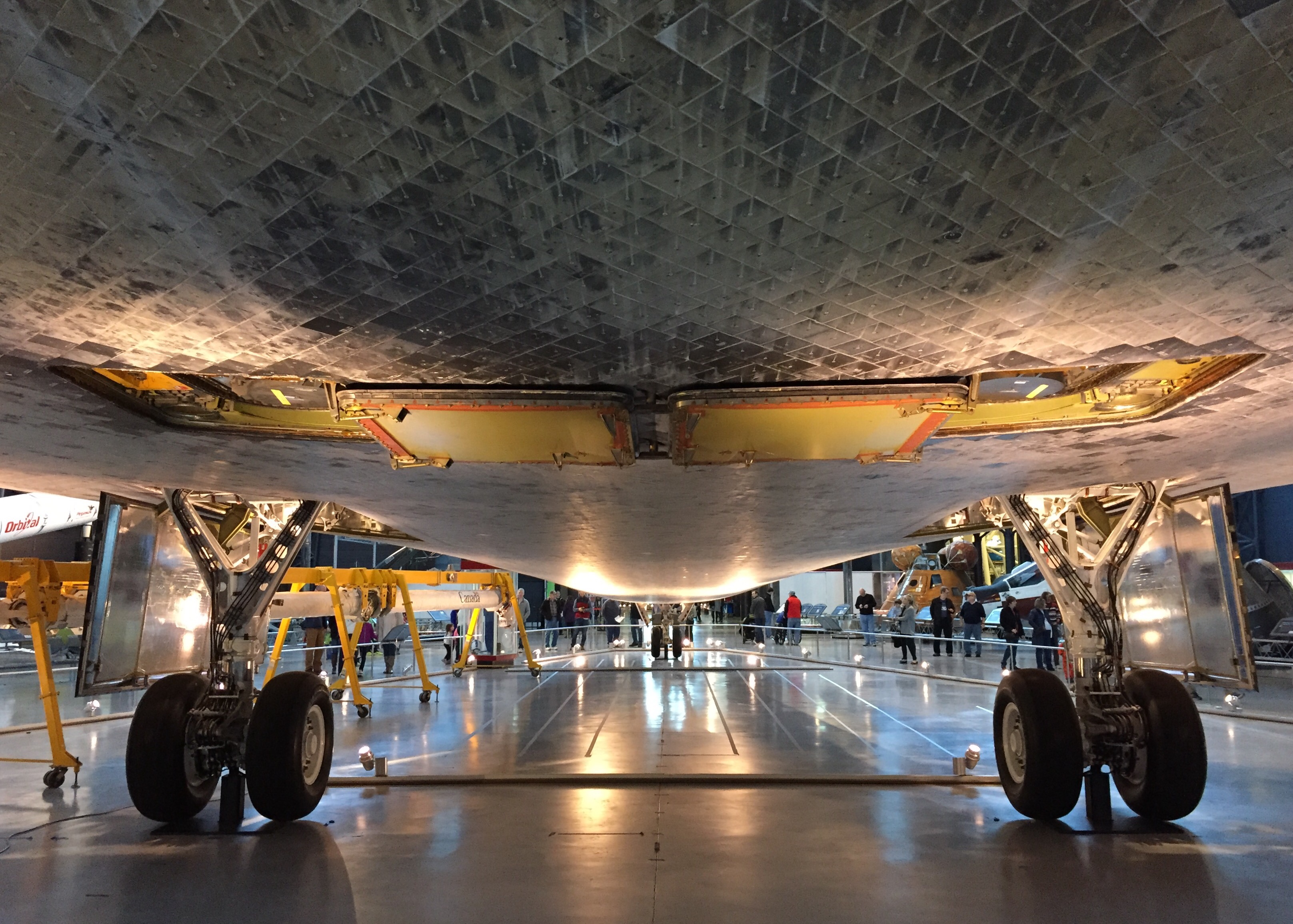
    I was able to see a couple of real birds up close today. It was awesome.

    Share this:

    • Share on X (Opens in new window) X
    • Share on Facebook (Opens in new window) Facebook
    • Email a link to a friend (Opens in new window) Email
    • Print (Opens in new window) Print
  • How To Simulate A Short-Field Landing

    2016-11-25

    |

    Simmer Tutorial Video Series

    The final performance take-off/landing procedure in our continuing “How To Simulate” series, which brings real-world procedures to flight simmers. This time: short-field landings. I actually posted this on YouTube last week, but forgot to post it here!

    Share this:

    • Share on X (Opens in new window) X
    • Share on Facebook (Opens in new window) Facebook
    • Email a link to a friend (Opens in new window) Email
    • Print (Opens in new window) Print
  • How To Simulate A Soft-Field Landing

    2016-11-24

    |

    Simmer Tutorial Video Series

    The latest in our “How To Simulate” simmer tutorial series, in which we bring real-world procedures to flight simmers. With this episode we continue our series of performance takeoffs and landings with a short-field landing. As always, thanks for watching.

    Share this:

    • Share on X (Opens in new window) X
    • Share on Facebook (Opens in new window) Facebook
    • Email a link to a friend (Opens in new window) Email
    • Print (Opens in new window) Print
  • Finally …

    2016-11-23

    |

    Uncategorized

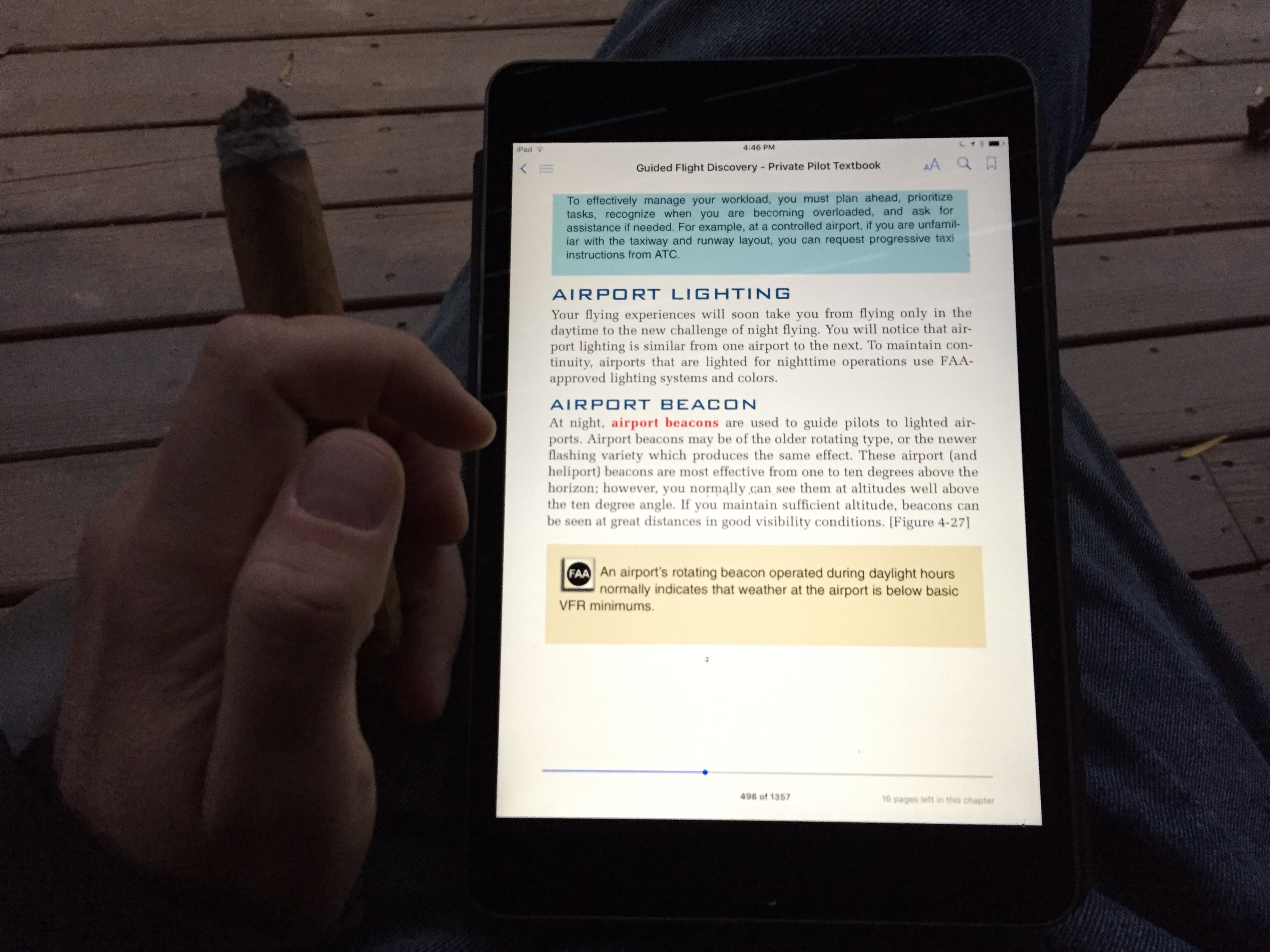
    Work is done, and here in the States Thanksgiving is upon us. Time for a fine cigar and some private pilot study.

    Share this:

    • Share on X (Opens in new window) X
    • Share on Facebook (Opens in new window) Facebook
    • Email a link to a friend (Opens in new window) Email
    • Print (Opens in new window) Print
  • FRed Baron

    2016-11-23

    |

    Other Great Home Cockpits

    The OTG Facebook page recently received a like from this gent, and what a sim setup he’s chosen to run!

    Share this:

    • Share on X (Opens in new window) X
    • Share on Facebook (Opens in new window) Facebook
    • Email a link to a friend (Opens in new window) Email
    • Print (Opens in new window) Print
  • Bonaire Flamingo For Real!

    2016-11-22

    |

    Add Ons

    A YouTube viewer has pointed me to this eerily similar real-word version of the Basement Sim Bonaire tour video. Very cool and it really shows how accurate the Aerosoft airport scenery is!

    Share this:

    • Share on X (Opens in new window) X
    • Share on Facebook (Opens in new window) Facebook
    • Email a link to a friend (Opens in new window) Email
    • Print (Opens in new window) Print
  • The Basement Sim Tours Bonaire

    2016-11-22

    |

    Videos

    We check out the Aerosoft Flamingo Airport scenery (which is fantastic), and Basement Fly Kid comes along for the ride. As always, thanks for watching.

    Share this:

    • Share on X (Opens in new window) X
    • Share on Facebook (Opens in new window) Facebook
    • Email a link to a friend (Opens in new window) Email
    • Print (Opens in new window) Print
  • The Long Awaited Basement Sim Schematics

    2016-11-21

    |

    Construction

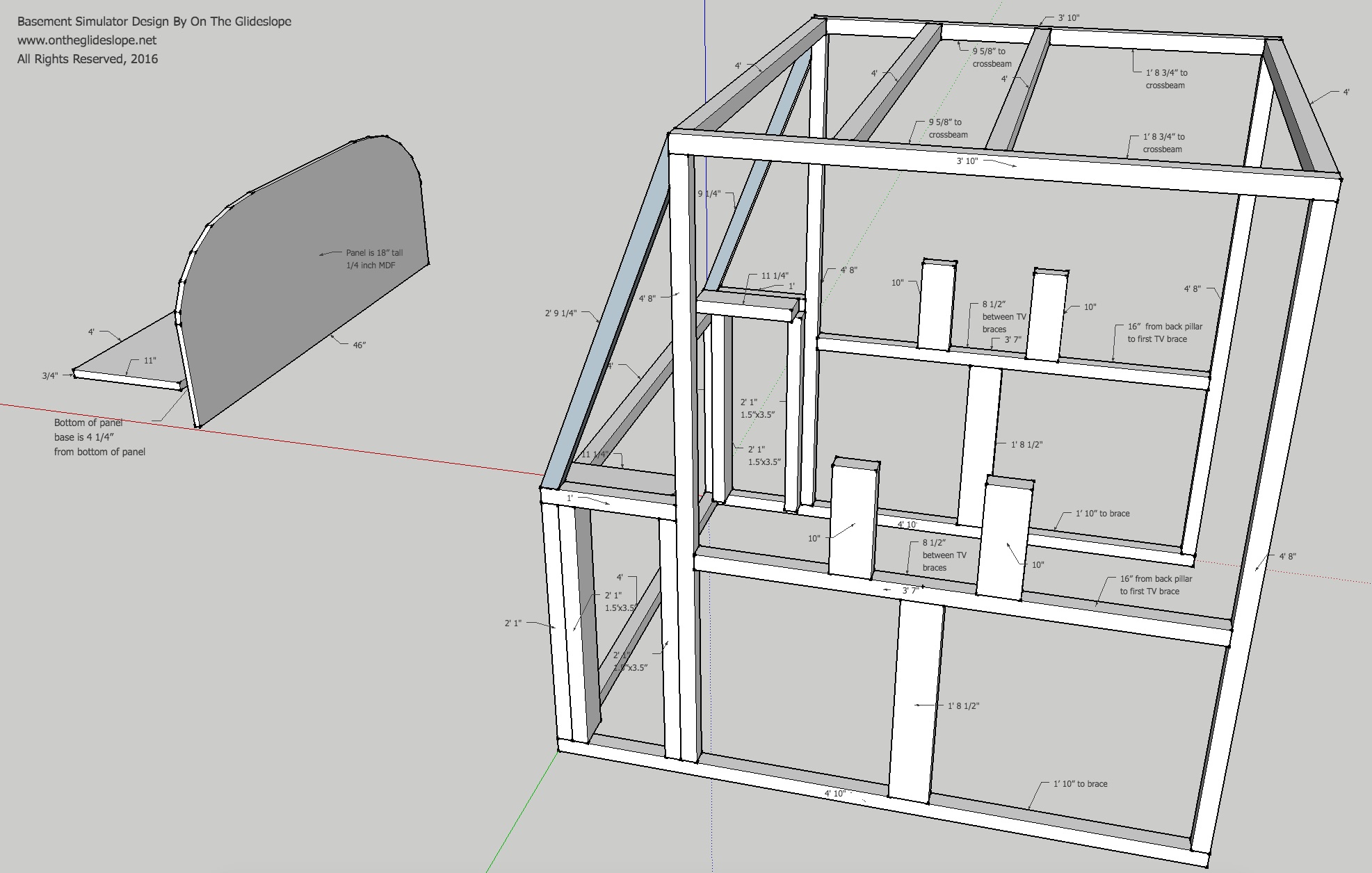
    Readers have been asking for my plans since I put the site online, but my early Google SketchUp files were rough and I made some changes during construction, so I haven’t posted them. Today I took the time to get them in order, and here they are. I will put together a more detailed set that includes the basic supplies I used as well, but in the meantime I figure this will help those looking to build their own basement simulators. I’ve been really flattered by the number of simulations enthusiasts who have started building their own based on what they’ve seen here, so if this can help them and others on their journey, I happy to offer it.

    First, the lumber (and remember to measure twice, cut once!) …

    Cut from 1 1/2″ x 1 1/2″ studs:

    • Six 4′ cuts
    • Two 3′ 10″ cuts
    • Four 4′ 8″ cuts
    • Two 3′ 7″ cuts
    • Two 4′ 10″ cuts
    • Two 2′ 1″ cuts
    • Two 1′ cuts
    • Two 2′ 9 1/4″ cuts


    Cut from 1 1/2″ x 3 1/2″ studs:

    • Four 10″ cuts
    • Two 11 1/4″ cuts
    • Two 1′ 8 1/2″ cuts
    • Four 2′ 1″ cuts


    1 piece 3/4″ x 11′ x 48″ MDF for the panel base

    1 piece 1/4″ x 18″ x 46″ MDF for the panel itself

    In terms of other supplies, I used long wood screws to connect the frame pieces together, and metal L-brackets to brace the corners (screwed in with 1/2 inch wood screws). Note that I DID NOT attached the panel base to the cockpit frame with screws. It simply sits on top, which makes it easy to adjust and take in and out.

    And here are the basic plans: a .JPG here and a .PDF here. The panel template (which is a life-sized C172 panel schematic as a PDF) is here. Note that the panel PDF is 42″ across, and that I cut the template in half so I could make it 46″ wide. I hope it helps, and good luck!

    On The Glideslope Basement Sim Schematics JPG

    Share this:

    • Share on X (Opens in new window) X
    • Share on Facebook (Opens in new window) Facebook
    • Email a link to a friend (Opens in new window) Email
    • Print (Opens in new window) Print
Previous Page
1 … 36 37 38 39 40 … 59
Next Page

On The Glideslope

  • Instagram
  • Facebook
  • X

Loading Comments...

You must be logged in to post a comment.