On The Glideslope

  • How To
    • How I Configure For VR In X-Plane
    • How To Have Dual Controls In X-Plane
    • How To Configure X-Plane 11 For Multiple Screens
    • How To Create Custom Cameras In P3D
    • How To Get Started With X-Plane 11
  • Resources
    • Schematics
    • Center Console Plans
    • Basement Sim Video Tour
    • Screen Configurations
    • A2A LVAR List PDFs
    • How To Talk ATC
    • Cessna 172 Cabin Dimensions
    • USB u0026 Saitek
  • Reviews
  • What’s In The Sim
  • About OTG
    • About OTG
    • The Construction Journey
  • Solved! How To Use Dual Controls In X-Plane 11

    2016-12-27

    |

    How Tos, X-Plane 11

    * NOTE: I updated this post on 1/16/17 to clarify how you find the initial assignments of axes and buttons.

    The one lingering barrier to my complete switch to X-Plane was the inability to use both sets of the Basement Sim’s controls. It seems that in X-Plane if roll/pitch/yaw are assigned to more than one controller, only one will work and X-Plane disregards the other. (This is not the case with FSX or P3D, which simply read whichever control provides the most recent or largest input.) Only one set of working controls is a real problem for me, as being able to fly with family, friends, etc. is a big part of what I enjoy about the Basement Sim.

    There is an answer, though, and it turns out it is Lua. From the Lua website:

    Lua is a powerful and fast programming language that is easy to learn and use and to embed into your application. Lua is designed to be a lightweight embeddable scripting language and is used for all sorts of applications from games to web applications and image processing.


    Lots of simmers and cockpit builders use Lua to write little bits of computer code, called “scripts,” that allow them to execute unique commands (like having the buttons they installed in their panel turn on the cabin lights). Lua scripts are like little apps you can run to get things done that the sim software won’t do itself.

    X-Plane is very easy to integrate with Lua thanks to the FlyWithLua plugin. I had posted on the X-Plane.org forums that I was hoping the final release version of X-Plane 11 would allow multiple sets of controls, and one of the very helpful folks in that community — Teddii — responded that a Lua script might be the answer. He said I should be able to write a script for one of the buttons on my yoke where if I flip the button to the left the left controls are live, and if I flip it to the right the right controls are live. He even volunteered possible code.

    Getting the code to work meant finding out which axis numbers X-Plane was associating with each of the yokes. Fortunately every time you launch X-Plane FlyWithLua puts a little .TXT file called “initial_assignments.txt” in its plugin folder that shows initial joystick and button assignments. To find my axes and button assignment numbers I first went into X-Plane’s joystick configuration screen and assigned the axes of BOTH yokes to pitch and yaw. This gives you a warning that you have dual assignments in X-Plane, but that’s OK. I also assigned the button that I wanted to use to pass control of the airplane to a command I would recognize (in my case, calling ATC). Looking at the initial_assignments.txt file I could see the pitch, roll, and yaw axes for both yokes and the button numbers for the left / right switch on my Yoko yoke (which X-Plane reads as two buttons – one for each position – rather than as one, and I had assigned BOTH to call ATC in the joystick configuration screen). You will see commands like this in the initial_assignments.txt file:

    set_axis_assignment( 0, "roll", "normal" )
    set_axis_assignment( 1, "pitch", "normal" )
    set_axis_assignment( 3, "yaw", "normal" )

    … and …

    set_button_assignment( (4*40) + 1, "sim/operation/contact_atc" )

    You need to do a little math for the button assignment: (4*40)+1, for example, is 161. That’s the button number for the MyAirplaneYourAirplane code. You may also need to guess which set of axis assignments are the left and right controls, but that’s easy to change if you get it wrong.

    I added these variables to Teddii’s initial code, put the “My Airplane Your Airplane.txt” script file in the FlyWithLua scripts folder, and gave it a go. Partial success: it worked in swapping to the right controls, but would not swap them back to the left. Looking at the joystick configuration window in X-Plane I could see that I again had conflicting yaw / pitch / roll controls, and deduced that while the swap from left to right worked, the script did not clear the assignments for the left yoke, resulting in the same problem I had started with (dual-assigned controls).

    So I just modified the script a little bit, adding lines to assign the axes that I’m switching away from to “none.” SUCCESS! It worked, and now I’m able to easily pass control of the airplane to a passenger by flipping the yoke switch to the right, and take it back by flipping it back to the left.

    The final code follows, and you are welcome to use it if you like. Thanks again for Teddii for his help as I would not have been able to do this without his initial and very helpful code. Also, there is a nice primer on getting started with FlyWithLua here.


    My Airplane / Your Airplane FlyWithLua Script

    -- axis numbers for left yoke
    L_axisPitch = 75
    L_axisRoll  = 76
    L_axisPedal = 52
    
    -- axis numbers for right yoke
    R_axisPitch = 25
    R_axisRoll  = 26
    R_axisPedal = 2
    
    function yoke_switch()
        if button (486) and not last_button(486)
        then
            -- activate right yoke
            set_axis_assignment(R_axisPitch, "pitch", "normal" ) --"normal" or "reverse"
            set_axis_assignment(R_axisRoll,  "roll", "normal" )
            set_axis_assignment(R_axisPedal, "yaw",  "normal" )
            -- DEactivate left yoke
            set_axis_assignment(L_axisPitch, "none", "normal" ) --"normal" or "reverse"
            set_axis_assignment(L_axisRoll,  "none", "normal" )
            set_axis_assignment(L_axisPedal, "none", "normal" )
        end
        if button (480) and not last_button(480)
        then
            -- activate left yoke
            set_axis_assignment(L_axisPitch, "pitch", "normal" ) --"normal" or "reverse"
           set_axis_assignment(L_axisRoll,  "roll", "normal" )
           set_axis_assignment(L_axisPedal, "yaw",  "normal" )
           -- DEactivate right yoke
           set_axis_assignment(R_axisPitch, "none", "normal" ) --"normal" or "reverse"
           set_axis_assignment(R_axisRoll,  "none", "normal" )
           set_axis_assignment(R_axisPedal, "none", "normal" )
        end
    end
    
    -- check for the switch button every frame ...
    do_every_frame("yoke_switch()")
    
    -- end
    Share this:

    • Share on X (Opens in new window) X
    • Share on Facebook (Opens in new window) Facebook
    • Email a link to a friend (Opens in new window) Email
    • Print (Opens in new window) Print
  • KOQN Brandywine (X-Plane)

    2016-12-27

    |

    Custom Scenery

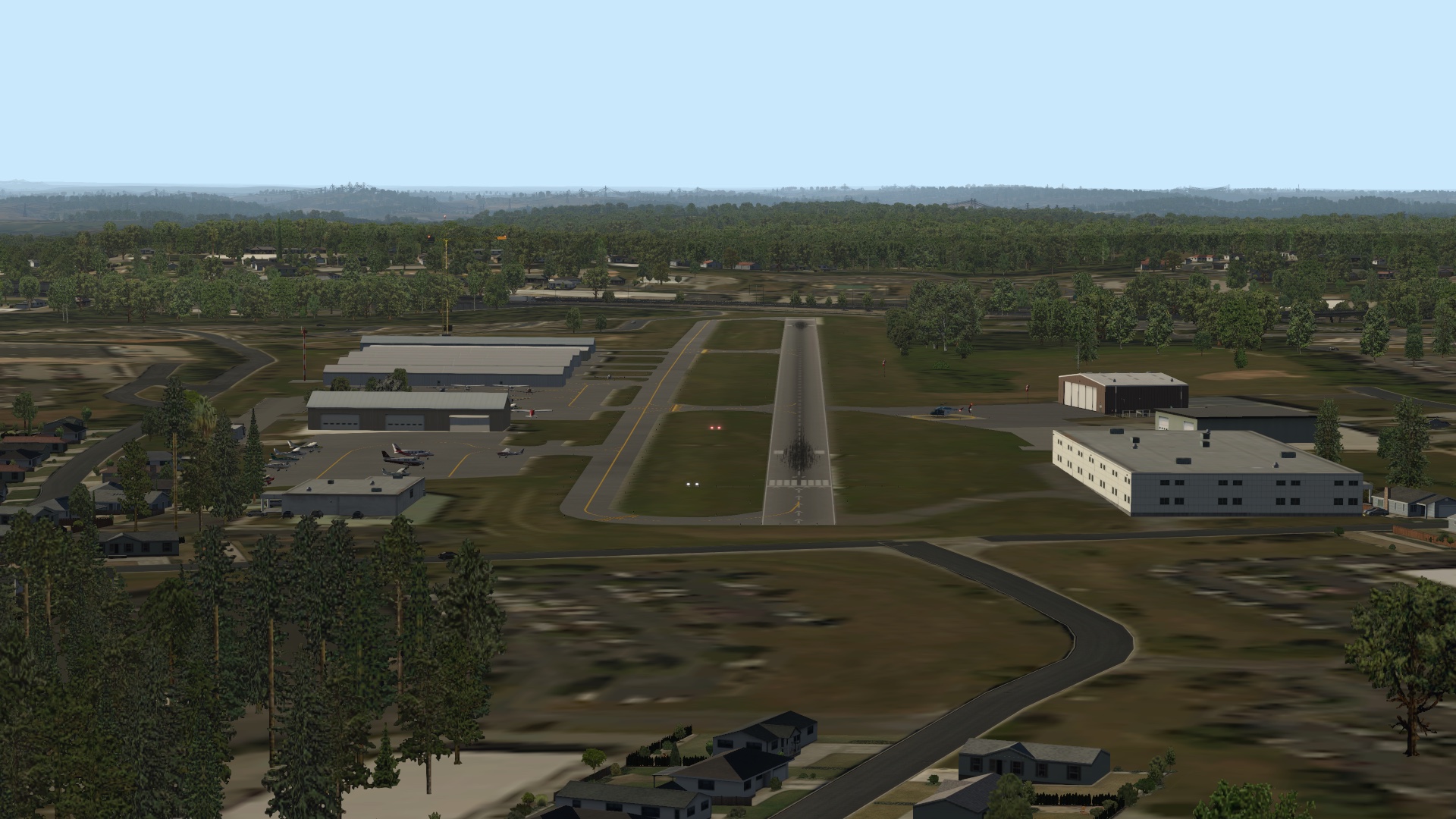
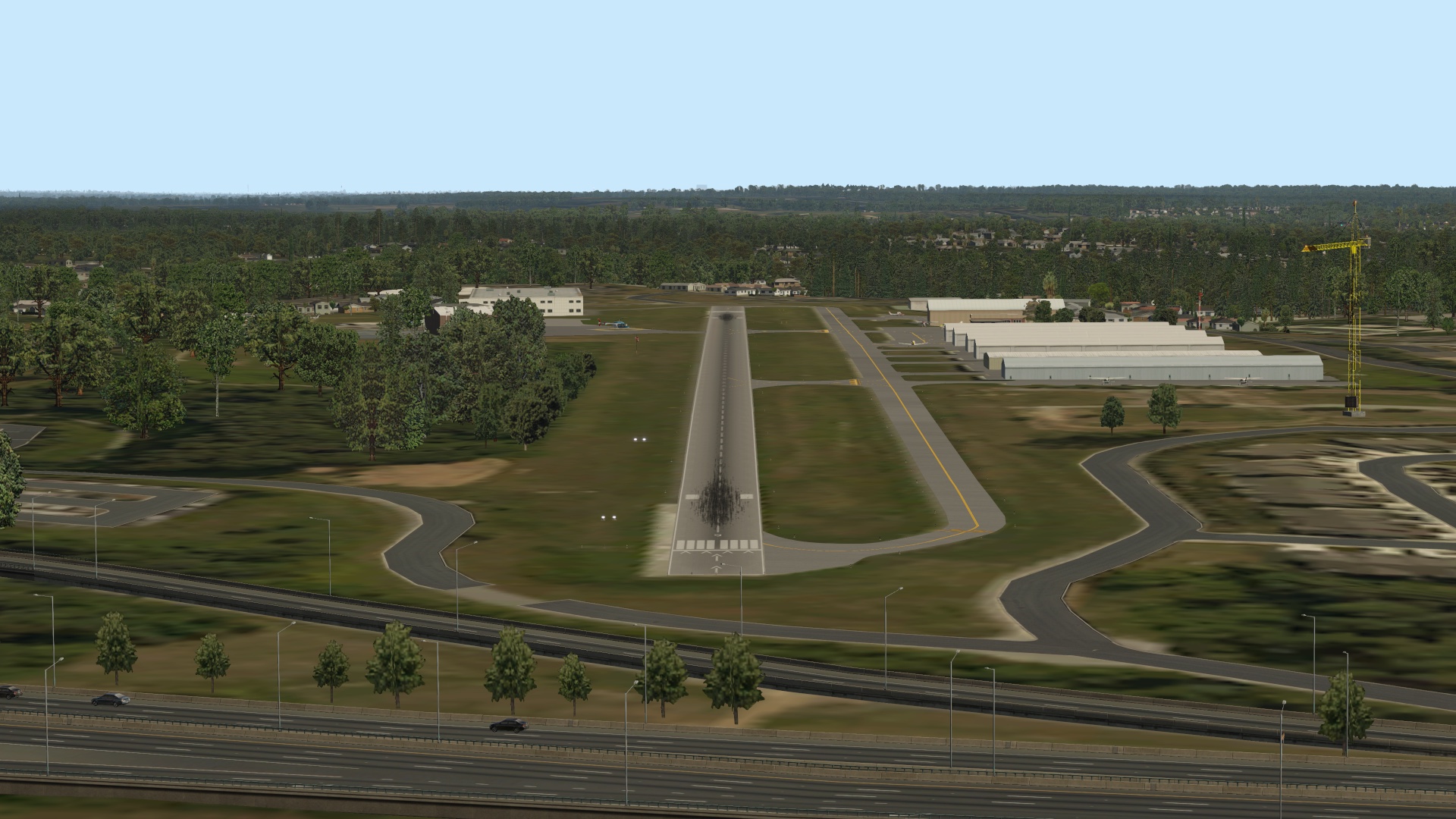
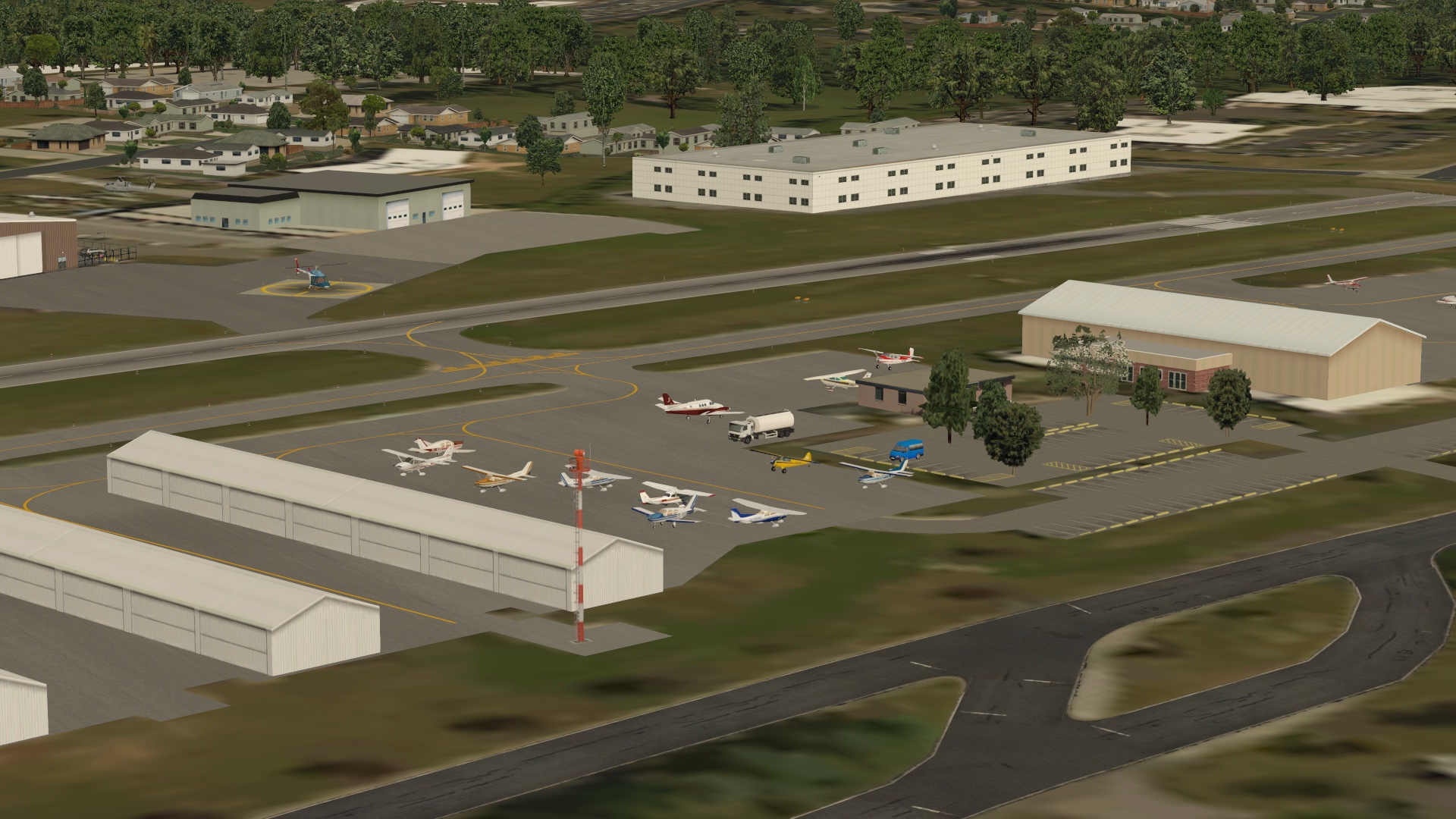
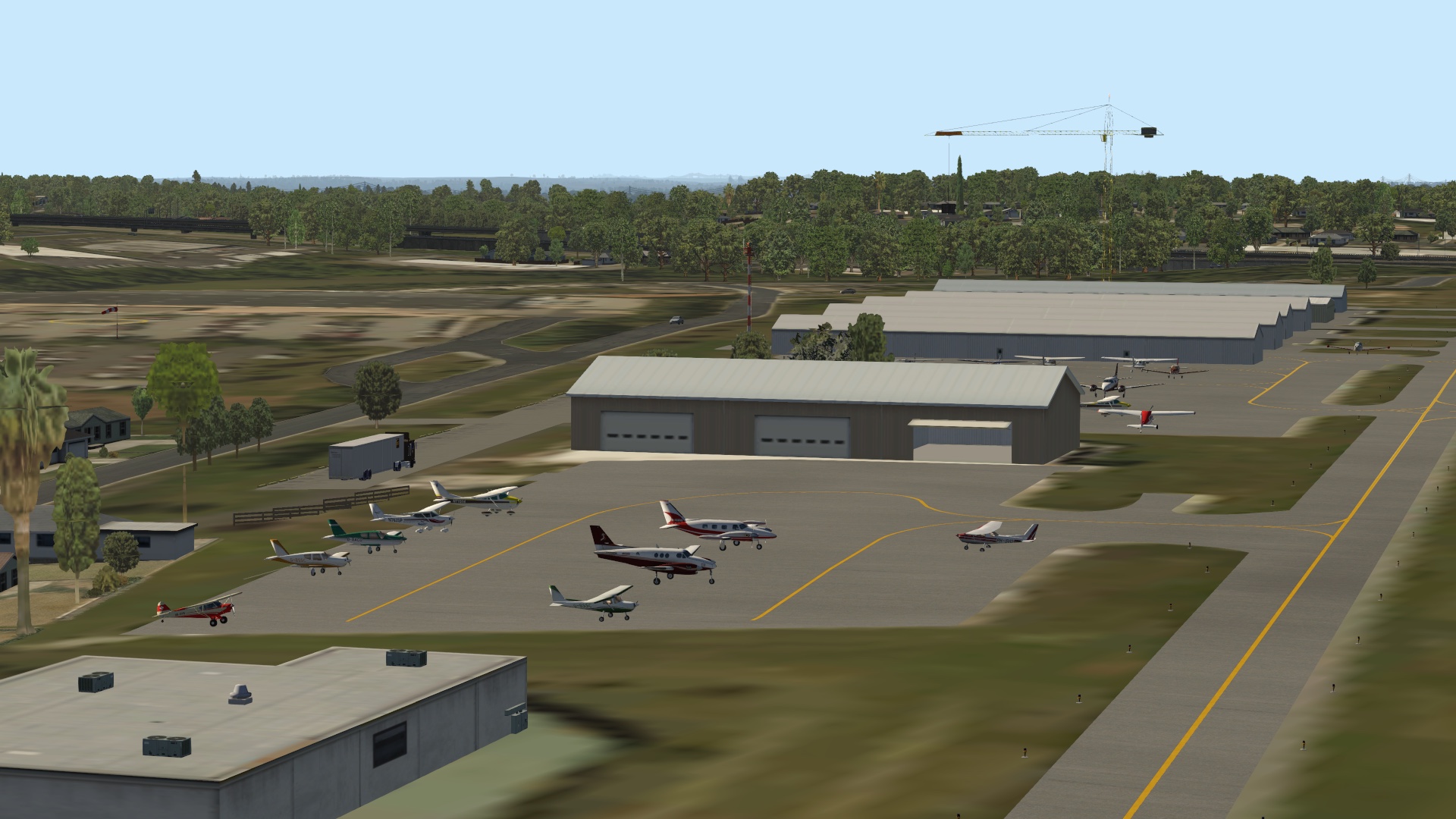
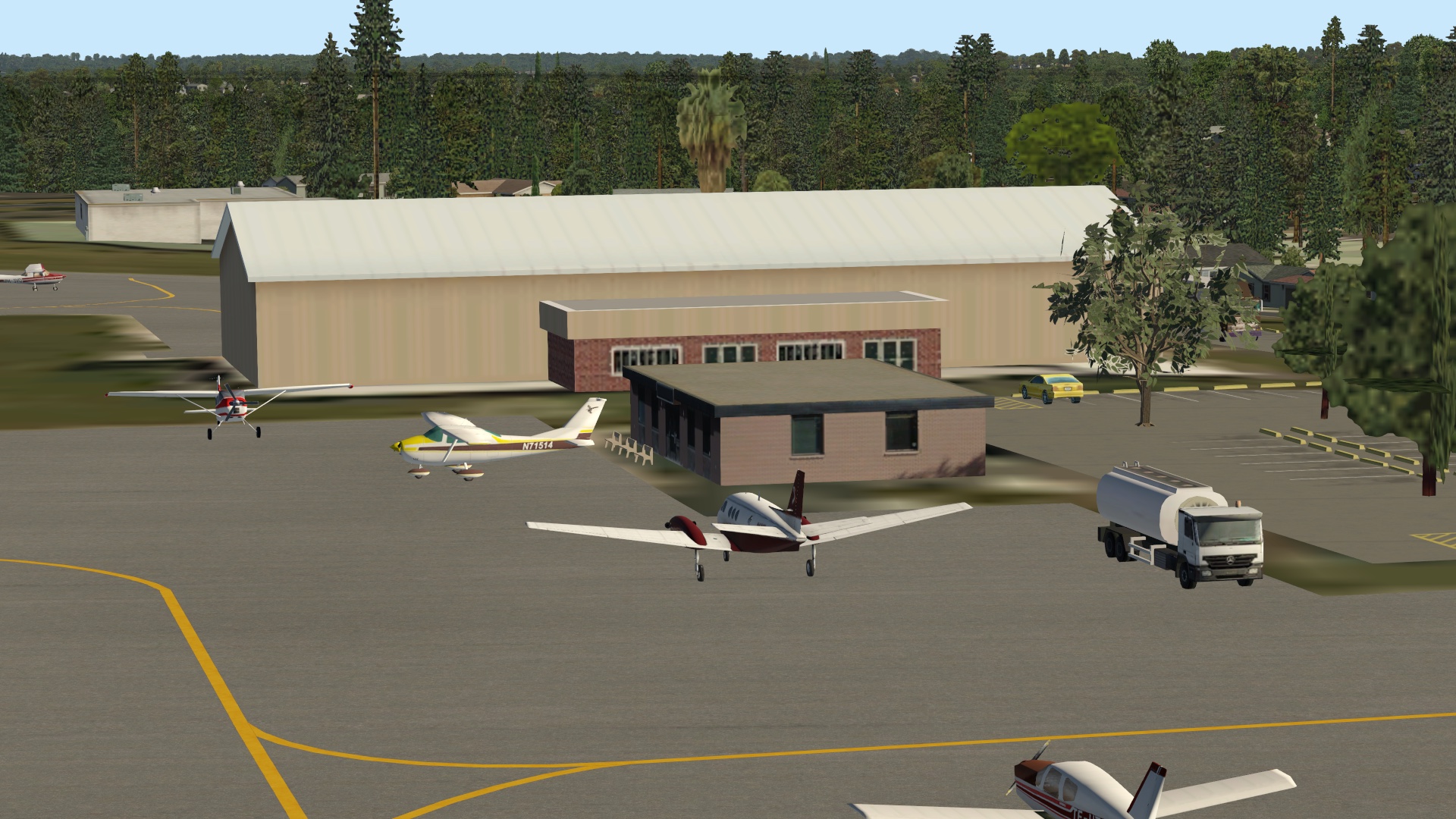
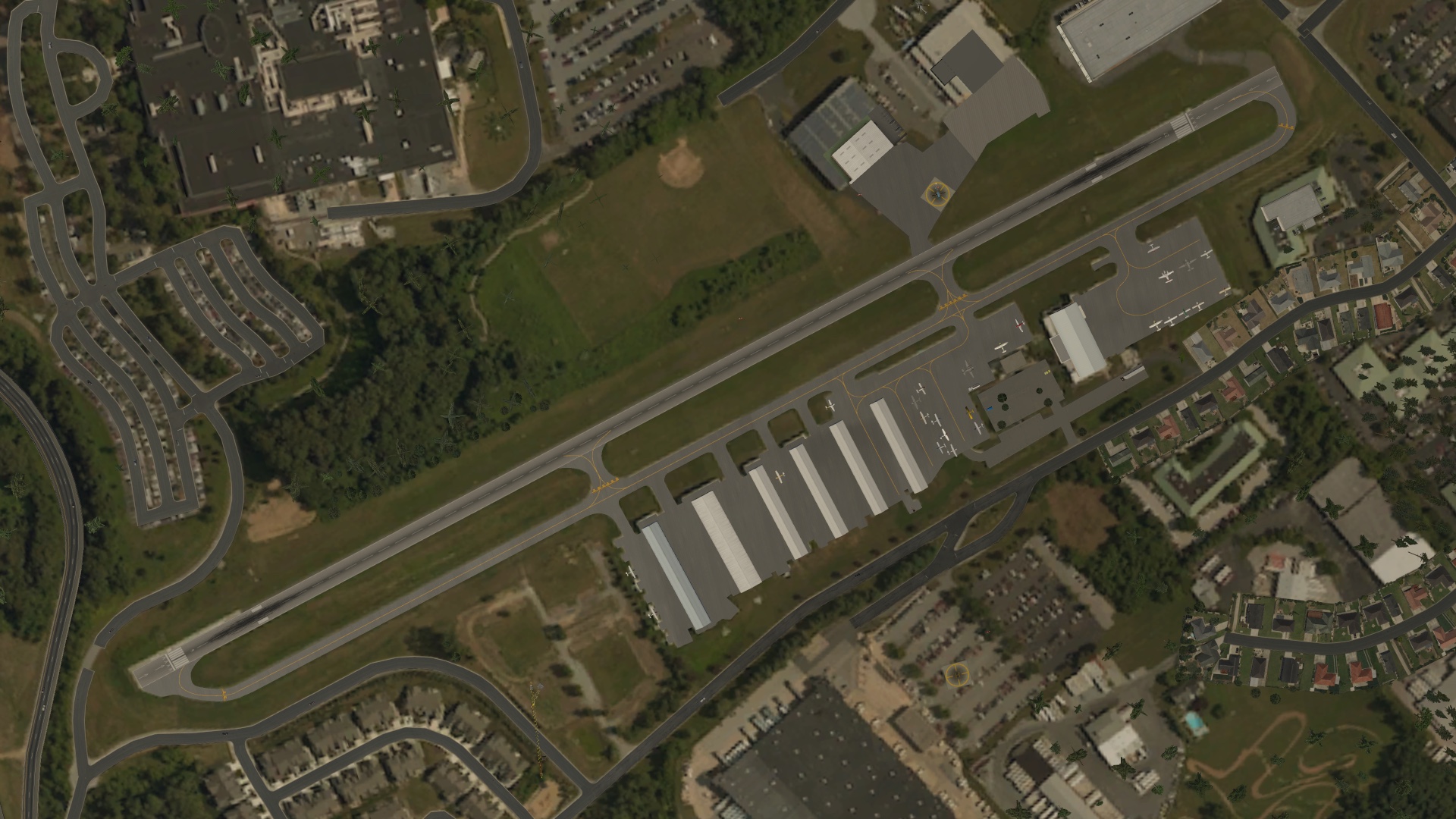
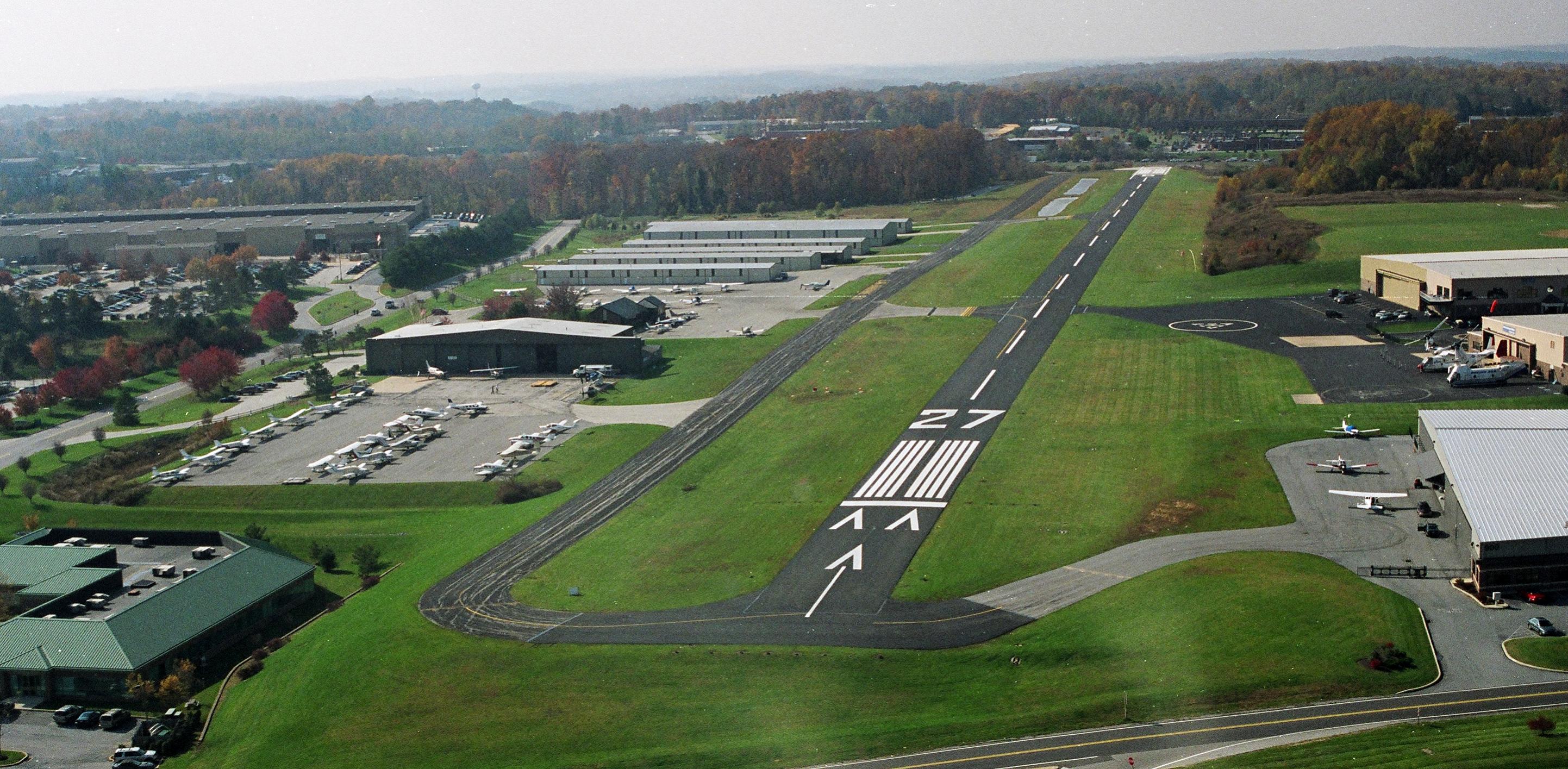
    I’ve been playing around with the X-Plane world scenery editor and decided to make custom scenery for my home field, KOQN Brandywine. The default KOQN is just a strip with taxiways, and while the prefab airport package made it better, I decided to make my own as a learning experience.

    I’ve created a page for the scenery here, and anyone is welcome to download and use it. I’ve also added a new menu item to the main navigation menu for it as future scenery packages I might make. And here are some snaps of the real thing and my interpretation.

    n99_11_2006FS

    KOQN 5

    KOQN 3

    KOQN 2

    KOQN 6

    KOQN 7

    KOQN 1


    Share this:

    • Share on X (Opens in new window) X
    • Share on Facebook (Opens in new window) Facebook
    • Email a link to a friend (Opens in new window) Email
    • Print (Opens in new window) Print
  • Westward Ho! The PilotEdge Western Expansion (And Beta Test Flight Video)

    2016-12-26

    |

    PilotEdge, Videos

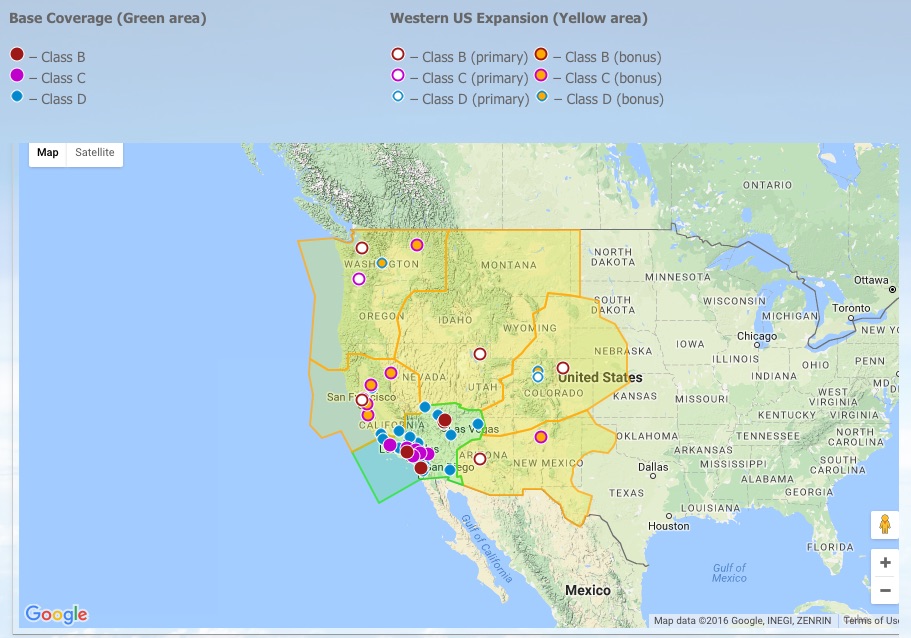
    The PilotEdge Western Expansion goes LIVE tomorrow, December 27th. It’s going to be a fantastic addition to the service, with a remarkable expansion of the network’s the controlled airspace:

    Operating_Hours_and_Service_Area_-_PilotEdge_net

    I was fortunate to participate in the beta test of the expansion last week, and here’s a video I made of the flight. It’s a long one: KSLC to Heber to Price To Moab. This is the longest video I’ve uploaded to date, but I wanted to capture the entire flight (with some edits) and the ATC handoffs along the way. Thanks for watching, and if you cater to real-world ATC, PilotEdge is as real as it gets.

    Share this:

    • Share on X (Opens in new window) X
    • Share on Facebook (Opens in new window) Facebook
    • Email a link to a friend (Opens in new window) Email
    • Print (Opens in new window) Print
  • Fun Is …

    2016-12-26

    |

    Uncategorized

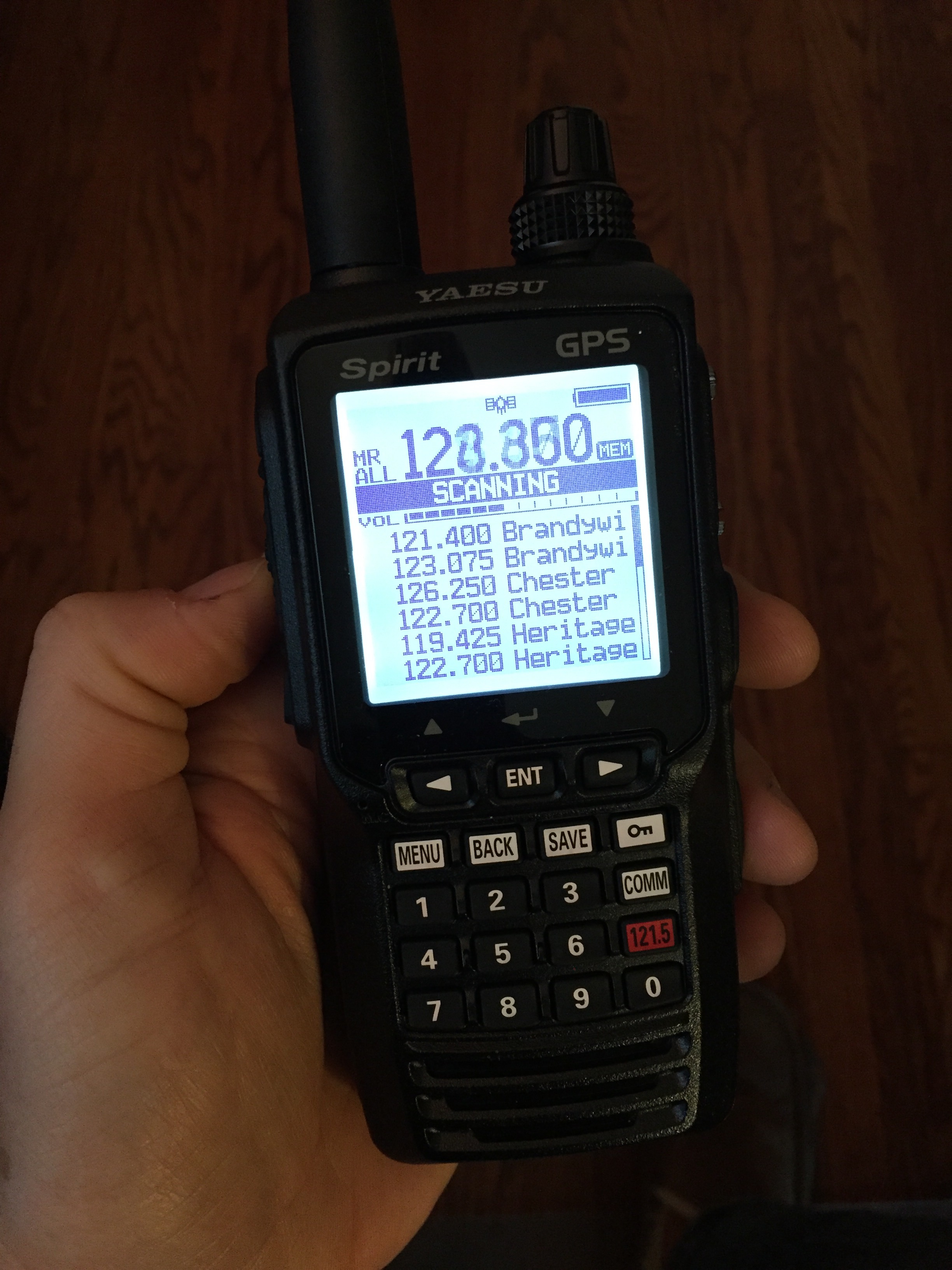
    Listening to Philly Approcah and NY Center on your new handheld air band VHF transceiver, which Basement Fly Wife was nice enough to give me for Christmas. This will be my backup for my solo work in the real airplane, but while at home it’s sitting on my desk scanning the local frequencies. (Just don’t hit the PTT button, ’cause this baby broadcasts as well.)

    Share this:

    • Share on X (Opens in new window) X
    • Share on Facebook (Opens in new window) Facebook
    • Email a link to a friend (Opens in new window) Email
    • Print (Opens in new window) Print
  • Center Pedestal Console Plans (An Early Holiday Gift For You)

    2016-12-23

    |

    Construction, Resources

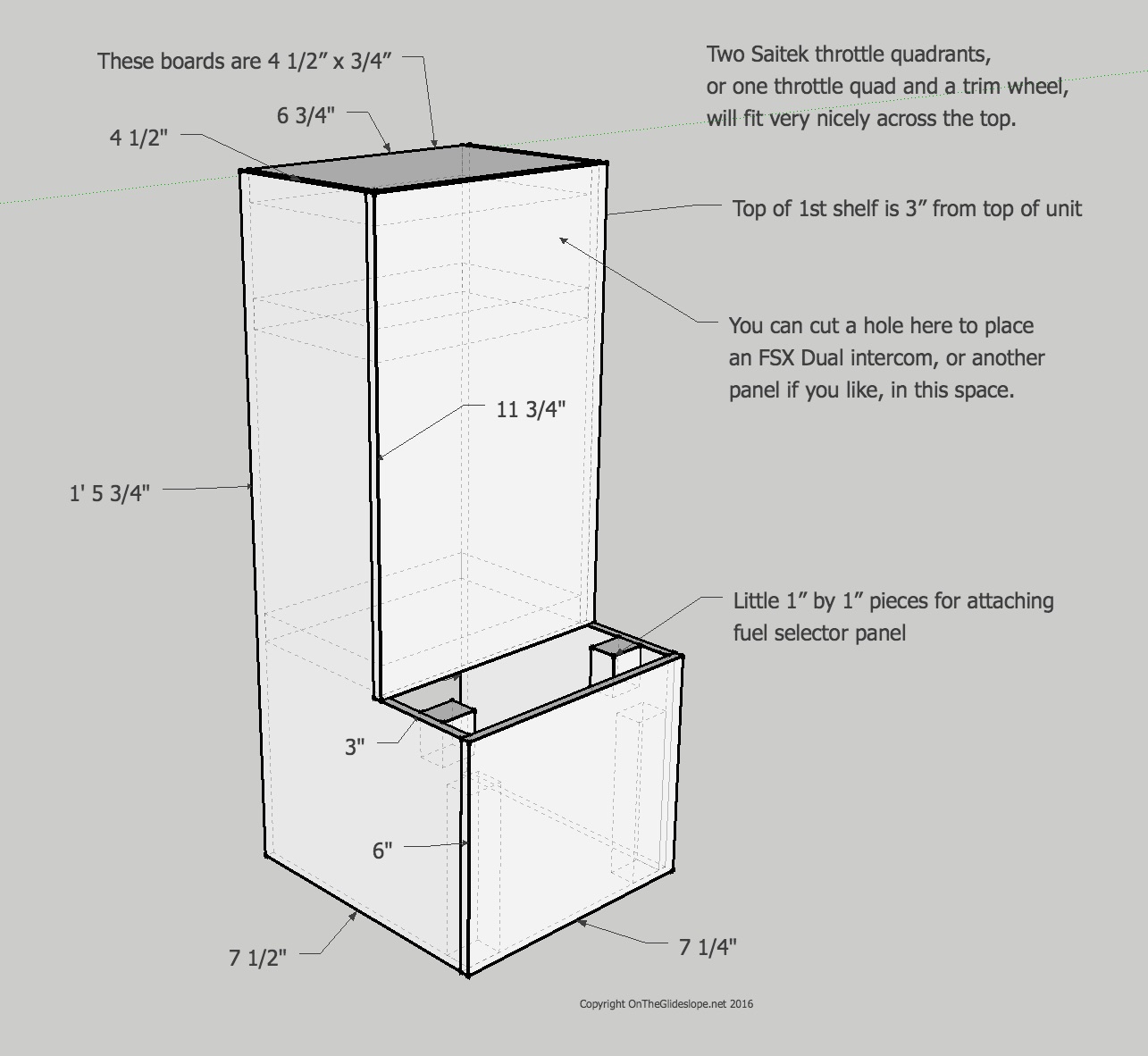
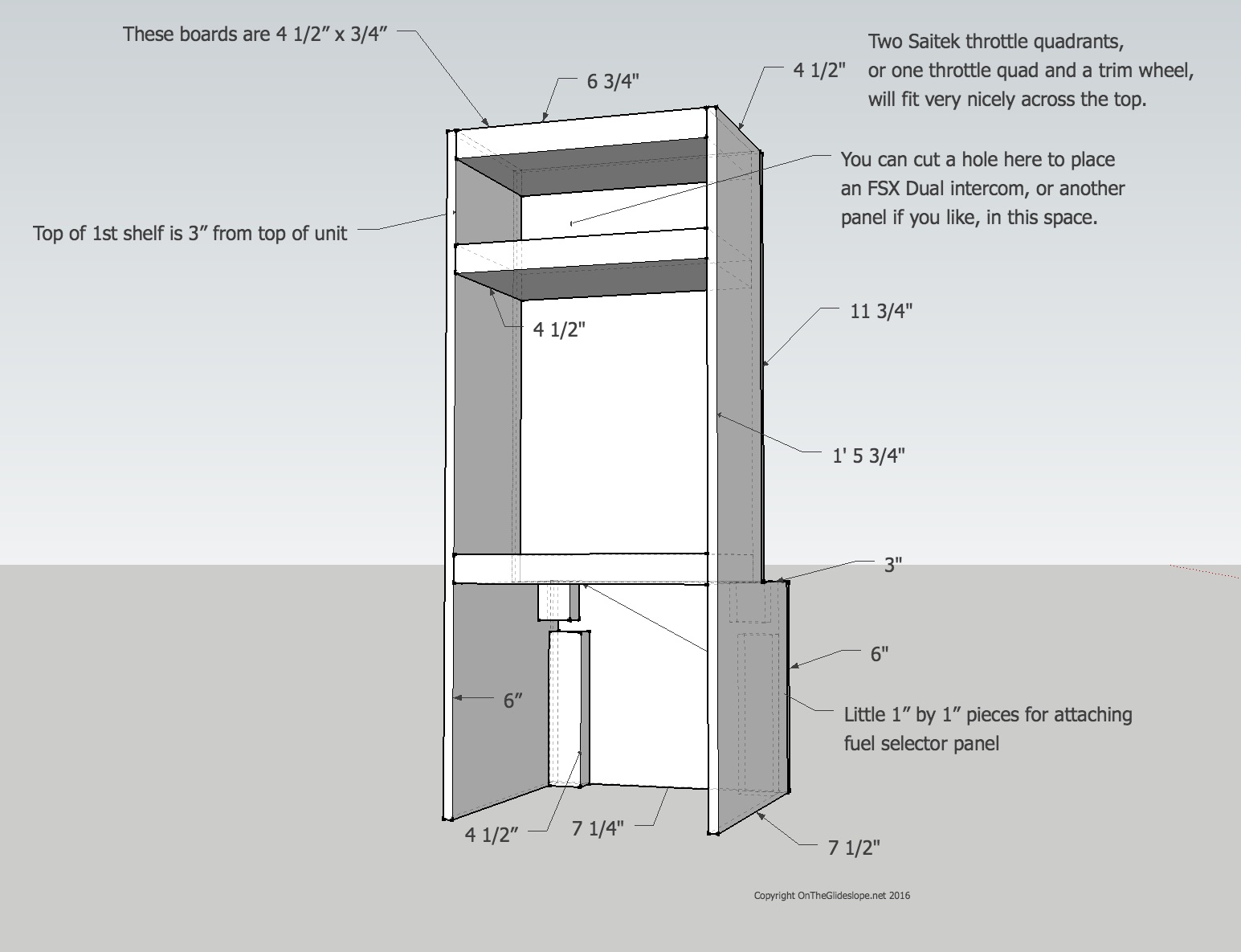
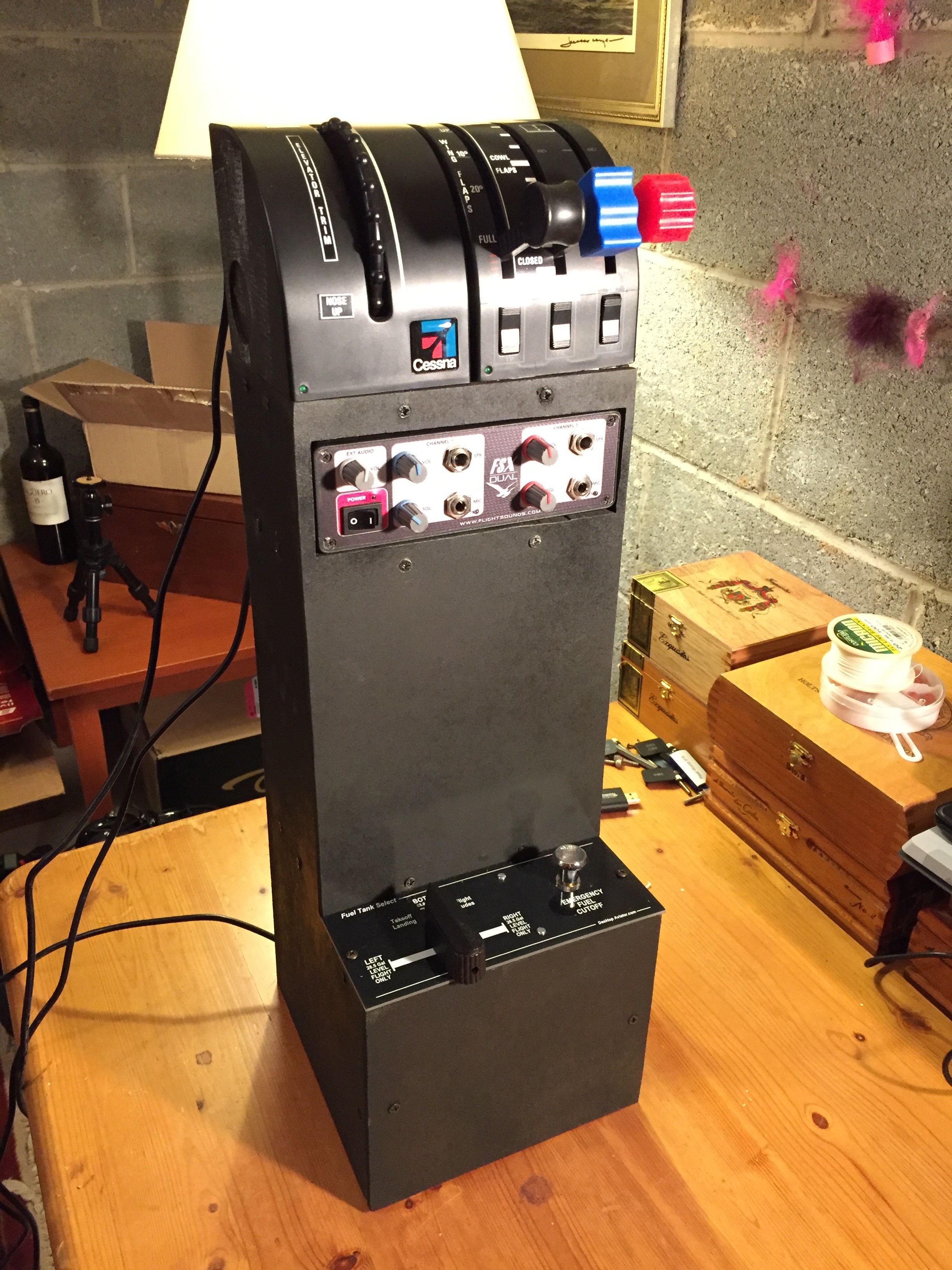
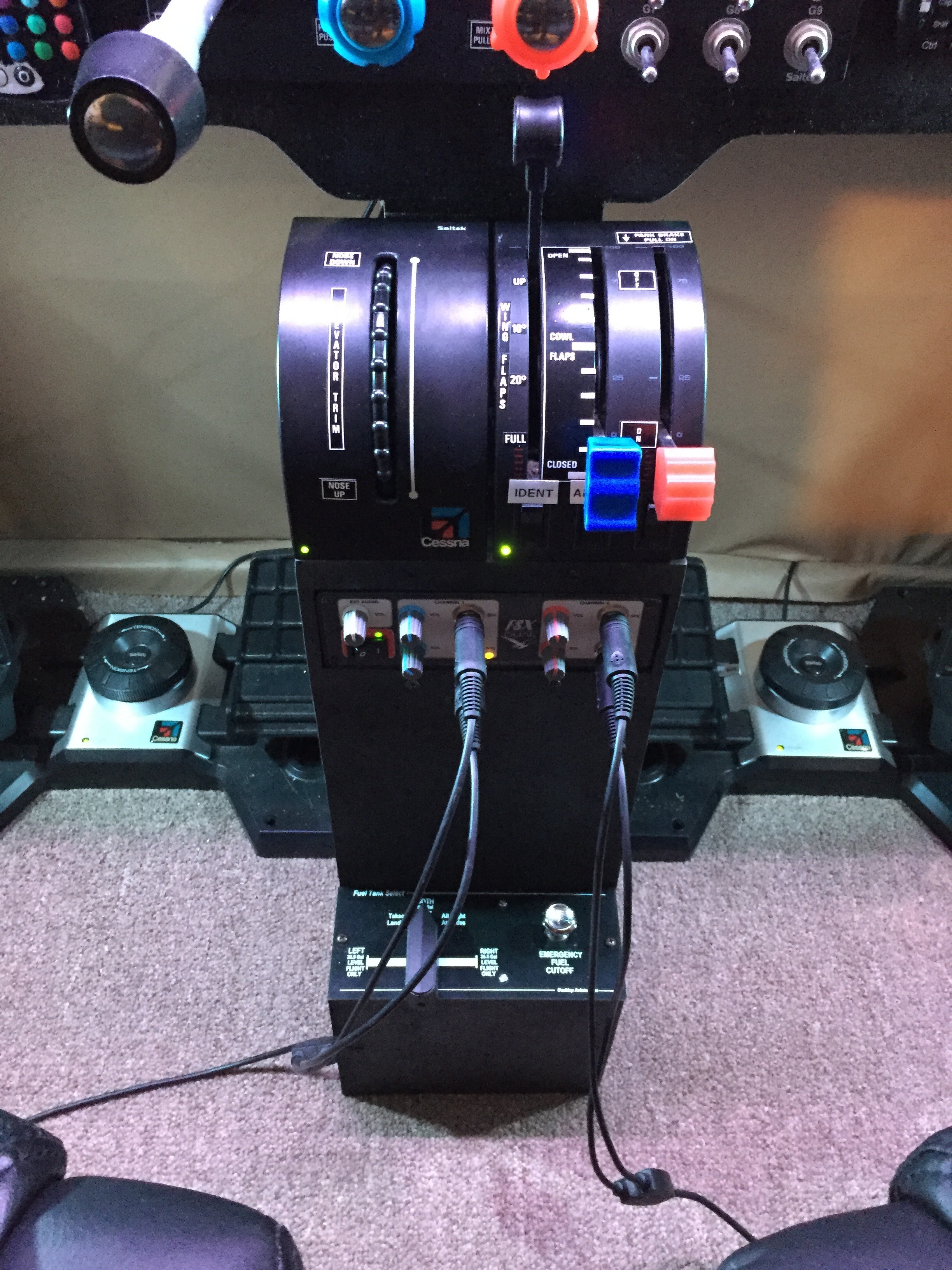
    Yesterday I was able to build the center pedestal console I’ve been wanting to build for some time, and I thought that today it would be nice to share my plans here as a holiday gift to the cockpit builders who frequent the site, and as a thank you for their readership. So here they are (and this is a preview of what will be in the guide I’m writing). Happy holidays!

    Basement_Sim_Schematics_-_SketchUp_Make_2016

    Basement_Sim_Schematics_-_SketchUp_Make_2016 4

    img_5661

    Photo Dec 22, 5 23 32 PM

    Photo Dec 22, 5 50 48 PM

    Share this:

    • Share on X (Opens in new window) X
    • Share on Facebook (Opens in new window) Facebook
    • Email a link to a friend (Opens in new window) Email
    • Print (Opens in new window) Print
  • Holy Cow

    2016-12-22

    |

    Other Great Home Cockpits

    Look at THIS sim.

    Share this:

    • Share on X (Opens in new window) X
    • Share on Facebook (Opens in new window) Facebook
    • Email a link to a friend (Opens in new window) Email
    • Print (Opens in new window) Print
  • Finished!

    2016-12-22

    |

    Construction

    Share this:

    • Share on X (Opens in new window) X
    • Share on Facebook (Opens in new window) Facebook
    • Email a link to a friend (Opens in new window) Email
    • Print (Opens in new window) Print
  • Today’s Project 

    2016-12-22

    |

    Construction

    Center console (with duck).

    Share this:

    • Share on X (Opens in new window) X
    • Share on Facebook (Opens in new window) Facebook
    • Email a link to a friend (Opens in new window) Email
    • Print (Opens in new window) Print
  • The New Panel (And A General Update)

    2016-12-22

    |

    Construction

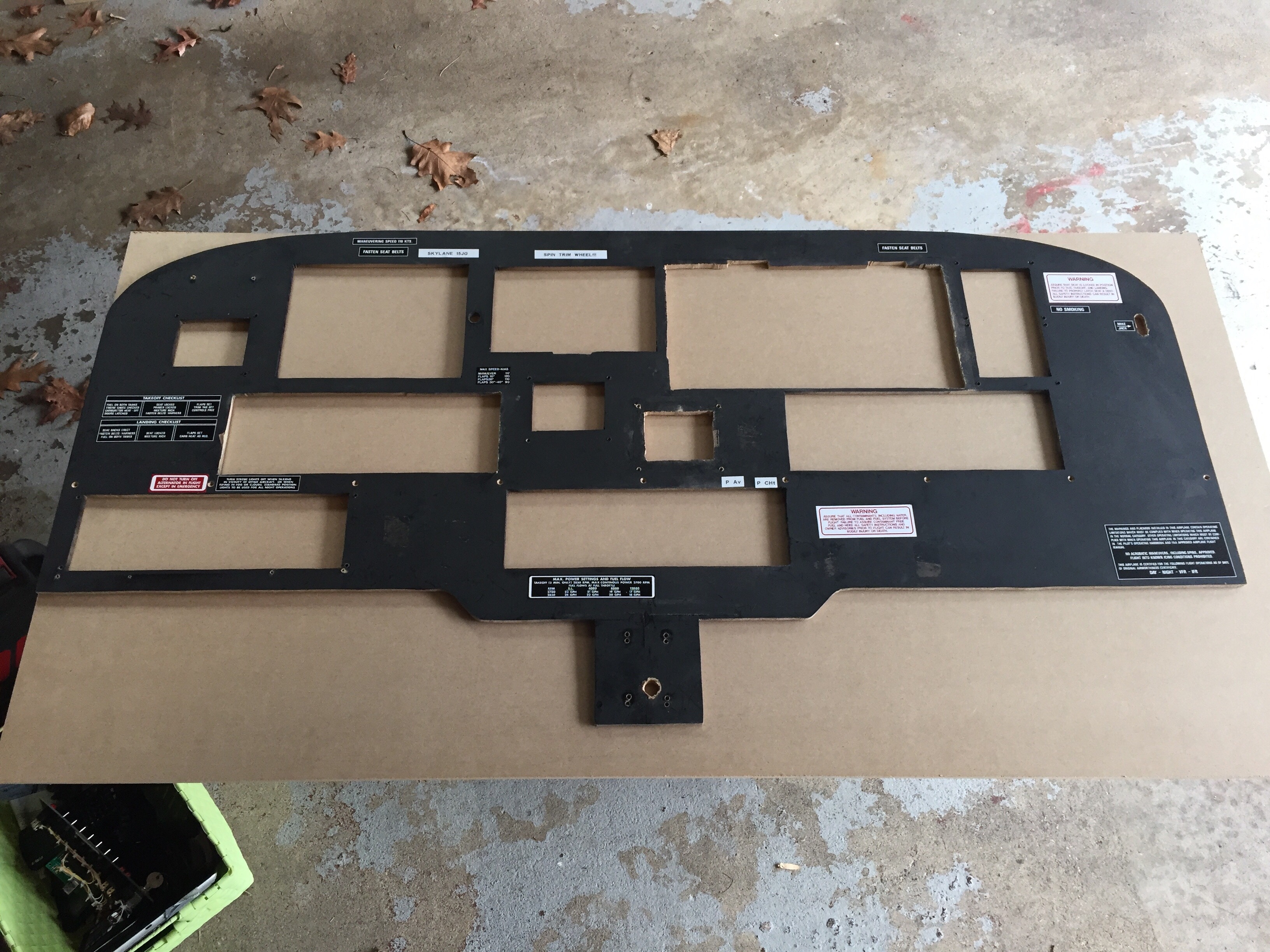
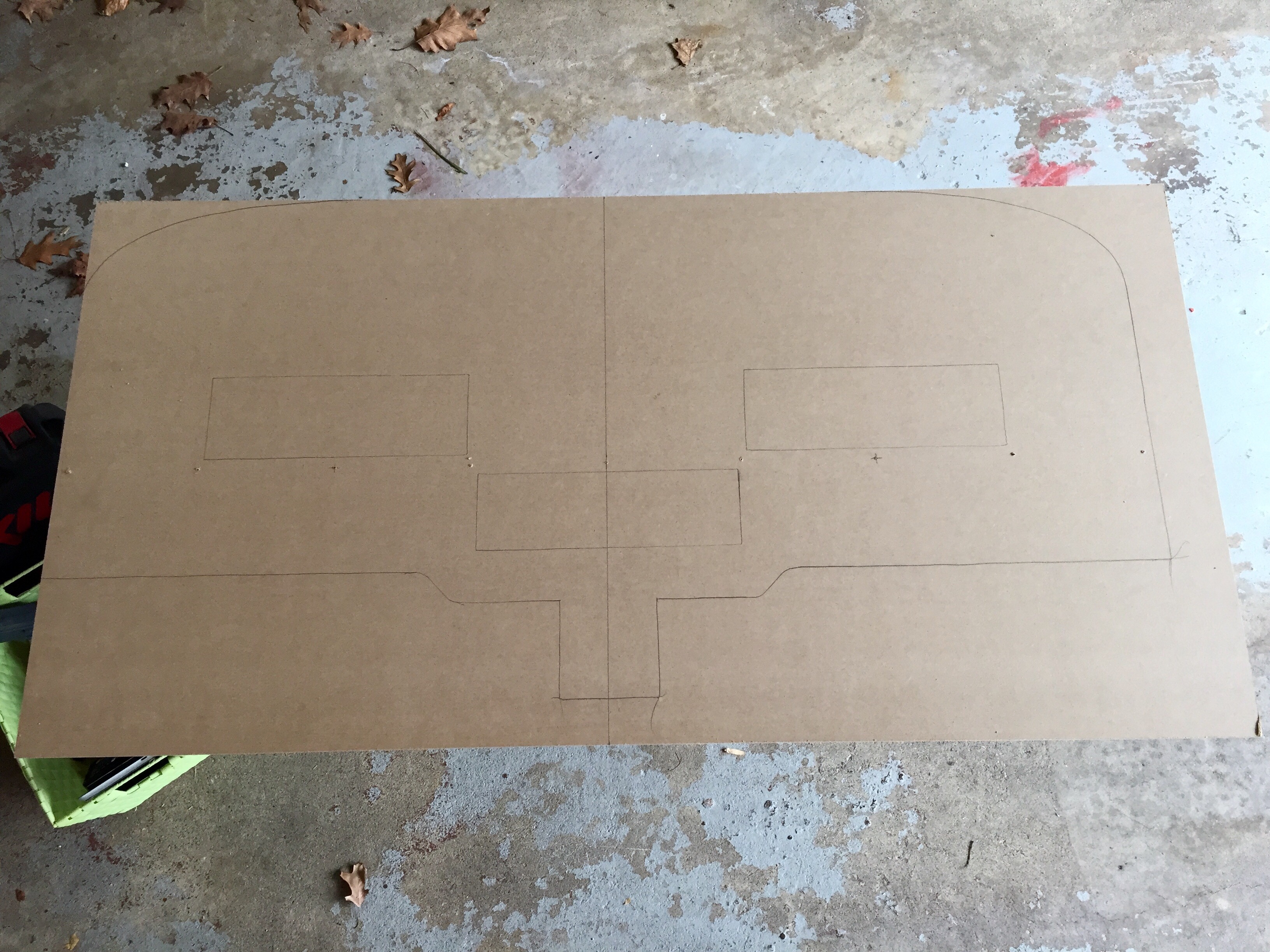
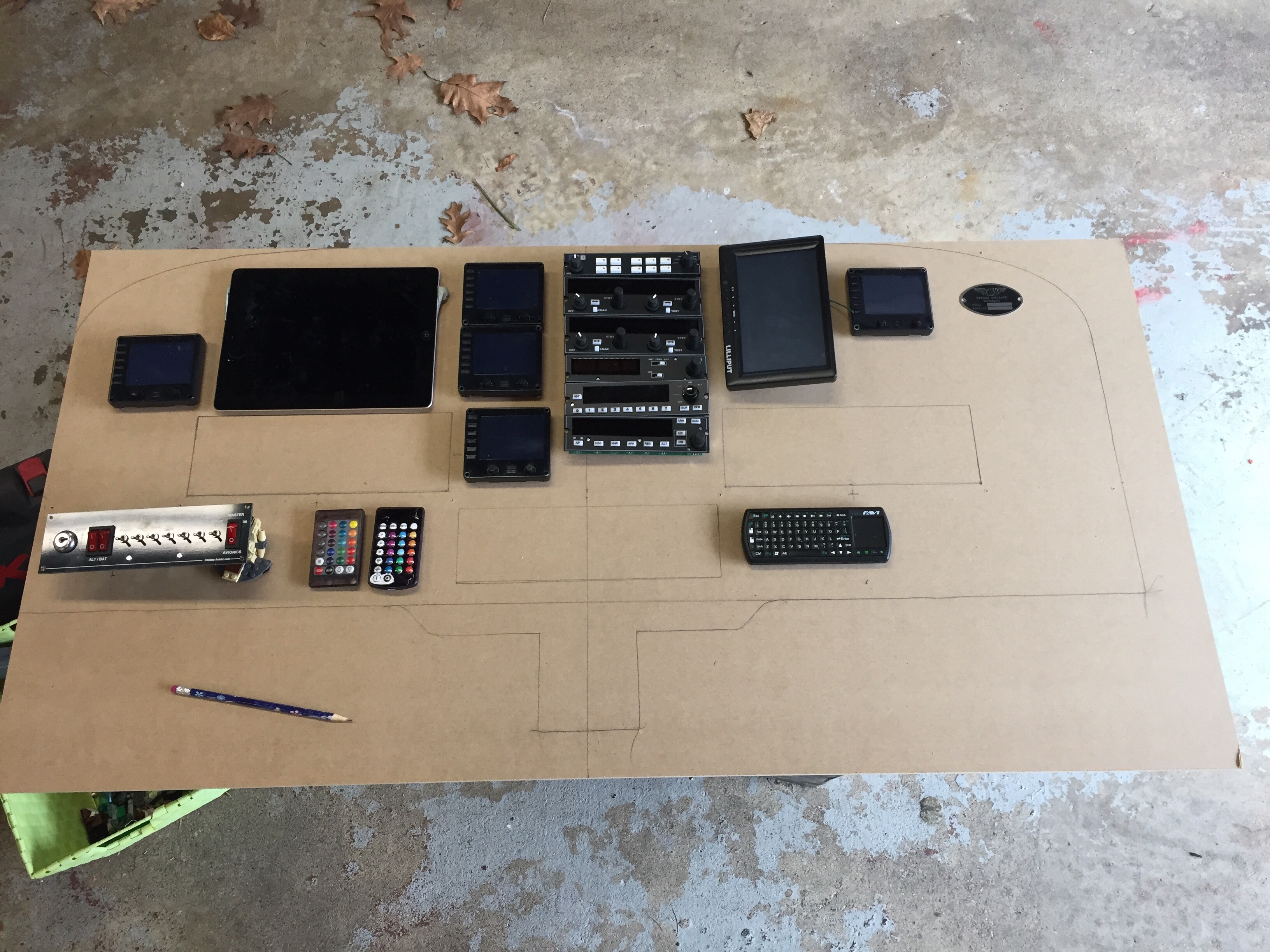
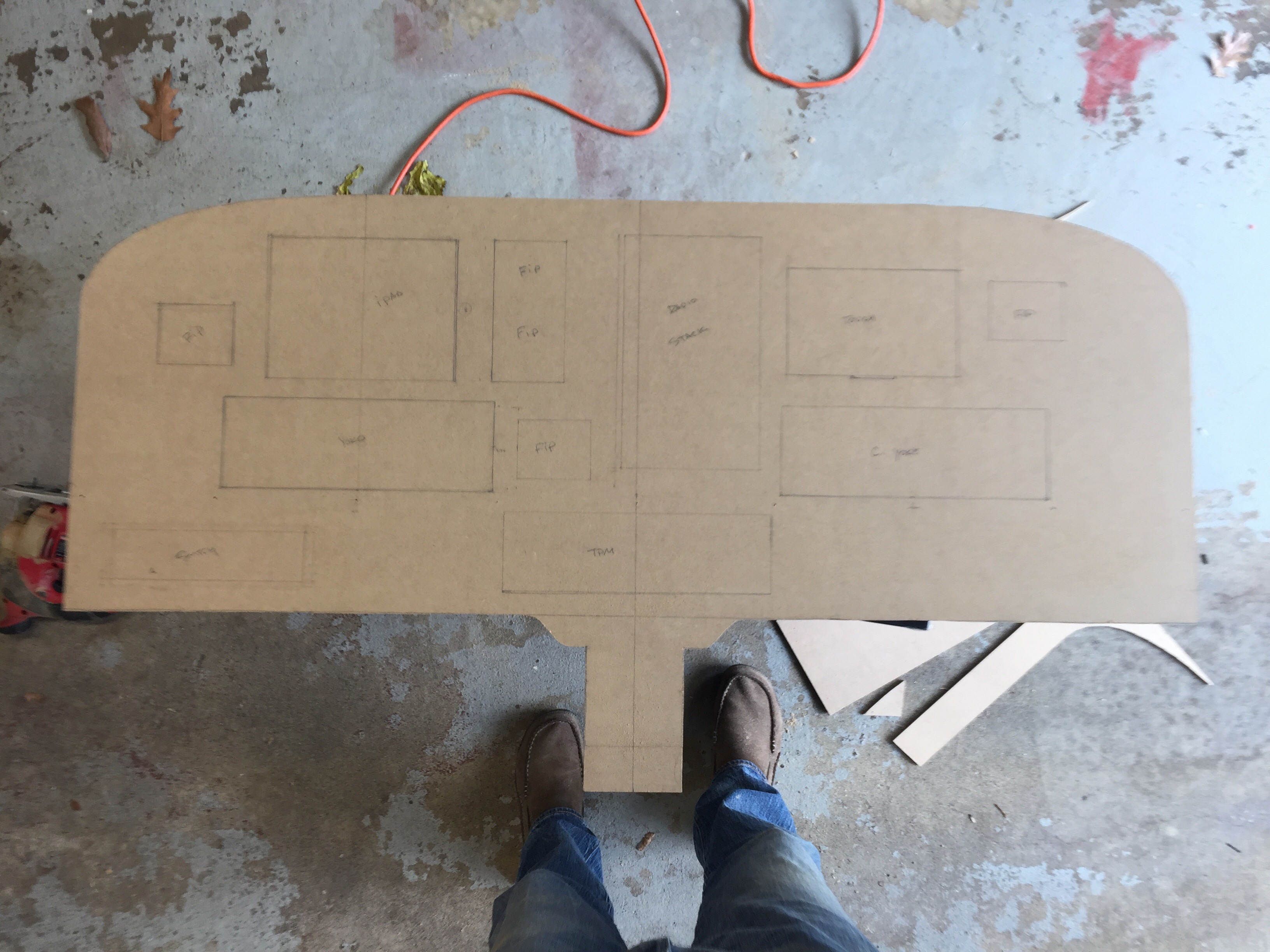
    The new panel is done, at least for the most part. The placard stickers didn’t make it from the old one (the were tearing when I tried to remove them), but other than that it’s up and running, and there’s a short video below.

    In other news the list of sim projects I have underway seems to keep growing, and right now the to-do list of work underway includes:

    • Figuring out the final on / off switch config for the new radios (so they light up when I flip the avionics switch on the panel).
    • Designing my first home-built airport for X-Plane (KOQN, my home patch).
    • Building a center console for the sim that will hold the trim wheel, throttle quadrant, intercom, fuel switch (and perhaps a couple of cup holders) – and I hope to do this today.
    • Lots and lots of “How To Simulate” flights and viewer request flights.

    And of course, I’m still working on the still-lengthening guild to building a GA home cockpit. Yesterday was good for this, as it gave me fresh recall on a bunch of panel-related items, and gave me the chance to snap some photos that will help illustrate things in the book.

    So it’s good the holiday season is here with some time off!

    Share this:

    • Share on X (Opens in new window) X
    • Share on Facebook (Opens in new window) Facebook
    • Email a link to a friend (Opens in new window) Email
    • Print (Opens in new window) Print
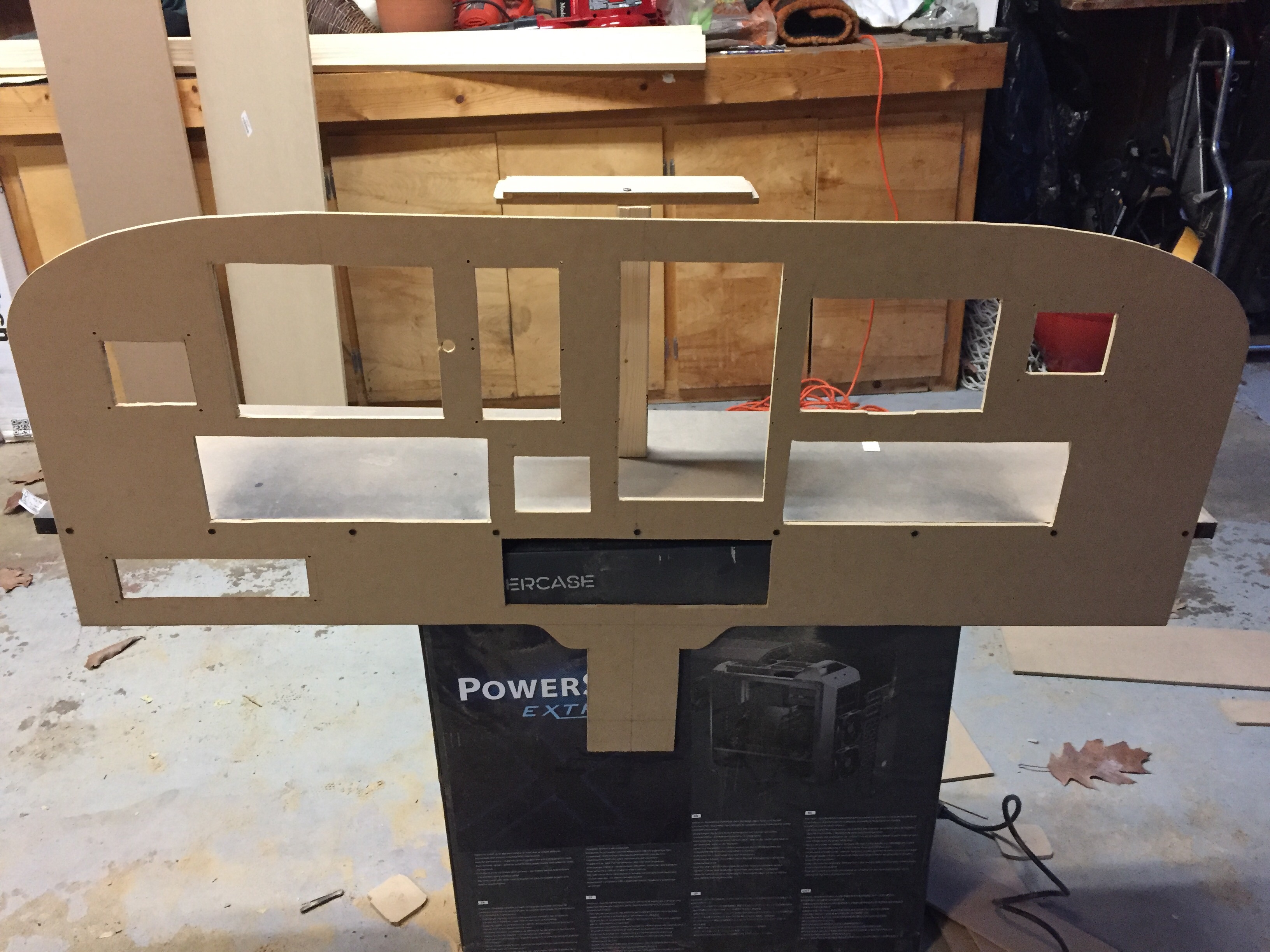
  • The Paint Is Drying

    2016-12-21

    |

    Construction

    Everything seems to fit. Next step is mounting the instruments and starting the re-wire.

    Share this:

    • Share on X (Opens in new window) X
    • Share on Facebook (Opens in new window) Facebook
    • Email a link to a friend (Opens in new window) Email
    • Print (Opens in new window) Print
Previous Page
1 … 32 33 34 35 36 … 59
Next Page

On The Glideslope

  • Instagram
  • Facebook
  • X

Loading Comments...

You must be logged in to post a comment.