On The Glideslope

  • How To
    • How I Configure For VR In X-Plane
    • How To Have Dual Controls In X-Plane
    • How To Configure X-Plane 11 For Multiple Screens
    • How To Create Custom Cameras In P3D
    • How To Get Started With X-Plane 11
  • Resources
    • Schematics
    • Center Console Plans
    • Basement Sim Video Tour
    • Screen Configurations
    • A2A LVAR List PDFs
    • How To Talk ATC
    • Cessna 172 Cabin Dimensions
    • USB u0026 Saitek
  • Reviews
  • What’s In The Sim
  • About OTG
    • About OTG
    • The Construction Journey
  • Video: The Low Countries (Antwerp To Rotterdam)

    2016-11-12

    |

    Videos

    A viewer request flight for a few viewers who wanted to see the low countries. Here we fly from Antwerp to Rotterdam. A fun flight that I hope you like, and thanks for watching.

    Details:
    – ORBX EuropeLC, Vector
    – A2A Cessna 182
    – REX Textures and Airports HD

    Share this:

    • Share on X (Opens in new window) X
    • Share on Facebook (Opens in new window) Facebook
    • Email a link to a friend (Opens in new window) Email
    • Print (Opens in new window) Print
  • Oh, Baby!

    2016-11-11

    |

    Uncategorized

    Share this:

    • Share on X (Opens in new window) X
    • Share on Facebook (Opens in new window) Facebook
    • Email a link to a friend (Opens in new window) Email
    • Print (Opens in new window) Print
  • Reader Sim: Christian From Germany

    2016-11-11

    |

    Reader Sims

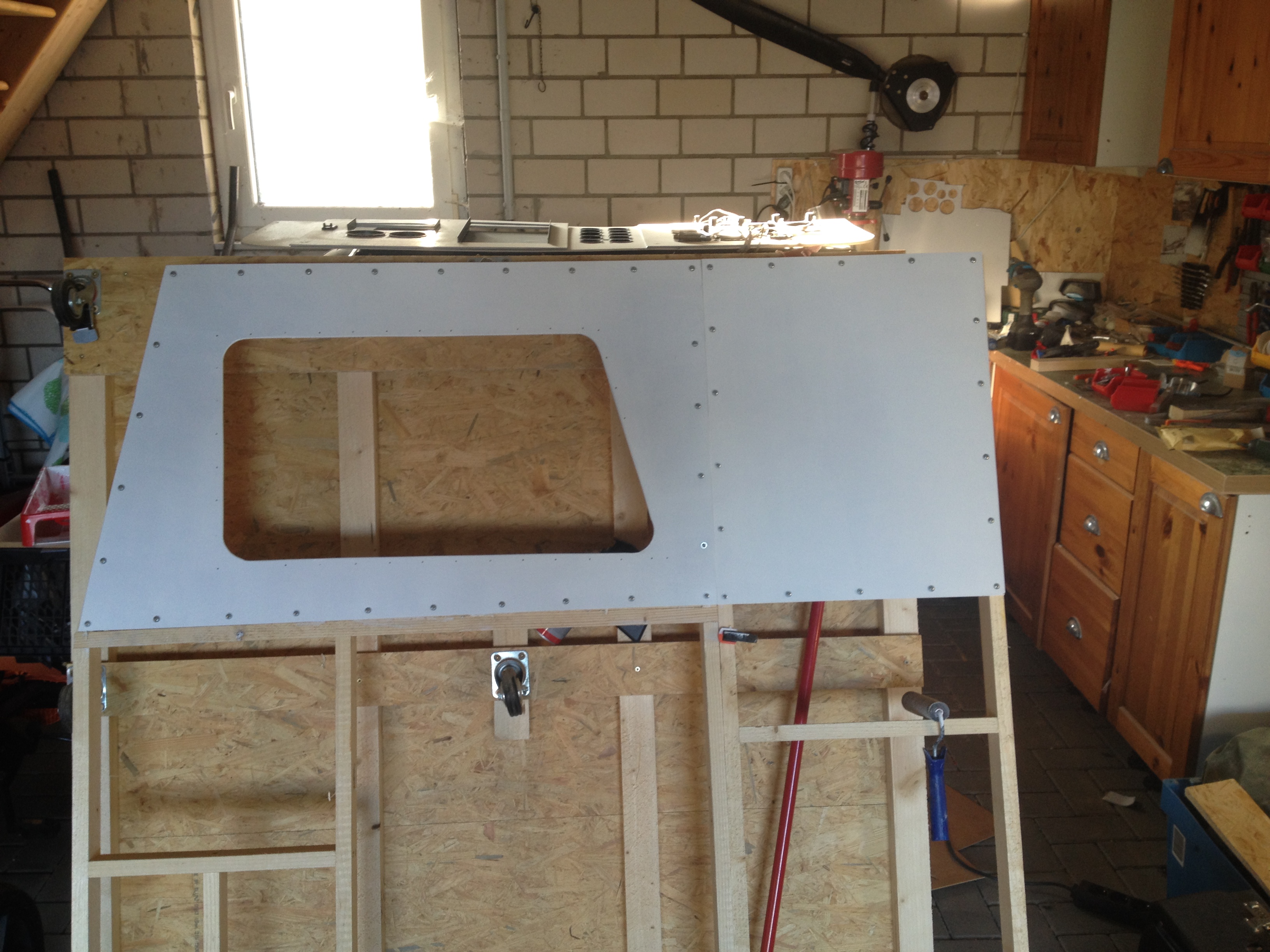
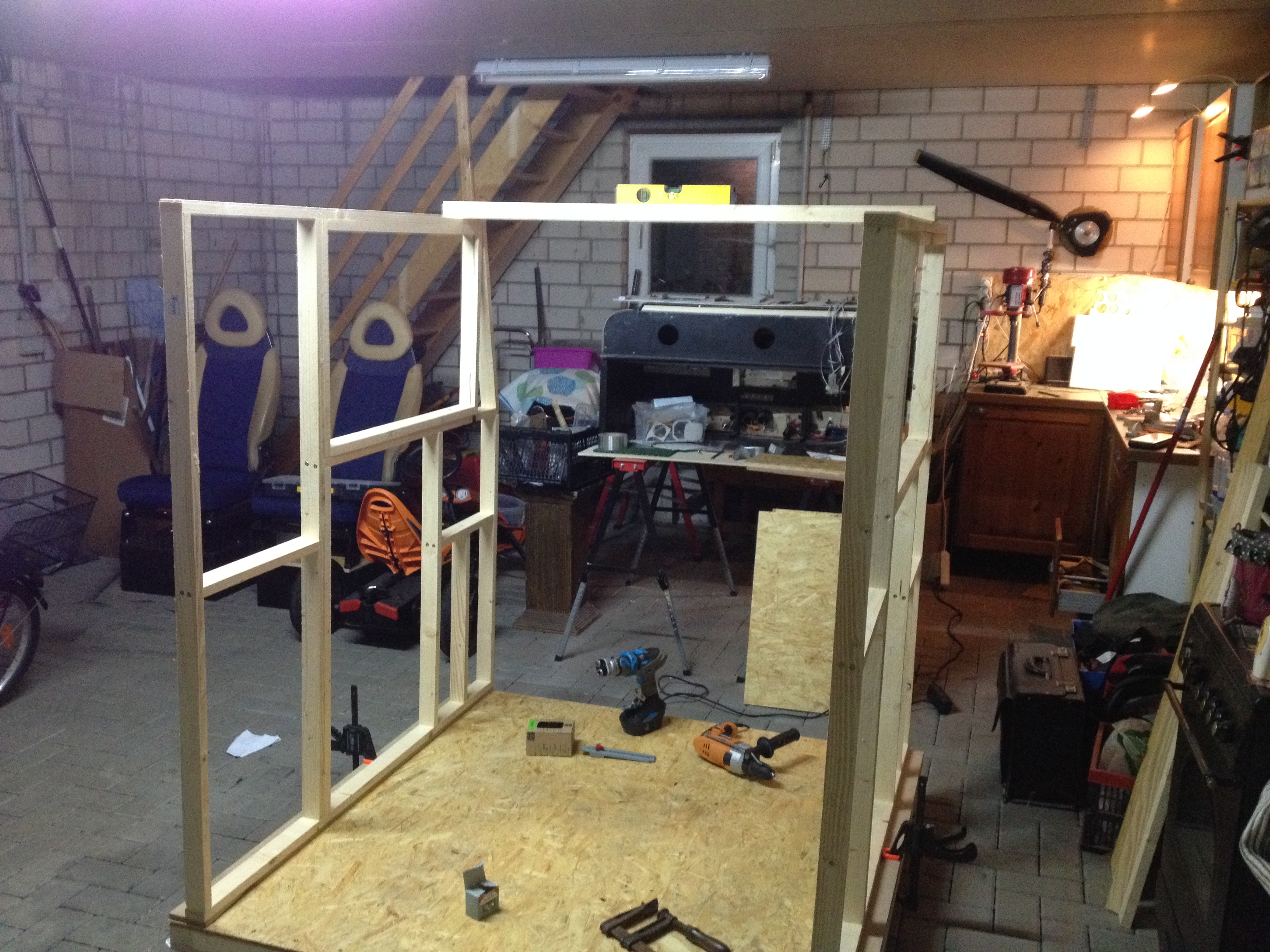
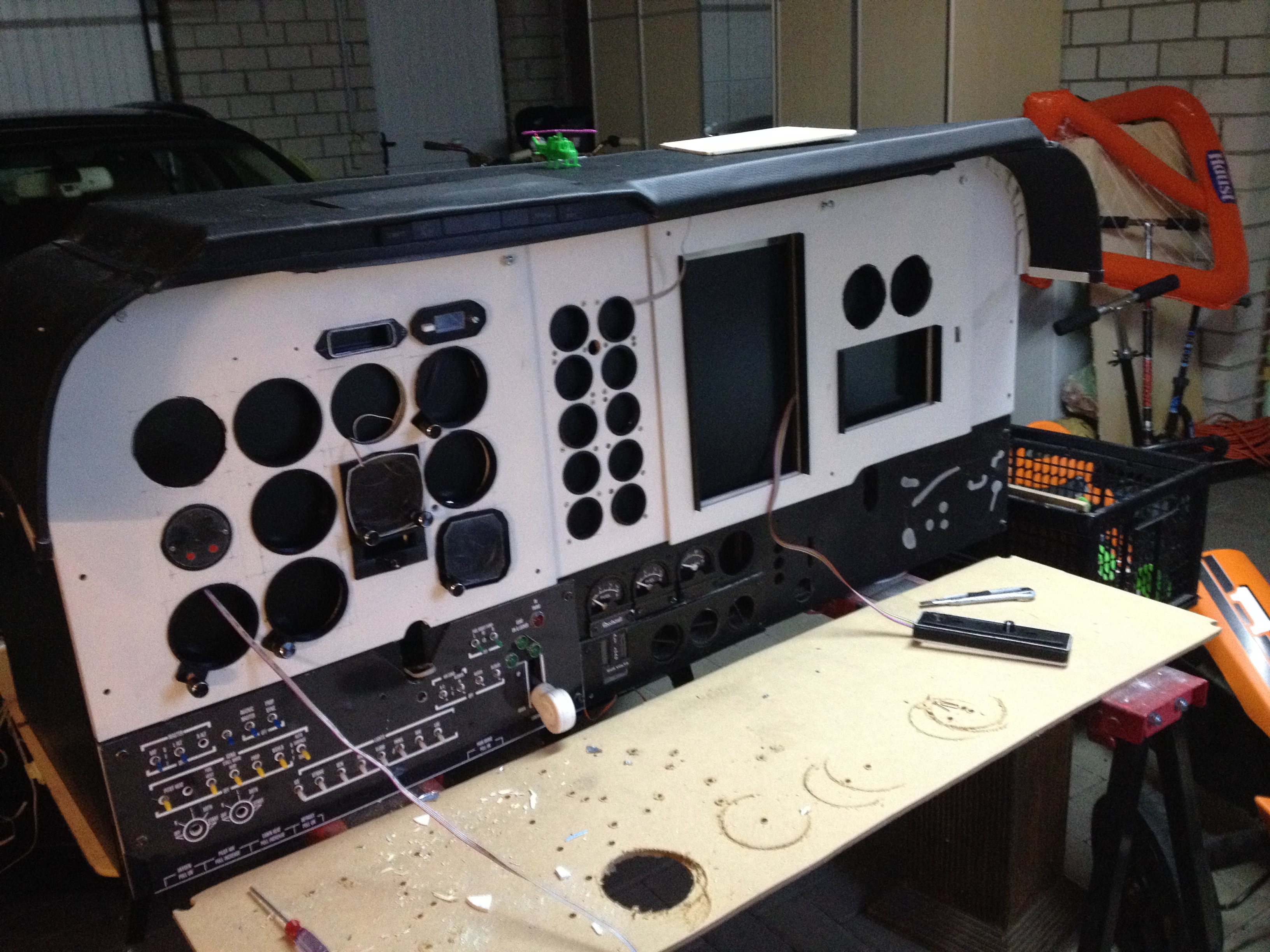
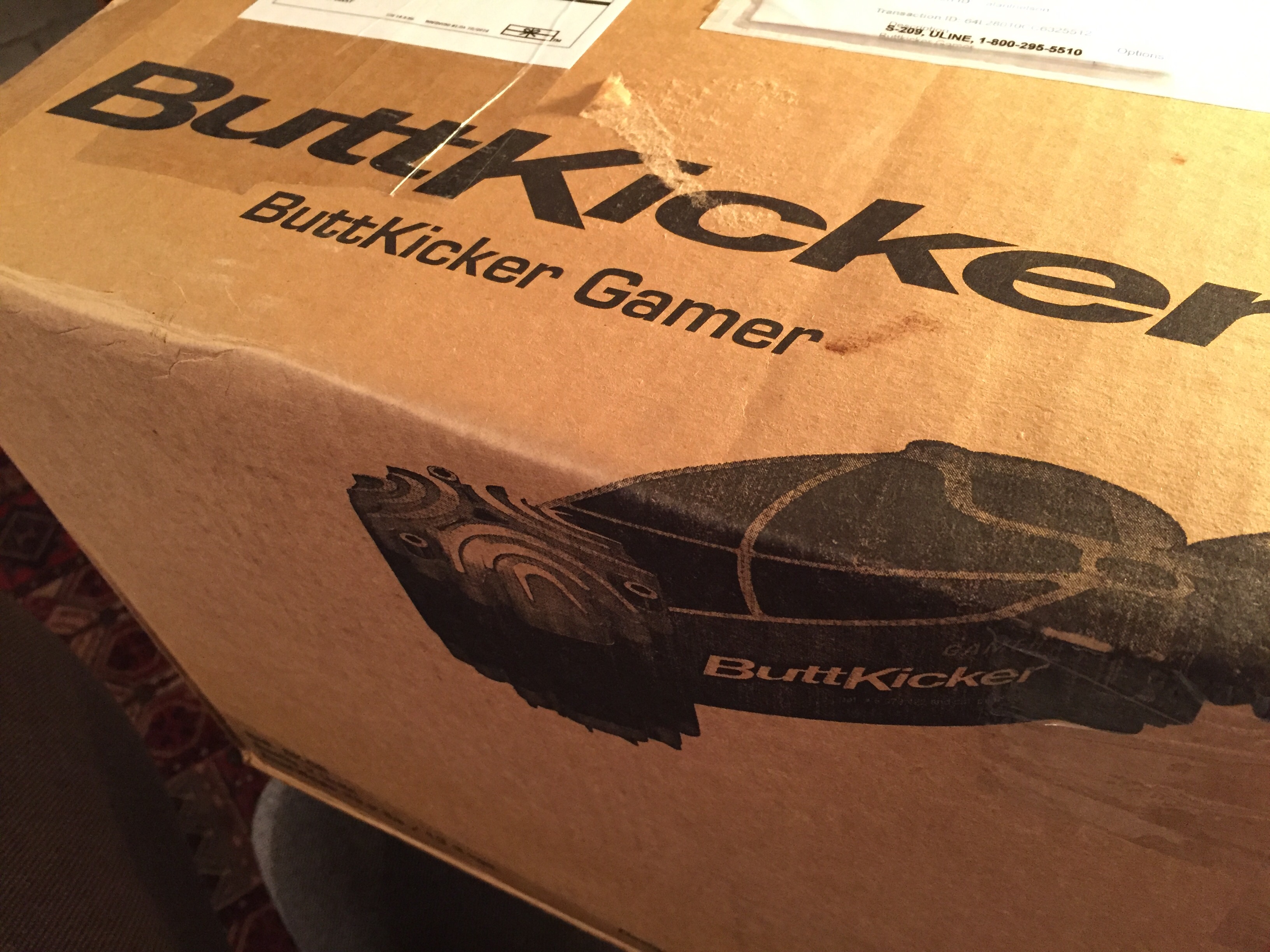
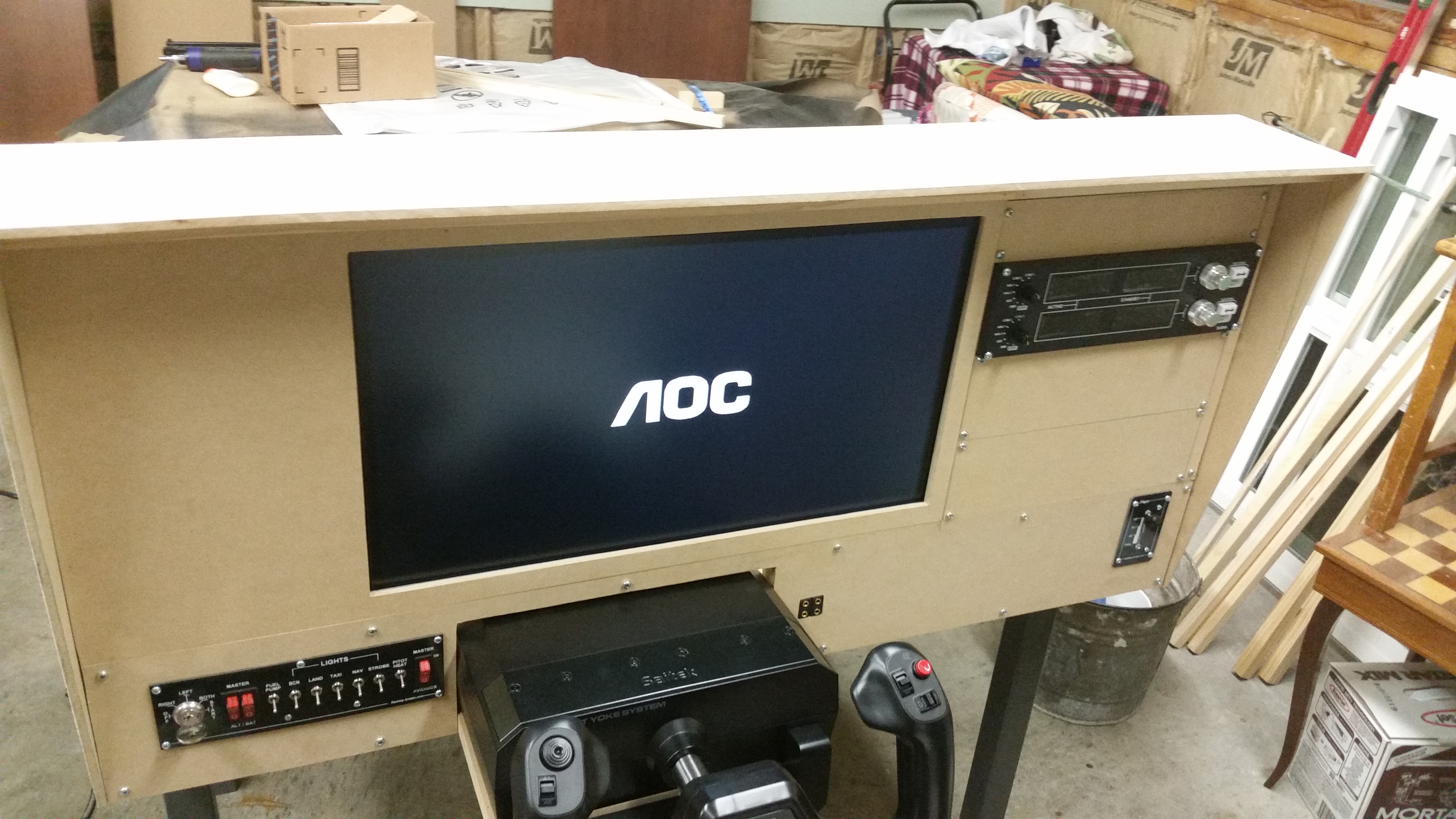
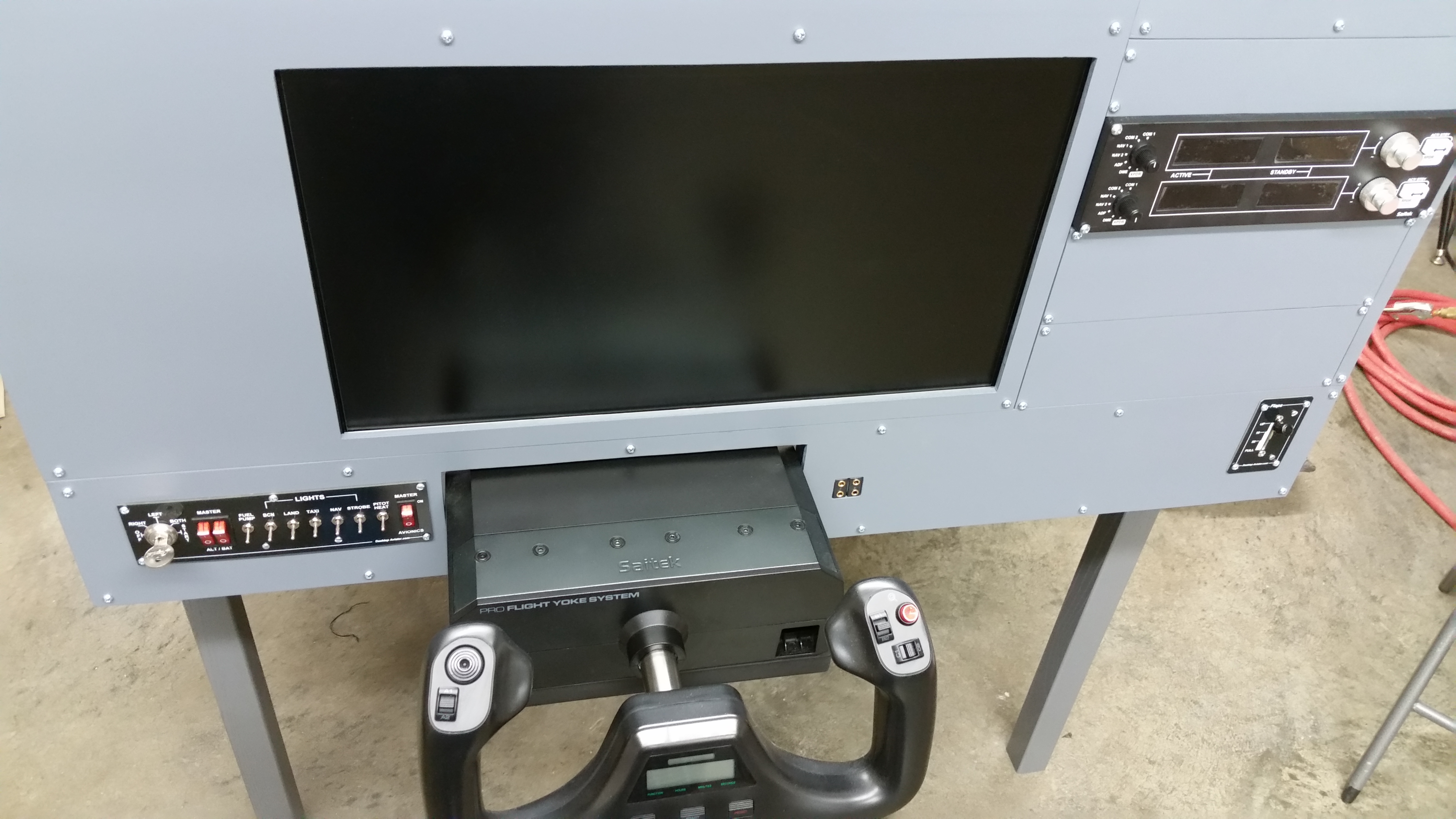
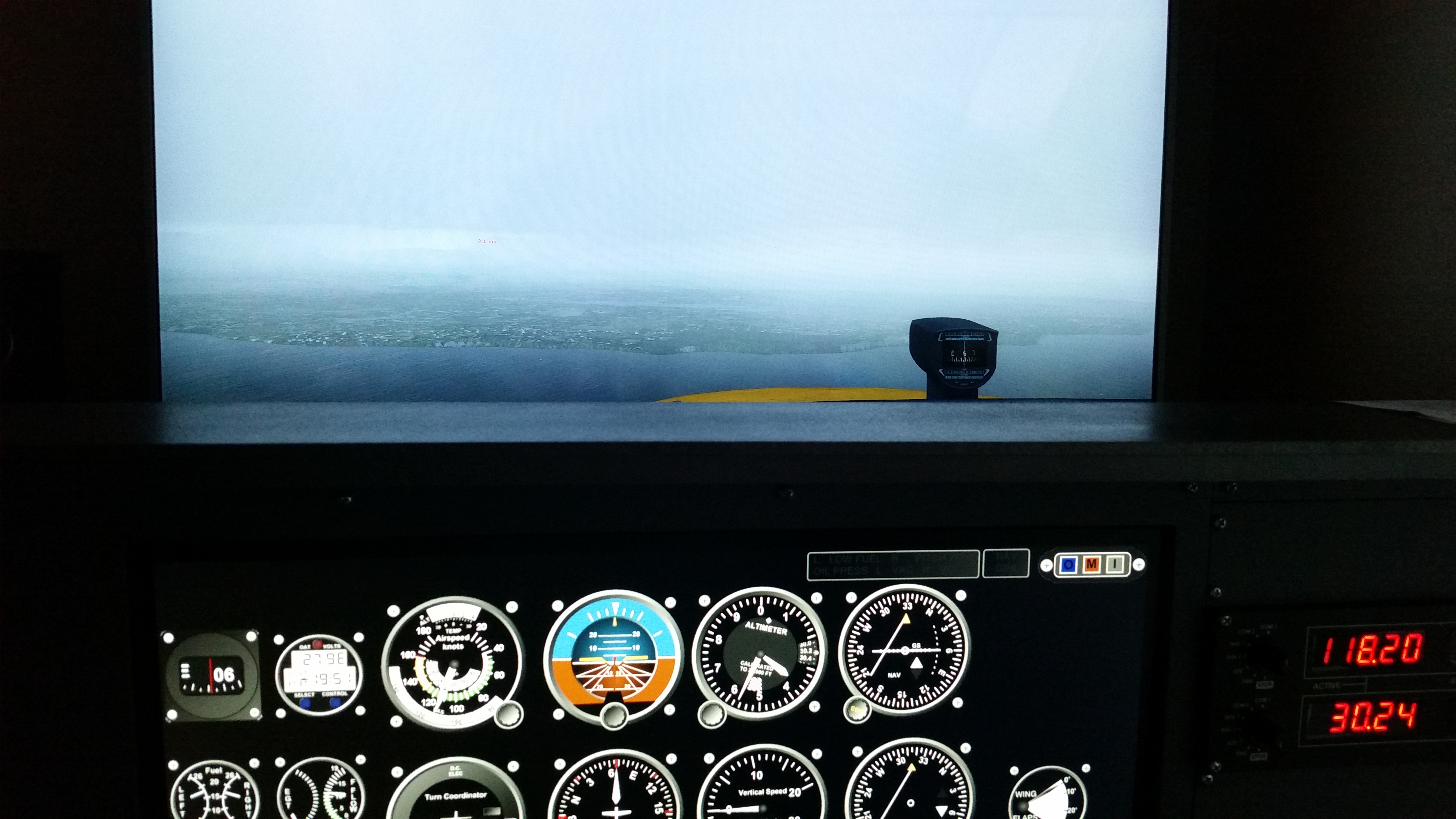
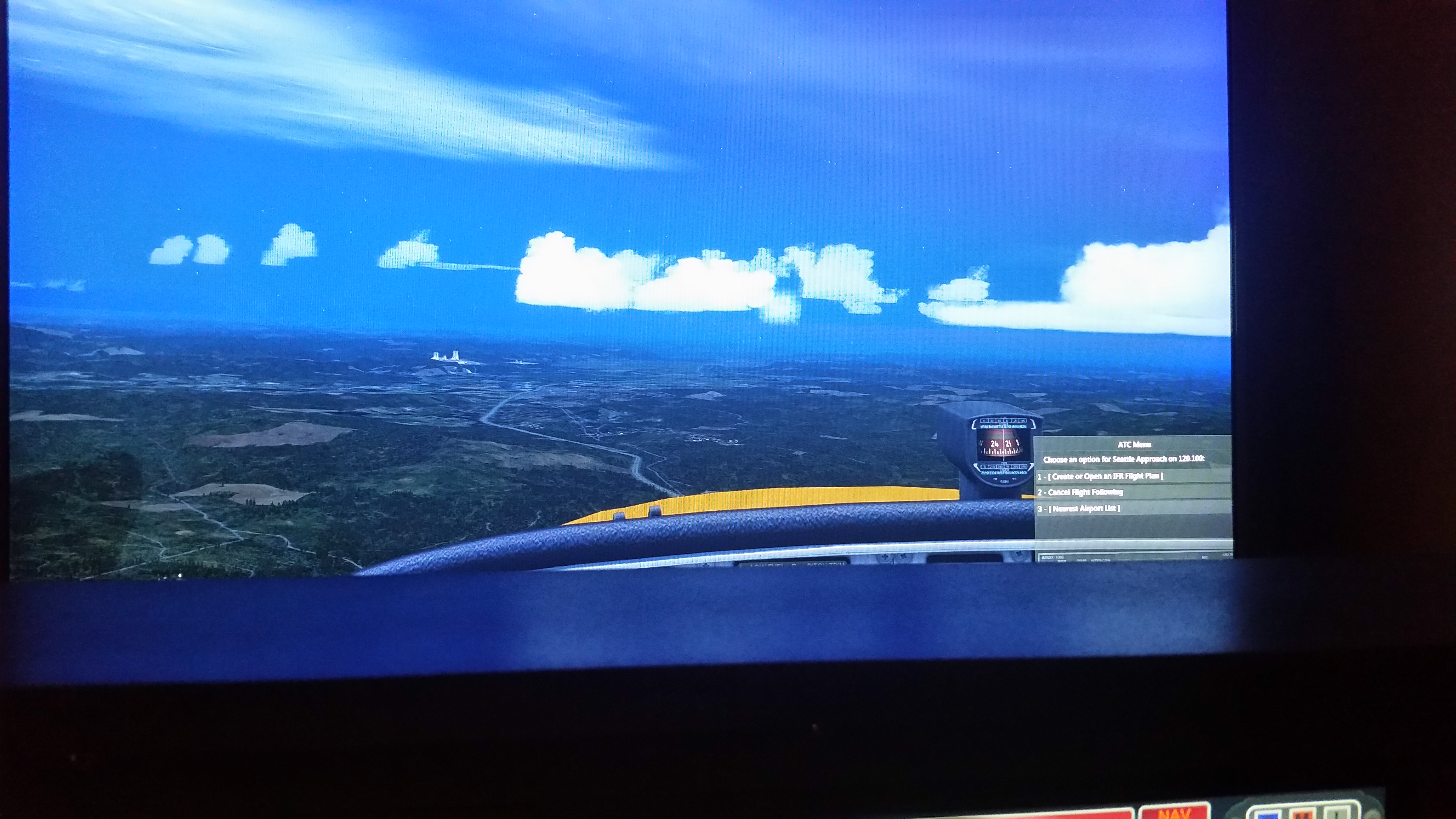
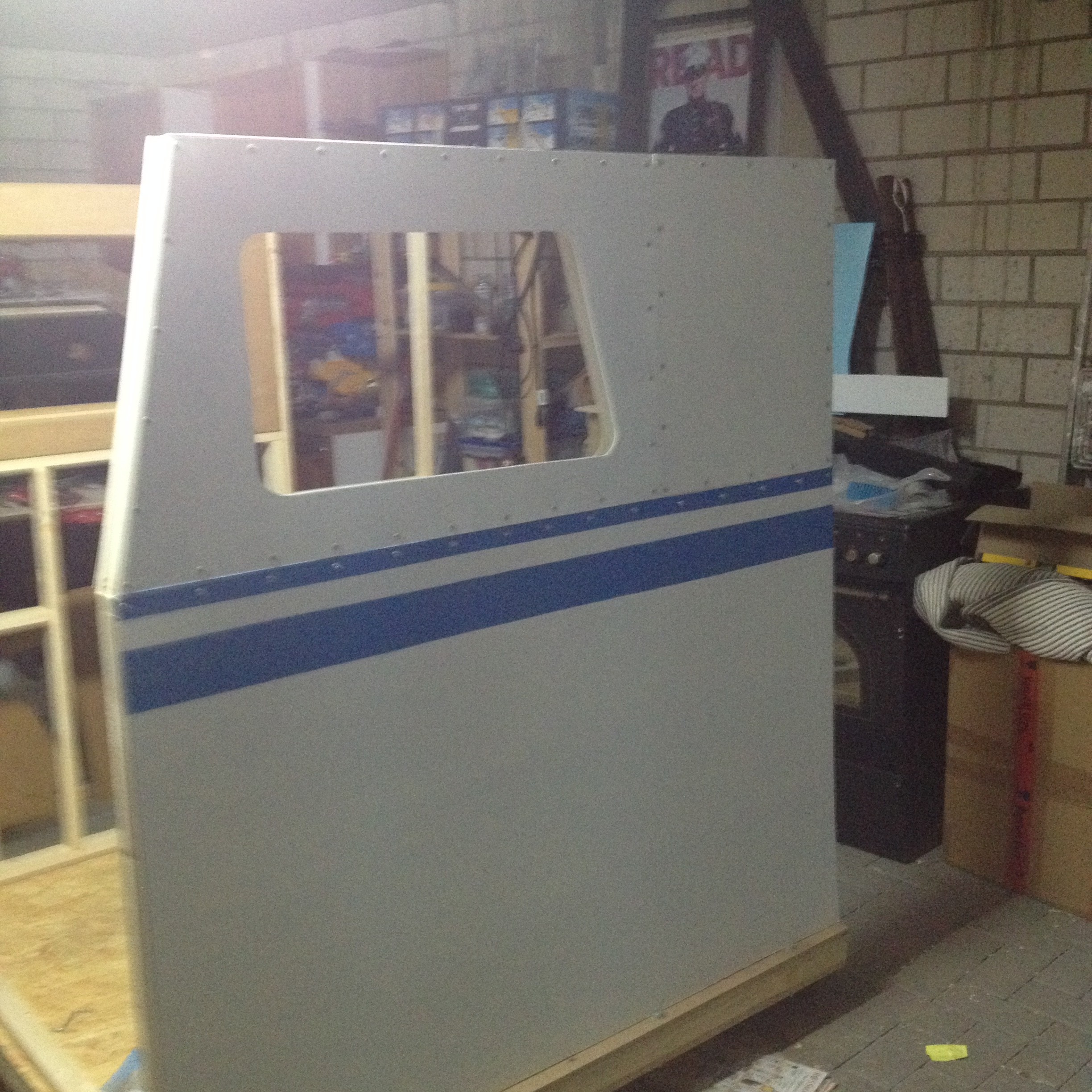
    I love seeing the simulators that readers are building, and here’s another, this from Christian in Germany. I love the color stripes on the outside, the glare shield, and the platform on which it sits – that’s a great idea for adding a rumbler to the audio package and it’s a modification I’m thinking of making myself. Christian writes:

    I like the idea to get the small GA Sims togehter and here are some pictures of my building progress. I building my Cockpit since last year September. I like to get a Sim with changeable MIP and the first MIP is bound to a beech baron. I am not inspired by your project but I took the idea of the beamer / TV system. I hope to get the thing in the virtual sky but not fully finished by Dezember. I spent up to this point 1200€ without beamer, TV and main computer. I will buy a computer for P3d in Dezember and I hink I will have a network of 3 PC. My gauge were driven by Airmanager (Siminnovations) and  I use Mobiflight to get input/output running via arduino cards.

    kind regards and are the picture convient for you so you are free to upload them

    Thank you, Christian, and continued good luck with your project.
    IMG_2043

    IMG_2032

    IMG_2004

    IMG_1971

    Share this:

    • Share on X (Opens in new window) X
    • Share on Facebook (Opens in new window) Facebook
    • Email a link to a friend (Opens in new window) Email
    • Print (Opens in new window) Print
  • Video: How To Simulate A Short Field Takeoff

    2016-11-09

    |

    Simmer Tutorial Video Series

    The next in our series of videos helping flight simmers bring real-world procedures to their flying. This time we do a short field takeoff. This is the procedure in a Piper Cherokee, but the Cessna procedure is quite close and you can find the rotation speed, Vx, and Vy for the aircraft you’re simulating online. Just search for the “POH,” or Pilot’s Operating Handbook, for the plane you’re simulating. As always, thanks for watching!

    Share this:

    • Share on X (Opens in new window) X
    • Share on Facebook (Opens in new window) Facebook
    • Email a link to a friend (Opens in new window) Email
    • Print (Opens in new window) Print
  • Reader Sim: Tony From Seattle

    2016-11-08

    |

    Reader Sims

    These shots are from Tony in Seattle, who has started his basement sim and is making great progress. He writes:

    I see on your blog that your beginning to share projects that others are working on.  I decided to send you a couple photos of the one I have in progress. I have been at it since the middle of last year I don’t have a lot of space at the moment nor money to throw at the simulator but what I have works fairly well and I can fly both VFR and IFR fairly easily.  My simulator is no where near complete and is the bare minimum to get things up and running.  I have added a few pictures if you would like to share I don’t mind at all and if you want more pictures I can send you some.  My winter project will be to enclose my simulator and run a 3 screen setup simulator to yours but a tad little smaller.  Long term goal is to build this simulator up enough to run a Cessna Caravan and even longer term goal is converting my wood working shop into a simulator room to support a 2 seat Dash 8 cockpit.  Well that’s my dream anyhow.
    Not sure how you want to do this but I am also currently working on a MFD/GPS using the Sim Plugin MFD software and Thrustmaster Couger hardware.  I know its not 100% accurate but it gives me a map, airport info and a few other tidbits that help in IFR.  I can send you those photos as well and an updated one once I get the panel mounted in my simulator.  Thanks again for all your hard work I look forward to many more videos and blog posts!

    It’s my pleasure, Tony, and keep up the great work!

    20160202_201657

    20160205_164438

    20160516_195143

    20160603_214330

    20160125_193020

    Share this:

    • Share on X (Opens in new window) X
    • Share on Facebook (Opens in new window) Facebook
    • Email a link to a friend (Opens in new window) Email
    • Print (Opens in new window) Print
  • Wales And England

    2016-11-06

    |

    Videos

    A viewer request flight for two viewers, one who requested Southwest Wales near Pembrey, and a second who requested Birmingham. So we flew from one to the other. This is the stock ORBX Global land class, and it looks great. Thanks for watching.

    Share this:

    • Share on X (Opens in new window) X
    • Share on Facebook (Opens in new window) Facebook
    • Email a link to a friend (Opens in new window) Email
    • Print (Opens in new window) Print
  • Reader Sim: Ian From New Zealand

    2016-11-05

    |

    Reader Sims

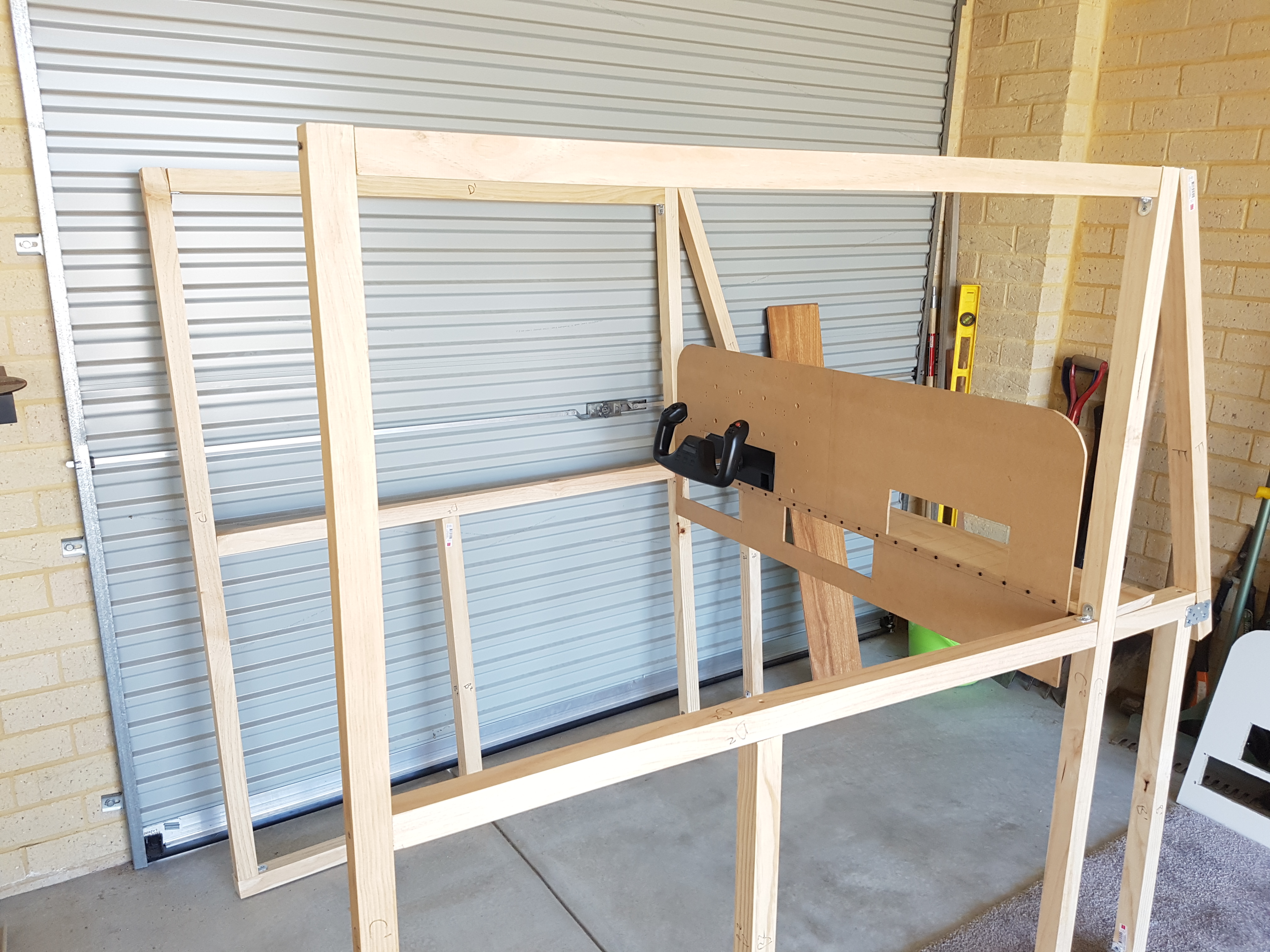
    I’m starting a new category of posts here to profile sims like the Basement Sim that readers are building on their own. I think it’s very cool that the Basement Sim has inspired people to build their own, and I very much enjoy reading about folks’ progress and seeing pics of their own simulators.

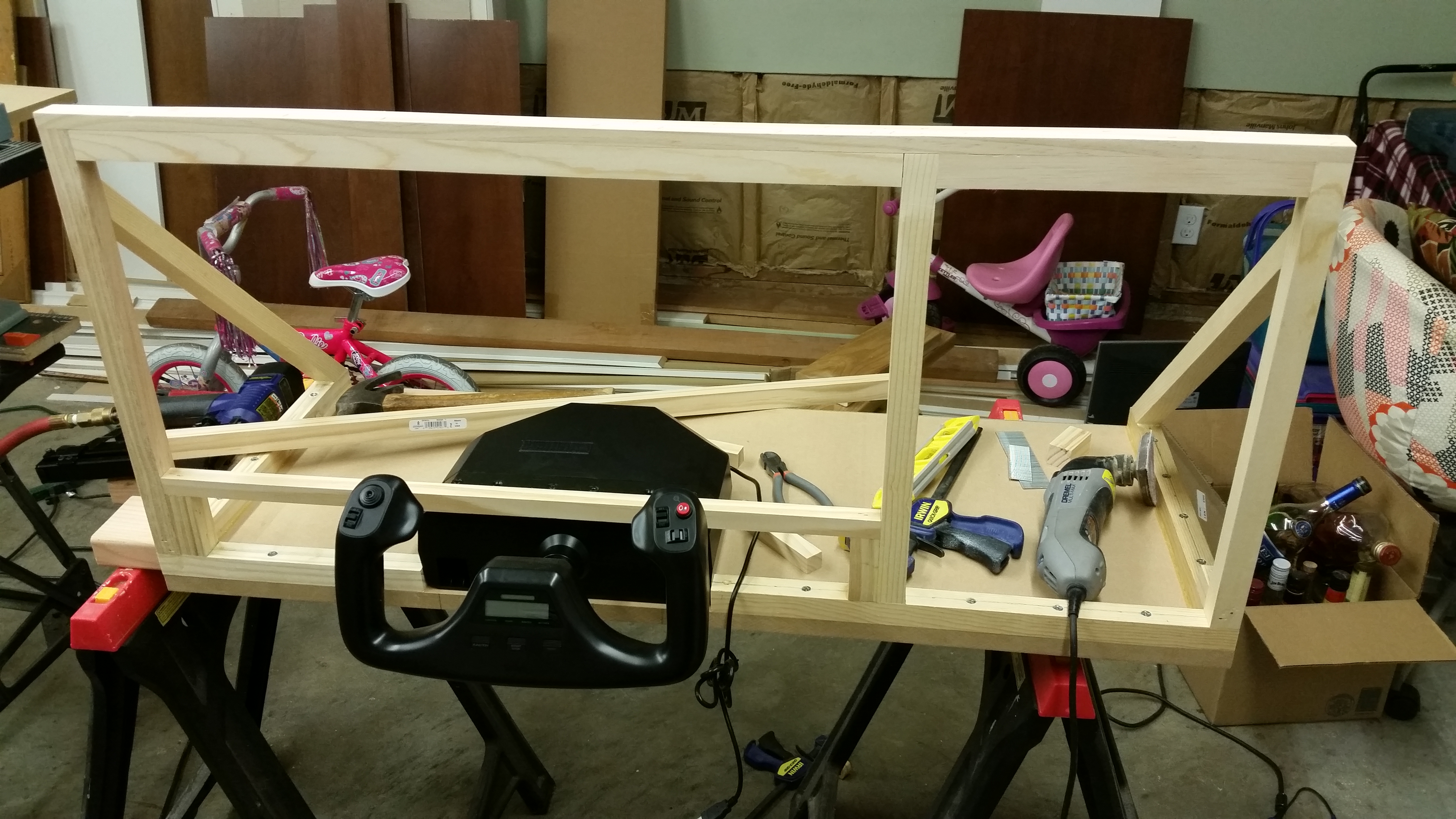
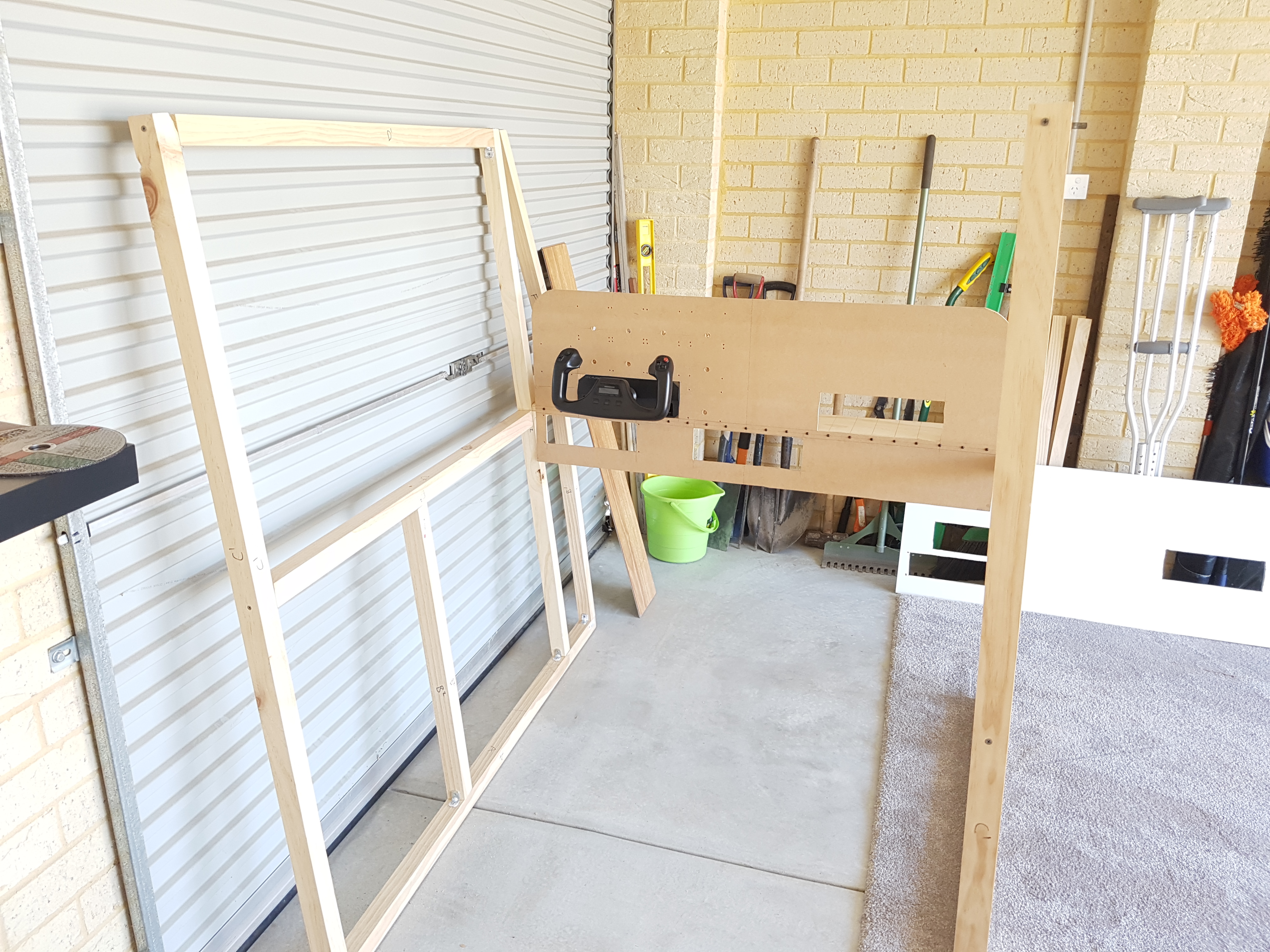
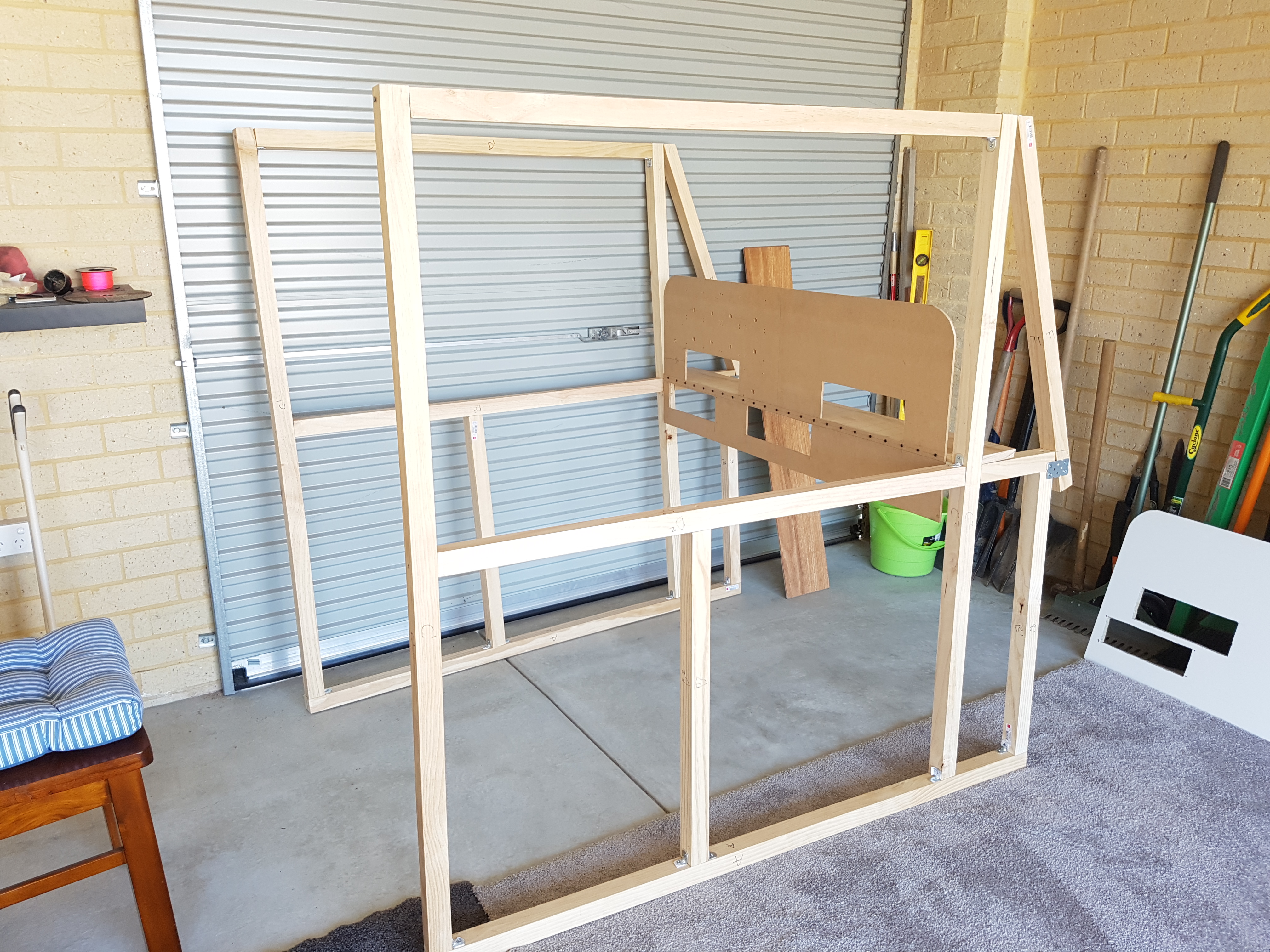
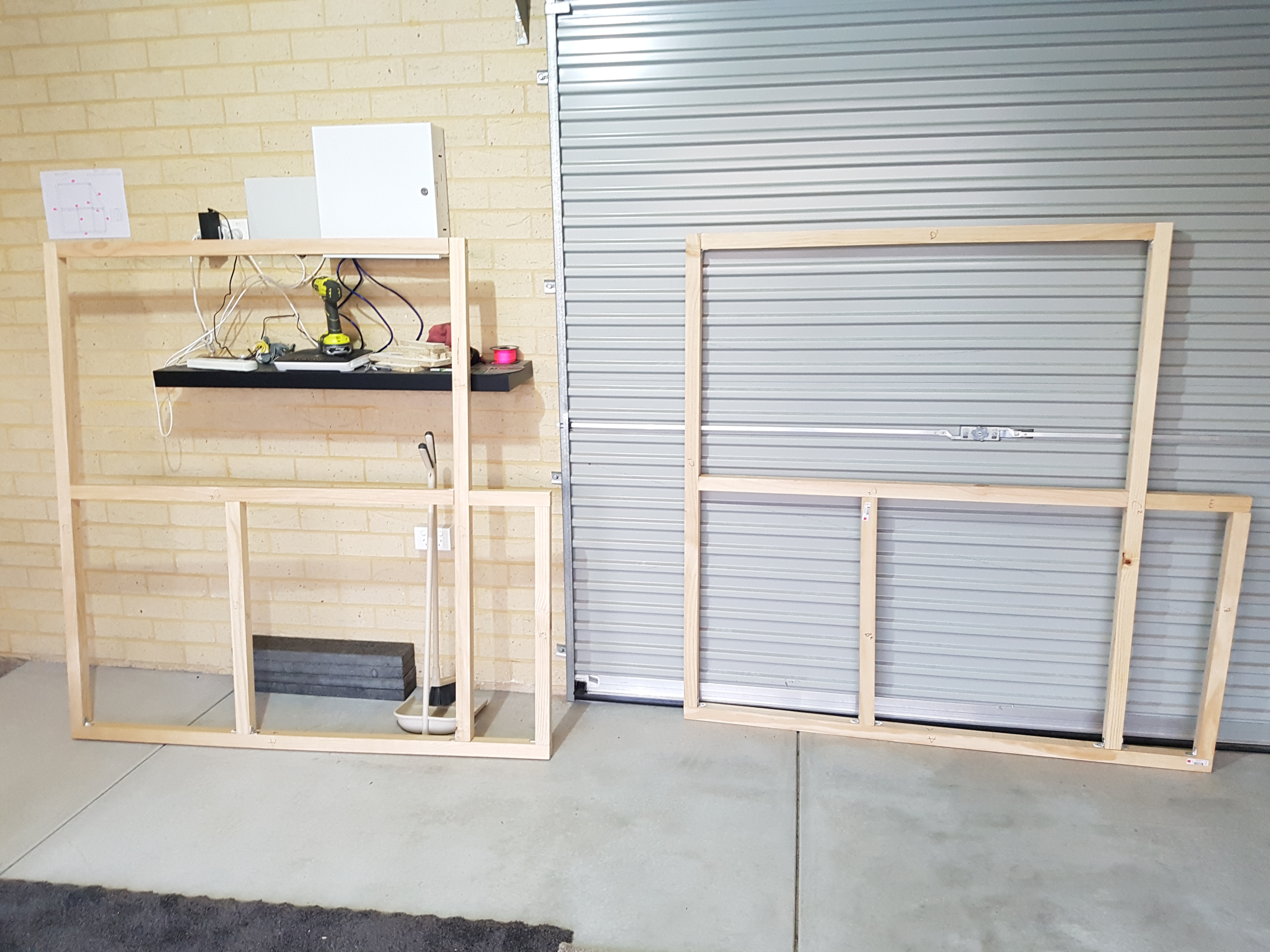
    Today we post some photos sent in from Ian in New Zealand. You can see that his frame is coming along nicely, as is his panel. I can’t wait to see it when it’s done.

    If you’ve started building a Basement Sim, email me at ontheglideslope at gmail dot com and I’ll be happy to share your progress.

    20161031_141706

    20161031_141526

    20161027_184516

    20161031_141715

    Share this:

    • Share on X (Opens in new window) X
    • Share on Facebook (Opens in new window) Facebook
    • Email a link to a friend (Opens in new window) Email
    • Print (Opens in new window) Print
  • REX Worldwide Airports HD Is Now Available

    2016-11-05

    |

    Add Ons

    I posted about this a few days ago about this, and it’s now available. I’ll be downloading it in a few minutes and will post a report. In the meantime, Tom Tsui beat me to that punch, and while his first report isn’t exactly glowing I’m going to hope for the great work we usually see from REX.

    UPDATE: REX servers are overwhelmed. I’ll try tomorrow.

    Share this:

    • Share on X (Opens in new window) X
    • Share on Facebook (Opens in new window) Facebook
    • Email a link to a friend (Opens in new window) Email
    • Print (Opens in new window) Print
  • Sim Tutorial Video Series: How To Simulate A Soft-Field Takeoff

    2016-11-02

    |

    Simmer Tutorial Video Series, Videos

    The next in my sim tutorial series, this on how to simulate a soft-field takeoff. Thanks for watching.

    Share this:

    • Share on X (Opens in new window) X
    • Share on Facebook (Opens in new window) Facebook
    • Email a link to a friend (Opens in new window) Email
    • Print (Opens in new window) Print
  • Video Review: Desktop Aviator Fuel Selector Panel

    2016-11-01

    |

    Product Reviews, Videos

    Several weeks ago I added the Desktop Aviator Fuel Selector Panel to the sim, and I’ve liked it very much. Here’s a video review, and at $75 I can recommend it. Thanks for watching.

    Share this:

    • Share on X (Opens in new window) X
    • Share on Facebook (Opens in new window) Facebook
    • Email a link to a friend (Opens in new window) Email
    • Print (Opens in new window) Print
Previous Page
1 … 38 39 40 41 42 … 59
Next Page

On The Glideslope

  • Instagram
  • Facebook
  • X

Loading Comments...

You must be logged in to post a comment.