On The Glideslope

  • How To
    • How I Configure For VR In X-Plane
    • How To Have Dual Controls In X-Plane
    • How To Configure X-Plane 11 For Multiple Screens
    • How To Create Custom Cameras In P3D
    • How To Get Started With X-Plane 11
  • Resources
    • Schematics
    • Center Console Plans
    • Basement Sim Video Tour
    • Screen Configurations
    • A2A LVAR List PDFs
    • How To Talk ATC
    • Cessna 172 Cabin Dimensions
    • USB u0026 Saitek
  • Reviews
  • What’s In The Sim
  • About OTG
    • About OTG
    • The Construction Journey
  • KTPA Roadmap

    2017-12-17

    |

    Custom Scenery

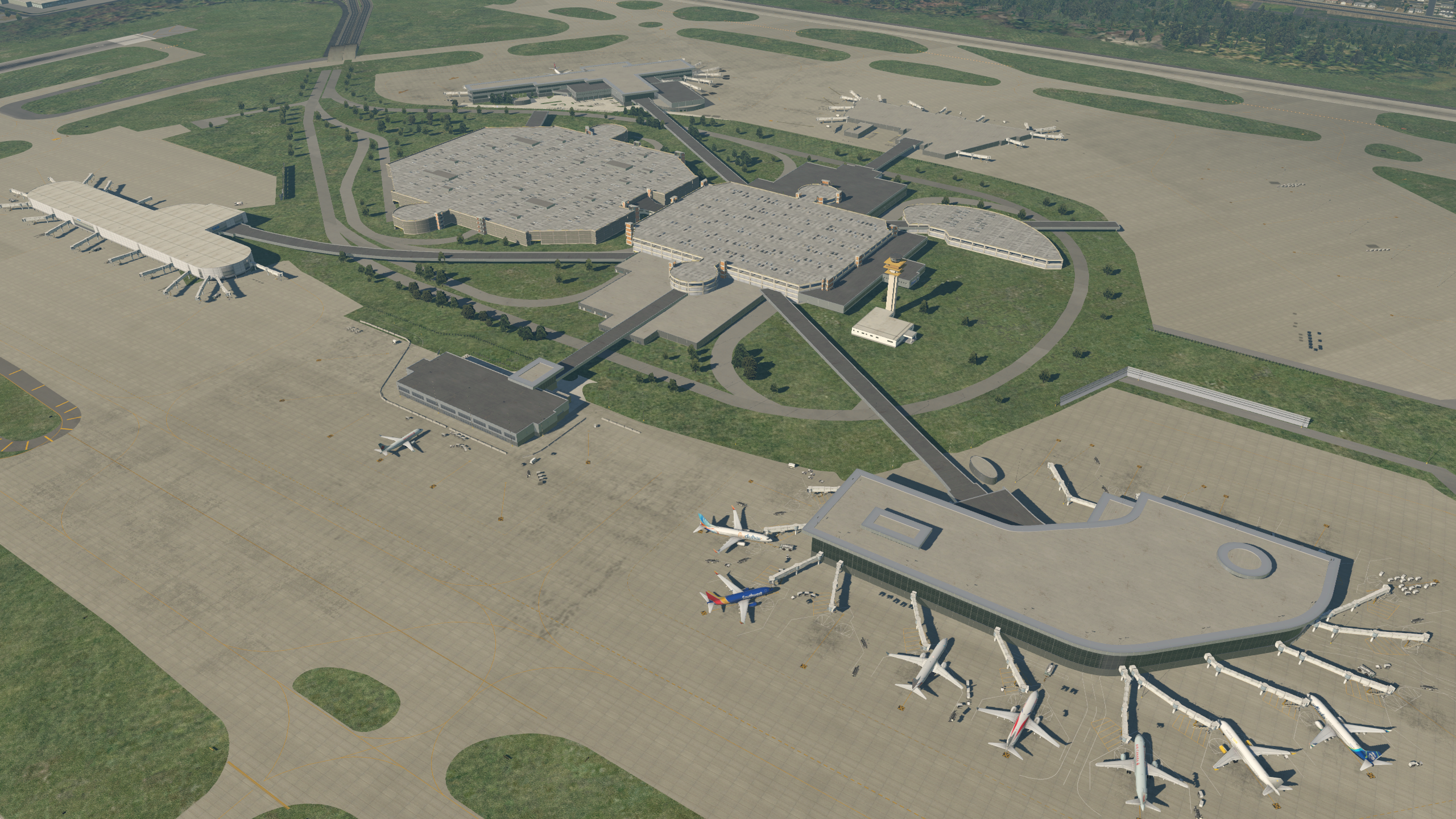
    I’ve had a few folks ask when Tampa will be ready. My answer is, probably a few months, as it’s a big field and I’m really trying to do it right. Doing it in all default objects also adds a bit to the complexity, as I try to find new ways to render real-world objects using only the default set. That said, I’d be eager to have folks using it, looking for gaps in what’s completed, etc. So I think I’ll start releasing it in various beta releases, probably along this schedule:

    • All runways, taxiways, and tarmacs aligned to real-world, and basic terminal structures complete.
    • Detailed terminal work, probably one terminal at a time.
    • Correct tarmac taxiway lines (including what is and is not lit)
    • Correct placement of all airport lighting
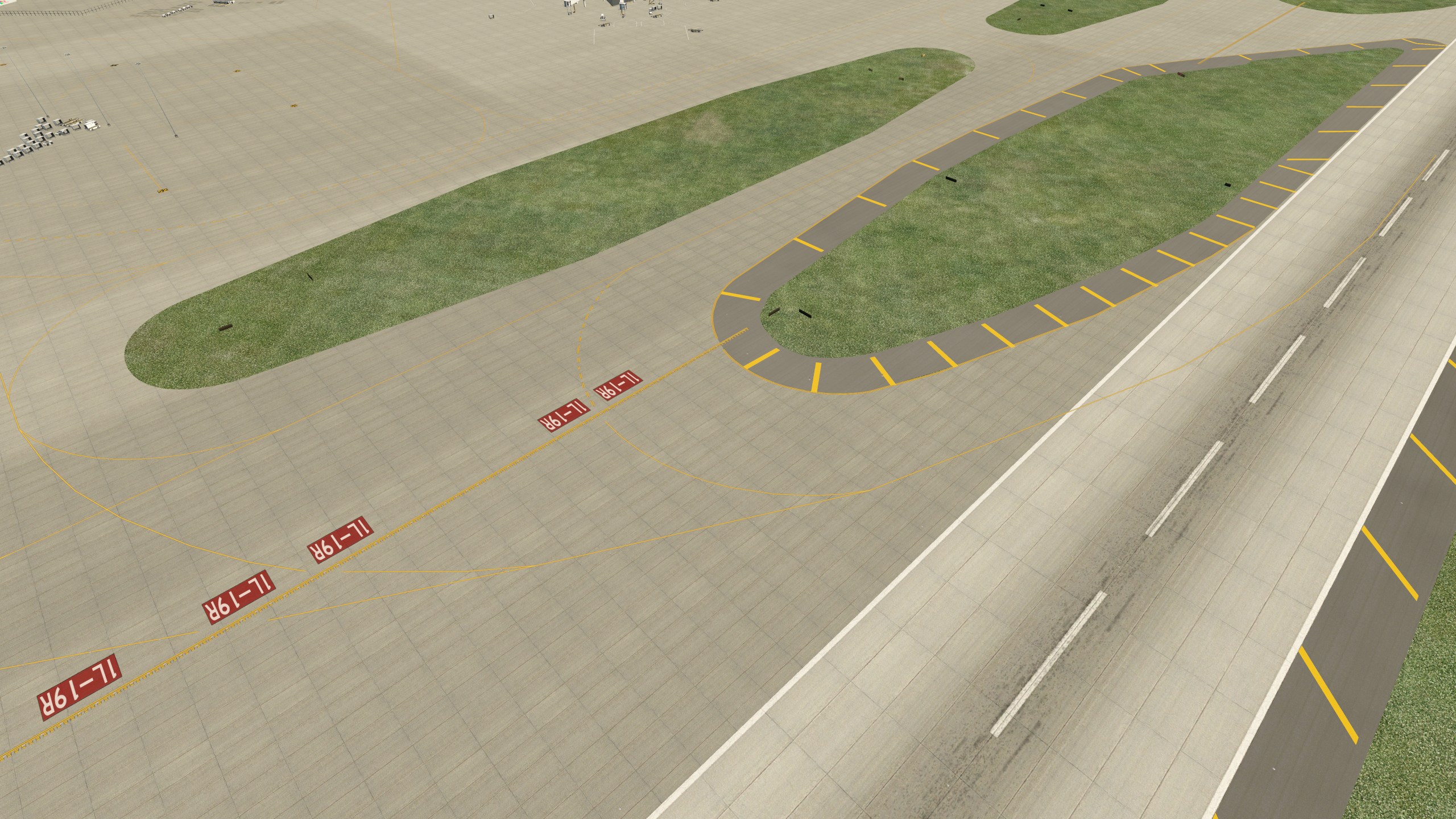
    • Correct painted tarmac signs (e.g., 19L)
    • Correct placement of additional draped tarmac textures and painted tarmac (lines on the sides of runways, etc.)
    • Private jet center.
    • Maintenance hangars.
    • GA hangars.
    • Detailed tarmac lines, objects, etc., probably one terminal at a time.
    • Updated parking / tower / airport buildings, probably one major area at a time.
    • Roads.
    • Vegetation.
    • Surrounding objects.

    Share this:

    • Share on X (Opens in new window) X
    • Share on Facebook (Opens in new window) Facebook
    • Email a link to a friend (Opens in new window) Email
    • Print (Opens in new window) Print
  • Copilots Are A Blast

    2017-12-17

    |

    PilotEdge, Videos

    A good buddy was in town and we had a great time flying in the sim. He agreed to a video, so we made a PilotEdge flight from Haley to Stanley, Idaho. This was a lot of fun, and he did a great job flying the sim, handling the controls from our departing the pattern in Haley all the way to making the landing in Stanley. Thanks for watching.

    Share this:

    • Share on X (Opens in new window) X
    • Share on Facebook (Opens in new window) Facebook
    • Email a link to a friend (Opens in new window) Email
    • Print (Opens in new window) Print
  • KTPA Progress

    2017-12-16

    |

    Uncategorized

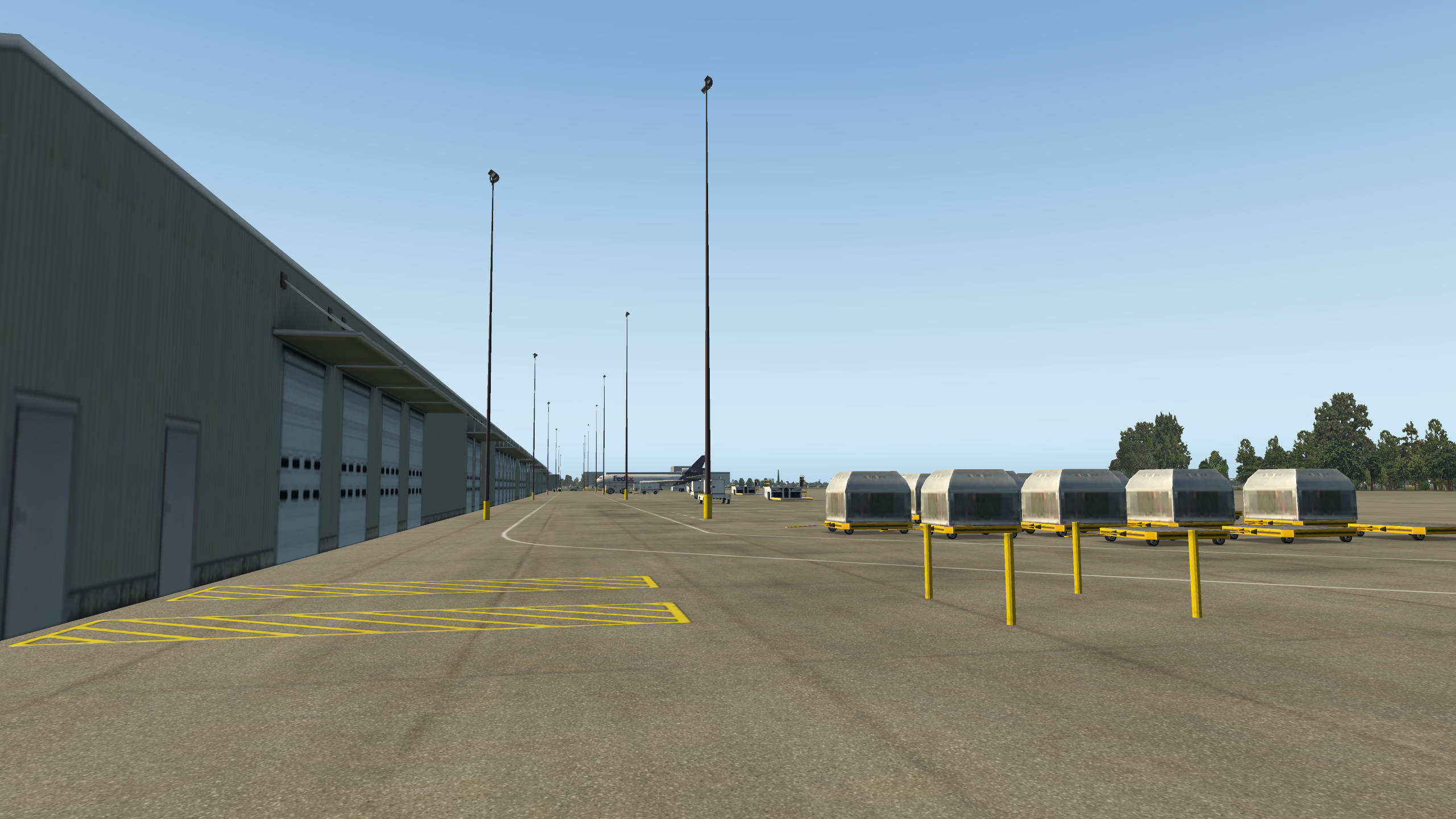
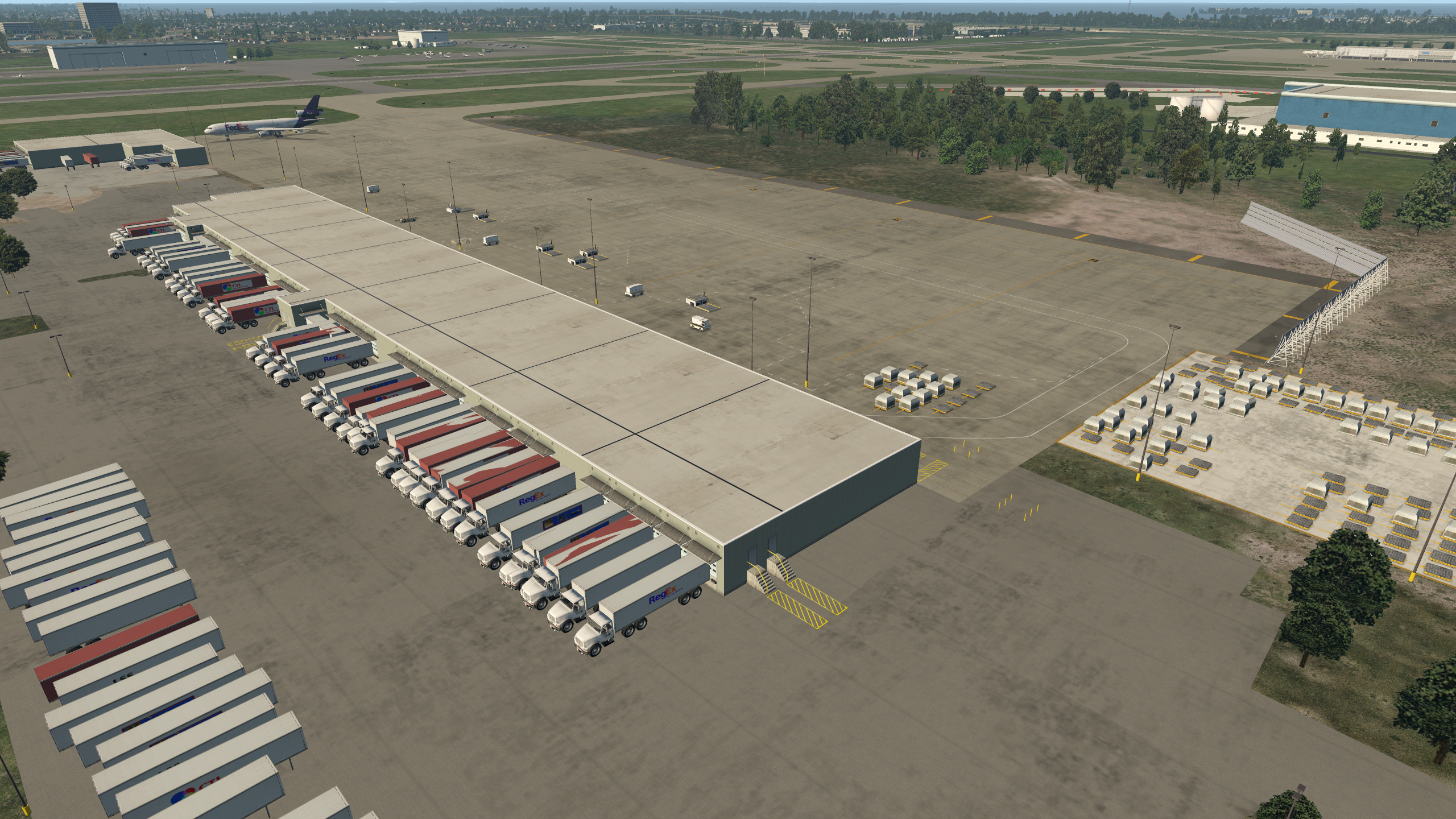
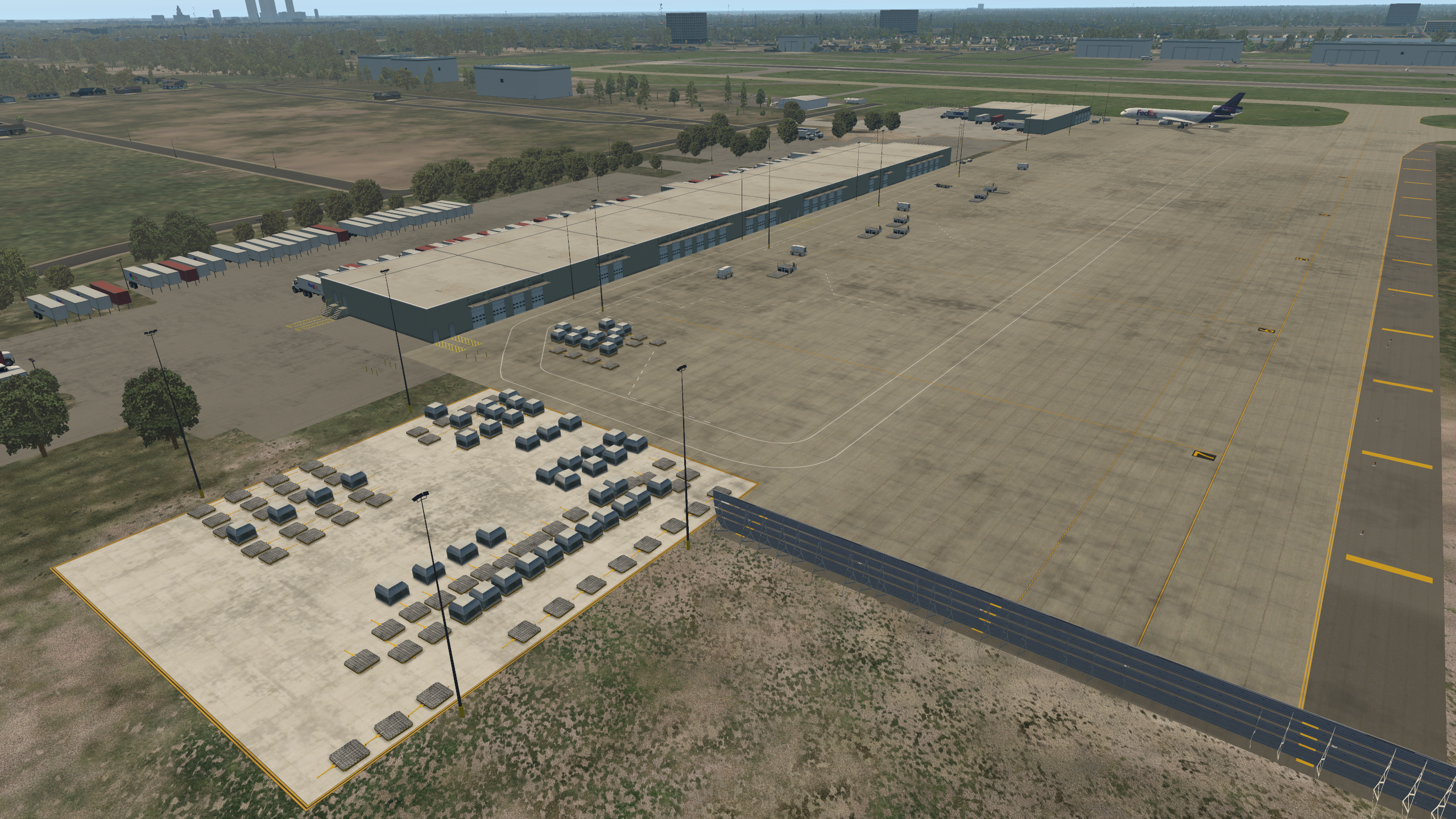
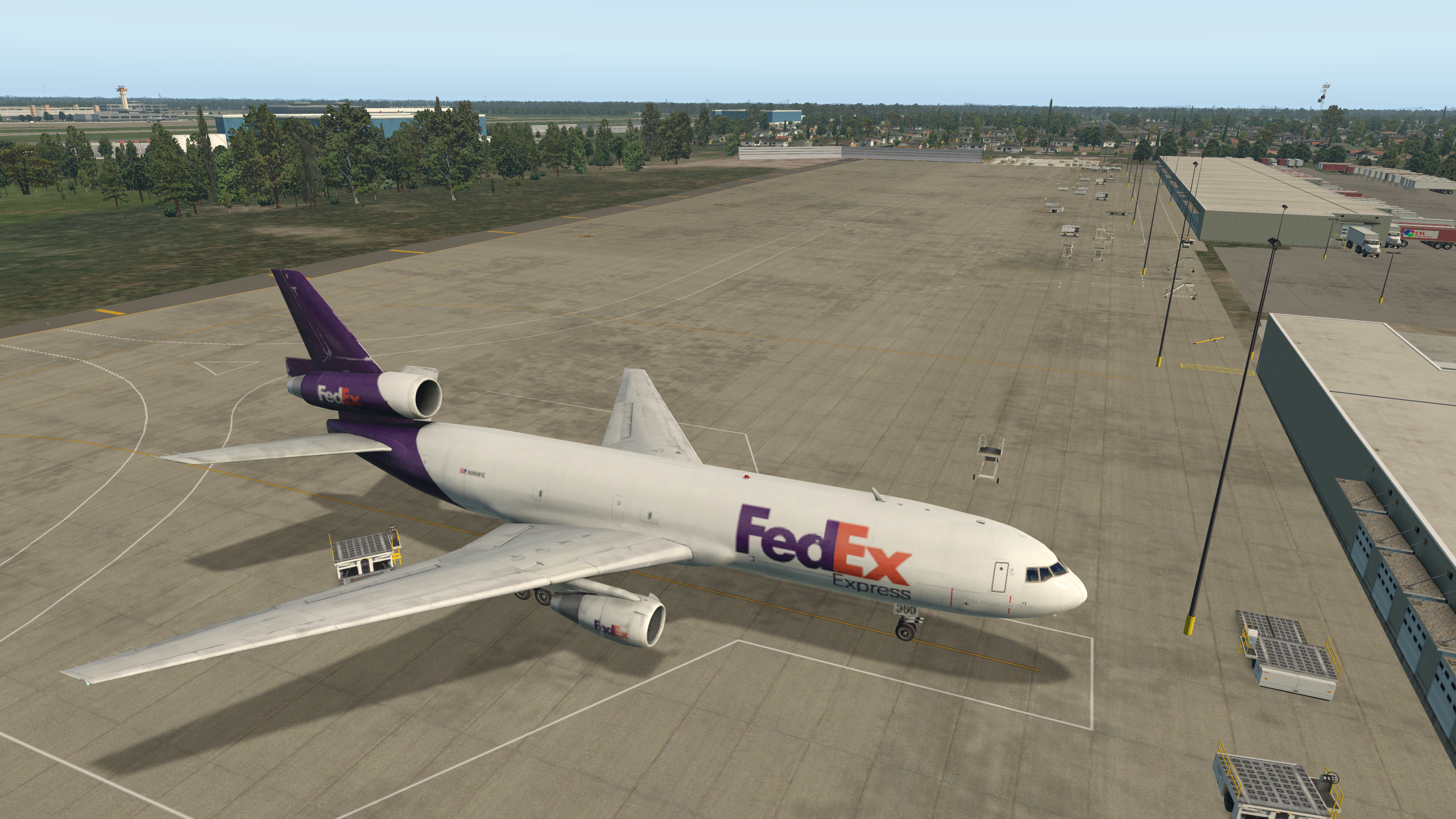
    The cargo ramp is coming along …

    Cessna_172SP_5

    Cessna_172SP_3

    Cessna_172SP_2

    Cessna_172SP_1

    Share this:

    • Share on X (Opens in new window) X
    • Share on Facebook (Opens in new window) Facebook
    • Email a link to a friend (Opens in new window) Email
    • Print (Opens in new window) Print
  • KTPA: The Hard Part …

    2017-12-06

    |

    Uncategorized

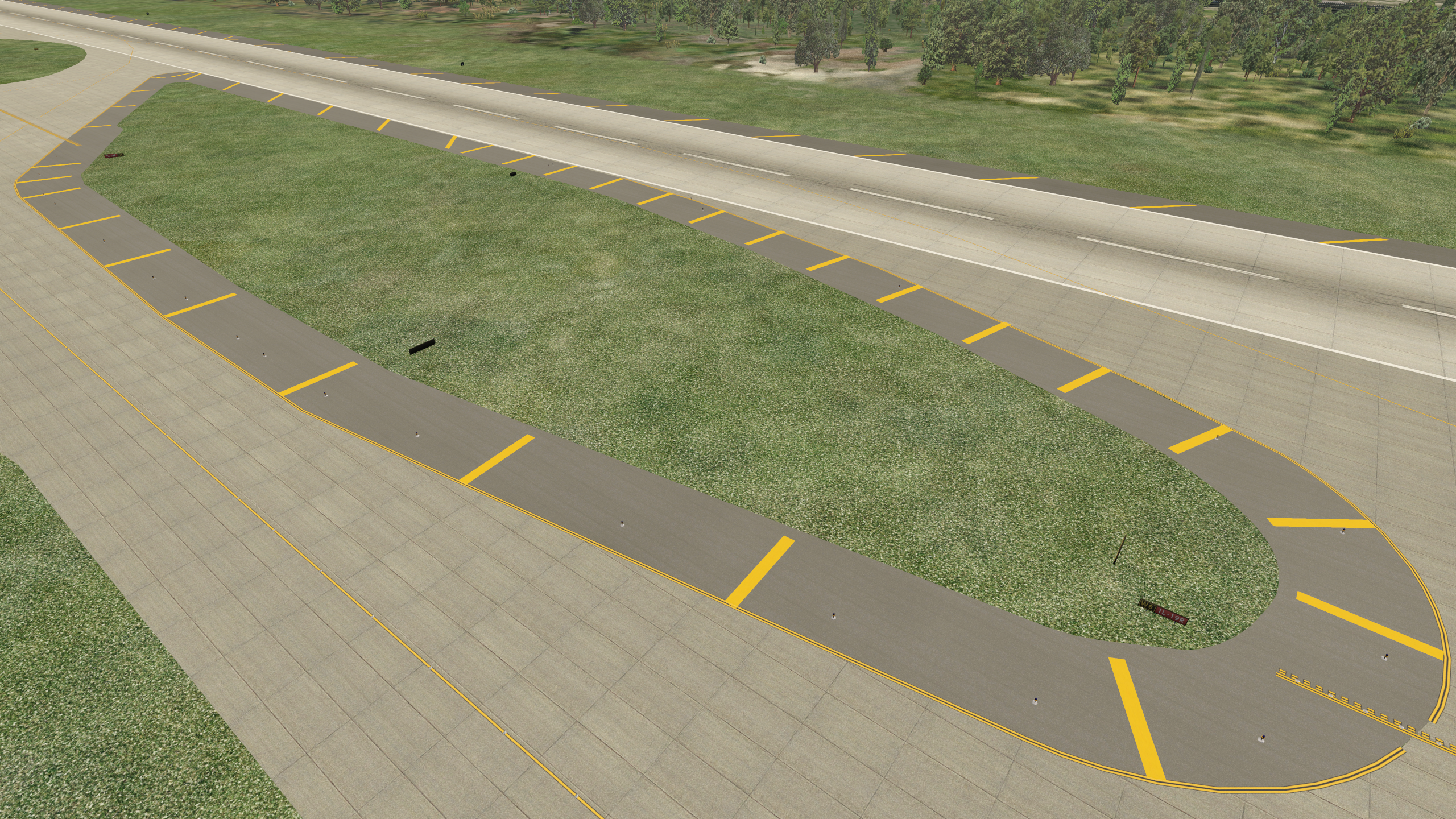
    I keep plugging away at KTPA during free moments. One of the things I’m trying to do, and that I try to do in all my scenery, is create a very accurate ramp environment. This means detailed placement of all lines, and KTPA has hundreds of them, including yellow bars and chevrons on the paved margins around taxiways. Thanks to the new art assets in WED and 11.1, one can now make these chevrons using yellow draped polygons. I’m also accurately portraying the taxiway margins, and hand placing every blue taxiway light. It’s a time-consuming process, and for me it’s not the funnest part of the design, but I think the results are worth it.

    MD80_4

    MD80_3

    Share this:

    • Share on X (Opens in new window) X
    • Share on Facebook (Opens in new window) Facebook
    • Email a link to a friend (Opens in new window) Email
    • Print (Opens in new window) Print
  • I’m A Slow Learner

    2017-12-05

    |

    Uncategorized

    A frustrating few days in the sim recently. I’ve been having repeated crashes to desktop, right after the sim puts the plane on the ramp, both with beta RC2 and 3 (just released today). Nothing seemed to fix it, and the culprit seemed to be the usually rock-solid SPAD.neXt.

    The problem? The thing that always seems to be the problem when the sim is acting strangely: USB hub power management. Somehow in recent Windows updates all my USB hubs were set back to “power management on.” This is a no-no in Saitek world. I toggled them all back to power management off and things are right as rain.

    I’ve learned this lesson more than once, but didn’t think of it today as it’s been so long since I’ve had the problem. Luckily someone somewhere had mentioned the same issue recently so it was top of mind. But it bears repeating: if things aren’t working as they should, check USB power and power management as a first step.

    Share this:

    • Share on X (Opens in new window) X
    • Share on Facebook (Opens in new window) Facebook
    • Email a link to a friend (Opens in new window) Email
    • Print (Opens in new window) Print
  • More KTPA Progress

    2017-12-03

    |

    Custom Scenery

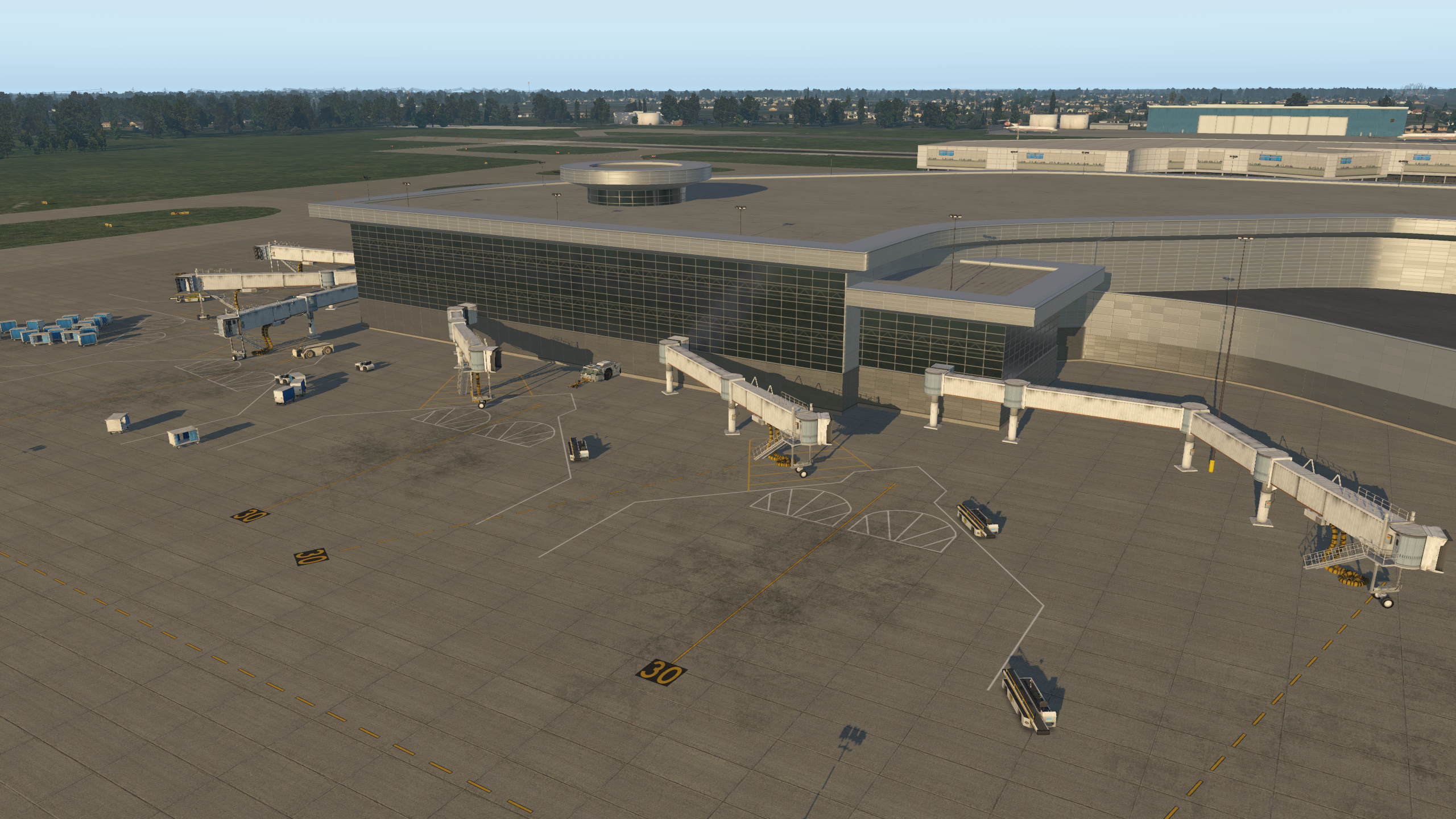
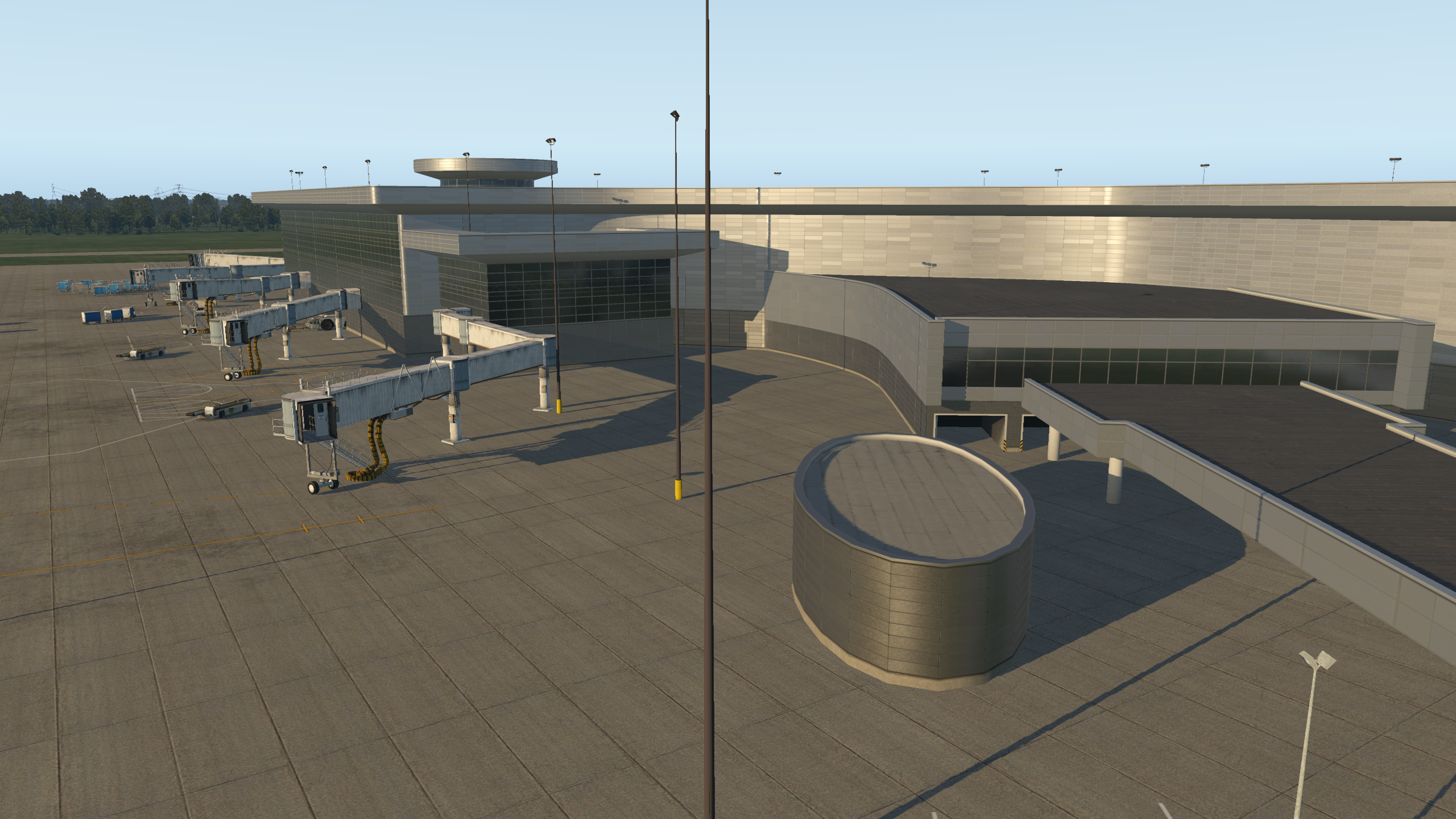
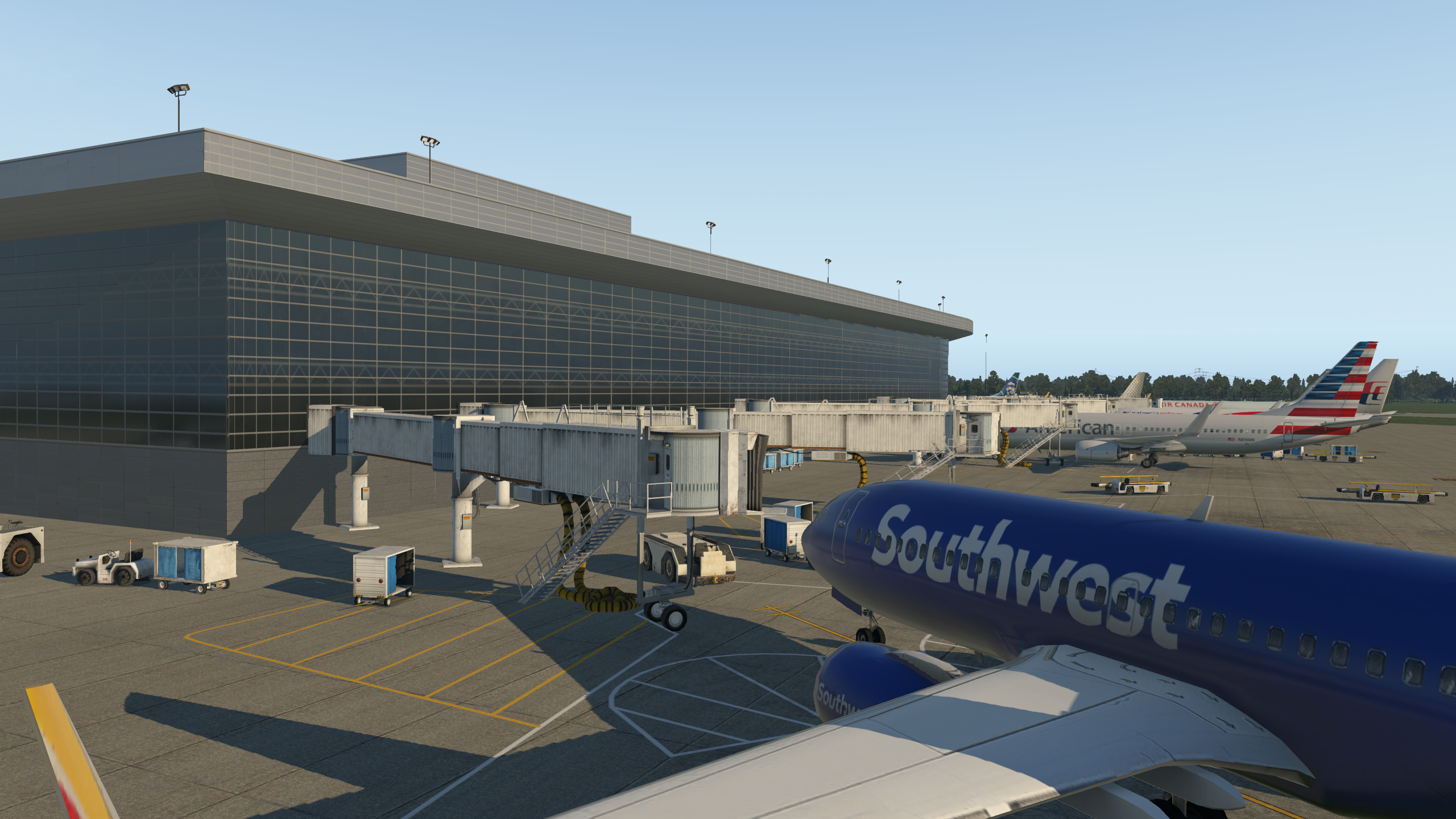
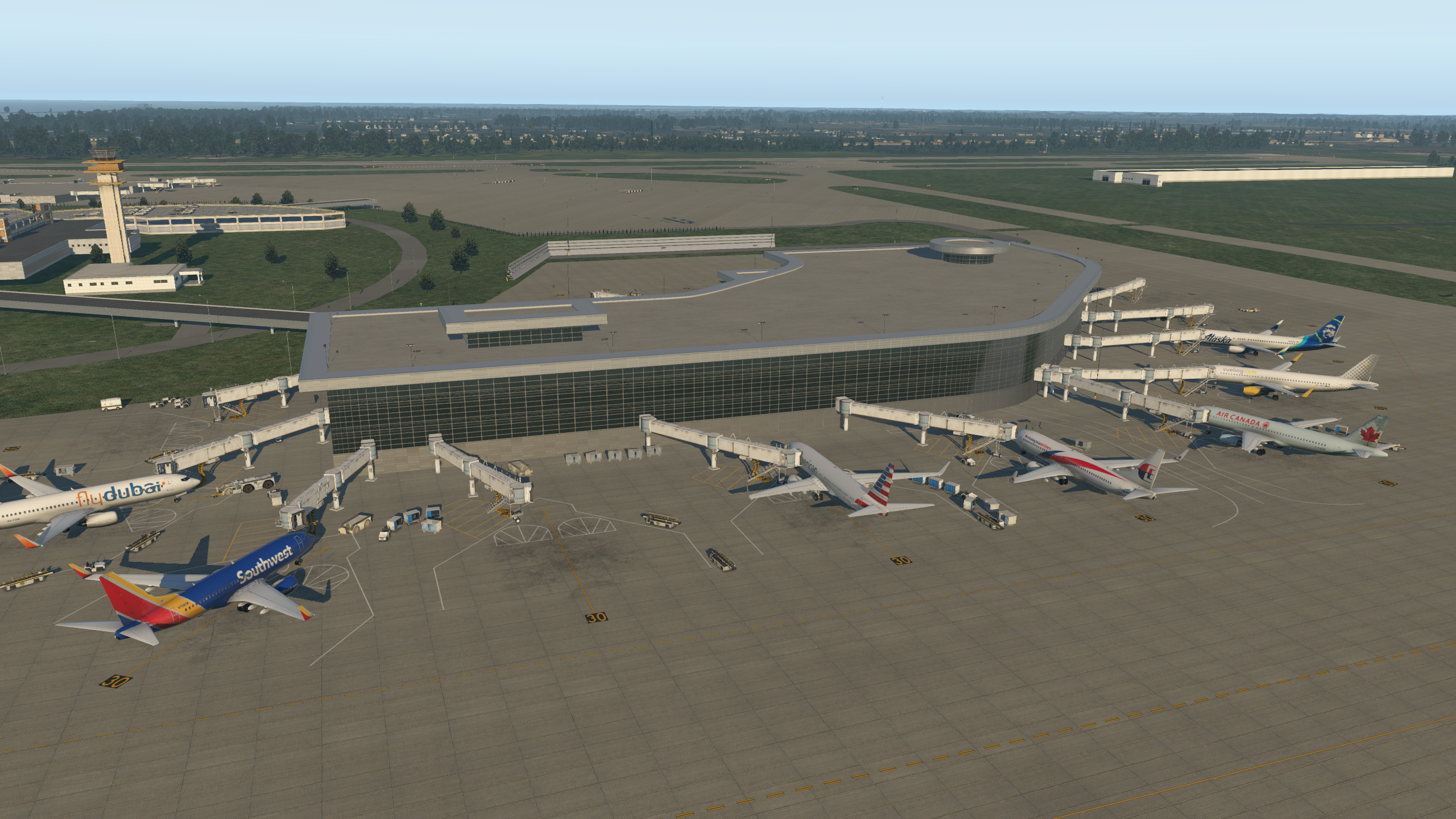
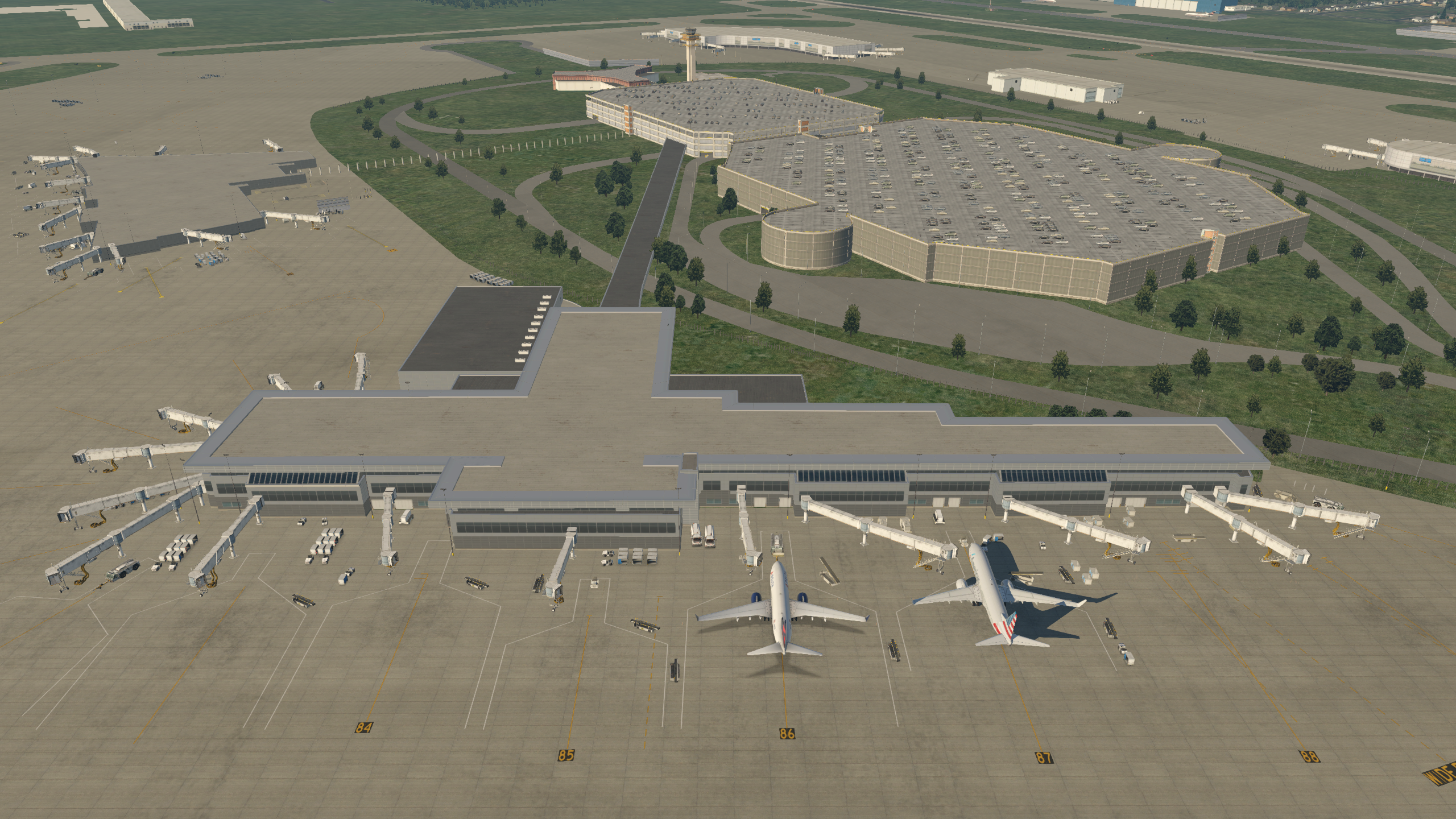
    I forecasted that it would take months, and that’s still a correct estimate. But it’s coming along, most recently with quite a bit of progress on the Southwest Airlines terminal. Still much, much, much to do …

    b738_32

    b738_31

    b738_30

    b738_29

    b738_28

    Share this:

    • Share on X (Opens in new window) X
    • Share on Facebook (Opens in new window) Facebook
    • Email a link to a friend (Opens in new window) Email
    • Print (Opens in new window) Print
  • X-Plane 11.1rc2 Beta

    2017-12-03

    |

    Uncategorized

    The X-Plane 11.1 beta is now in Release Candidate 2, meaning Laminar are getting close to releasing 11.1 as a non-beta product. I’ve only had one brief flight with it. My experience, like that of several others, is that there seems to be some issue between WorldTraffic 3 and 11.1rc2. My frame rates were highly variable — from the 4os down to the teens — vacillating back in forth in short order from good to awful. When I disabled WT3 my frames stabilized around their normal levels of 30+, and in fact, my impression is that my frames and smoothness both improved from rc1. I hope to take a longer flight today and we’ll see how things go. I have also read in the .ORG forums that WT3.1 may solve the issue, but for now I have the plugin disabled.

    Share this:

    • Share on X (Opens in new window) X
    • Share on Facebook (Opens in new window) Facebook
    • Email a link to a friend (Opens in new window) Email
    • Print (Opens in new window) Print
  • An Interview With MisterX

    2017-11-30

    |

    Uncategorized

    HelliSimmer has an interview with MisterX, who is perhaps the leading scenery designer in the X-Plane community. The surprise is that he’s only 22 years old. It’s well worth reading.

    Share this:

    • Share on X (Opens in new window) X
    • Share on Facebook (Opens in new window) Facebook
    • Email a link to a friend (Opens in new window) Email
    • Print (Opens in new window) Print
  • More TPA Gateway Progress

    2017-11-11

    |

    Uncategorized

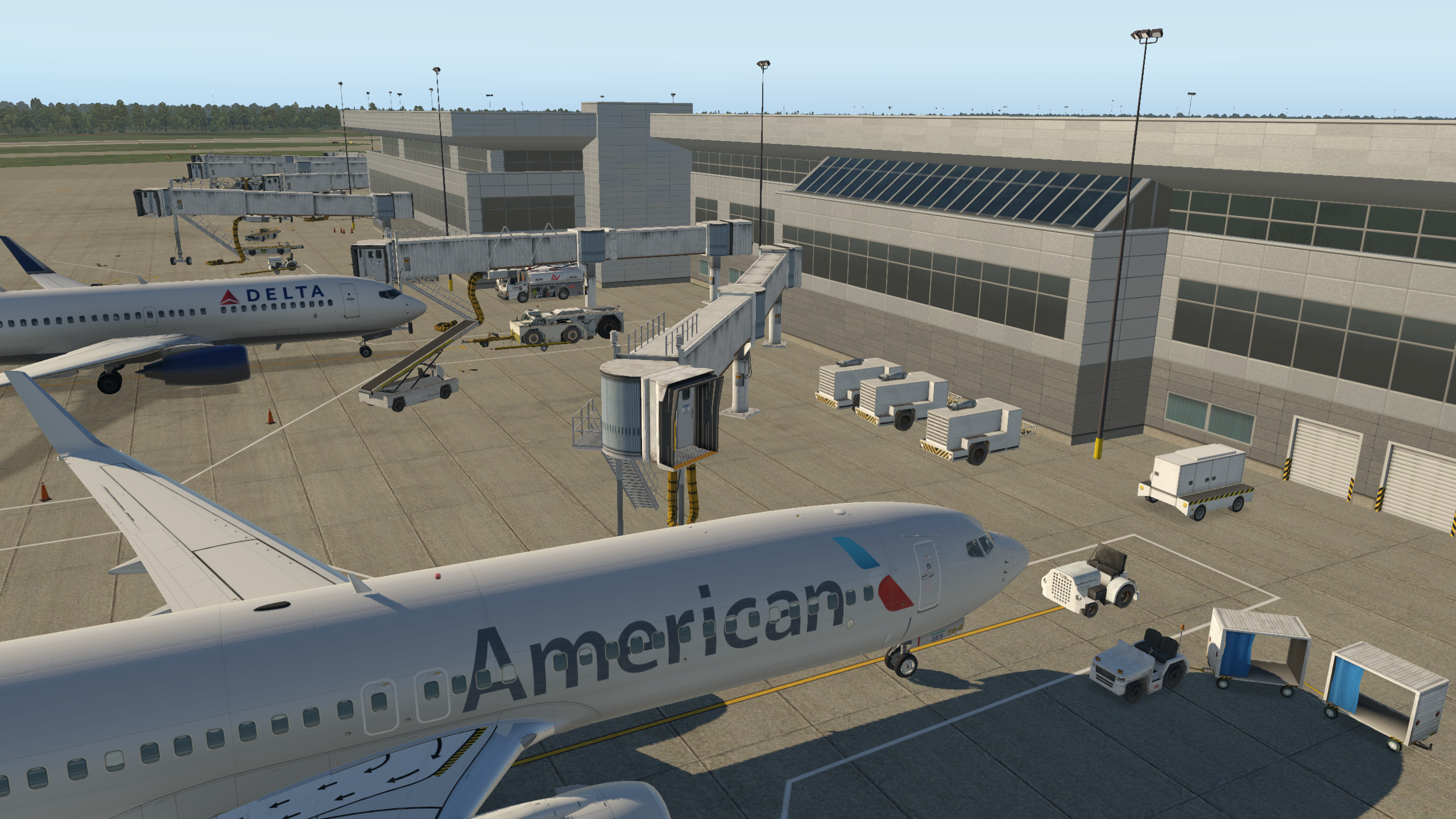
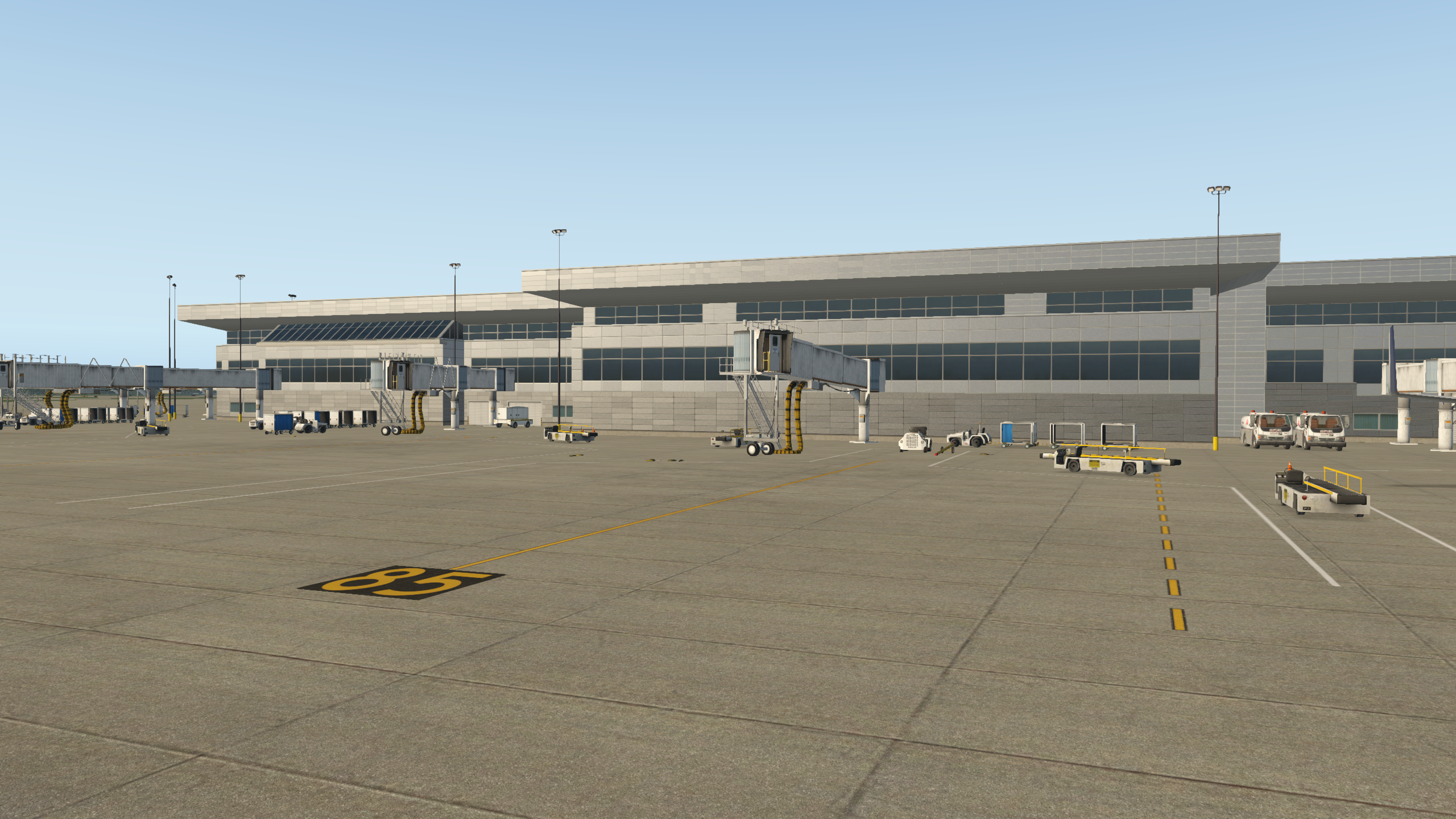
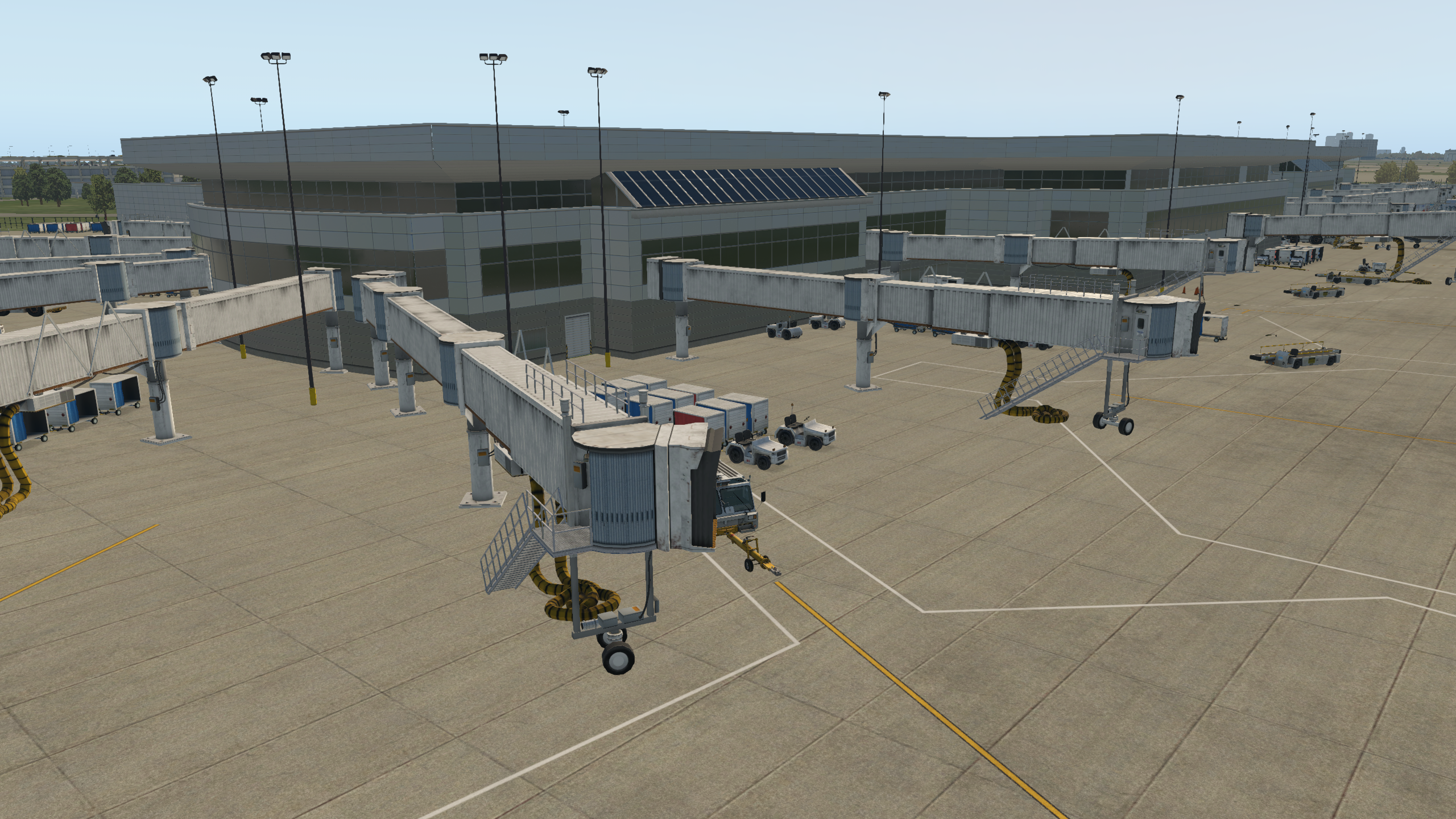
    I’ve started getting a hang of the new Terminal Kit, and Terminal F is really starting to come together …

    b738_18

    b738_17

    b738_16

    b738_15

    b738_12

    Share this:

    • Share on X (Opens in new window) X
    • Share on Facebook (Opens in new window) Facebook
    • Email a link to a friend (Opens in new window) Email
    • Print (Opens in new window) Print
  • WED Facade Resource

    2017-11-04

    |

    Resources

    One thing I struggle with when designing X-Plane scenery is guessing how different building facades will end up looking in the sim. For those in the same situation, this forum post, “An Introductory Guide To Default Autogen Facades,” should help.

    Share this:

    • Share on X (Opens in new window) X
    • Share on Facebook (Opens in new window) Facebook
    • Email a link to a friend (Opens in new window) Email
    • Print (Opens in new window) Print
Previous Page
1 … 15 16 17 18 19 … 59
Next Page

On The Glideslope

  • Instagram
  • Facebook
  • X

Loading Comments...

You must be logged in to post a comment.