On The Glideslope

  • How To
    • How I Configure For VR In X-Plane
    • How To Have Dual Controls In X-Plane
    • How To Configure X-Plane 11 For Multiple Screens
    • How To Create Custom Cameras In P3D
    • How To Get Started With X-Plane 11
  • Resources
    • Schematics
    • Center Console Plans
    • Basement Sim Video Tour
    • Screen Configurations
    • A2A LVAR List PDFs
    • How To Talk ATC
    • Cessna 172 Cabin Dimensions
    • USB u0026 Saitek
  • Reviews
  • What’s In The Sim
  • About OTG
    • About OTG
    • The Construction Journey
  • Real World Update: Going Somewhere

    2017-11-01

    |

    Real World Instruction

    I’ve finally settled in with a new CFI here in Tampa and we’ve picked up my flight training after a bit of a layoff thanks to the move, the hurricane, and my first CFI here getting a job flying jets. I only have cross countries, night work, and check ride prep to complete before trying for my ticket, so I’m eager to get things moving again.

    Yesterday we flew from Albert Whitted to Venice and back. It was a lovely day and perfect flying weather. The only wrinkle in the plan was Tampa Approach / Departure not being willing to give us flight following. They didn’t even respond to my radio calls, in fact, and apparently they’ve been reticent to responded to any GA traffic asking for advisories for the past while now. This meant we flew lower than I would have preferred, and that we skirted the Sarasota Charlie airspace, but so it goes. Here’s a link to the flight track on Cloud Ahoy.
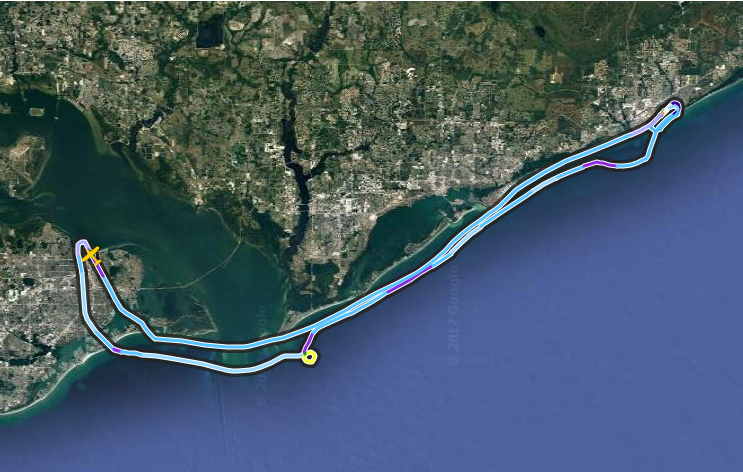
    CloudAhoy

    And here’s a very brief clip I shot along the way. I also simulated the flight two days ago and ran the GoPro while doing so, and will post that video soon. Next flight is a cross country up to Ocala and back, and I’m looking forward to it.
    Share this:

    • Share on X (Opens in new window) X
    • Share on Facebook (Opens in new window) Facebook
    • Email a link to a friend (Opens in new window) Email
    • Print (Opens in new window) Print
  • More Tampa Gateway Progress

    2017-10-29

    |

    Uncategorized

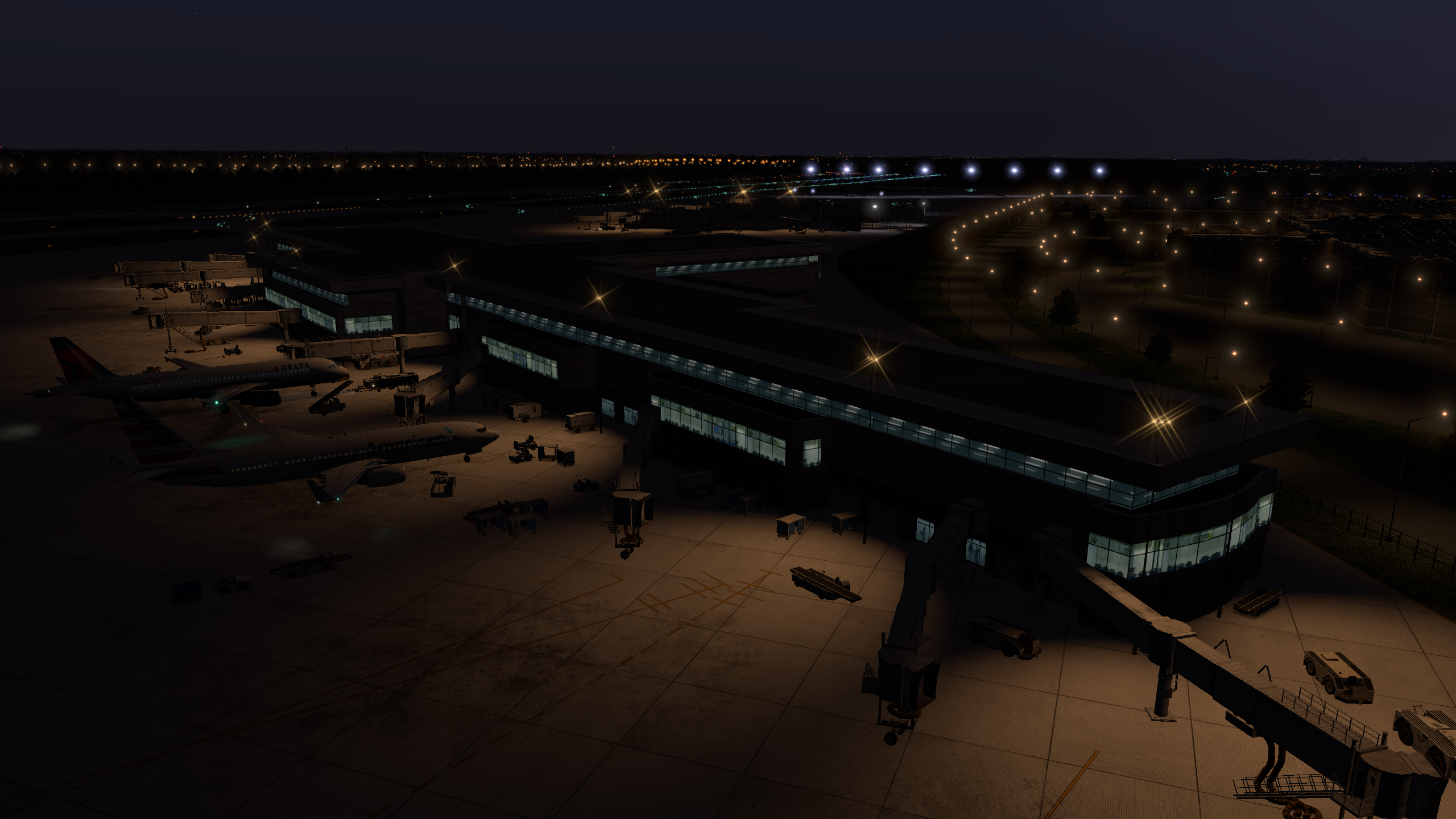
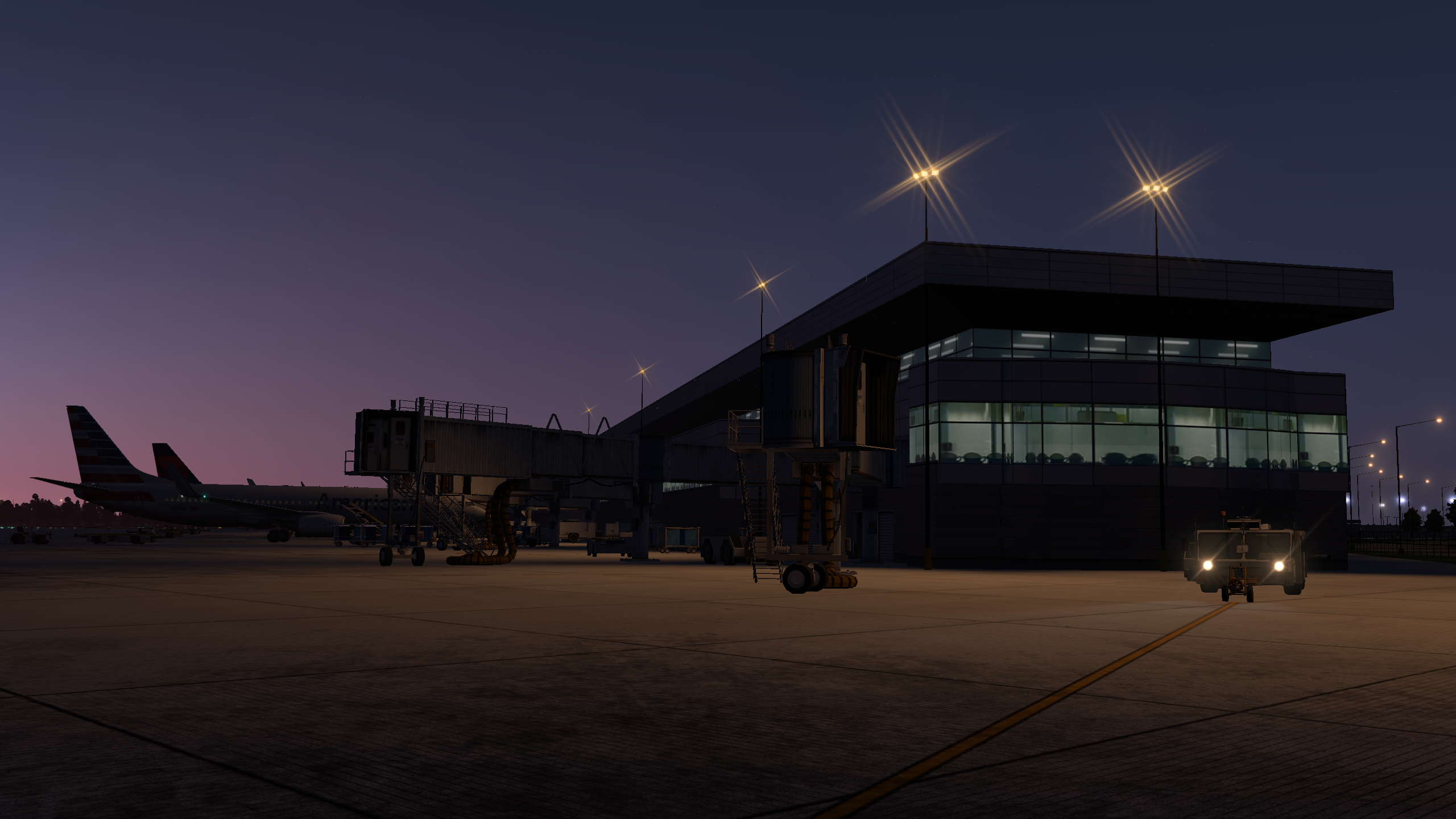
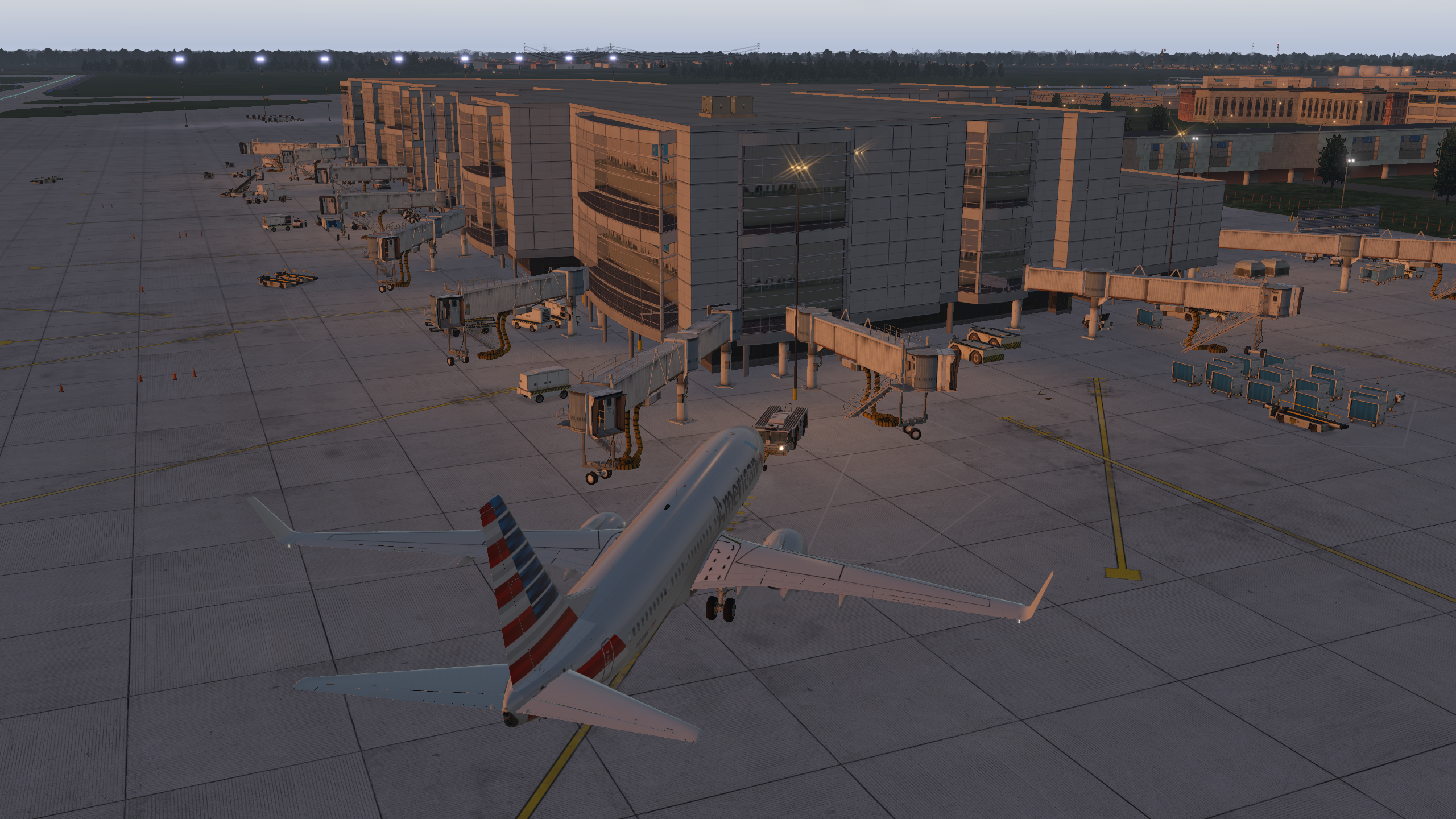
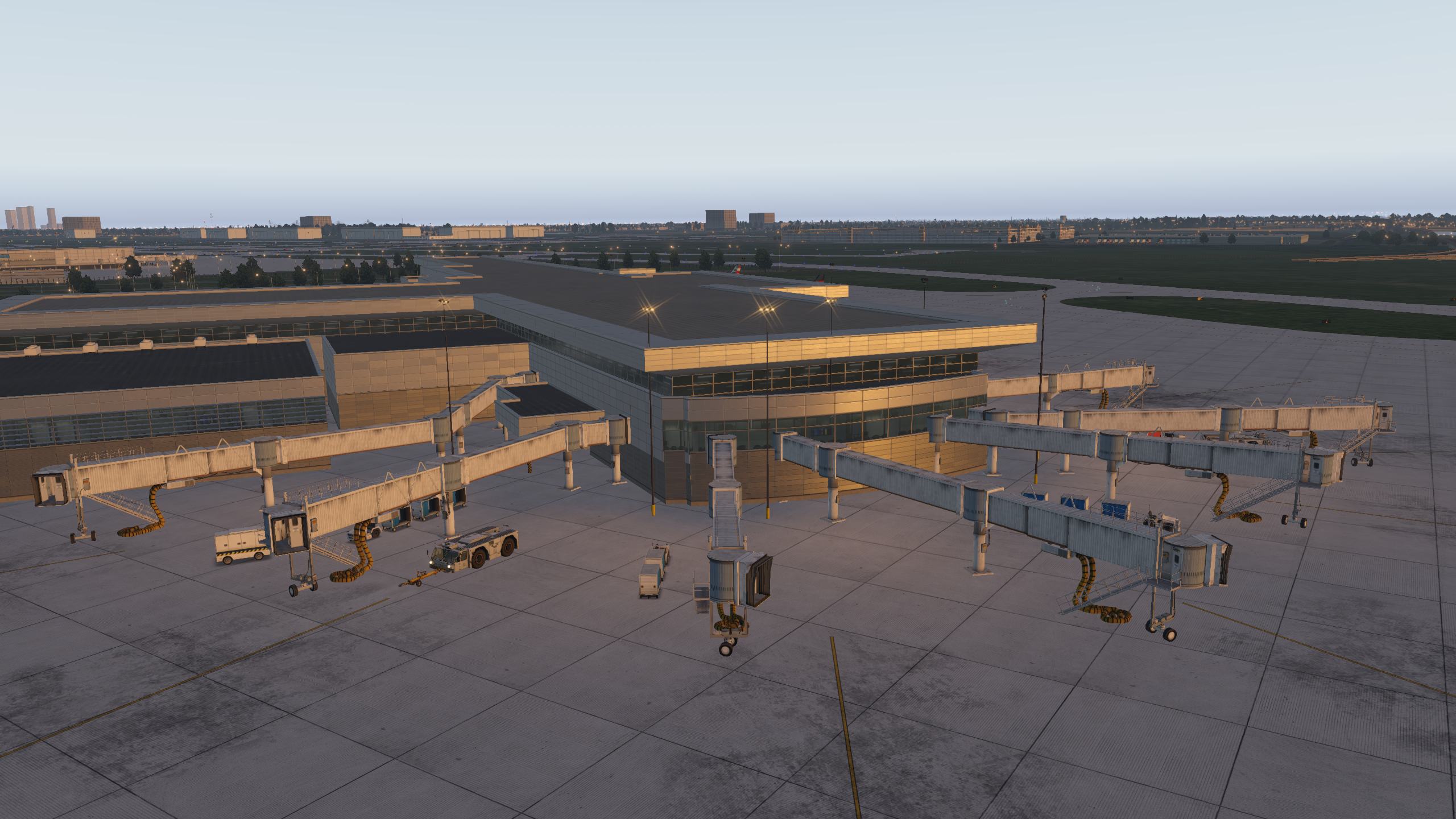
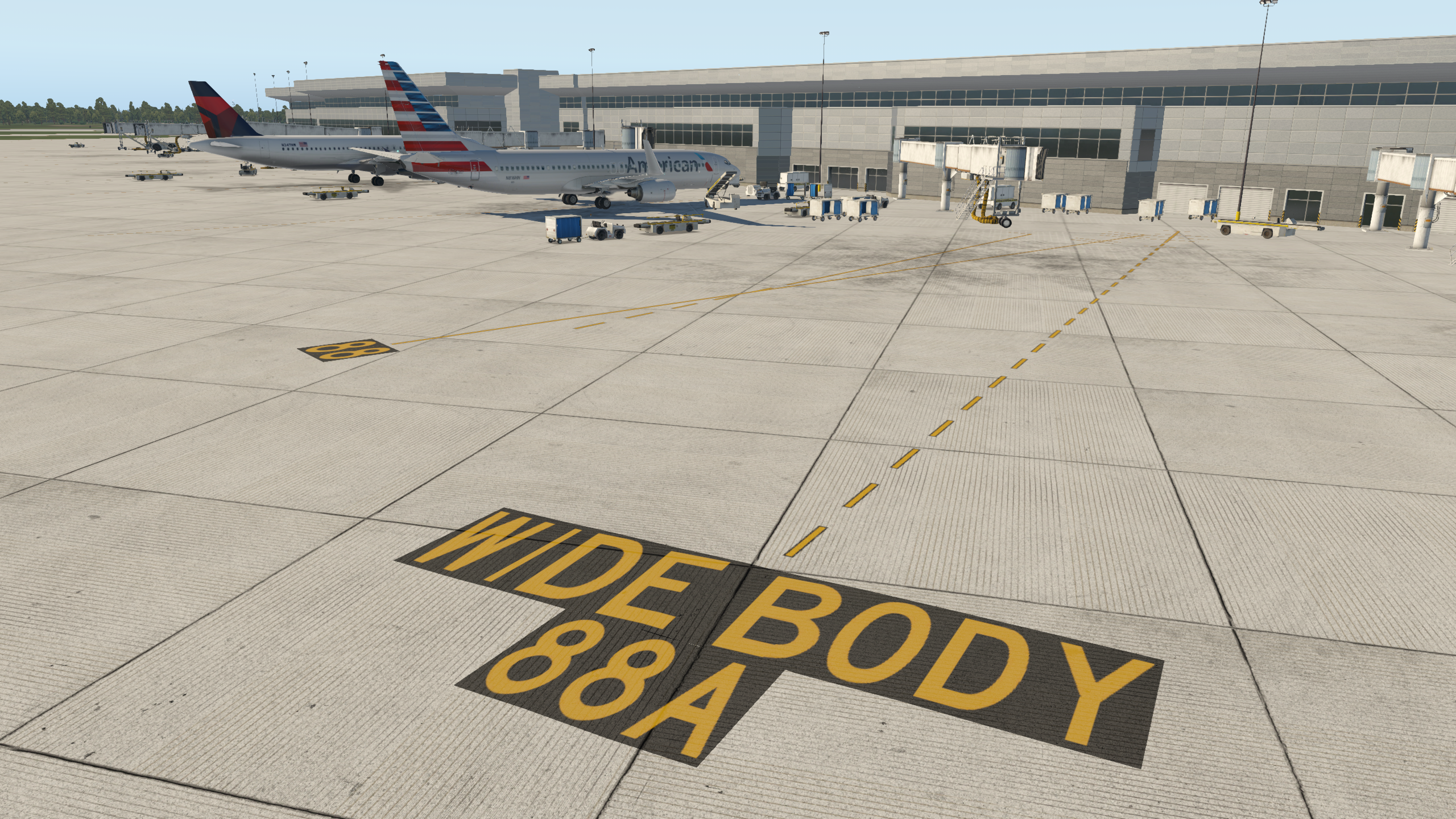
    I’ve scrapped the earlier work and have decided to use the new Terminal Kit, objects, and lettering available in the X-Plane 11.1 beta libraries. While this means the Tampa International I’m designing for the Gateway won’t work with X-Plane 10, I prefer to design for the future. And the new Terminal Kit is much more flexible and powerful than the old terminal facades. There is still much to do on Terminal F, but I’d say this is looking pretty good already.

    b738_11

    b738_10

    b738_9

    b738_8

    Share this:

    • Share on X (Opens in new window) X
    • Share on Facebook (Opens in new window) Facebook
    • Email a link to a friend (Opens in new window) Email
    • Print (Opens in new window) Print
  • TPA Update

    2017-10-27

    |

    Uncategorized

    The American Airlines terminal. Good progress on the ramp, and I have the perimeter of the terminal accurate, but theres a lot of work to do on the window and height scheme. But it’s coming along.

    b738_6

    Share this:

    • Share on X (Opens in new window) X
    • Share on Facebook (Opens in new window) Facebook
    • Email a link to a friend (Opens in new window) Email
    • Print (Opens in new window) Print
  • The Next Scenery Project

    2017-10-24

    |

    Uncategorized

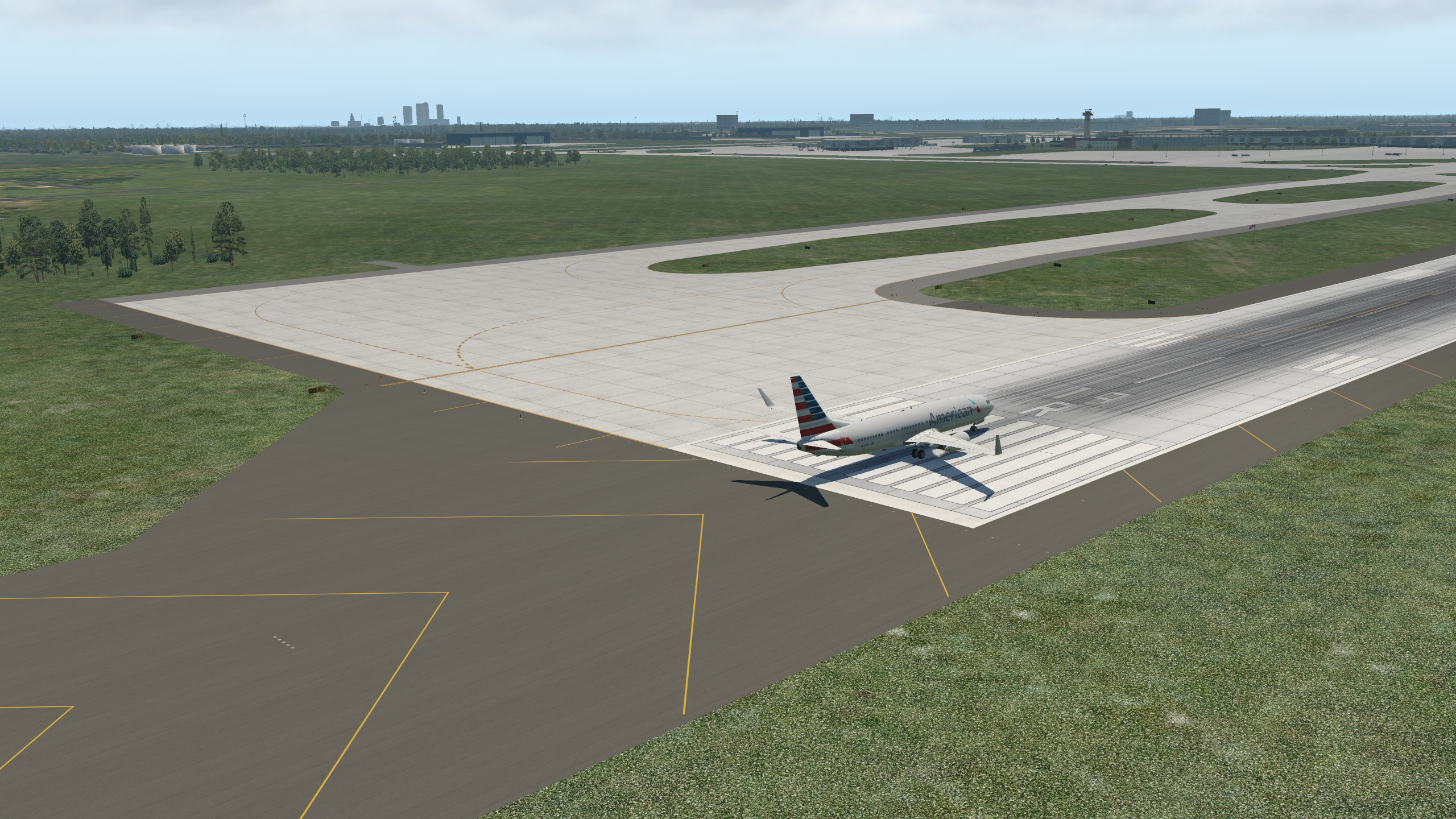
    It is KTPA Tampa International, using only default objects for Gateway upload. This one is going to take weeks, but I’m just going to chip away at it one section at a time. First bit is getting the multiple tarmac textures set to match the satellite imagery. Then we’ll go to buildings – although I already couldn’t resist cleaning up the off-terminal jet parking ramp (and I notice the parking stripes are backwards – I’ll have to fix that).

    b738_1

    b738_2

    Share this:

    • Share on X (Opens in new window) X
    • Share on Facebook (Opens in new window) Facebook
    • Email a link to a friend (Opens in new window) Email
    • Print (Opens in new window) Print
  • A Quick Video Tour Of World Traffic 3

    2017-10-24

    |

    Product Reviews, Videos

    I’ve been getting familiar with Classic Jet Simulations’ World Traffic 3, and I have to say I really like it. It’s worth spending a little time reviewing some of the tutorials for how to use the software, and YouTube has plenty of them. Once I understood the basics I found it an excellent addition to the sim. Here’s a quick video tour. It’s not meant to be a how-to, nor a full review of my settings etc. But it should give you a feel for how the software integrates with X-Plane, the ease with which it generates traffic, the quality of the AI models, and its ability to generate GA traffic (which is excellent).

    Share this:

    • Share on X (Opens in new window) X
    • Share on Facebook (Opens in new window) Facebook
    • Email a link to a friend (Opens in new window) Email
    • Print (Opens in new window) Print
  • Does World Traffic 3 Produce GA Traffic?

    2017-10-22

    |

    Uncategorized

    I’ve been asked this several times. Yes it does. Quite well in fact. 

    Share this:

    • Share on X (Opens in new window) X
    • Share on Facebook (Opens in new window) Facebook
    • Email a link to a friend (Opens in new window) Email
    • Print (Opens in new window) Print
  • Just Arrived

    2017-10-21

    |

    Uncategorized

    I’d read about this book and plan to use it to design training in the sim. I’ll let you know how that goes. 

    Share this:

    • Share on X (Opens in new window) X
    • Share on Facebook (Opens in new window) Facebook
    • Email a link to a friend (Opens in new window) Email
    • Print (Opens in new window) Print
  • WorldTraffic 3.0

    2017-10-20

    |

    Uncategorized

    One of the things I’ve missed about P3D is AI traffic. While flying on PilotEdge fills the skies with aircraft (drones and those piloted by real people), the default AI system in X-Plane simply is not very good and is a CPU hog to boot. So I’ve followed the release of Classic Jet Simulations’ World Traffic 3 with interest. I was finally able to download it yesterday and begin working with it. It has a small learning curve, which is no problem, but my initial impression was that it was too hard on frame rates – I felt I was losing 5-10 FPS. But after some more time with it today I was able to enjoy KTPA filled with taxing, departing, and arriving aircraft and Tampa-area skies full of aircraft en-route, while holding to my usual 30 FPS. I’ll try to post a video tomorrow, but it seems like a winner so far.

    Share this:

    • Share on X (Opens in new window) X
    • Share on Facebook (Opens in new window) Facebook
    • Email a link to a friend (Opens in new window) Email
    • Print (Opens in new window) Print
  • First-Person View KSBA to KSBP on PilotEdge

    2017-10-20

    |

    PilotEdge, Videos

    First-person view videos are not everyone’s cup of tea. Some love them, and others find they make them nauseous. I like them, and try to make one every six months or so. Here’s the latest, a short hop from Santa Barbara to San Louis Obispo. We make this flight on PilotEdge, and with few interruptions I recorded the entire flight. It also highlights the latest xEnviro release, and the modified lights.txt configuration I posted about earlier. Finally, this is X-Plane 11.1beta4.

    Share this:

    • Share on X (Opens in new window) X
    • Share on Facebook (Opens in new window) Facebook
    • Email a link to a friend (Opens in new window) Email
    • Print (Opens in new window) Print
  • Tampa To Sarasota At Dawn

    2017-10-19

    |

    Videos

    I made this a few weeks back but forgot to post it. It’s a flight over the new real-world territory, Tampa to Sarasota, highlighting modified night lighting and xEnviro 1.07 weather. I enjoyed this night-to-sunrise flight and hope you do, too.

    Share this:

    • Share on X (Opens in new window) X
    • Share on Facebook (Opens in new window) Facebook
    • Email a link to a friend (Opens in new window) Email
    • Print (Opens in new window) Print
Previous Page
1 … 16 17 18 19 20 … 59
Next Page

On The Glideslope

  • Instagram
  • Facebook
  • X

Loading Comments...

You must be logged in to post a comment.