On The Glideslope

  • How To
    • How I Configure For VR In X-Plane
    • How To Have Dual Controls In X-Plane
    • How To Configure X-Plane 11 For Multiple Screens
    • How To Create Custom Cameras In P3D
    • How To Get Started With X-Plane 11
  • Resources
    • Schematics
    • Center Console Plans
    • Basement Sim Video Tour
    • Screen Configurations
    • A2A LVAR List PDFs
    • How To Talk ATC
    • Cessna 172 Cabin Dimensions
    • USB u0026 Saitek
  • Reviews
  • What’s In The Sim
  • About OTG
    • About OTG
    • The Construction Journey
  • REX Sky Force 3D Release Appears Imminent

    2017-12-28

    |

    Uncategorized

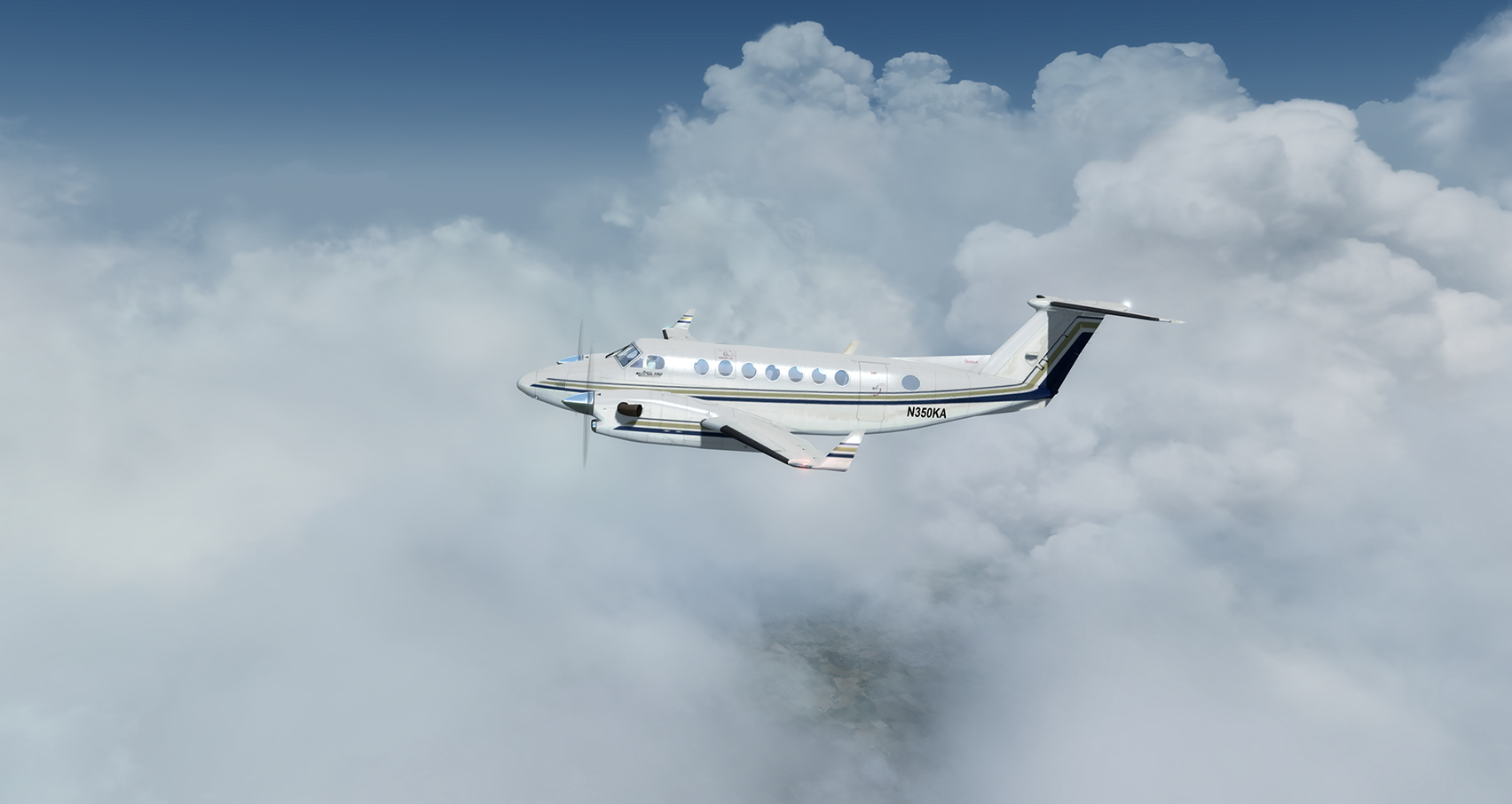
    This AVSIM post points to this REX Facebook page that posts to this manual for the long-awaited Sky Force 3D weather and environment engine from REX Simulations, all of which suggests that its release is just around the corner. I was a big fan of REX when I used P3D, and reading through the manual I believe this is going to make me jealous of FSX / Prepar3D weather for some time. Of course, REX has hinted that Sky Force would come for X-Plane as well, and I very much hope it will, one day.
    inflight

    That looks good, yes? If you like that, watch this.
    Share this:

    • Share on X (Opens in new window) X
    • Share on Facebook (Opens in new window) Facebook
    • Email a link to a friend (Opens in new window) Email
    • Print (Opens in new window) Print
  • Build Your Own GN530

    2017-12-28

    |

    Uncategorized

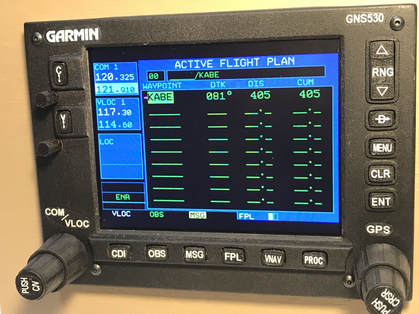
    Here’s something interesting: a DIY GN530 kit, from SimWareKits. I watched a few videos Russ Barlow (of Air Manager) shot of this unit while it was under development, and now for $229 plus about another $100 of your own purchases (LCD screen, shipping the design file to a 3D printer, etc.) and a little elbow grease, you can have one in your own home cockpit.

    img-4733_1

    The videos suggest it’s a very lifelike and capable piece of gear. I have someone building a GN430 for me right now or I’d likely pick one up. While I’ve been able to get along OK having my Desktop Aviator rotary encoders tied to the 530 screen on the external touchscreen, having the real-world mechanics would be ideal.

    Share this:

    • Share on X (Opens in new window) X
    • Share on Facebook (Opens in new window) Facebook
    • Email a link to a friend (Opens in new window) Email
    • Print (Opens in new window) Print
  • Reality XP GTN 750 & Traffic

    2017-12-28

    |

    Uncategorized

    I noted in my last video that I wished the Reality XP GTN 750 would show PilotEdge traffic. According to this post at the PE forums it will – one just has to set the X-Plane AI traffic setting to some number that is one greater than the number of targets you wish to see (e.g., set it to 11 to see 10 targets). I’ll have to try this when I’m next in the sim and see if this is still the case …

    Share this:

    • Share on X (Opens in new window) X
    • Share on Facebook (Opens in new window) Facebook
    • Email a link to a friend (Opens in new window) Email
    • Print (Opens in new window) Print
  • The GTN 750 Is Finally Working On The Touchscreen

    2017-12-27

    |

    How Tos

    The RealityXP GTN750 is a great X-Plane add in. I loved the Flight1 750 in P3D and was disappointed when I learned that the RXP version would not “pop out” to run on an external touch screen in X-Plane. This was because of a limitation in the X-Plane SDK, and with XP 11.11 it is now fixed. So the 750 returns to the basement sim. I include a brief how-to on removing the 750’s bezel as well. Now if it only showed PilotEdge traffic …

    Share this:

    • Share on X (Opens in new window) X
    • Share on Facebook (Opens in new window) Facebook
    • Email a link to a friend (Opens in new window) Email
    • Print (Opens in new window) Print
  • KTPA Gateway Beta 4: Lights!

    2017-12-24

    |

    Custom Scenery

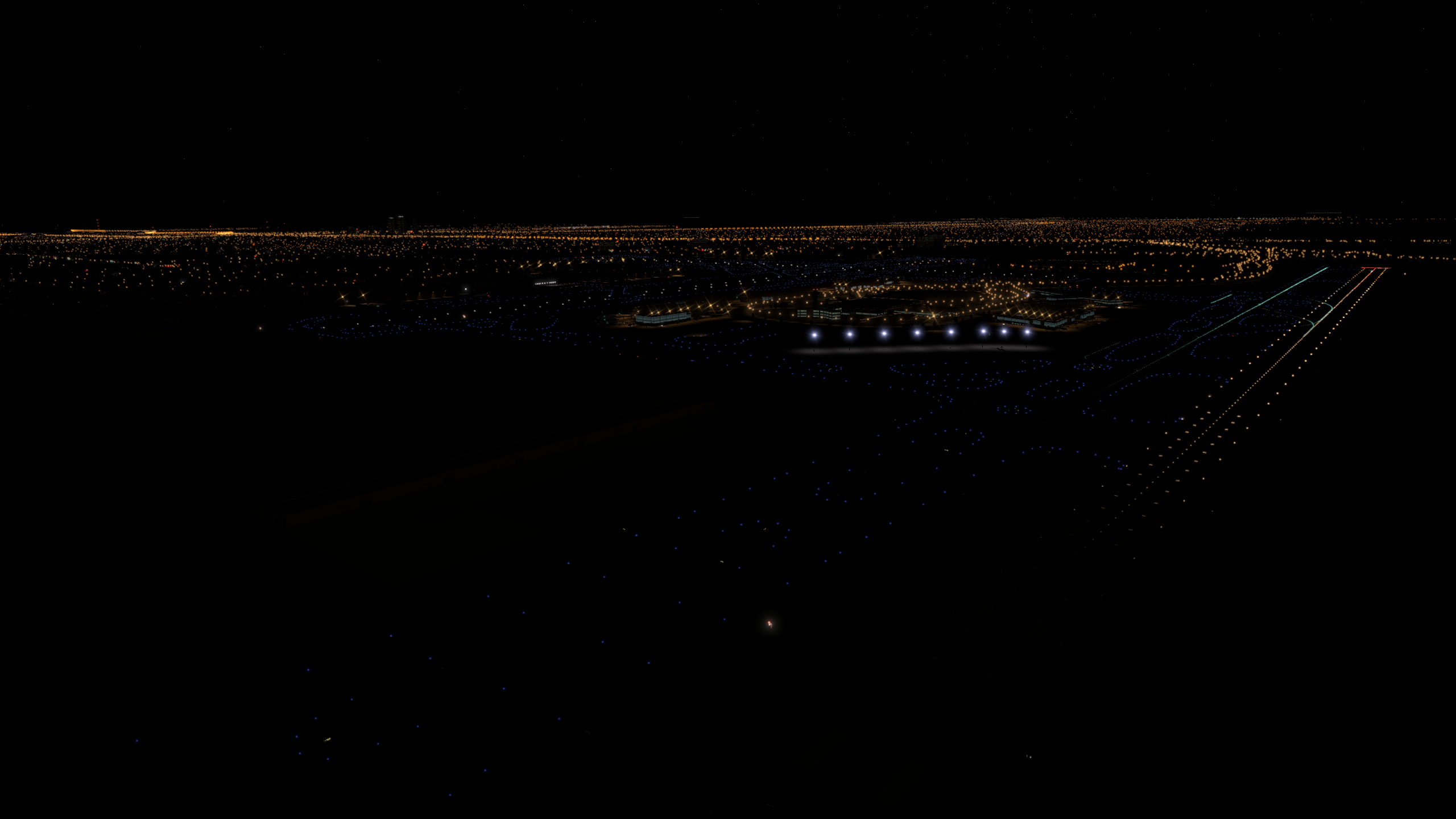
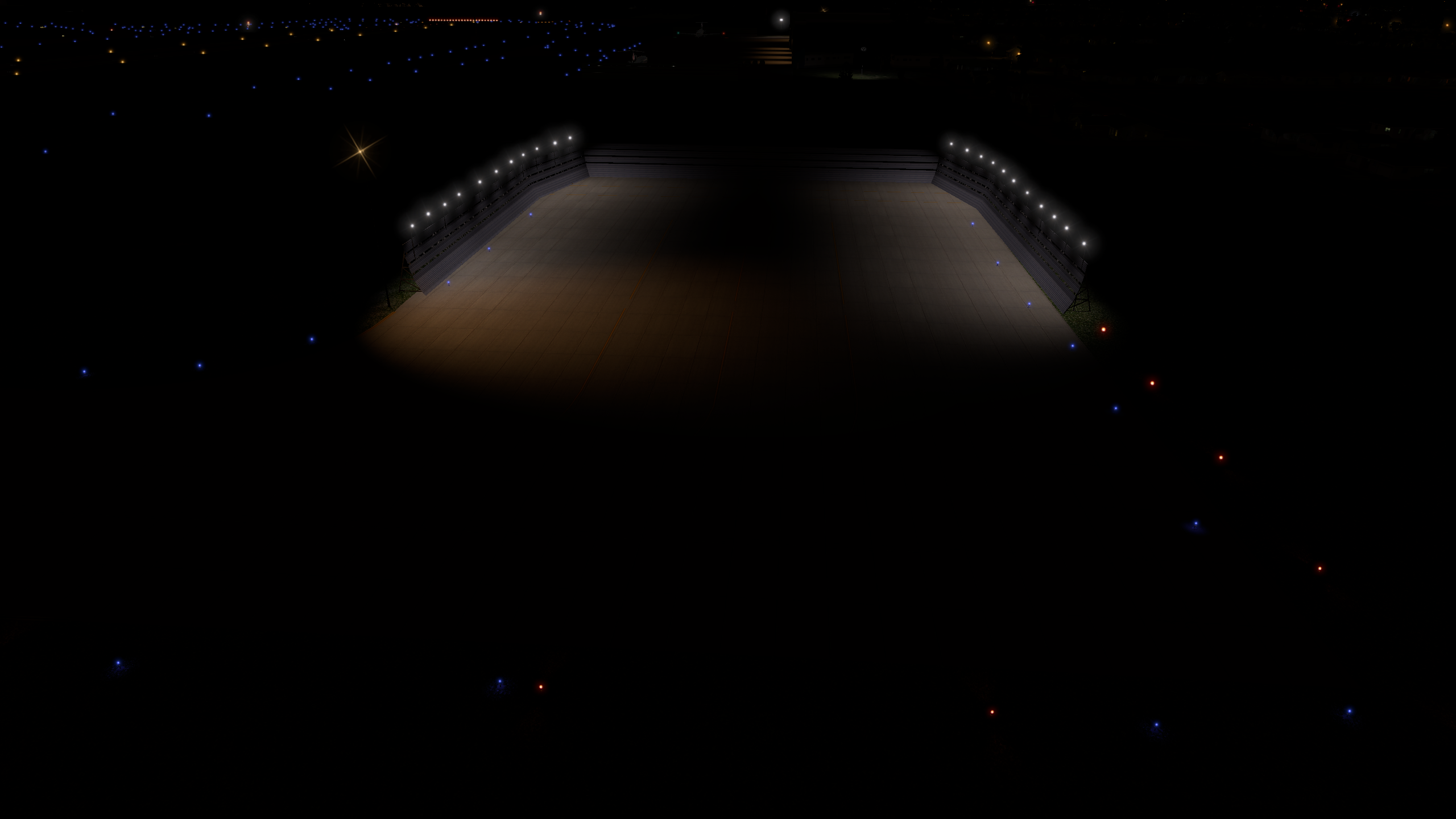
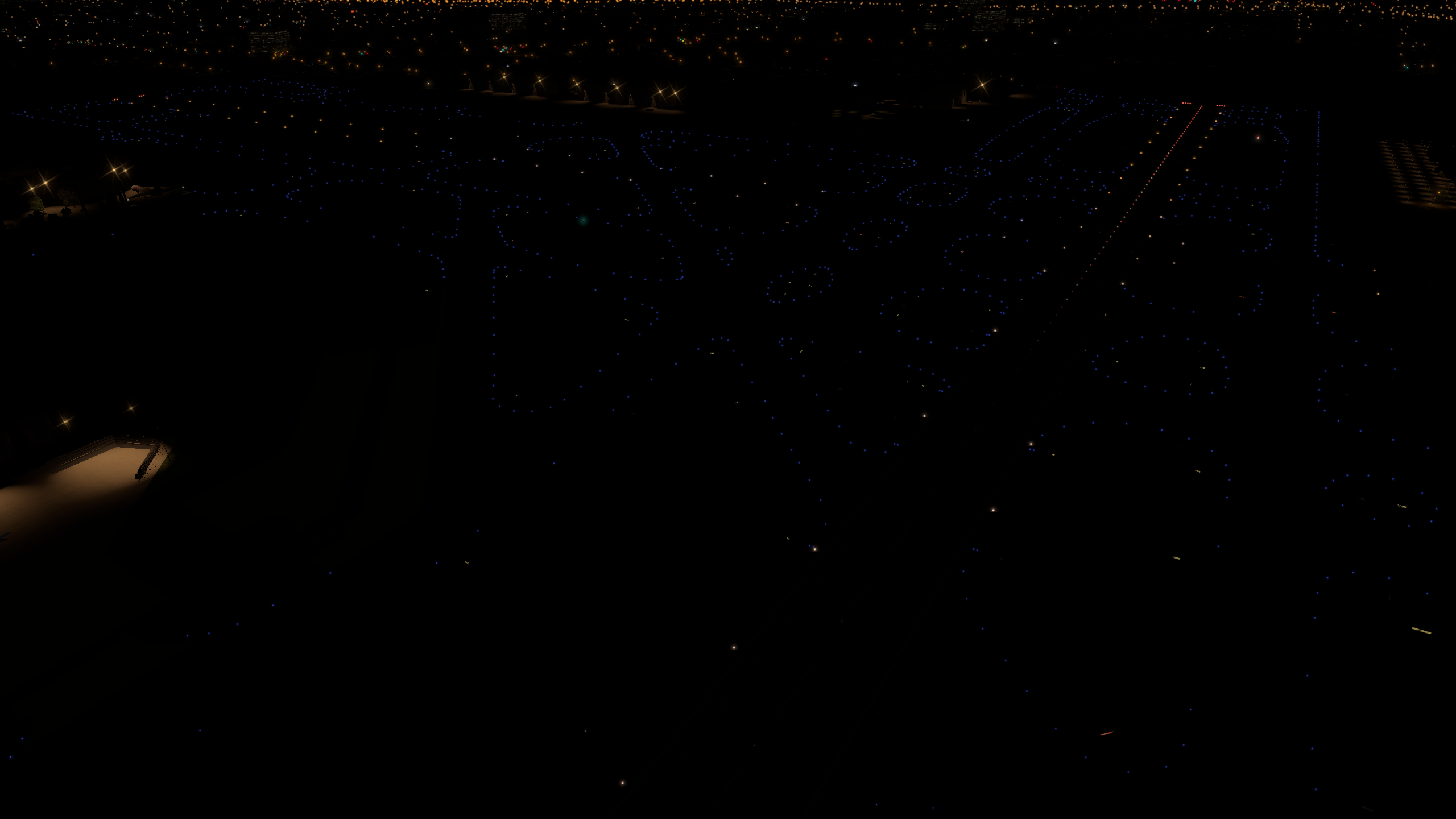
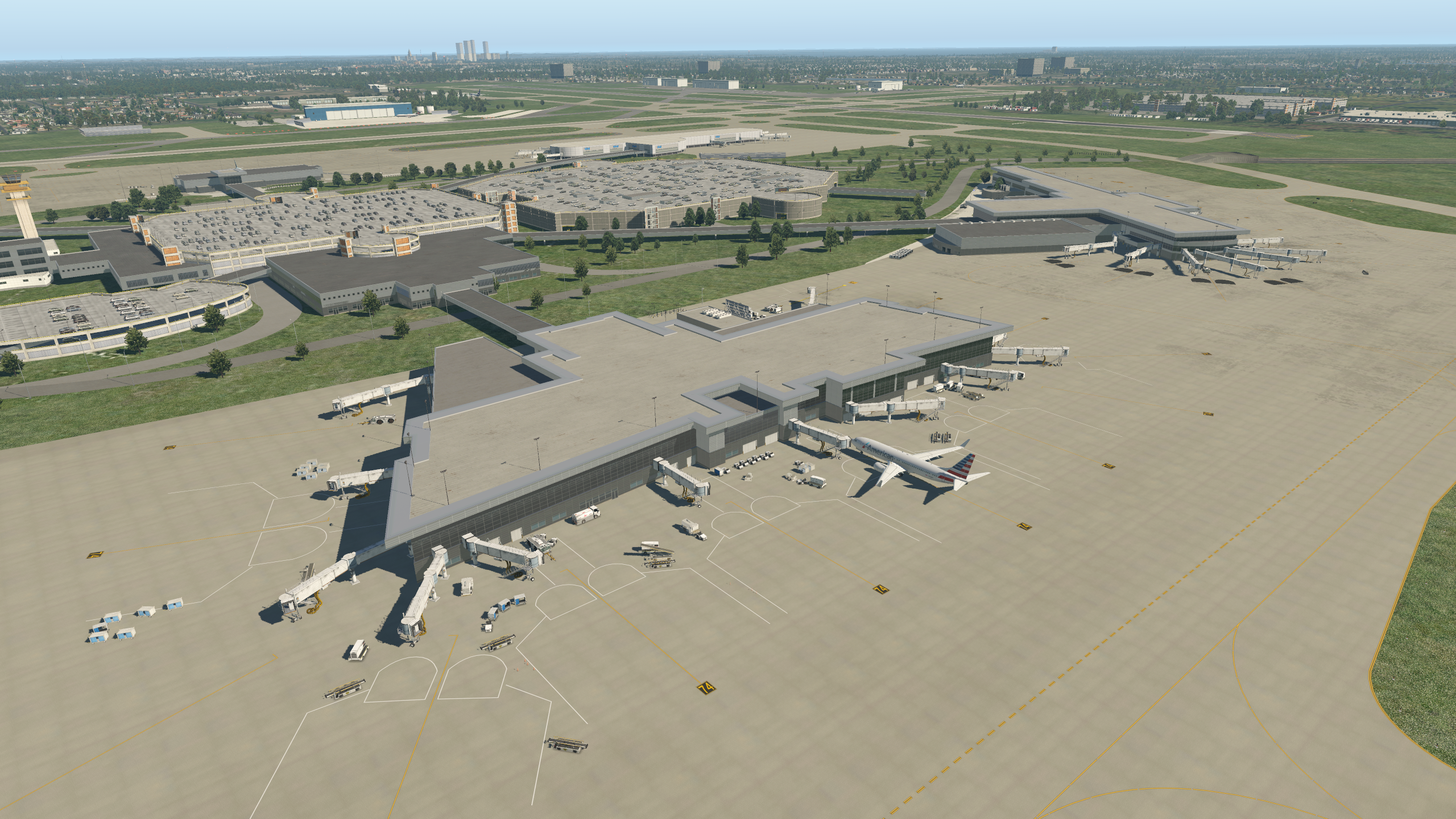
    Beta 4 of KTPA is available here. This revision adds correct placement of taxiway and ramp lighting. I have hand placed every single taxiway light for accuracy. Next step will be finalization of the terminals in turn. Note that you must be running X-Plane 11.1 to use this scenery.

    b738_8

    b738_9

    b738_10

    Share this:

    • Share on X (Opens in new window) X
    • Share on Facebook (Opens in new window) Facebook
    • Email a link to a friend (Opens in new window) Email
    • Print (Opens in new window) Print
  • KTPA Gateway Beta 3

    2017-12-23

    |

    Custom Scenery

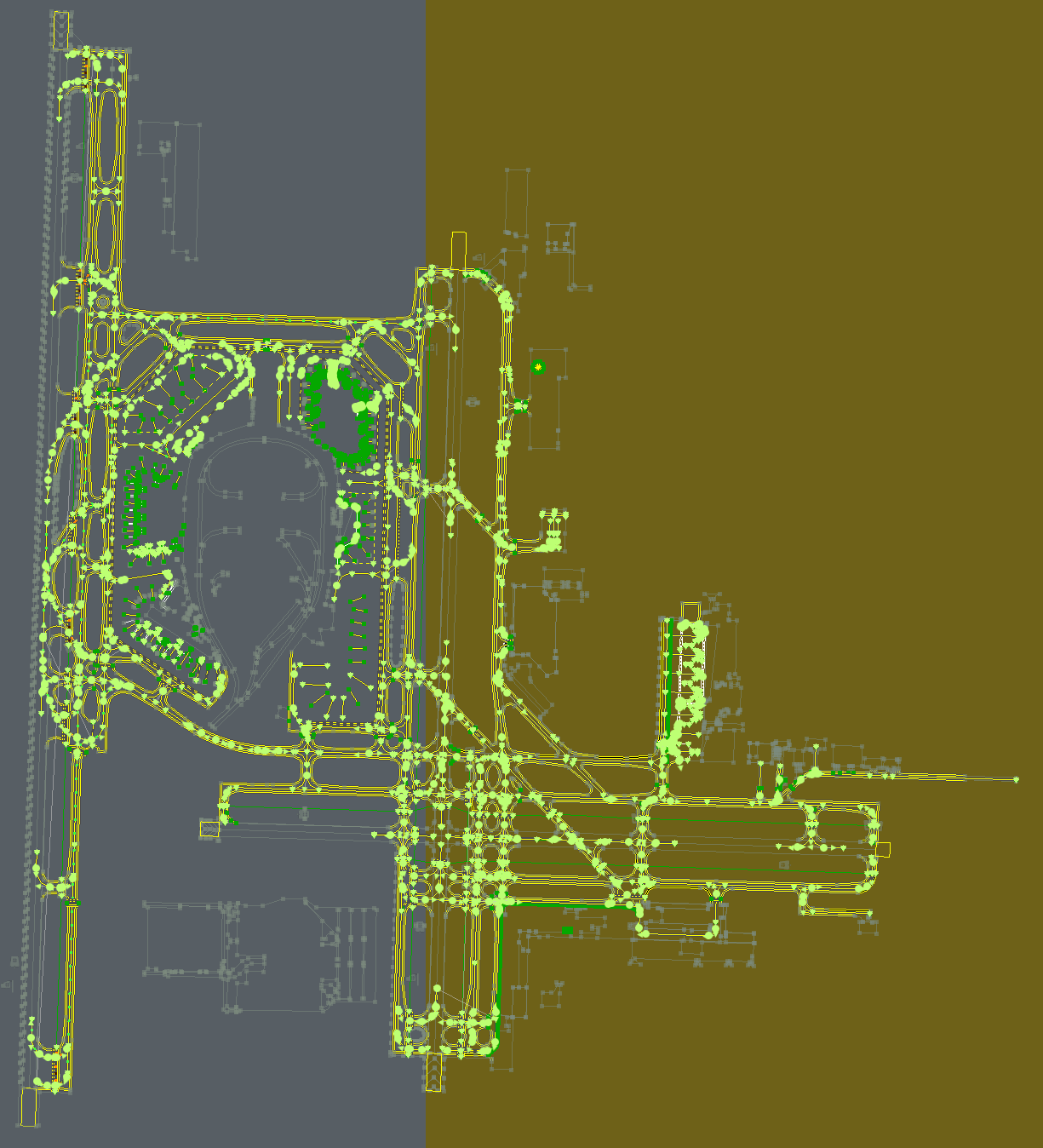
    Beta 3 is up and you may download it here. This version brings completed taxiway lines and taxiway line lights to the package. Next step is to begin working over each terminal in turn. A reminder: this beta requires X-Plane version 11.1 and will not run on 11.05 or earlier versions.

    _Applications_X-Plane_11_Custom_Scenery_KTPA_Gateway_earth_wed_xml

    Share this:

    • Share on X (Opens in new window) X
    • Share on Facebook (Opens in new window) Facebook
    • Email a link to a friend (Opens in new window) Email
    • Print (Opens in new window) Print
  • Cross Country Number 1 Complete

    2017-12-20

    |

    Real World Instruction

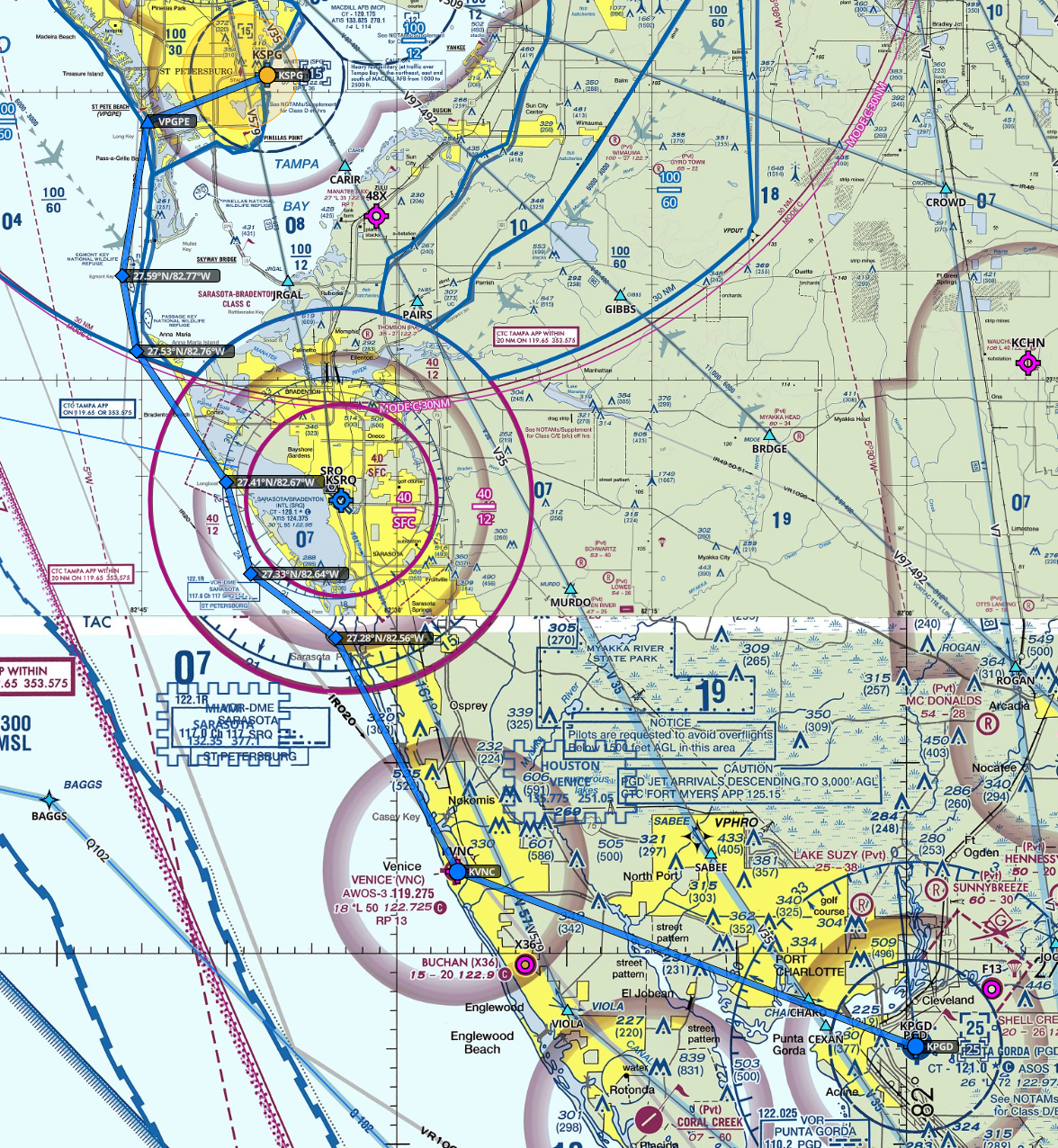
    After five cancellations dating all the way back to Spring in Pennsylvania (and four flight instructors), I finally got my first cross-country flight requirement out of the way today with a hop from Albert Whitted to Punta Gorda and back. The weather was wonderful and the sight seeing fantastic. Lots of traffic along the way and plenty of Bravo and Charlie airspace avoidance, but it was a fun flight topped by a request by Whitted tower to fly a short approach – my first. A few more flights then it will be time for my solo cross country. I can’t wait. Here’s the route and a brief video from along the way.

    ForeFlight_Web

    Share this:

    • Share on X (Opens in new window) X
    • Share on Facebook (Opens in new window) Facebook
    • Email a link to a friend (Opens in new window) Email
    • Print (Opens in new window) Print
  • KTPA Beta2: Terminal E Addition

    2017-12-19

    |

    Custom Scenery

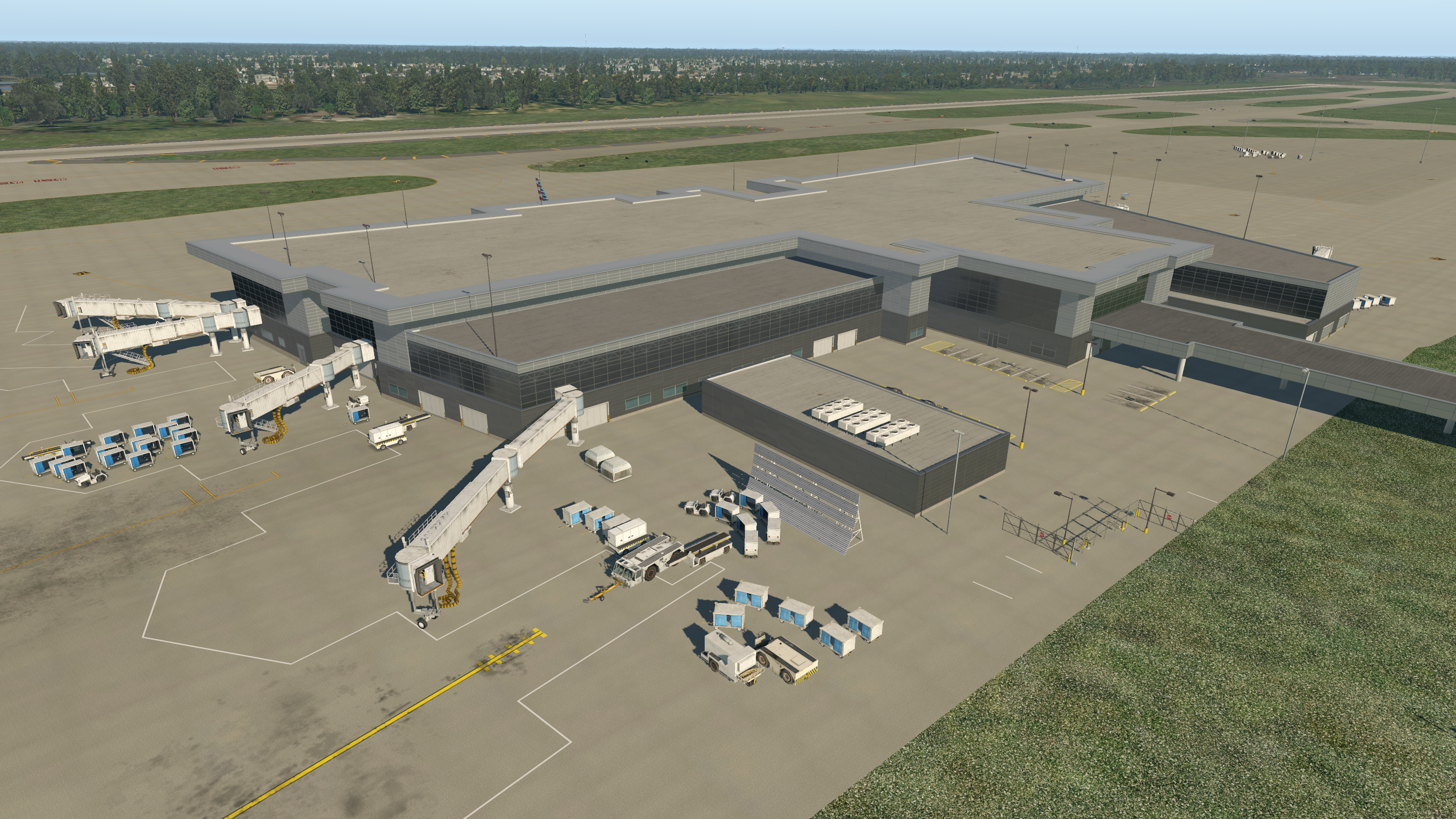
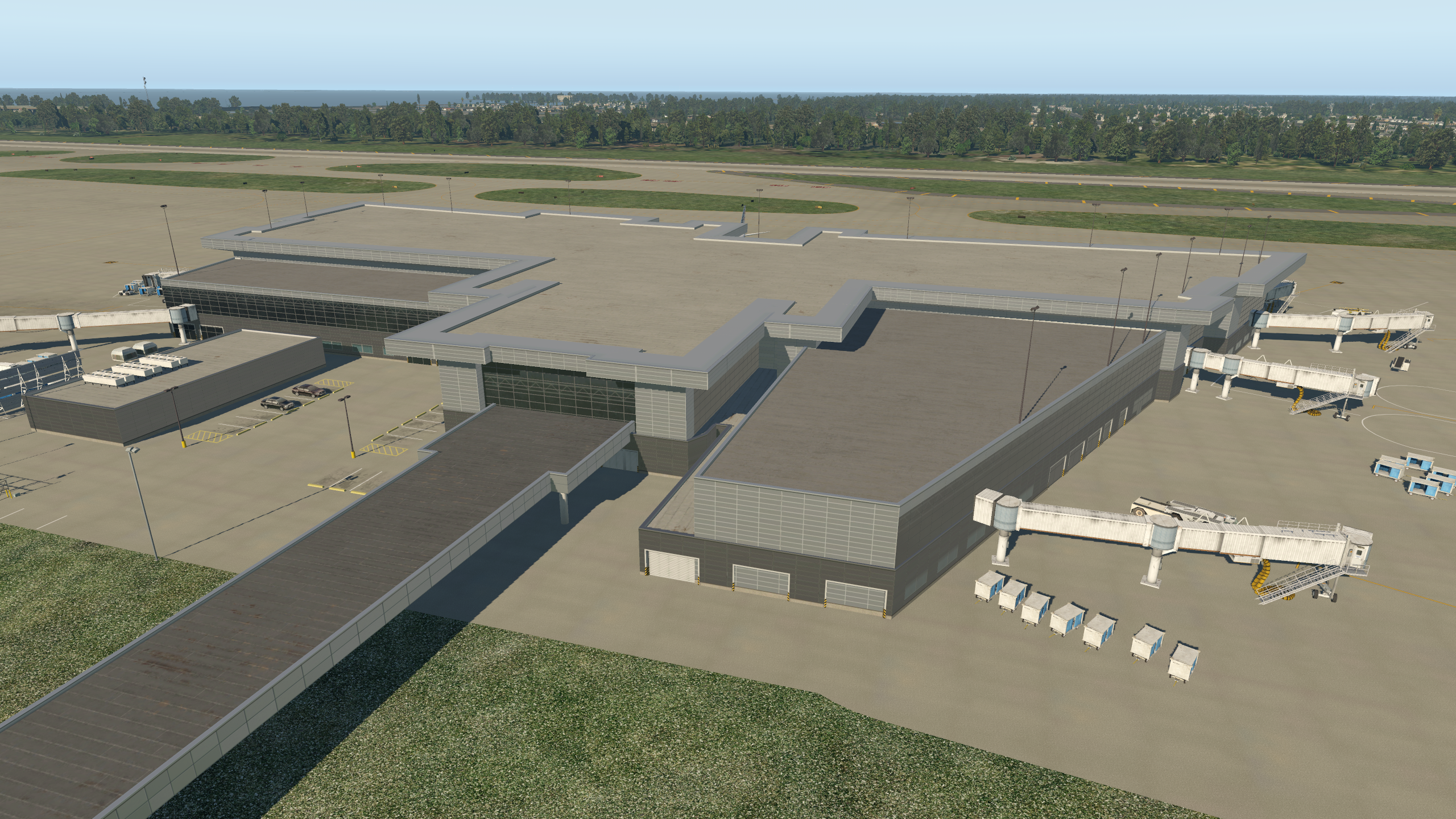
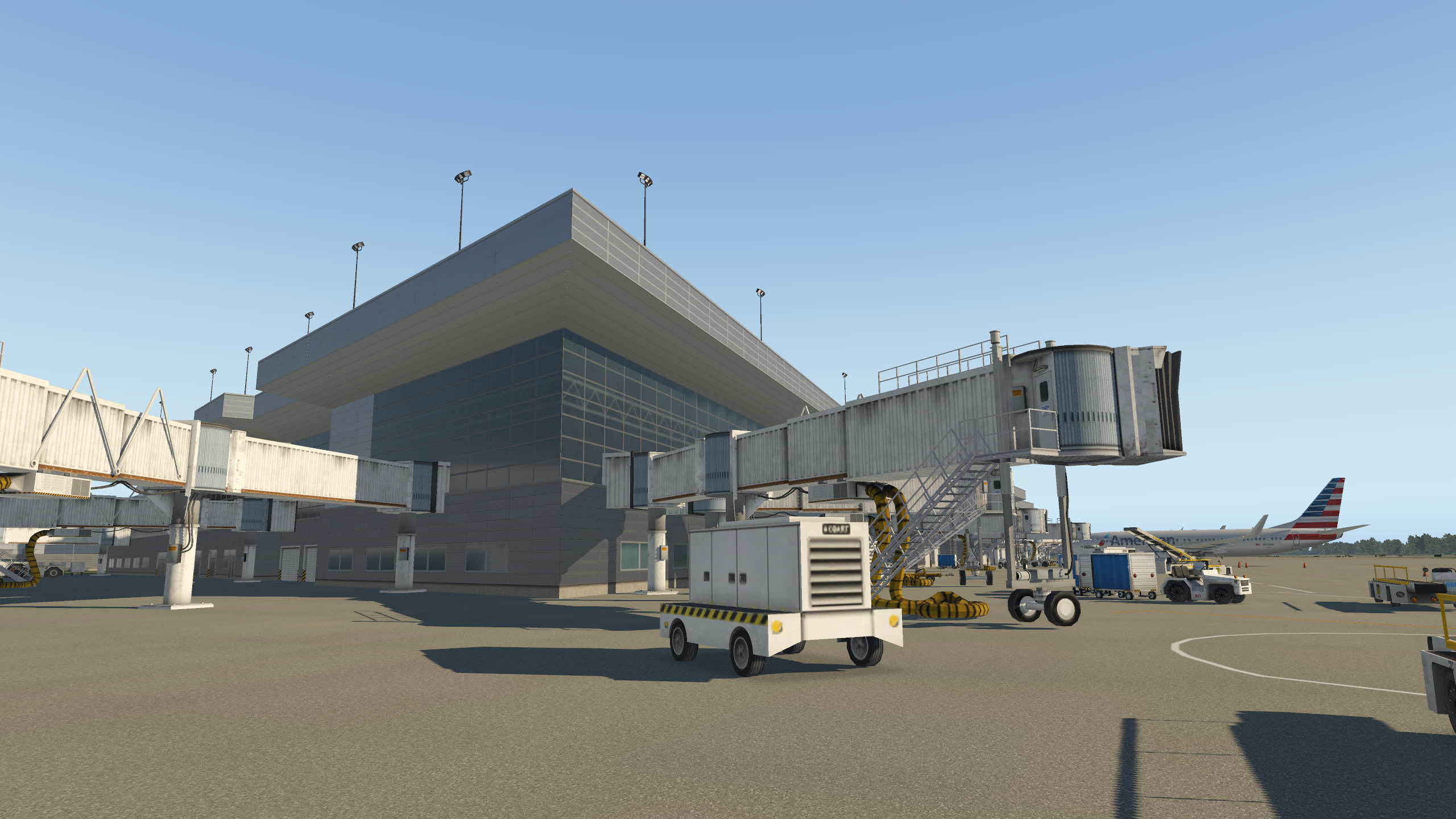
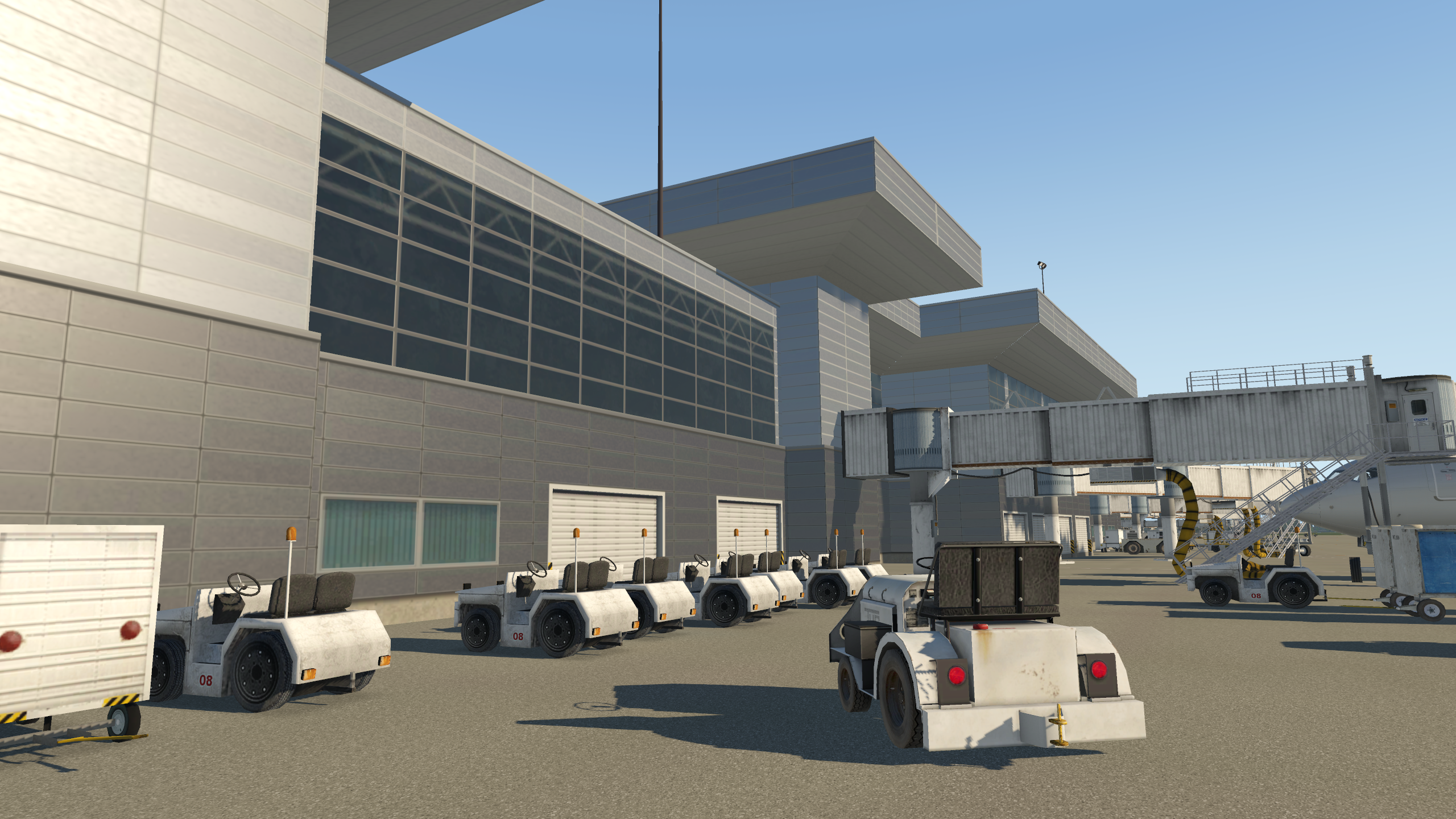
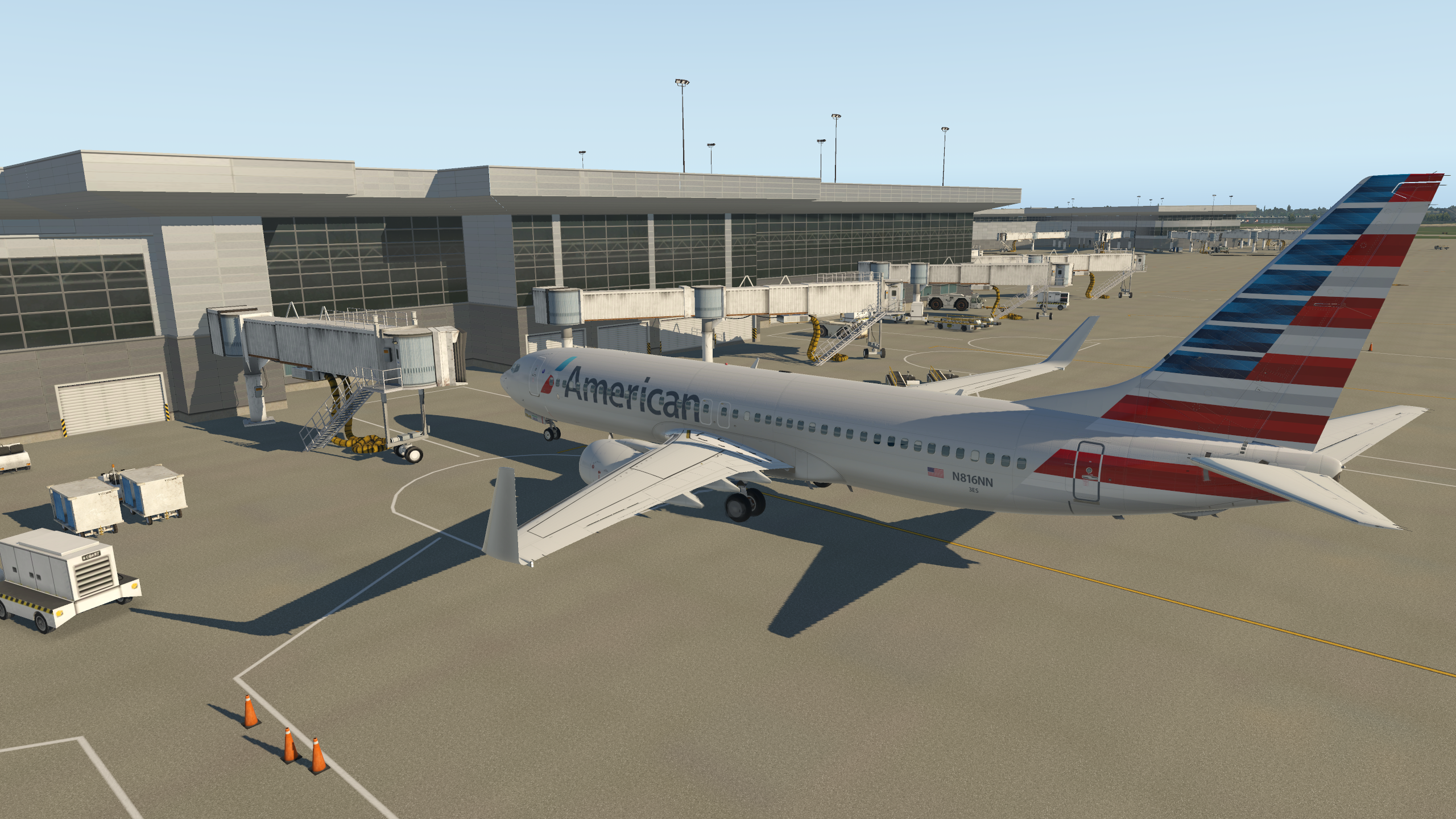
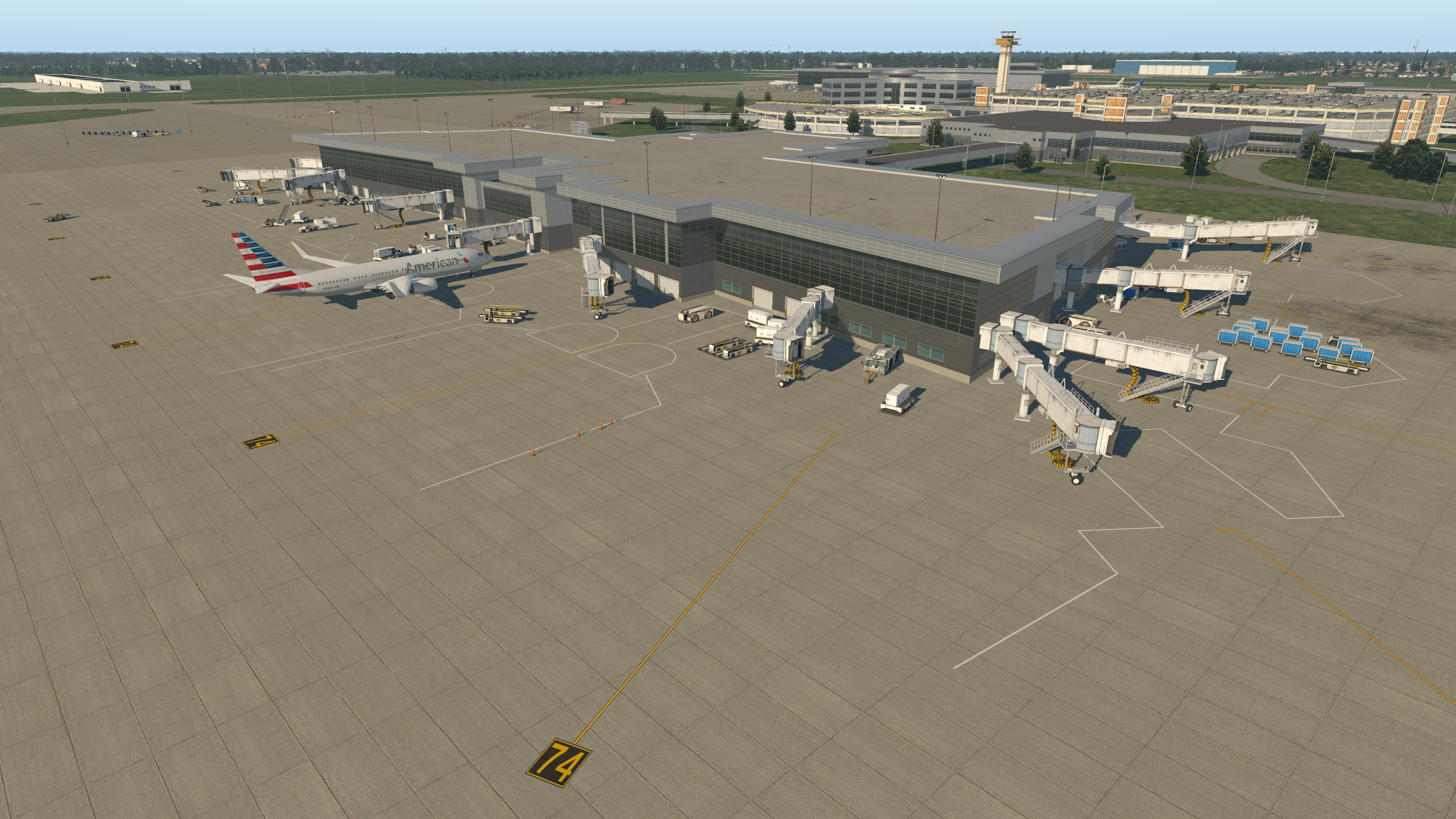
    Here’s an update to the KTPA beta, with Terminal E roughed out well enough for use. This means all commercial terminals are in place, although I am likely going to replace Terminal A, which uses older terminal objects, next.

    Get the beta here. Note that it runs on X-Plane 11.1 only. No additional libraries are required as it only uses default objects.

    Here are some shots of Terminal E.

    b738_7

    b738_6\ b738_5

    b738_4

    b738_3

    b738_2

    b738_1

    Share this:

    • Share on X (Opens in new window) X
    • Share on Facebook (Opens in new window) Facebook
    • Email a link to a friend (Opens in new window) Email
    • Print (Opens in new window) Print
  • Cockpit Cooling

    2017-12-19

    |

    Uncategorized

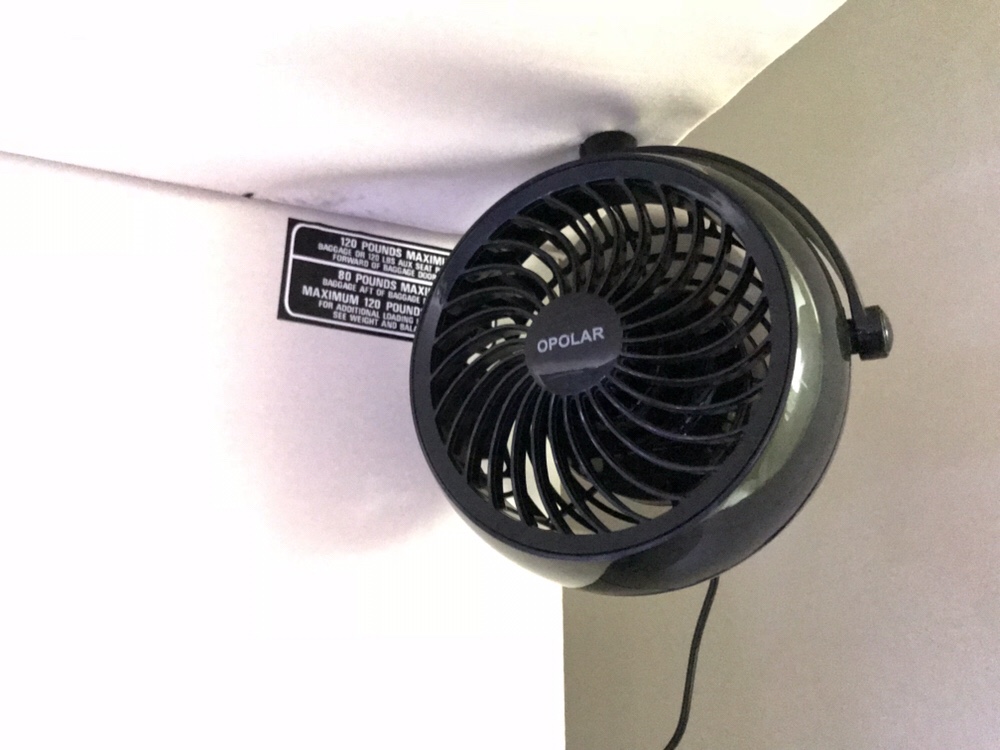
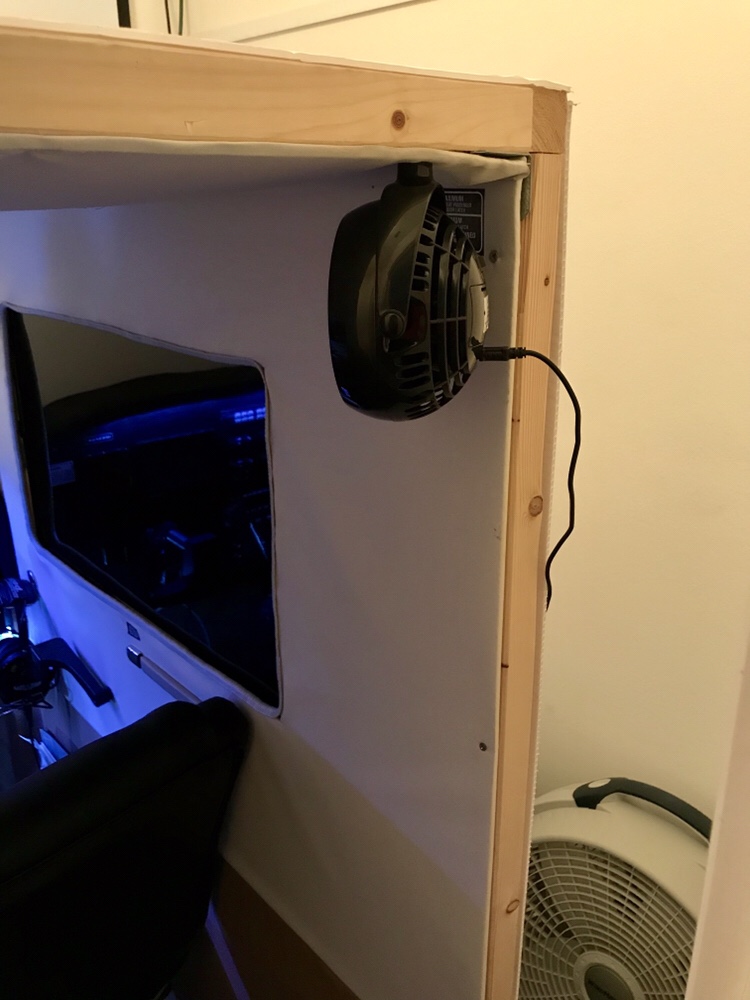
    I purchased a few USB-powered fans when the hurricane blew through here a few months ago, and I have had one clipped to the back of my cockpit to help keep me cool when things warm up in the sim room. The clip always got in the way when I tried to move around to the right side of the cabin and access the PC, so this morning I figured I would take on a small project and mount it to the ceiling. I explored the idea of having the fans blow through the air vents at the front of the cabin, but it just wasn’t practical. I think my other solution turned out quite nice.

    Share this:

    • Share on X (Opens in new window) X
    • Share on Facebook (Opens in new window) Facebook
    • Email a link to a friend (Opens in new window) Email
    • Print (Opens in new window) Print
  • KTPA Gateway Beta For Download

    2017-12-18

    |

    Custom Scenery

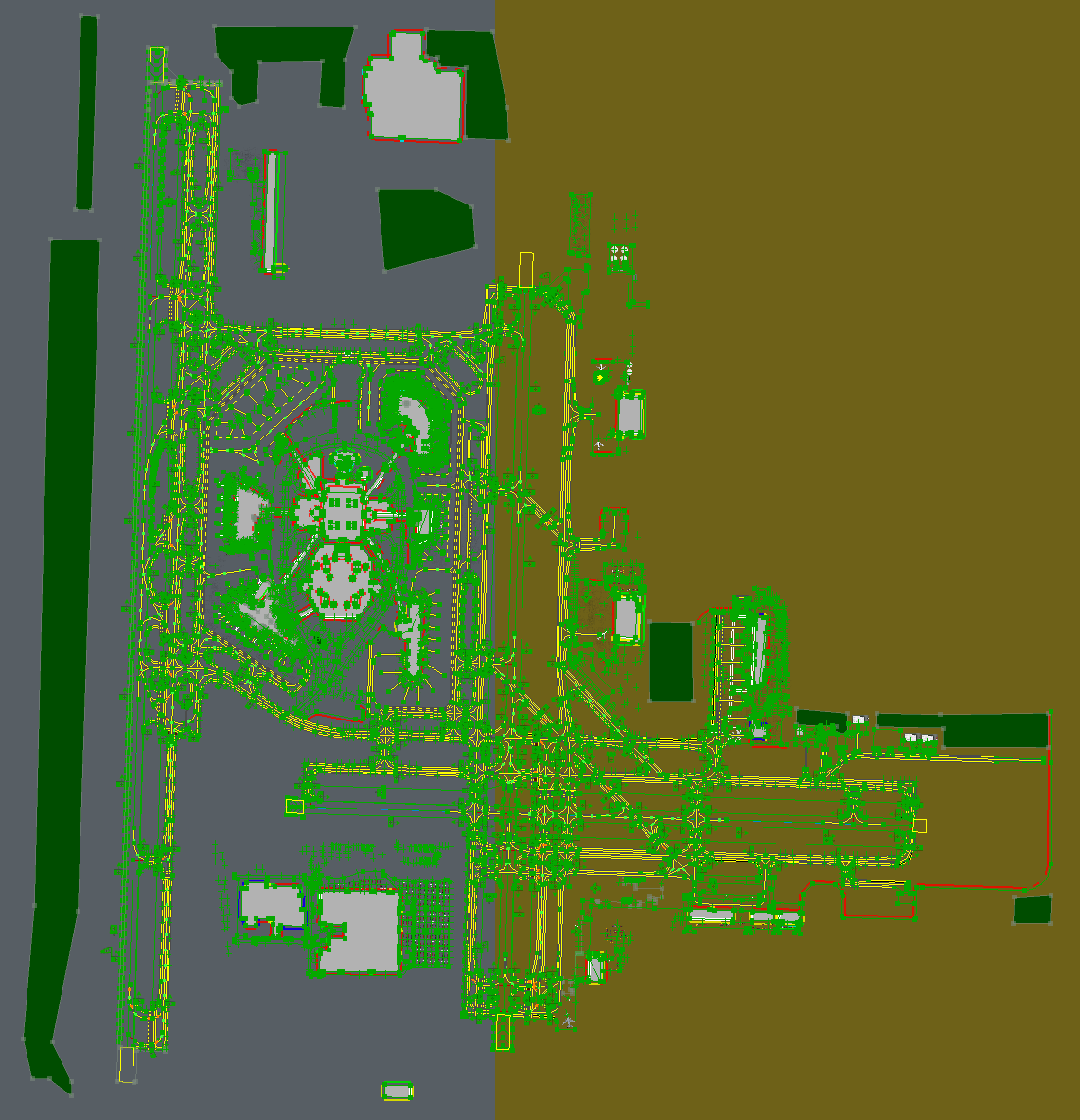
    I’ve completed the first set of beta work for the KTPA I’ve been developing for the Gateway and am posting it here for use. Note that this is very incomplete, and a work in progress. The only thing that I would consider finished is the runway and taxiway layout, including the border taxi lines. The taxiway lines themselves, lights, and signage are incomplete, as are the objects and all of Terminal E. But it’s enough to get started for those who want to give it a shot. NOTE THAT X-PLANE 11.1 IS REQUIRED. The airport WILL NOT work on 10.5 or earlier.

    You may download the .ZIP file here. The next step in the release will be to get Terminal E in to basic working order.

    _Applications_X-Plane_11_Custom_Scenery_KTPA_Gateway_earth_wed_xml

    Share this:

    • Share on X (Opens in new window) X
    • Share on Facebook (Opens in new window) Facebook
    • Email a link to a friend (Opens in new window) Email
    • Print (Opens in new window) Print
Previous Page
1 … 14 15 16 17 18 … 59
Next Page

On The Glideslope

  • Instagram
  • Facebook
  • X

Loading Comments...

You must be logged in to post a comment.