
Caught this as a passenger the other day.
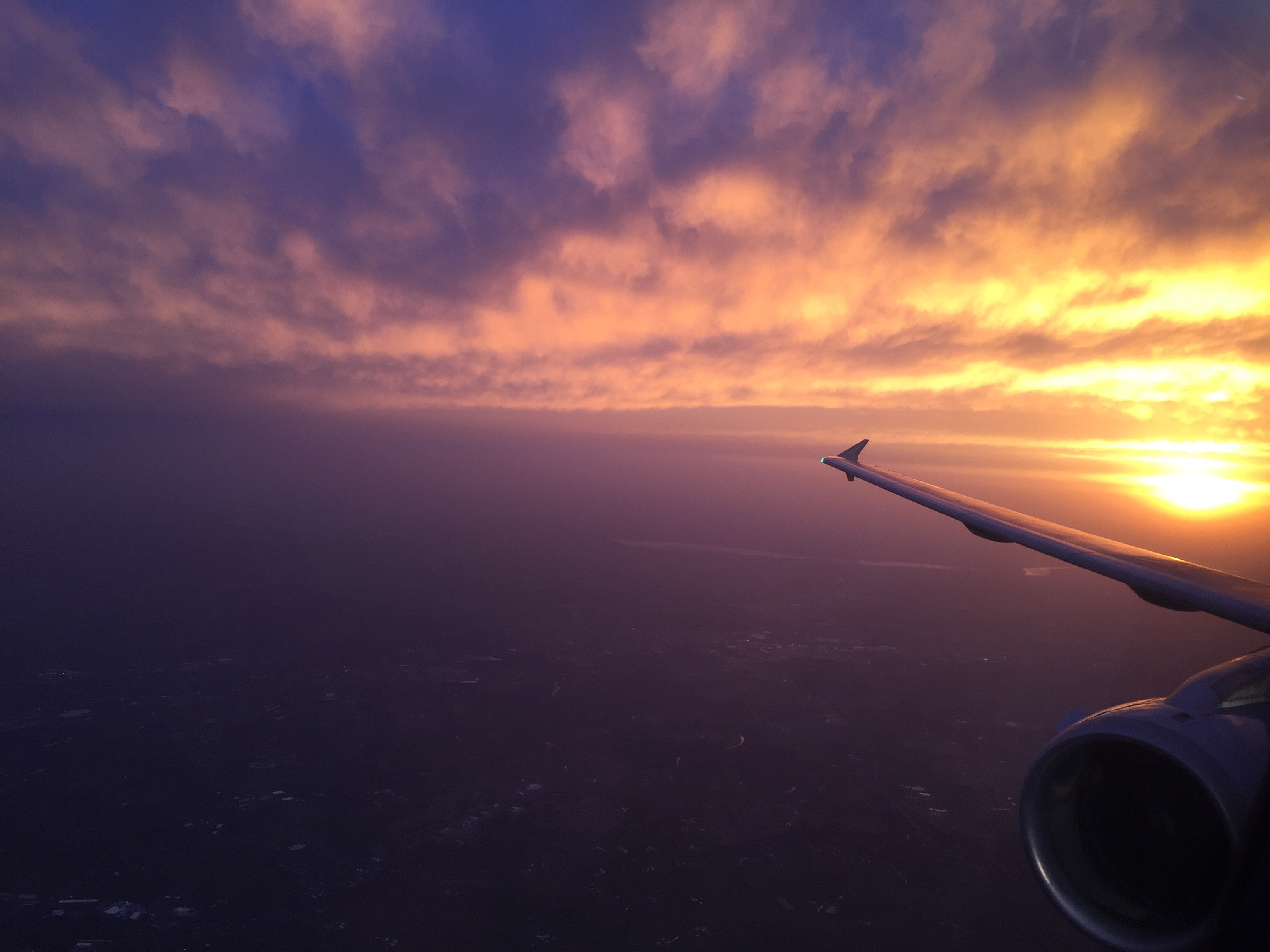
Caught this as a passenger the other day.
For a family member who lives there. I did some of this flight a few months back in P3D, but with X-Plane 11 and photorealistic scenery of the area decided to make another flight. As always, thanks for watching.
Real-world training time has been rare the past two months due to weather, with my only getting in one hop since early December. A few days back I finally got in a flight and my CFI took the opportunity to put me through my paces with about every maneuver and procedure we’ve learned to date. It was a great lesson. One of my favorite moments? When he surprised me by reaching over and pulling the throttle to simulate an engine out. I went through the engine out procedure (roughly, by the way), trimmed the airplane for glide, and was looking for fields in which to land when he said, “How about Heritage?” “Heritage” is an airport we’d just flown over, and in fact talked about, a few minutes before. I looked over my right shoulder and said, “Oh, you mean that big runway right back over there? Yeah, that would be a good idea …”
This is why we train.
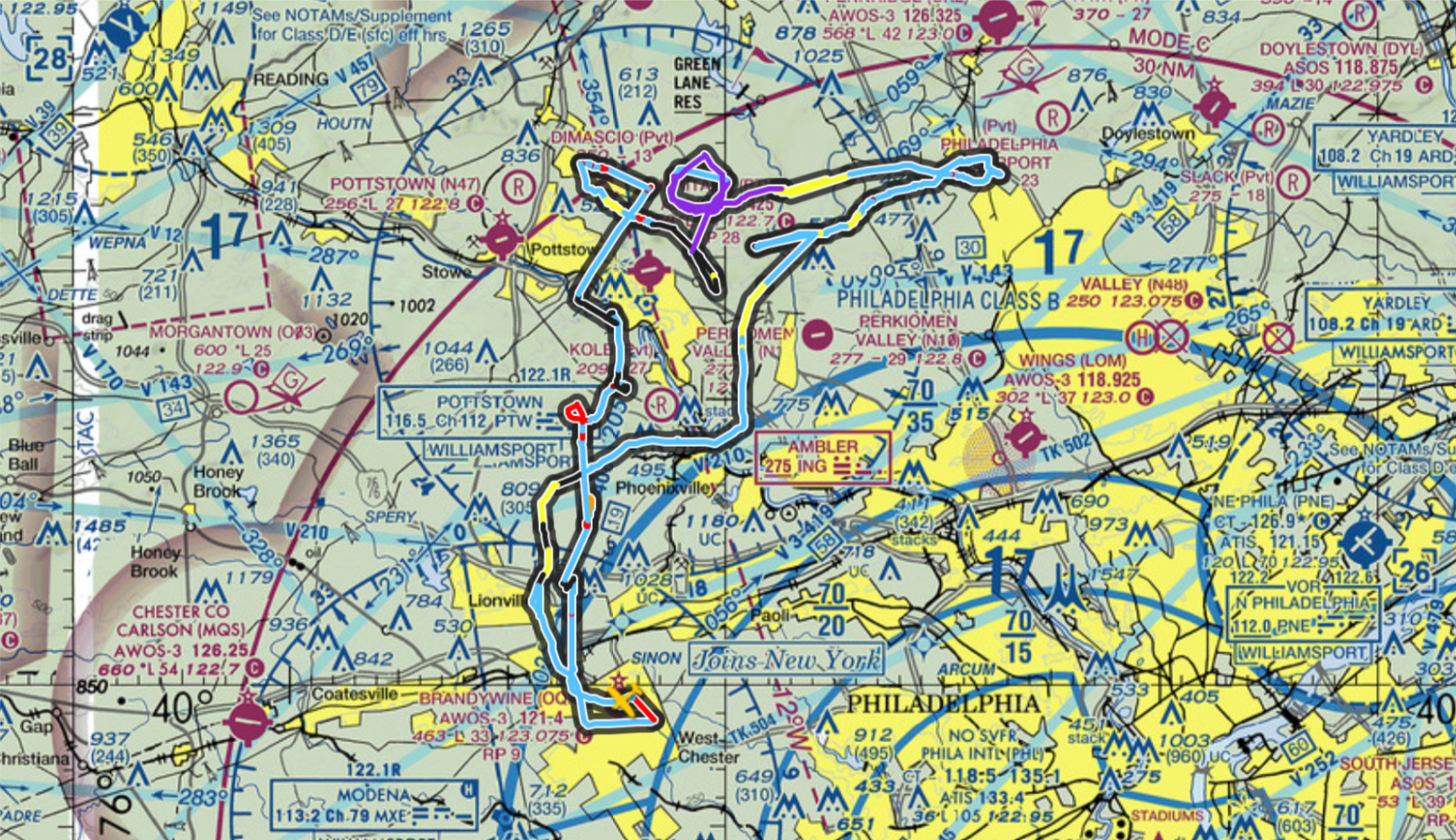
Here’s the flight. I was supposed to go up today but we scrubbed because of winds. Next Monday I hope to be back up there.
Several readers have been waiting patiently for me to publish the guide I’m writing on building a GA flight simulator like mine. As an update, it’s in the final stages. I’ve sent preliminary and very rough copies to a few “beta readers,” who have had constructive feedback, and I’m going through every line now cleaning up errors, making things more clear, and double-checking measurements. A few things on the punch list:
Maybe this weekend if I really bear down it will be finished? We will see.
I do intend to charge for it, and I plan to price it at $30 US. One of the beta readers asked if that would be too much, and my view was, “It’s taken me a year to get the experience and many hours to write it, and for someone making the investment in a simulator I think that’s a fair price to get plans and advice from someone who has gone before them.” After seeing the preview (and very incomplete copy), he thought the price was more than fair. I also plan to consider that a “perpetual upgrade” price, meaning that if I continue to evolve the guide over time I will send updated copies to all who have ordered it in the past.
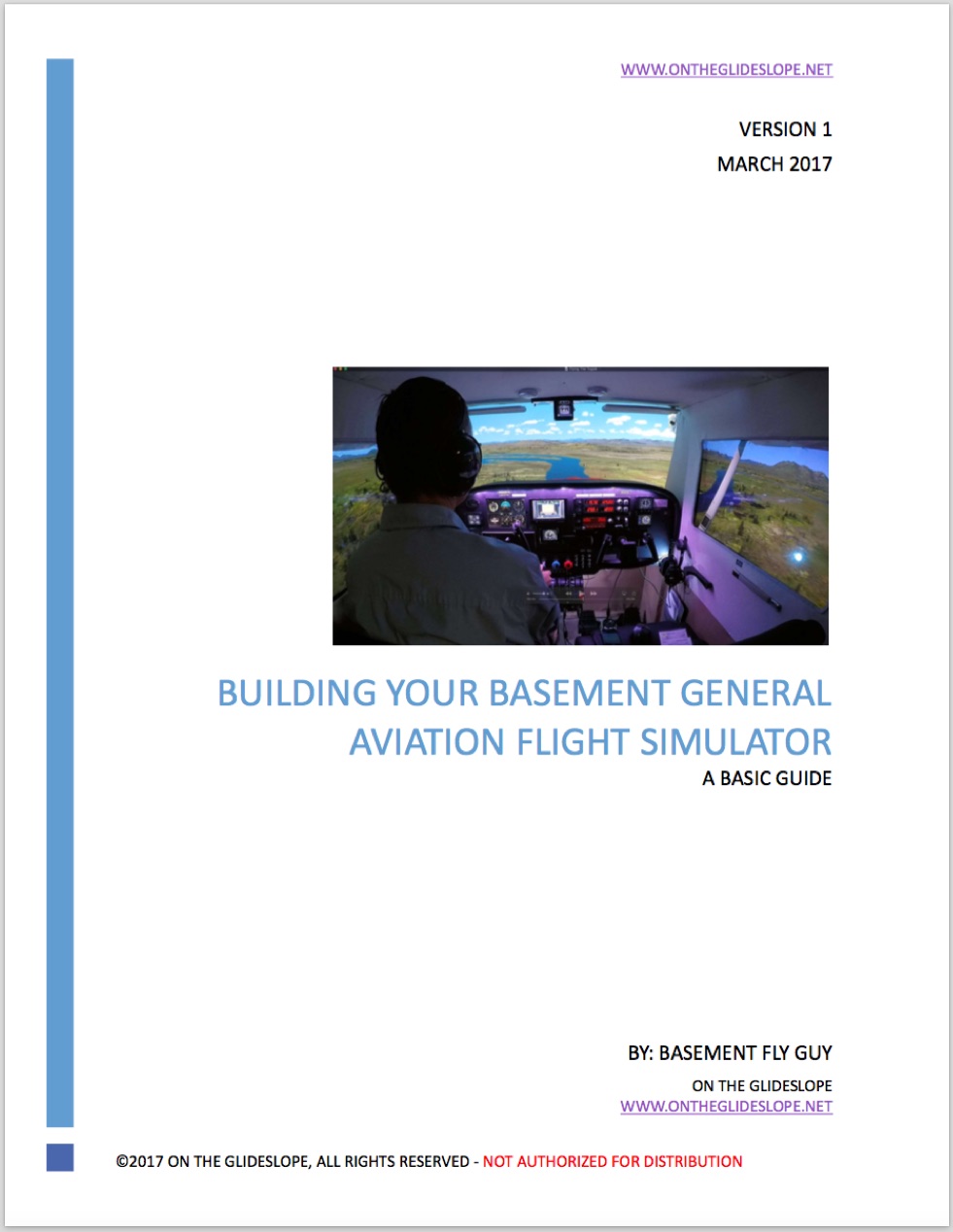
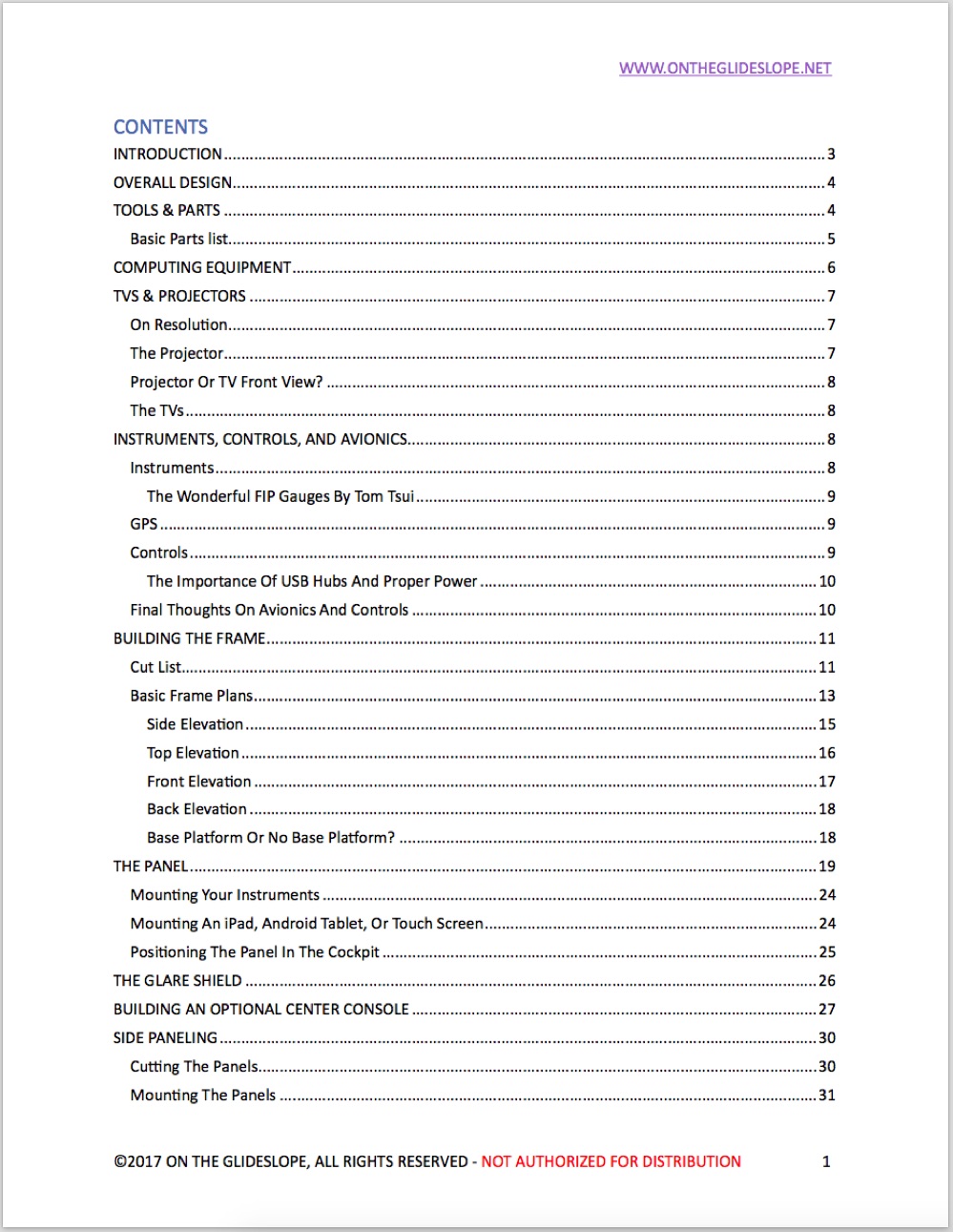
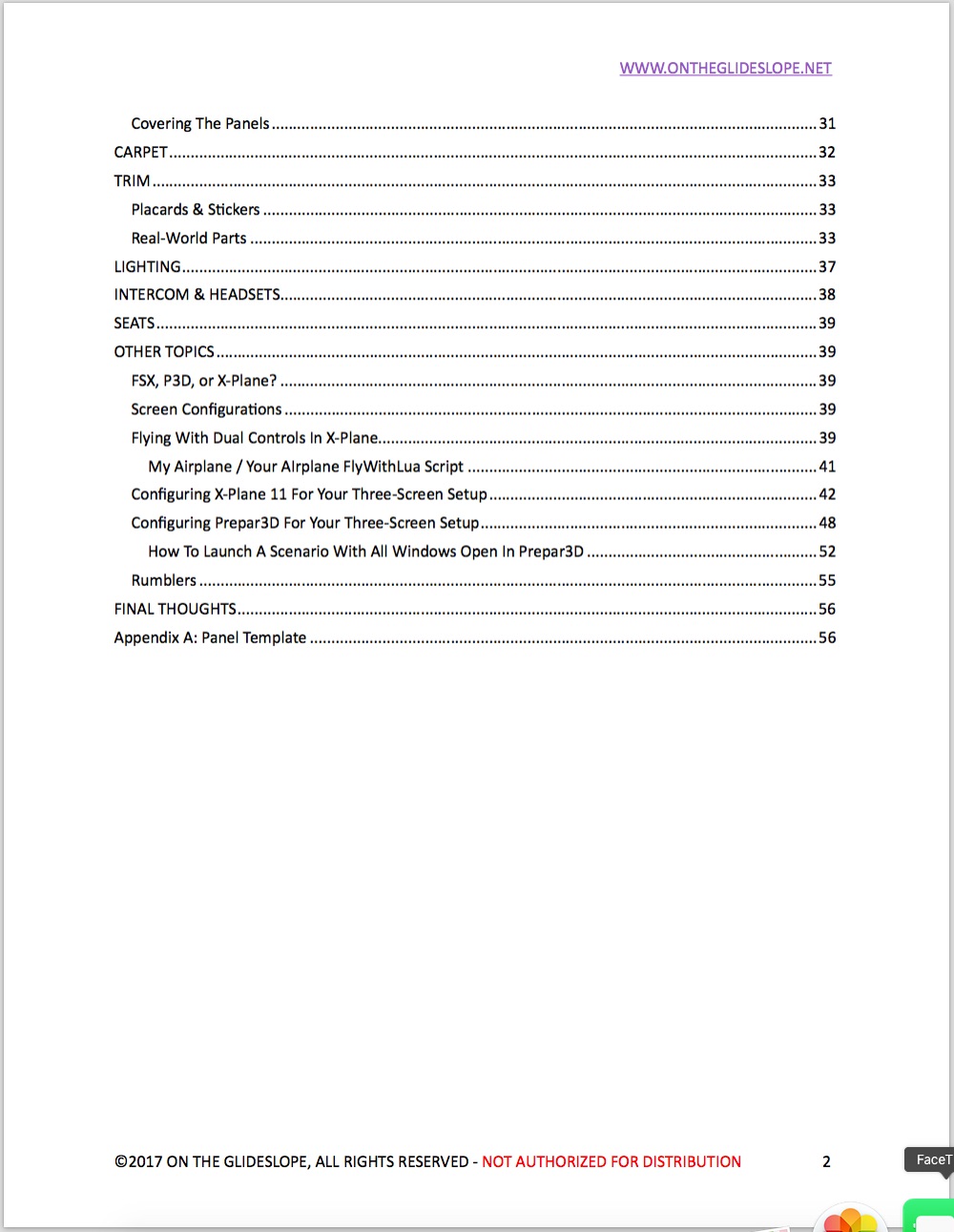
For those who are curious, here are the cover and table of contents, and you can click on each image to see a larger version. At nearly 60 pages it may be more of a book now than a guide, but I’m trying to make it as complete for others as I can. I’ll post you as things move to the final stages.
Readers of this site know that over the past few months I’ve transitioned nearly entirely from Prepar3D 3.4 to X-Plane 11. I’ve done so having spent a significant amount of money on Prepar3D add-ons:
The total for all these add-ons? I don’t know. A lot. Too much, probably. Please don’t add them up for me and tell me. Suffice to say I’ve spent a fair amount getting Prepar3D to look and act the way I like. In this I am in good company, because if you use Prepar3D or FSX, you probably have done the same. Because of its old code base and limited formal development since being abandoned by Microsoft years ago, FSX/P3D have benefited from a significant amount of work by the developer community to keep the sims up to snuff. Getting them to run takes a PC. Getting them to look and act in a modern fashion requires add-ons.
So it’s no surprise that a common lament here and in other online forums this year has been, “I’d give X-Plane 11 a try if I didn’t have so much invested in P3D/FSX.” Emotionally I know that makes sense, but economically, it actually doesn’t. That’s because it’s a “sunk cost fallacy,” described here as:
Individuals commit the sunk cost fallacy when they continue a behavior or endeavor as a result of previously invested resources (time, money or effort) (Arkes & Blumer, 1985). This fallacy, which is related to status quo bias, can also be viewed as bias resulting from an ongoing commitment. For example, individuals sometimes order too much food and then over-eat ‘just to get their money’s worth’. Similarly, a person may have a $20 ticket to a concert and then drive for hours through a blizzard, just because s/he feels that s/he has to attend due to having made the initial investment. If the costs outweigh the benefits, the extra costs incurred (inconvenience, time or even money) are held in a different mental account than the one associated with the ticket transaction (Thaler, 1999).
The sunk cost fallacy is at least one reason people hold onto bad investments much longer than they should. It also explains why businesses and governments often keep investing in initiatives that don’t perform well — there is a desire to get a “return” on an investment that’s already been made. In economics it’s called a sunk cost. In our common tongue, we might call it “throwing good money after bad.”
I remember learning about the sunk cost fallacy as an econ minor in college (many moons ago). I also remember the appropriate way to make a rational decision when faced with a sunk cost, which is to ask the question, “If [decision] would cost you nothing, would you do it?” So, using the example above we would as, “If the concert ticket was free, would you drive hours in the blizzard to attend?” No, you wouldn’t.
“Throwing good money after bad” is a bit harsh for investment in sim software. It’s probably better stated as, “Throwing more good money after good money.” But economically speaking to not try X-Plane because you’ve invested in P3D or FSX add-ons — or to not try P3D or FSX because you’ve invested in X-Plane, for that matter — is to commit a sunk cost fallacy. The money you have invested is gone. You cannot get it back, and it is unavailable for future investment whether you feel it was wasted, worthwhile, or something else. The way to treat that sunk cost is to ask, “If you could try X-Plane 11 (or P3D/FSX if you’re an X-Plane user) for free, would you?” Most of us would say, “Of course!” But it’s not free, so the real question is, “If you could try X-Plane for only $59.99 / P3D for $59.55, would you?” And if fact, you CAN try the X-Plane 11 demo for free, so there you go.
But don’t sweat what you’ve invested so far in the other platform. You spent the money, and one hopes you enjoyed the experiences it afforded. But letting it keep you from making a future decisions, while emotional, isn’t economically sound. If you want to give the other platform a shot, and can afford the sign-up fee for the software, go for it. I did, and I don’t regret it. Besides, P3D is still there for me if I want it.
PS: There is a wrinkle in this story. The more accurate economic evaluation would be, “If you could try it for only the cost of getting it how you like it, would you?” In this case, my experience is that X-Plane 11 has its advantages given its large body of freeware add-ons.
Folks seem to be liking the idea of the forums, and quite of few of you have signed on for permissions. If you didn’t get your confirmation email, note that your spam filter may have caught it. To make it easier I approved those of you who had approvals outstanding, so you should be good to go. Some other updates:
That’s all for now. More tweaking is to come, I’m sure.
For several months I’ve been toying with the idea of creating a forum for the site so that readers could connect directly with each other about their general aviation home cockpits and flight simulation. This morning I finally decided to give the idea a go, so I’m announcing the On The Glideslope Forum, which you may find here. Nothing complex, just a few spots to talk construction, controls, software, or chew the fat. The main thing is to have a place to exchange ideas and lessons learned, and I hope you’ll do so.
There are more than a few forums already out there for home cockpit construction, but very few, if any, for GA cockpits like the Basement Sim. So that’s the focus of the OTG forums, and I hope it fills a niche. Registration is not required to read posts, but you do need to register to comment or PM other users. You may register here.
Post-script: The forums involve a whole new set of software and coding for me. I know there will be bugs, but we’ll get them worked out. I also intend to improve the styling over time, but likely not today …
Now that I’ve put up a few custom X-Plane airports I’ve been going back and creating versions that use only default X-Plane objects and textures and submitting them to the X-Plane Scenery Gateway. By doing so folks who don’t want to download extra libraries can use them, and more important, Laminar will eventually include them in future releases of X-Plane as default airports. In my opinion the ability of users to contribute to the scenery is one of the great things about X-Plane, and I’ll be proud to have my airports part of the software in the future.
So far I have submitted Bonners Ferry, Clearwater Airpark, Brandywine, and Price / Carbon County. All have been accepted, and so far Brandywine has been approved for a future X-Plane release (and I expect the others will as well as there is a bit of a delay in the approval process). If you’d like to grab any of these (which you’d only do if you don’t like to download additional object libraries) my author page is here.
There’s another chance brewing if you’d like to do some group flying on PilotEdge. PE user skyhog67 is organizing this opportunity as a Friday Night Fly-In, this Friday the 24th at 7pm PST / 10pm EST / 3am Zulu. You can get more details here, and the route is L54 – KRNM – KHHR. Looks like fun with some interesting airspace along the way. That’s a bit late for me, but I’ll try to be there if I can. My experience is that this type of group work is a great way to fly with some traffic, learn the ropes of the system, and get to know some fellow simmers as well. Give it a shot and have fun.
AirDailyX is reporting that ORBX won’t charge users to upgrade their scenery to the new (and one presumes soon-to-be-forthcoming) Prepar3D v4. Quoting ORBX head John Venema:
There’s been a bunch of speculation about our pricing policy for the next version of P3D, likely based on my previous posts back in December.
Let me clarify: we will NOT be charging anything for our products for the next version of P3D. They will be 100% free to use on the new platform. Better still, through the magic of FTXCv3 you won’t even need to re-download them.
File that under “Good News.”
You must be logged in to post a comment.