On The Glideslope

  • How To
    • How I Configure For VR In X-Plane
    • How To Have Dual Controls In X-Plane
    • How To Configure X-Plane 11 For Multiple Screens
    • How To Create Custom Cameras In P3D
    • How To Get Started With X-Plane 11
  • Resources
    • Schematics
    • Center Console Plans
    • Basement Sim Video Tour
    • Screen Configurations
    • A2A LVAR List PDFs
    • How To Talk ATC
    • Cessna 172 Cabin Dimensions
    • USB u0026 Saitek
  • Reviews
  • What’s In The Sim
  • About OTG
    • About OTG
    • The Construction Journey
  • KWYS Yellowstone (X-Plane)

    2017-03-24

    |

    Custom Scenery, Point To Point

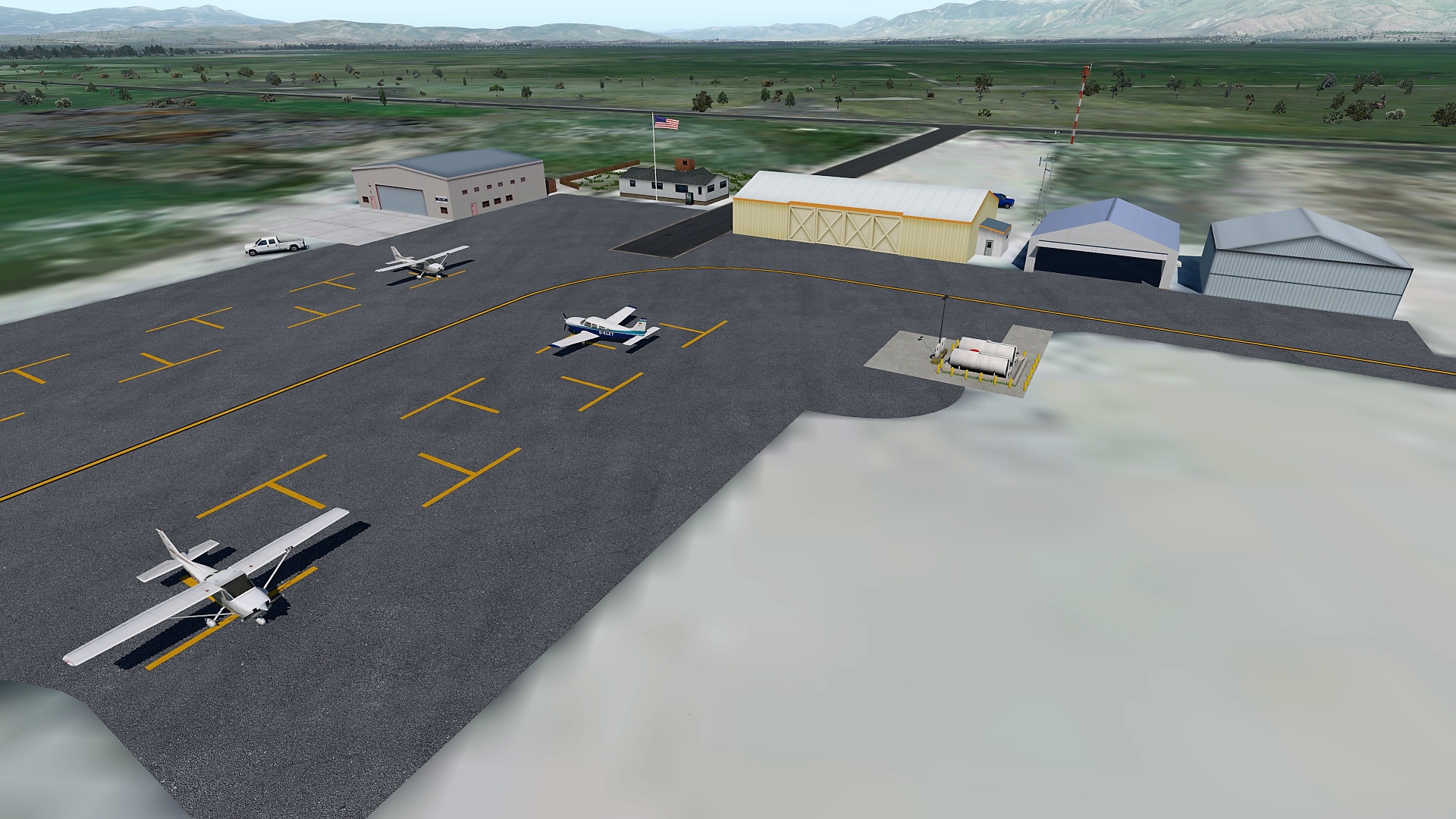
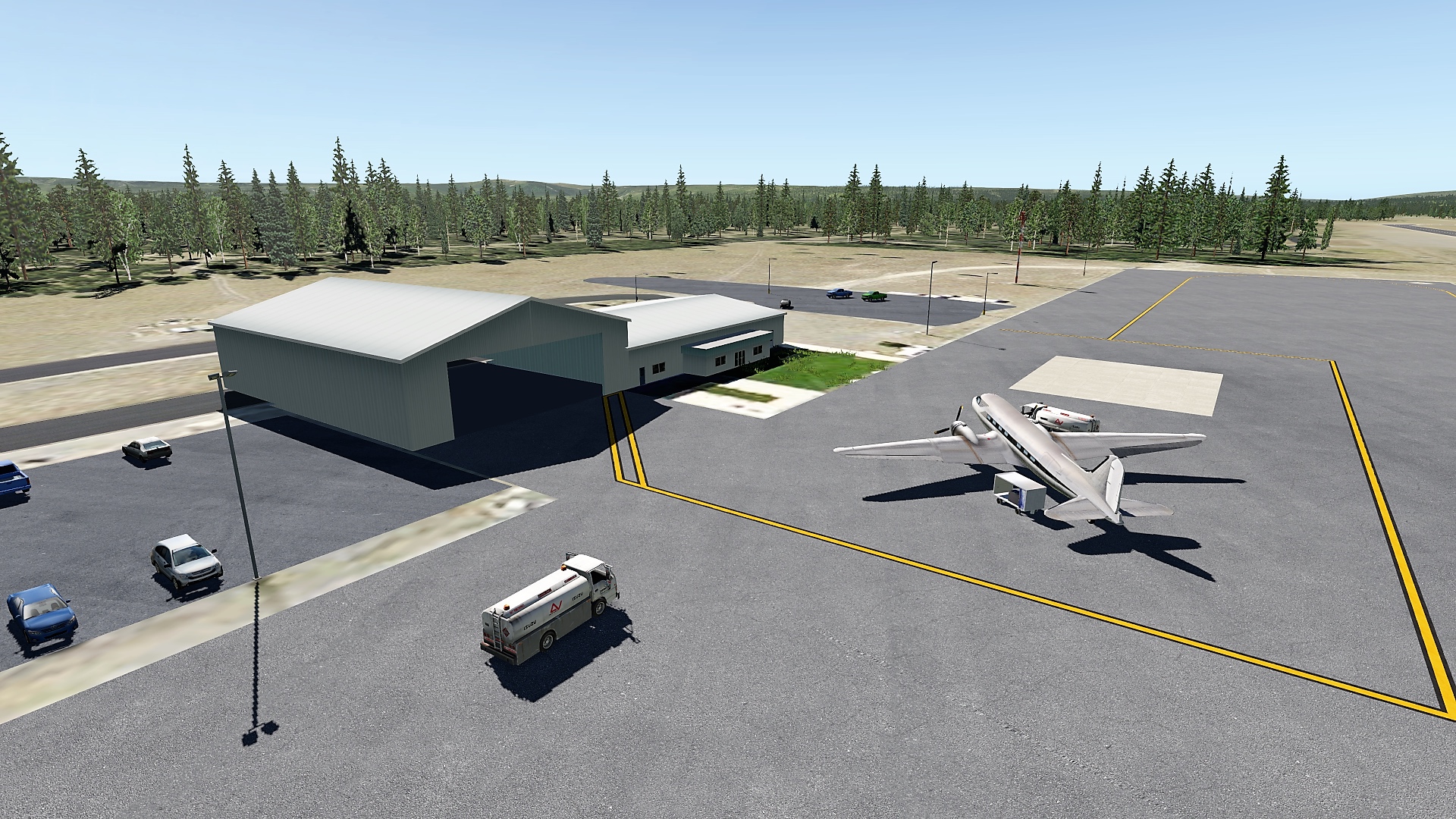
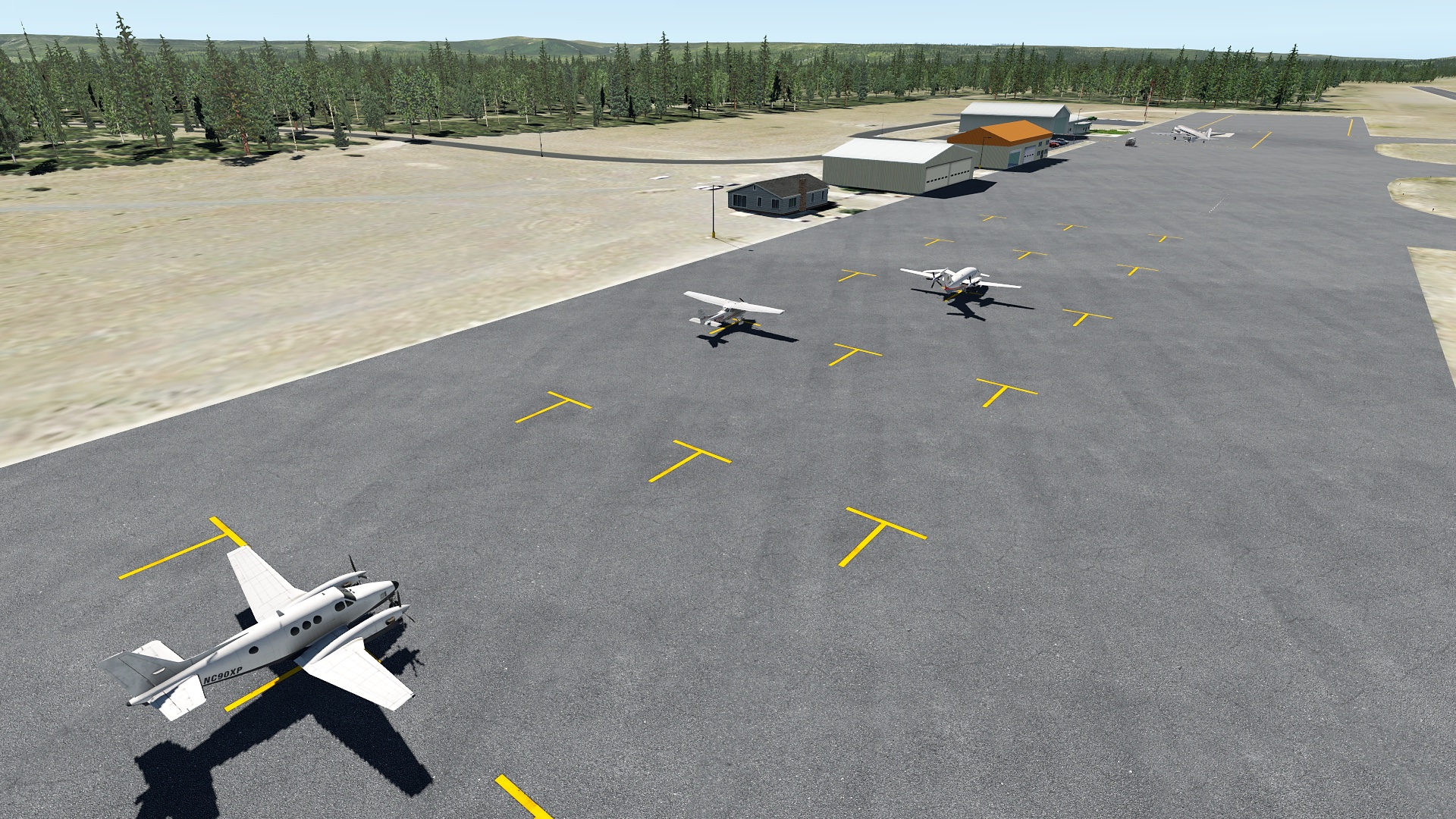
    Yellowstone Airport sits at the west entrance to Yellowstone National Park. While open only from June to September of each year, it has commercial service via Delta Connection and over 4,000 passengers a year transit via the strip. It also hosts the West Yellowstone Interagency Fire Center, which I’ve roughly rendered here at the north end of the field. KWYS sits at 6,469 feet, so be certain to lean your aircraft before making that takeoff roll.

    To use this scenery you will need these libraries:

    • OpensceneryX
    • MisterX
    • JB Hangars
    • x_Prefab 6 (the library only, not the entire package)

    It also benefits from Airport Environment HD, as do all X-Plane airports.

    This scenery is good for XP 10 and 11. The attached screen caps are with my own orthophoto tile underneath and World2XP America / HD Mesh 3, but note that this scenery has no embedded ortho images. I also added a Delta Connection bird on the ramp, which is not in these screen caps. This is a first start at this strip, and while it’s not ORBX, I hope it’s a nice addition to your library and I will likely improve it over time.

    This scenery is freeware and you may get it here at the .org. Thanks for looking and happy flying.
    KWYS 2

    KWYS 3

    KWYS 4

    Share this:

    • Share on X (Opens in new window) X
    • Share on Facebook (Opens in new window) Facebook
    • Email a link to a friend (Opens in new window) Email
    • Print (Opens in new window) Print
  • 1U7 Bear Lake County (X-Plane)

    2017-03-24

    |

    Custom Scenery, Point To Point

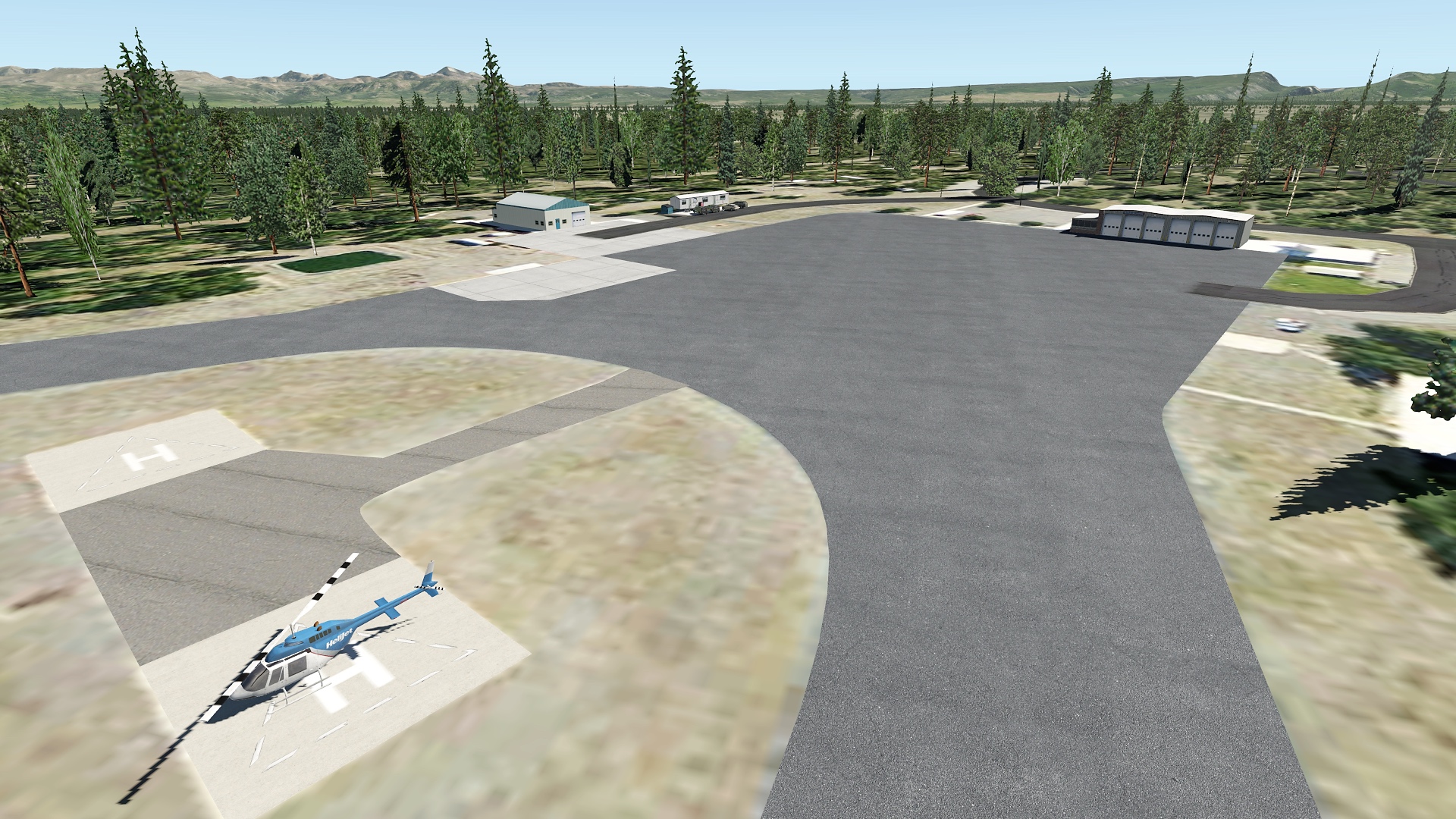
    Bear Lake County Airport sits just north of Bear Lake along the Utah / Idaho border. It averages 200 hops a month, with only four GA aircraft based an the field full-time. This strip is a nice stopover for your flights from the mountains and National Parks of Wyoming and Idaho to those UT. To use this scenery you will need these libraries:

    • OpensceneryX
    • MisterX
    • x_Prefab 6 (the library only, not the entire package)
    • CDB
    • Flags US

    It also benefits from Airport Environment HD, as do all X-Plane airports.

    This scenery is good for XP 10 and 11. The attached screen caps are with my own orthophoto tile underneath and World2XP America / HD Mesh 3, but note that this scenery has no embedded ortho images.

    This scenery is freeware and may get it here at the .org. Thanks for looking and happy flying.
    1U7 2

    Share this:

    • Share on X (Opens in new window) X
    • Share on Facebook (Opens in new window) Facebook
    • Email a link to a friend (Opens in new window) Email
    • Print (Opens in new window) Print
  • HD Clouds For xEnviro (X-Plane)

    2017-03-23

    |

    Add Ons

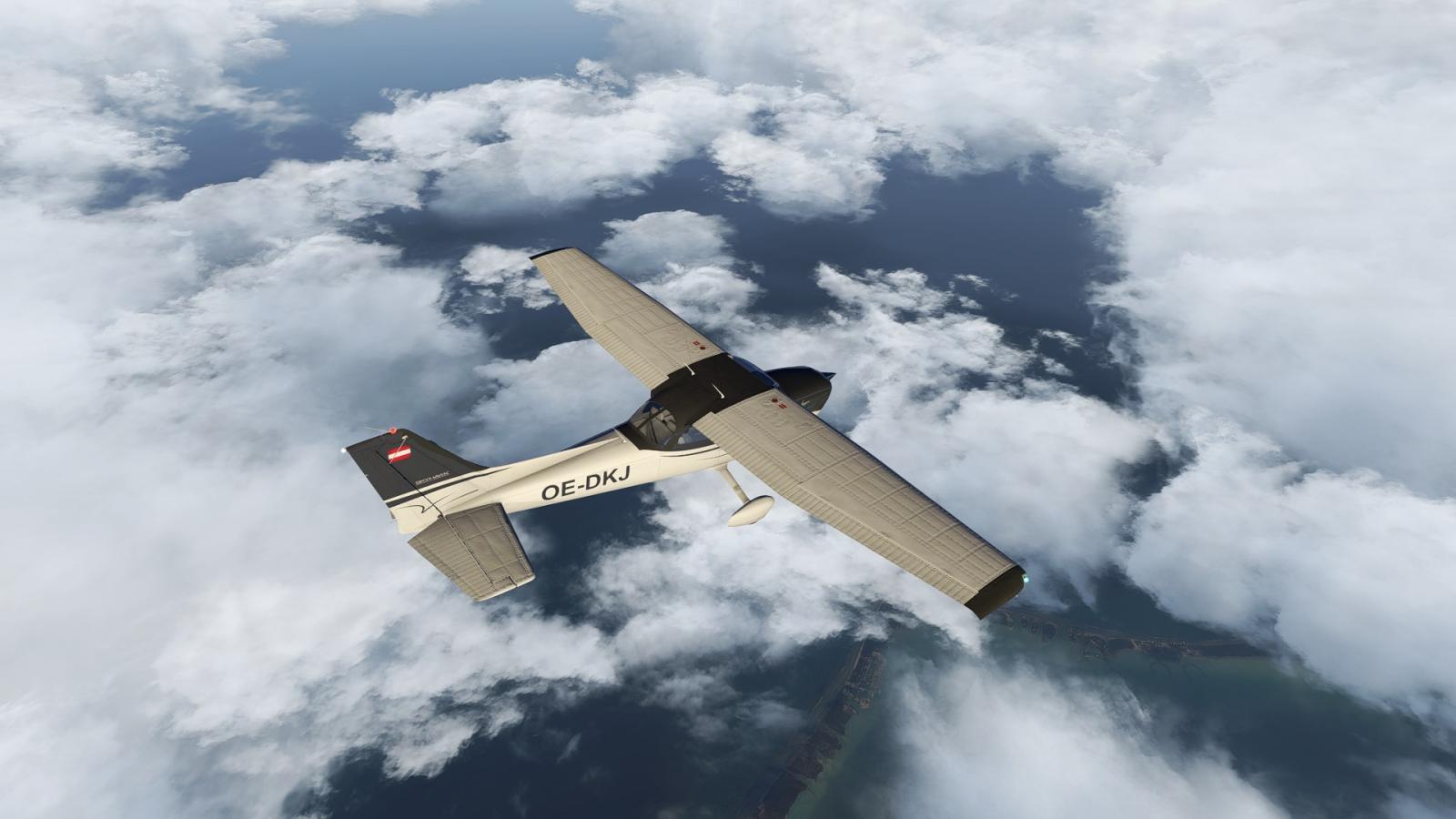
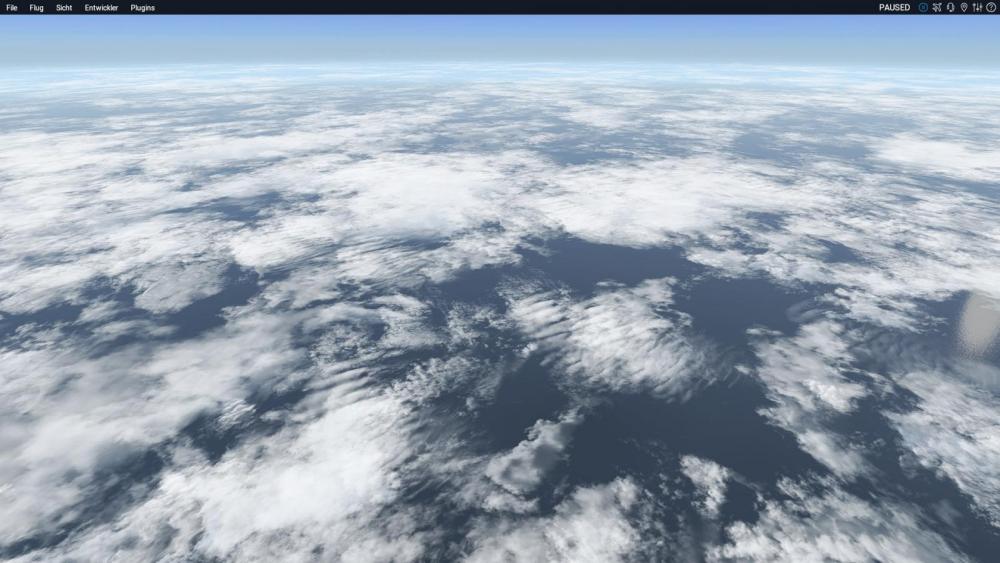
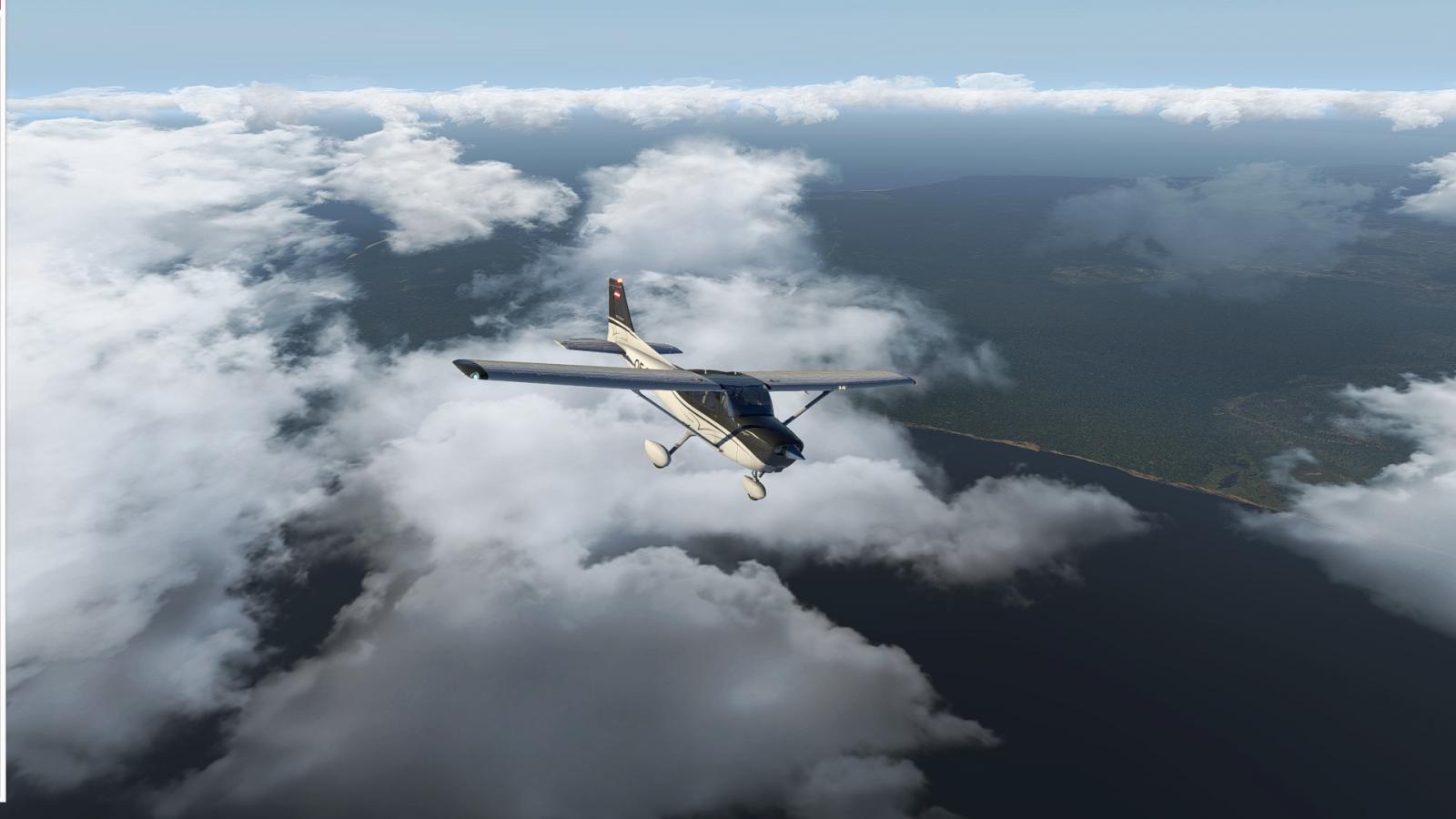
    If you’re using xEnviro you should know about some freeware xEnviro HD cloud sets that have recently hit the .org. The download includes two sets of clouds (I prefer Set 1), and each comes in three levels of definition (1, 2, and 4K). Screen grabs from the post at the org are below (these are not my own grabs), but I flew with Set 1 / 4K resolution today and they looked great and very much like this. My frame rate hit was maybe 4-5FPS, the same or lower than what I get with default XP clouds. These are fantastic clouds – dare I say every bit as good as REX but free? – and it’s a great example of what the X-Plane user community can come up with. Get them here.

    ec1

    xc3

    xc2

    Share this:

    • Share on X (Opens in new window) X
    • Share on Facebook (Opens in new window) Facebook
    • Email a link to a friend (Opens in new window) Email
    • Print (Opens in new window) Print
  • Place-To-Place Update

    2017-03-23

    |

    Point To Point

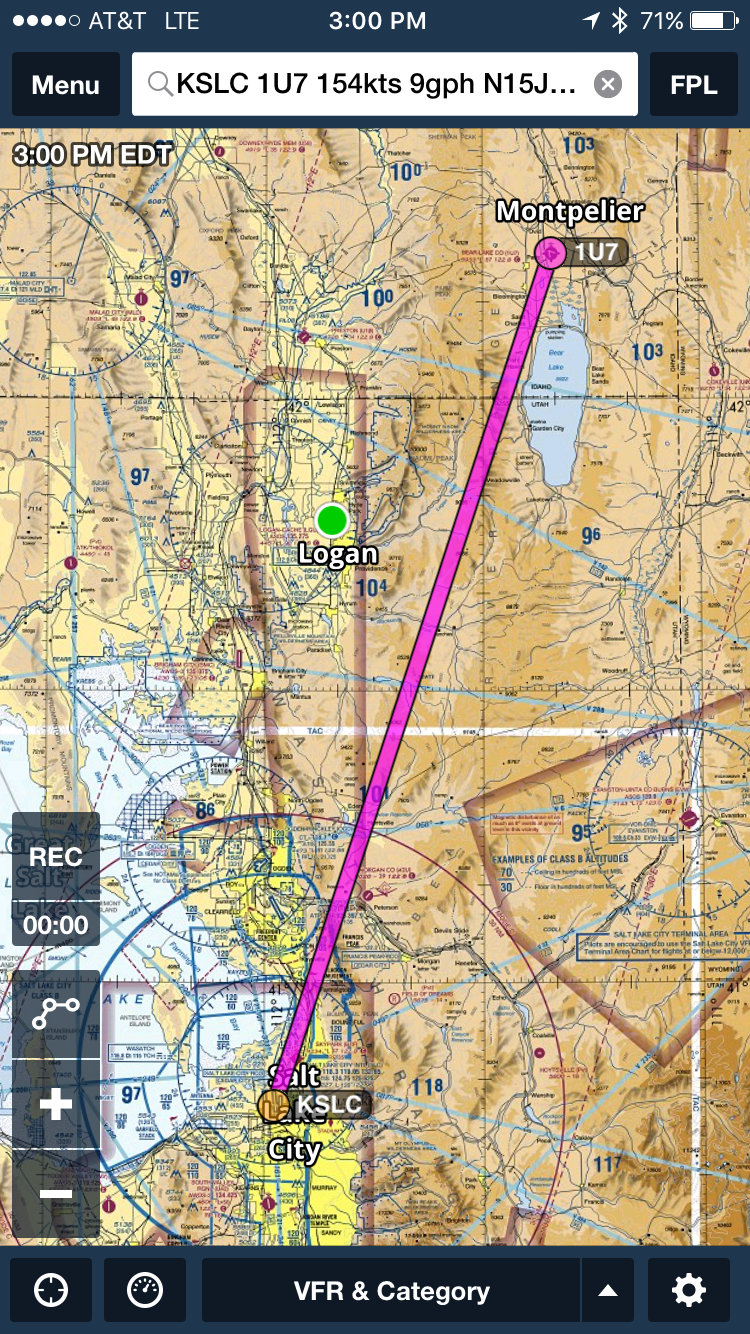
    As I noted here, I’ve started flying a Piper Saratoga place-to-place in the sim. The first leg was KSLC to 1U7 Bear Lake Co. Yesterday I continued the journey with a flight to KWYS Yellowstone (via the Jackson Hole VOR and on PilotEdge), and today went on KSUN Friedman which is the local strip for Sun Valley, ID. My goal is to continue making my way up to Spokane to enjoy the PilotEdge expansion field of KGEG. I’ll see what seems interesting from there.

    For the Yellowstone leg I built custom scenery for 1U7 and KWYS both, as the in-game and .org offerings were pretty meager. I’ll upload them to the .org in the next day or two and post them here as well so you can have them if you’d like them. I also shot video of the entire 1U7-KWYS flight, and I’ll be uploading it soon as well.

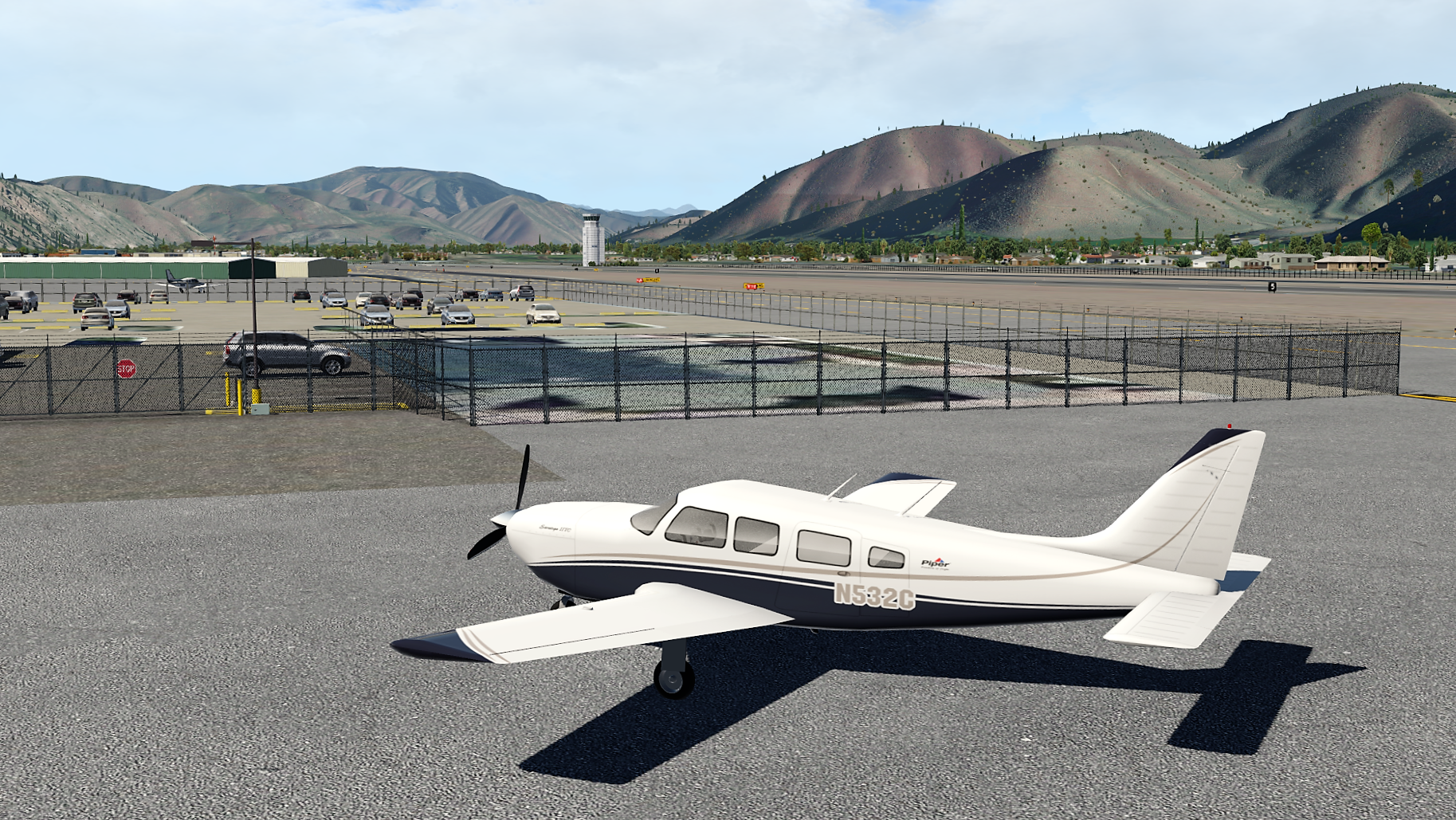
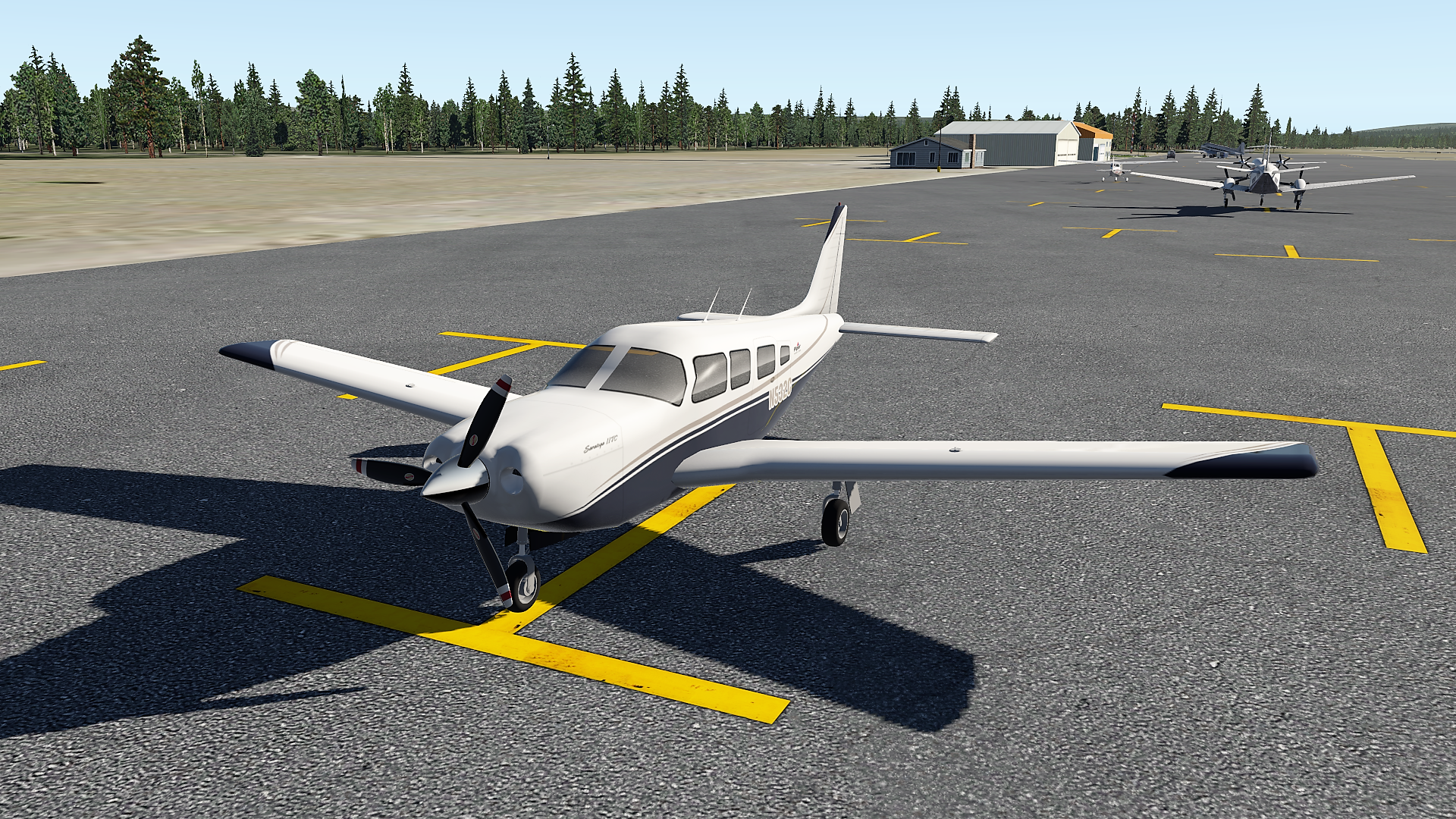
    Finally, I thought it would be cool to take screen caps of the virtual Saratoga at each stop along the way. I missed KSLC and 1U7, but here are the rest.

    Piper Saratoga_11
    The Saratoga @ Friedman / Sun Valley
    Piper Saratoga_10
    The Saratoga @ Yellowstone

    Share this:

    • Share on X (Opens in new window) X
    • Share on Facebook (Opens in new window) Facebook
    • Email a link to a friend (Opens in new window) Email
    • Print (Opens in new window) Print
  • New Things Brewing At FSXTimes

    2017-03-22

    |

    Uncategorized

    Regular readers know I am a loyal and happy customer of Tom Tsui and the custom gauges he makes for Saitek FIPs. His store now offers over 170 FIP gauges that cover nearly 30 aircraft, including planes for FSX, P3D, and X-Plane, as well as RealAir and the always finicky A2A.

    Tom charges about $10 a gauge, and less for package purchases, and I think they are excellent and worth every penny. And things keep getting better. Tom has recently updated the store and installation guide, and perhaps most exciting, he’s now working on a PFD. This is a pic of the beta, and it already looks fantastic. I’ll be getting this one for sure.

    pre_pfd[1]

    Share this:

    • Share on X (Opens in new window) X
    • Share on Facebook (Opens in new window) Facebook
    • Email a link to a friend (Opens in new window) Email
    • Print (Opens in new window) Print
  • Today Was The Day

    2017-03-21

    |

    Real World Instruction

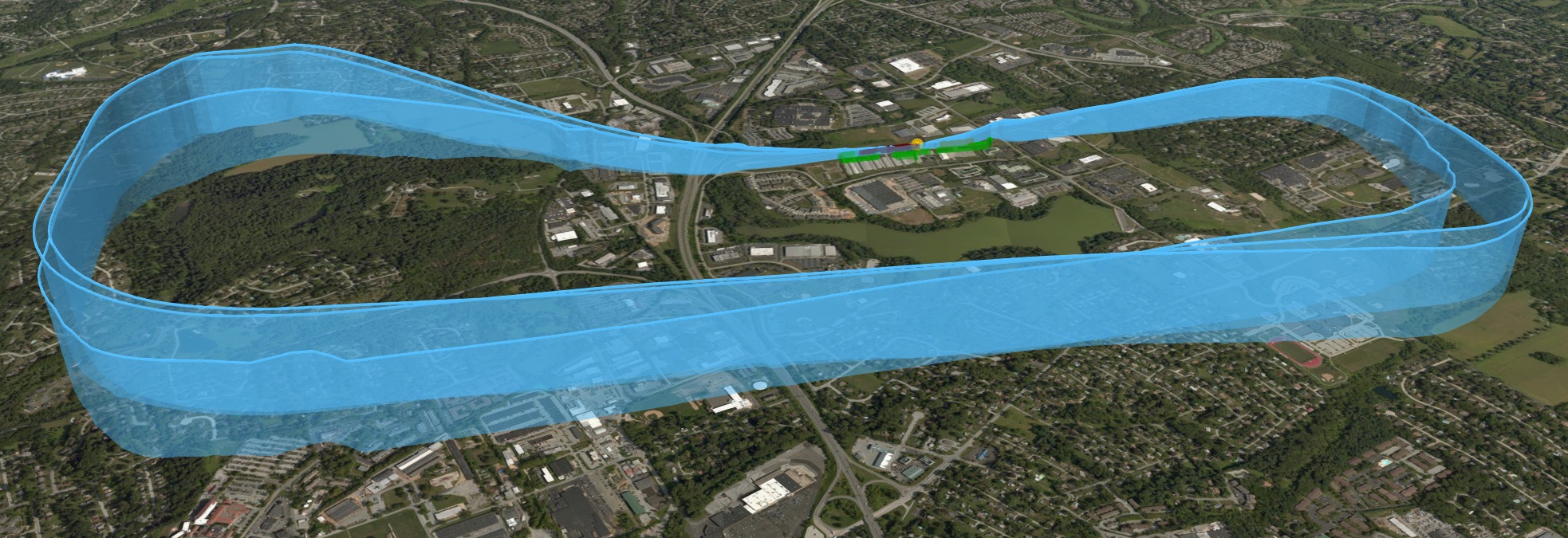
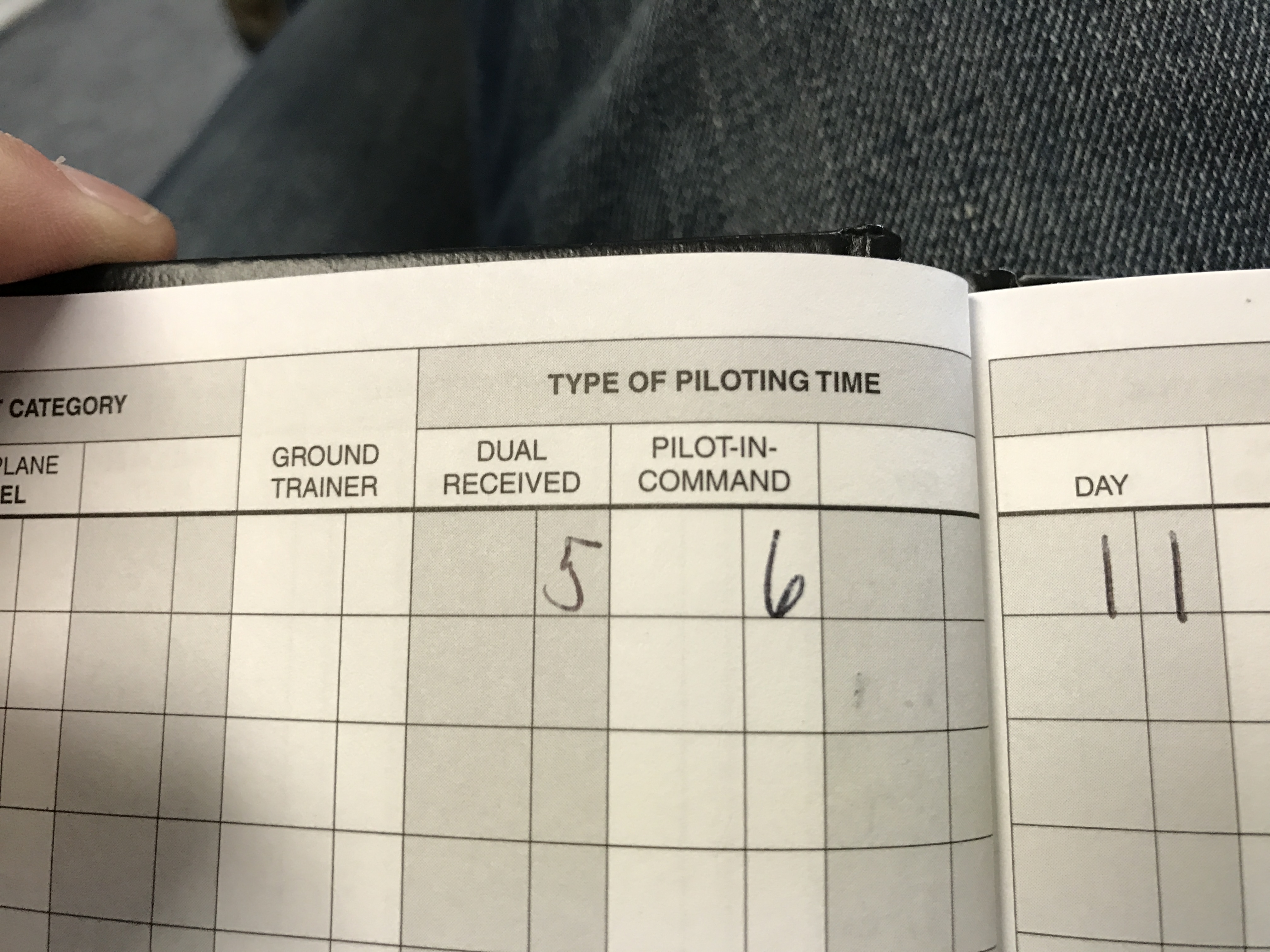
    I solo’d.

    CloudAhoy

    Photo Mar 21, 12 07 23 PM

    Photo_Mar_21__11_55_30_AM

    Share this:

    • Share on X (Opens in new window) X
    • Share on Facebook (Opens in new window) Facebook
    • Email a link to a friend (Opens in new window) Email
    • Print (Opens in new window) Print
  • Airspace Quiz

    2017-03-21

    |

    Uncategorized

    BoldMethod has an airspace quiz up to start your day. See how you do, and no peeking. 

    Share this:

    • Share on X (Opens in new window) X
    • Share on Facebook (Opens in new window) Facebook
    • Email a link to a friend (Opens in new window) Email
    • Print (Opens in new window) Print
  • Calibrate Your Screens Online

    2017-03-19

    |

    Uncategorized

    One of the best ways to get good color consistency across multiple sim monitors is to calibrate your displays. Amazon has many DVDs that will allow you to do this, but a poor-man’s version that I’ve used is this site. It’s not perfect, but it’s good enough, and it helped me improve my brightness and contrast in particular. From there I tweaked by eye for the front screen to match the sides, and I’m happy with the result.

    Share this:

    • Share on X (Opens in new window) X
    • Share on Facebook (Opens in new window) Facebook
    • Email a link to a friend (Opens in new window) Email
    • Print (Opens in new window) Print
  • The Jet Set

    2017-03-15

    |

    Uncategorized

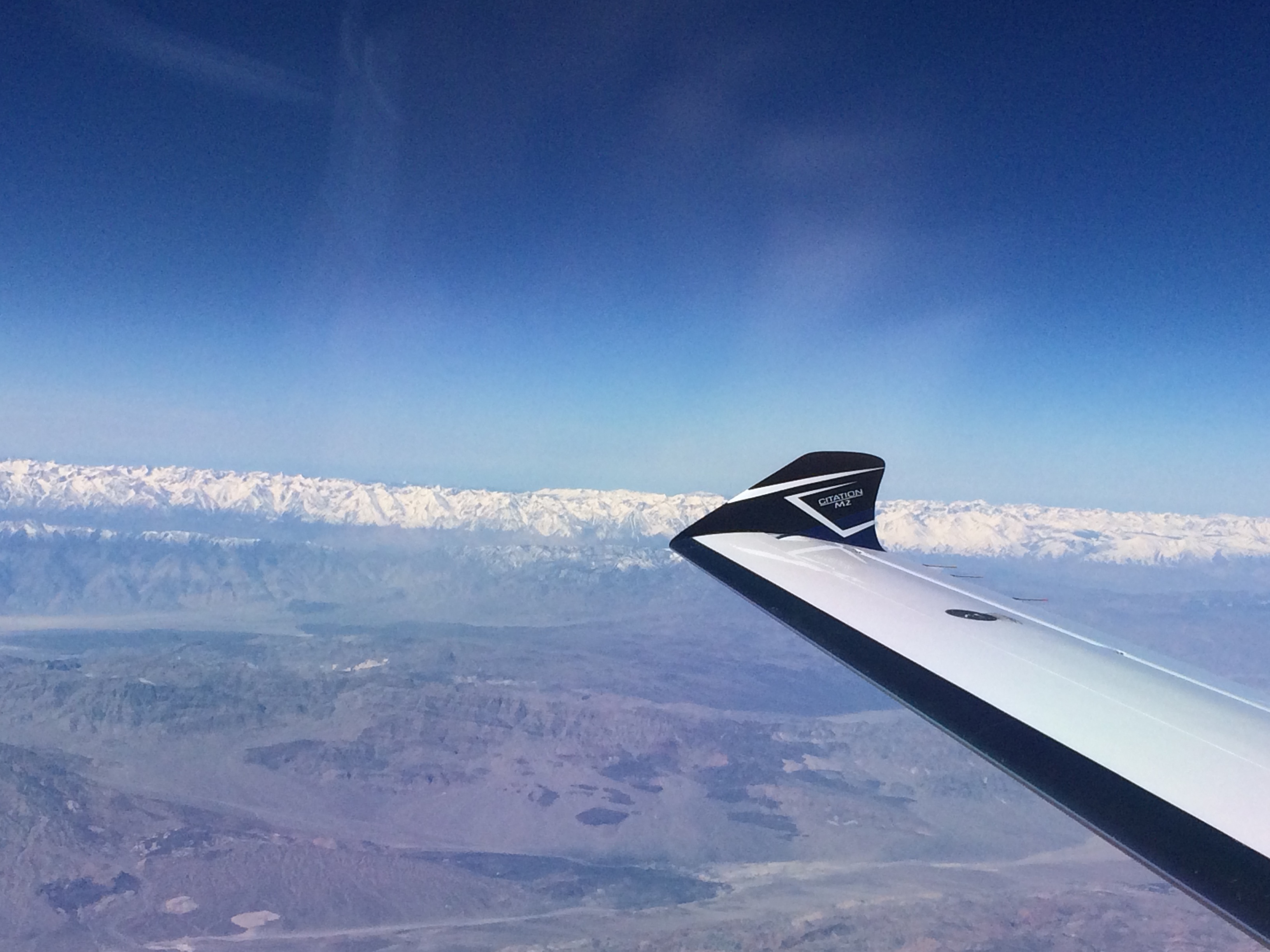
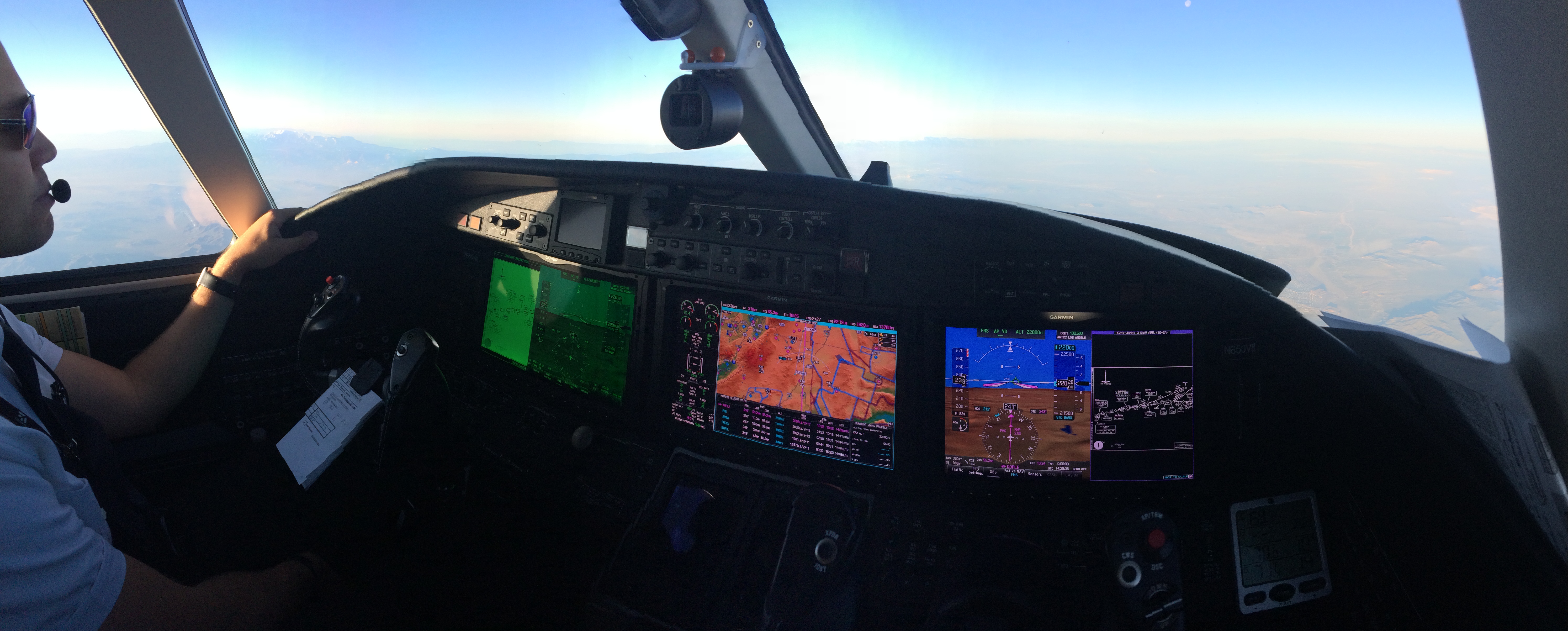
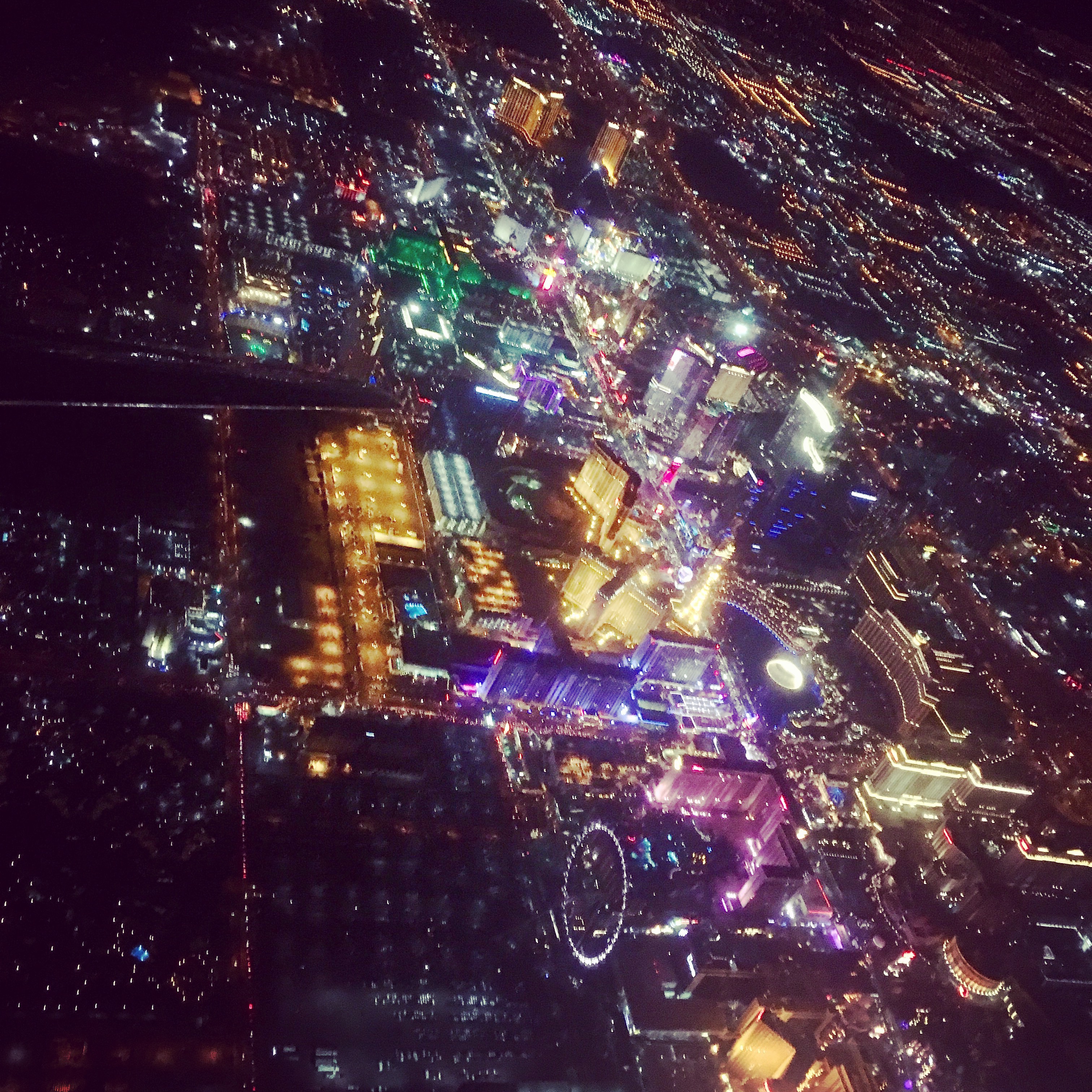
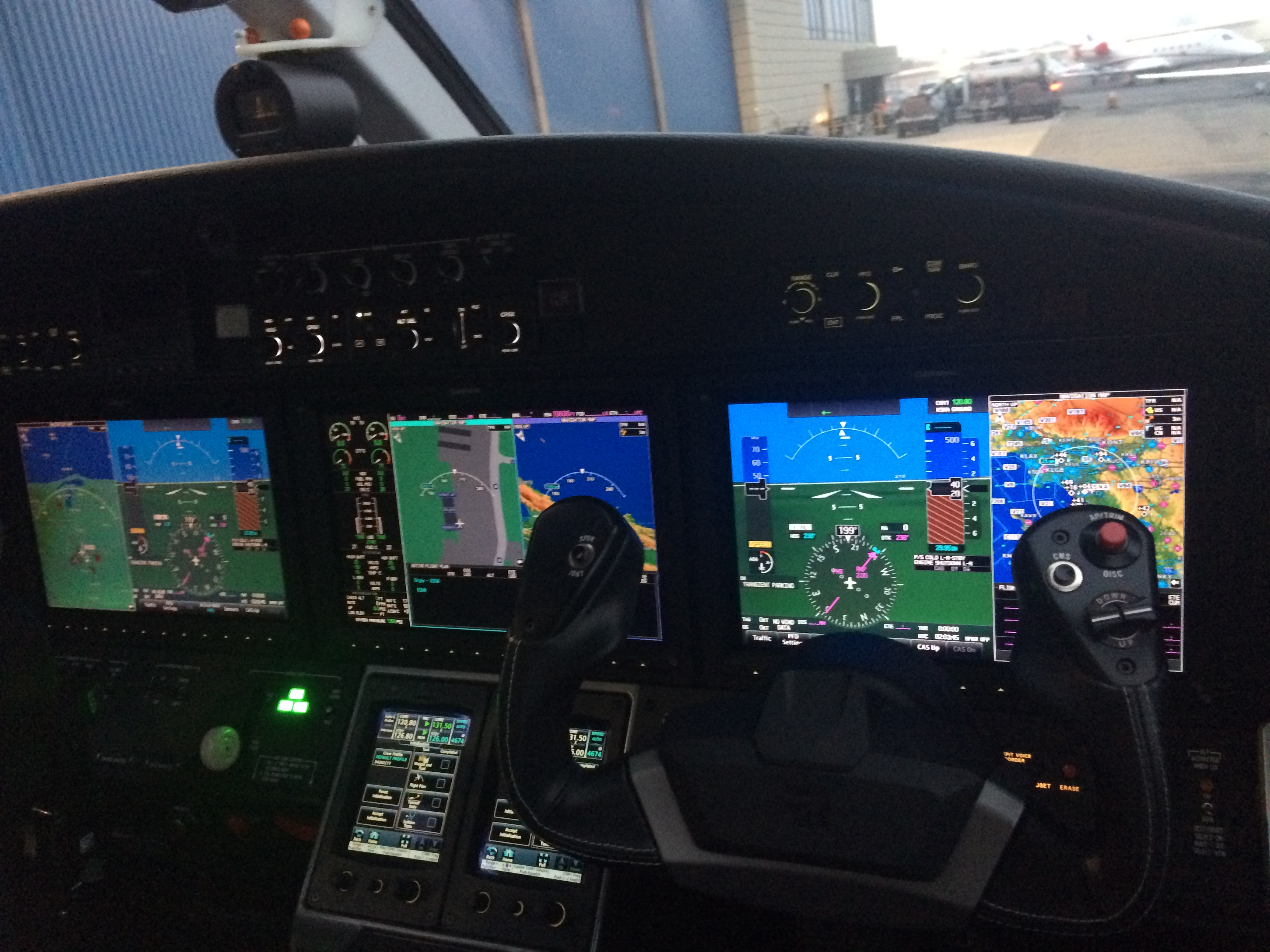
    I have a good friend who recently passed his ATP and Citation training, and he’s now right-seat flying jets. He’s been sending along some pretty cool photos of his travels, and here are a few he said I could share. Pretty cool to zoom along at 30,000 feet and 450 knots.

    Photo Mar 14, 10 44 32 AM

    Photo Mar 14, 7 29 10 AM

    Photo Mar 12, 8 32 52 PM

    Photo Mar 12, 7 03 45 PM

    Share this:

    • Share on X (Opens in new window) X
    • Share on Facebook (Opens in new window) Facebook
    • Email a link to a friend (Opens in new window) Email
    • Print (Opens in new window) Print
  • Place-To-Place Update

    2017-03-12

    |

    Uncategorized

    And I’ve begun. The Saratoga now sits at virtual Bear Lake Co. airport in Idaho after a short flight up VFR from KSLC (on PilotEdge). I think from there I’ll take it to Montana for some virtual fishing. 

    One of the things I’m going to do along the way is make photosceney and design airports. There is no good 3D 1U7 in X-Plane so I believe I’ll make one. 

    Share this:

    • Share on X (Opens in new window) X
    • Share on Facebook (Opens in new window) Facebook
    • Email a link to a friend (Opens in new window) Email
    • Print (Opens in new window) Print
Previous Page
1 … 24 25 26 27 28 … 59
Next Page

On The Glideslope

  • Instagram
  • Facebook
  • X

Loading Comments...

You must be logged in to post a comment.