
This morning I downloaded and for the first time used the new Ortho4XP 1.3 (download links are in Oscar Pilote’s signature line here). It has several improvements over version 1.2, one of which is smoothing that allows you to have sloped (and not flattened)) airport runways. I watched this YouTube video on how to use it, and the steps there worked perfectly. Also, as he does in the video, I went the extra step in creating mesh and overlays from the HD Mesh 4 package, and downloaded zoom level 19 tiles for several of the airports in the tile.
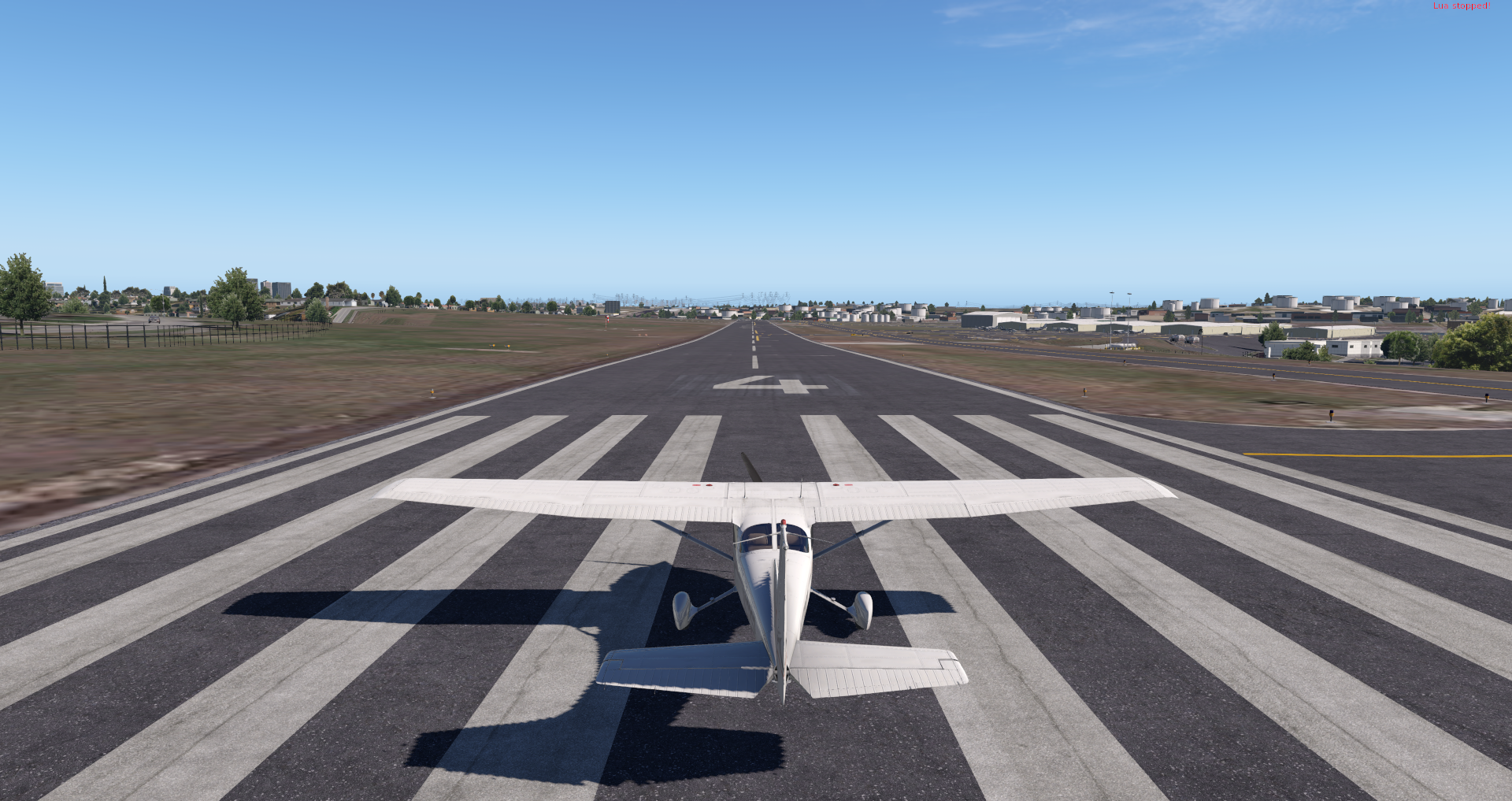
The results are great, and I’ve attached some screen captures below. Note the nicely sloped runway and airport environment in the last shot. (And you can click any of these images to see larger versions.)
My settings here:
- ZL 16 as the base zoom level using Bing maps (set in the settings)
- ZL 18 within three kilometers of each airport using Bing maps (set in the settings)
- ZL 19 over each airport itself using Google maps (set in with the zoom level screen)
- Water masks of 300 yards (which is probably too far given how the ortho imagery works in this area)
- Mesh from HD Mesh 4
- Overlays from HD Mesh 4
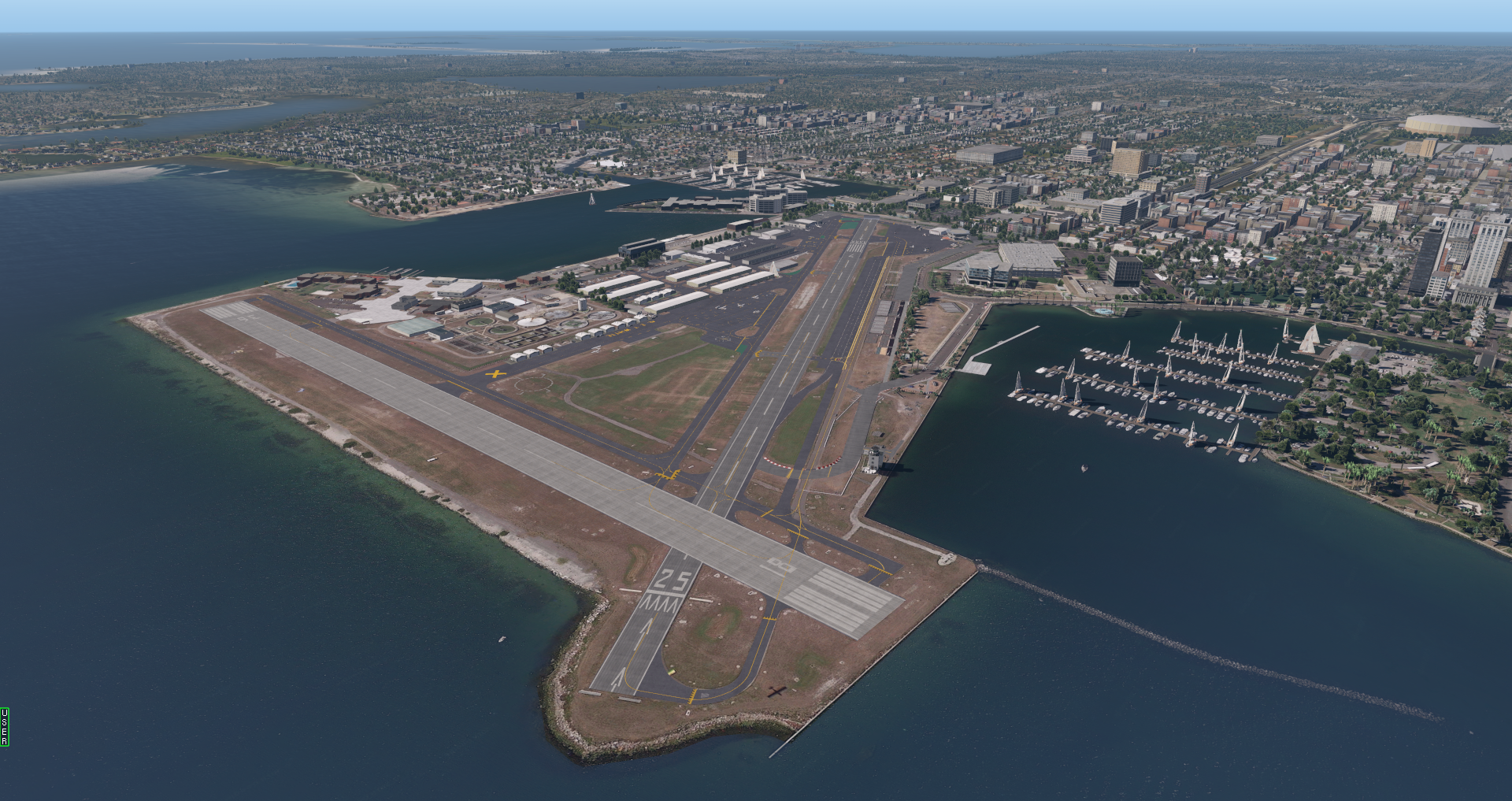
Also , I’m nearly done with my new Gateway version of Albert Whitted / KSPG. You can see that here, too, in the first several images. Overall, I think the result is fantastic, and I look forward to building a bunch of new tiles.
Albert Whitted and environs …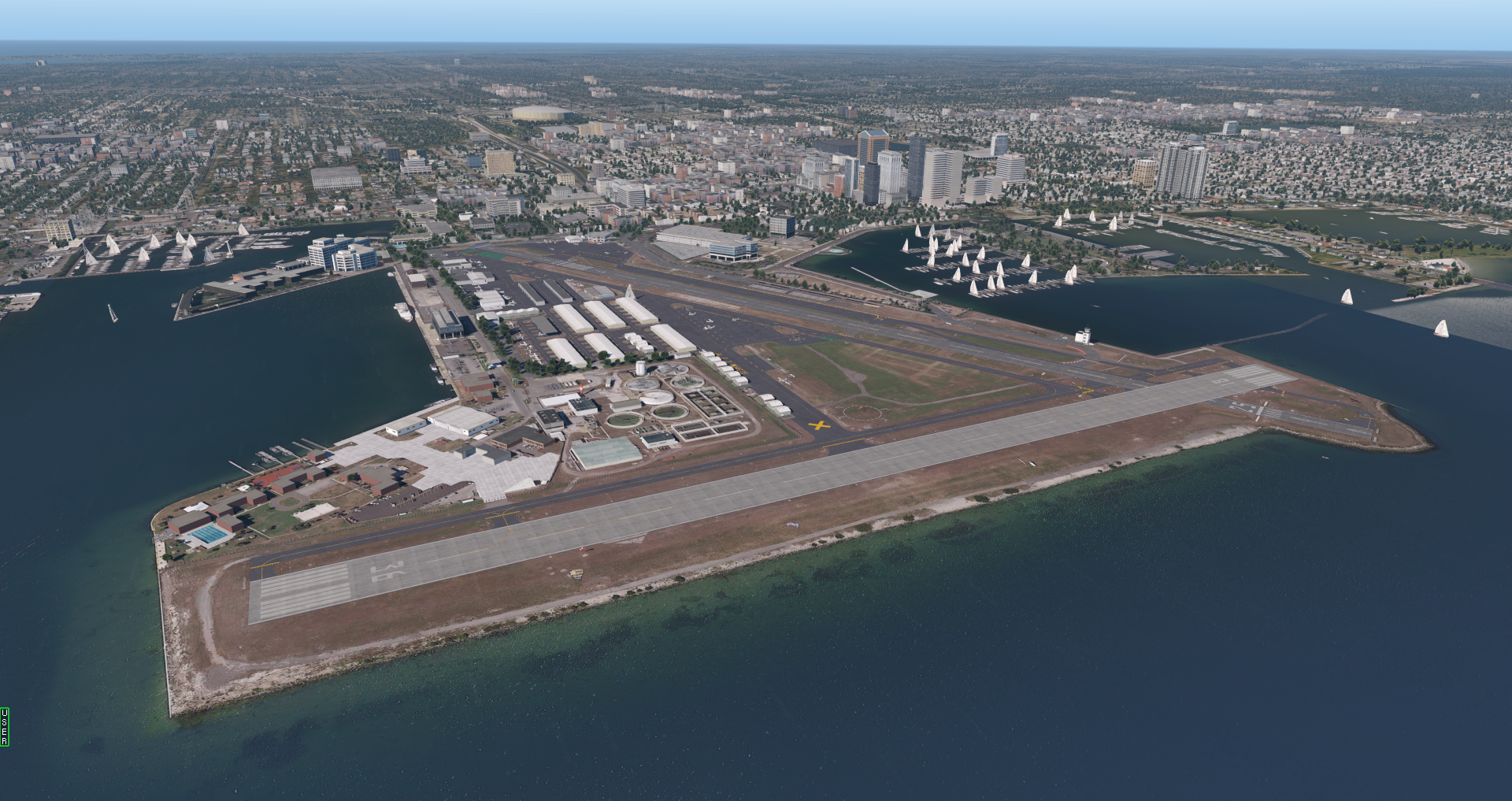
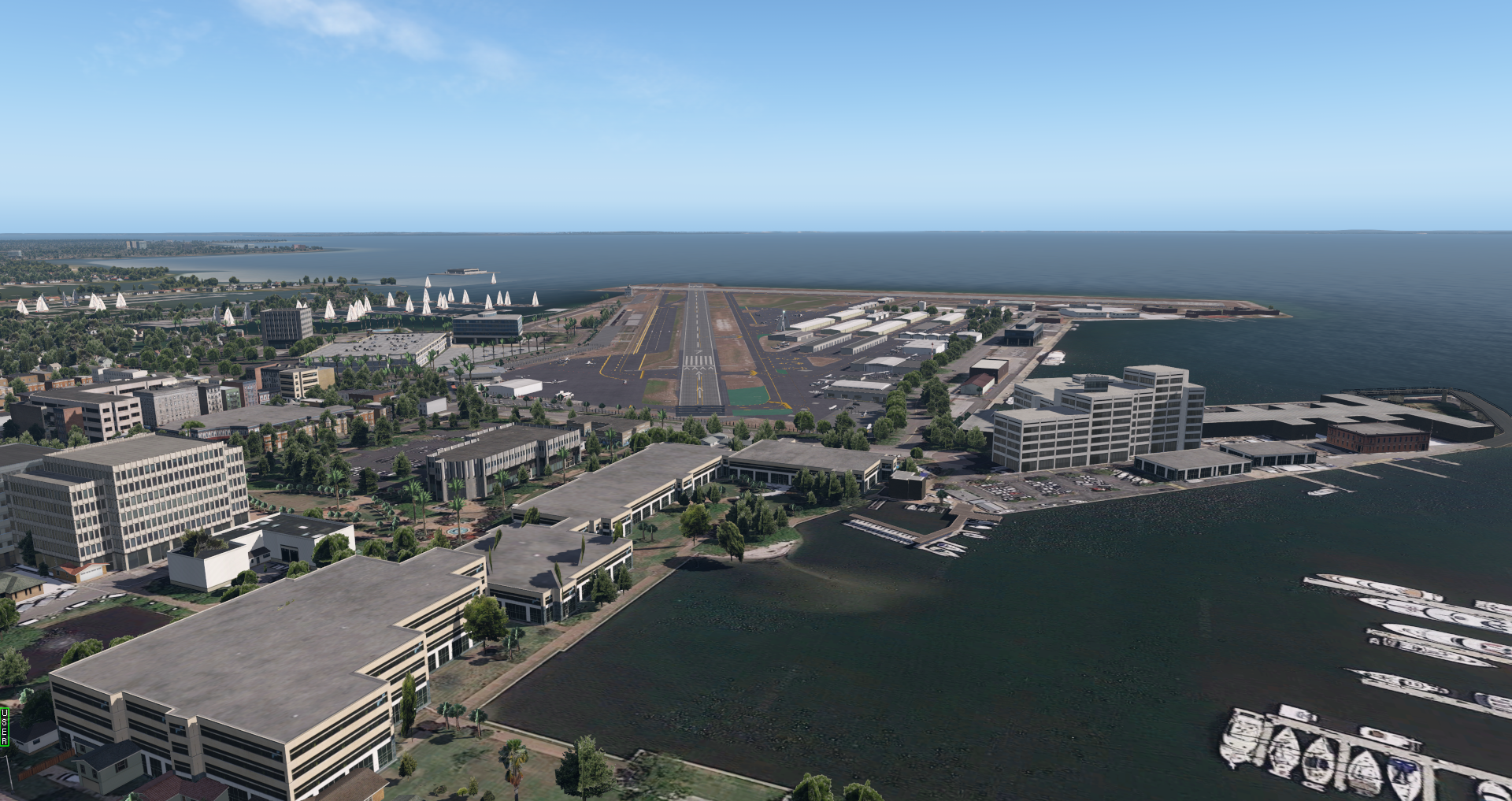
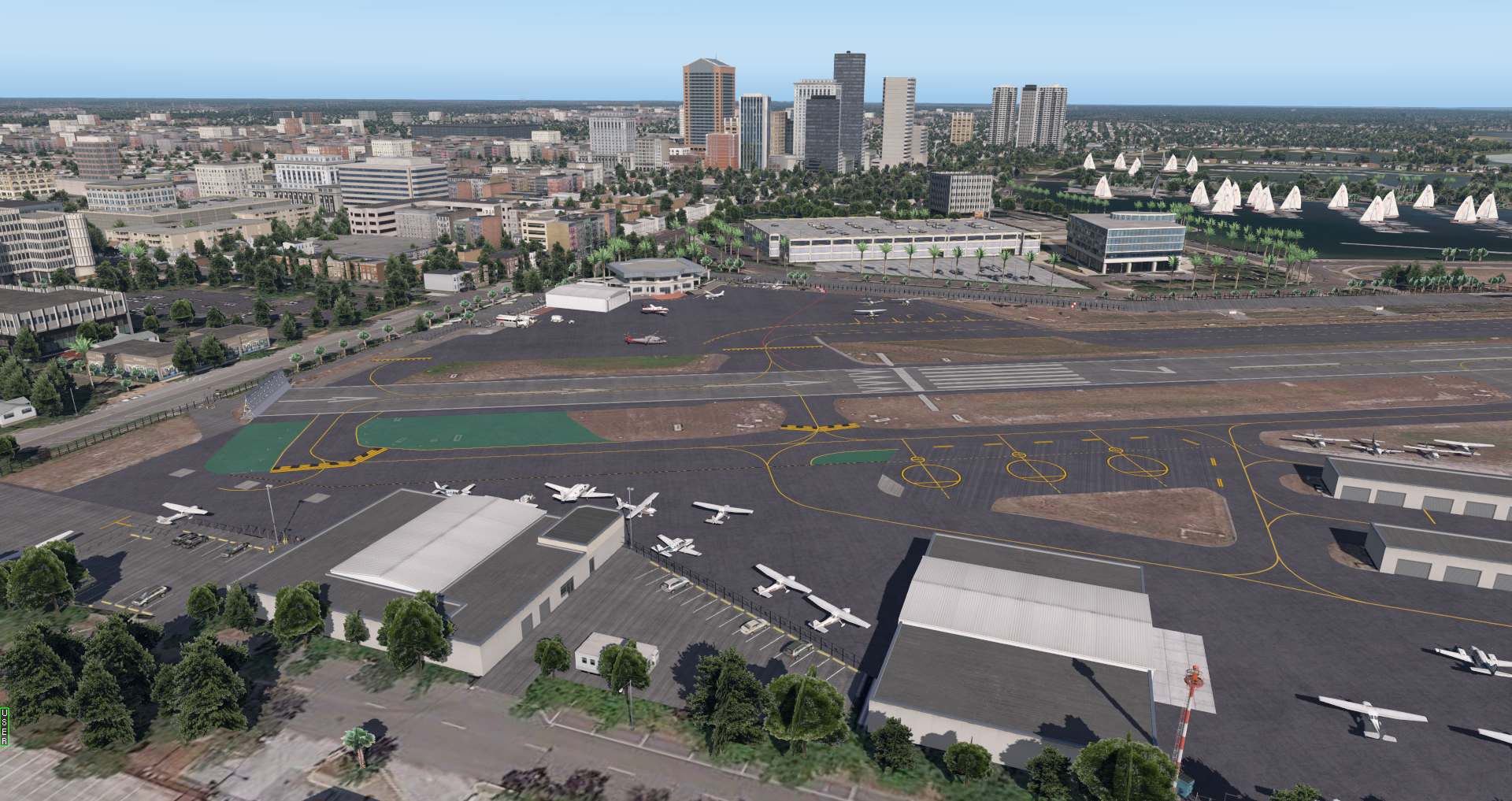
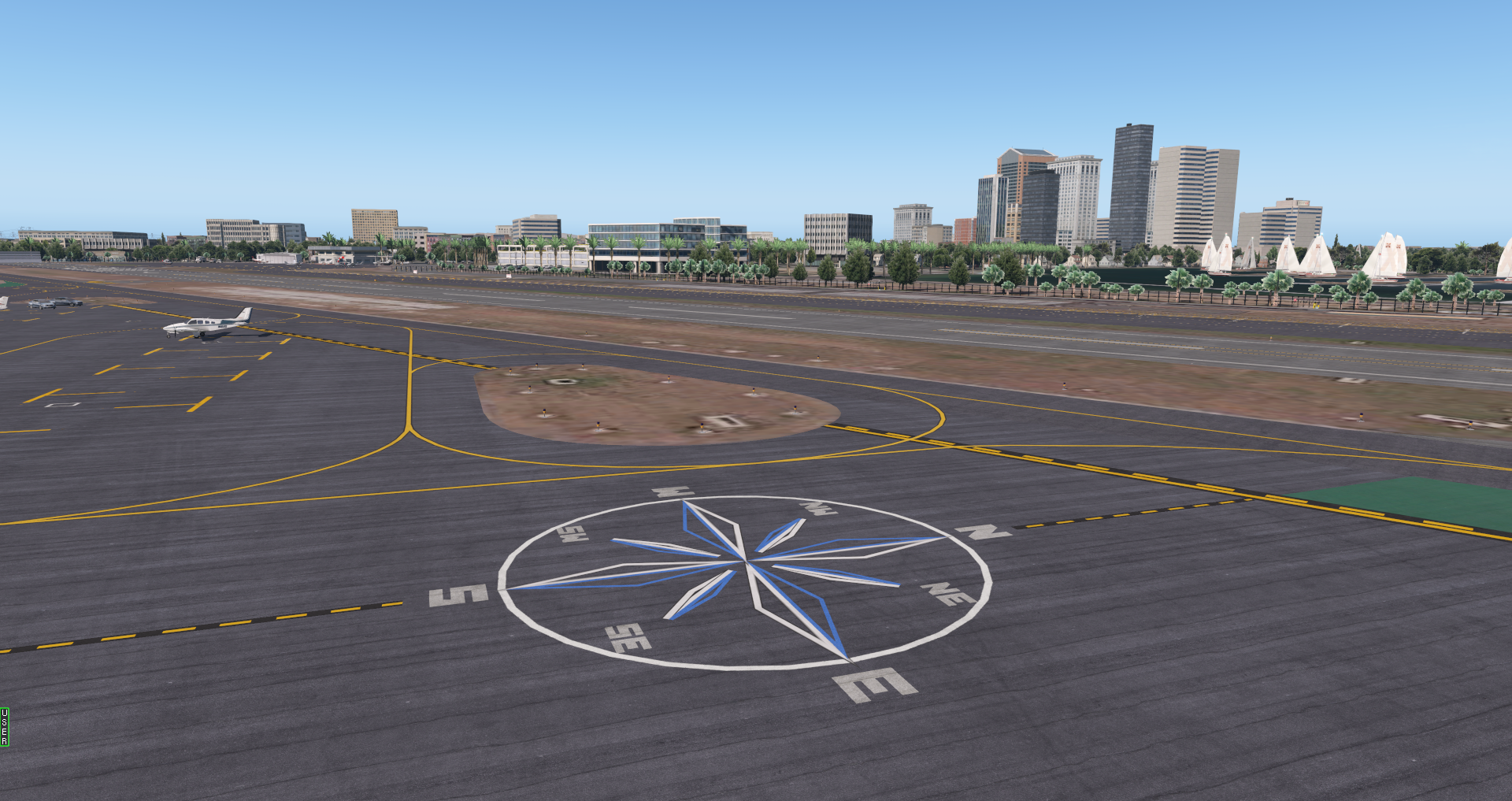
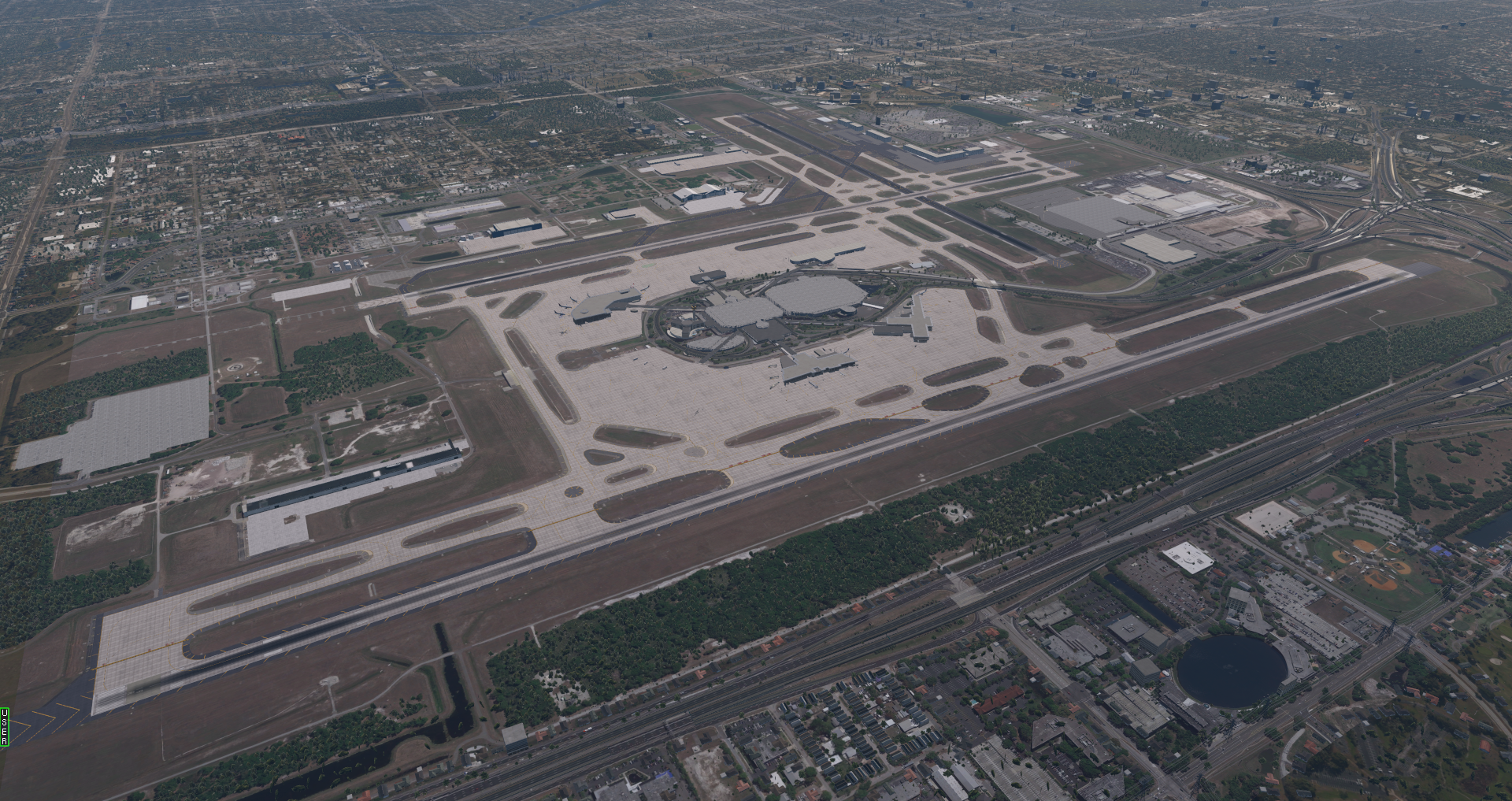
The new Gateway KTPA I’ve been working on …
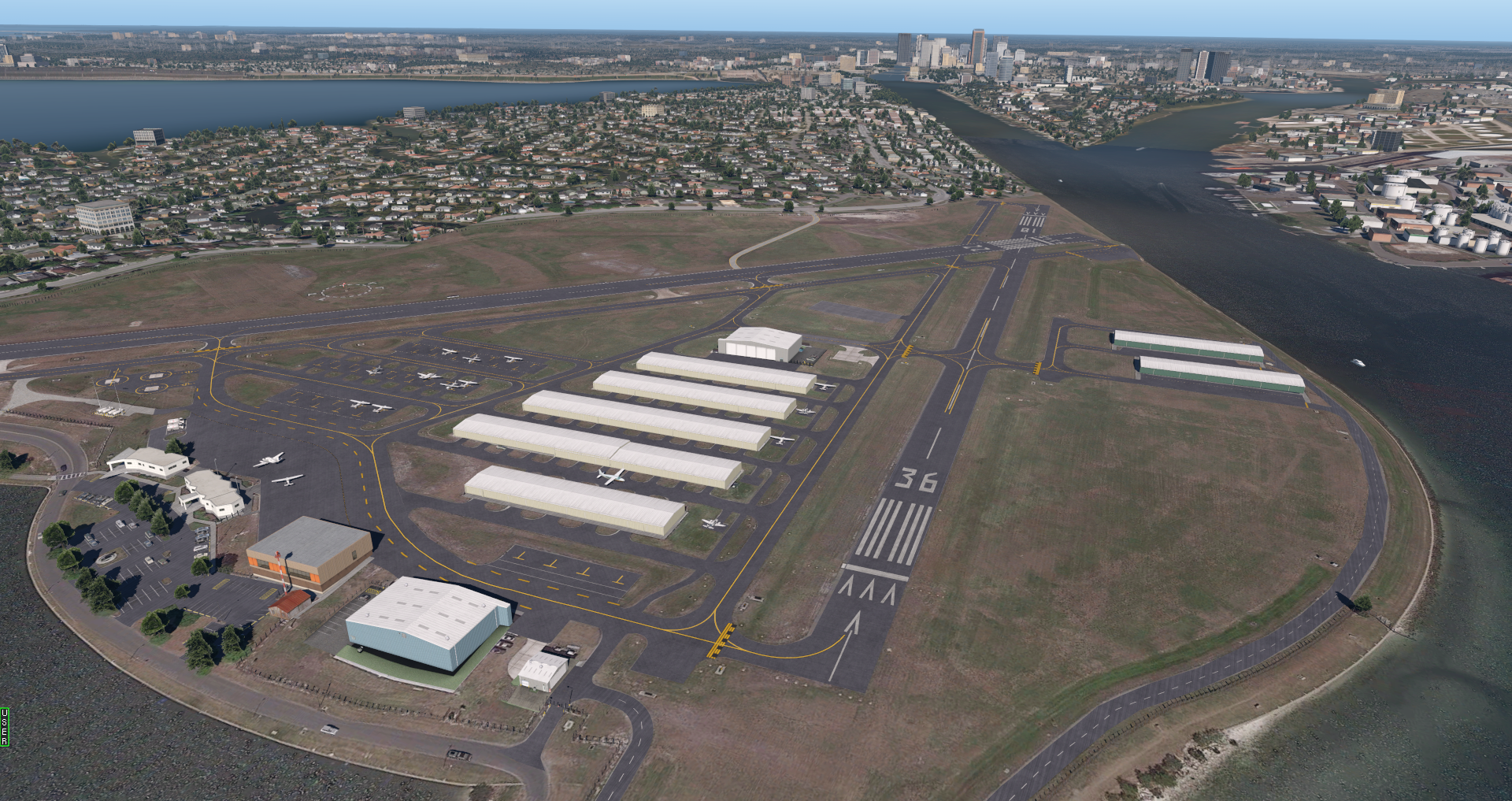
KTPF Peter O Knight …
Look at that beautiful runway slope! ->


Leave a Reply
You must be logged in to post a comment.