
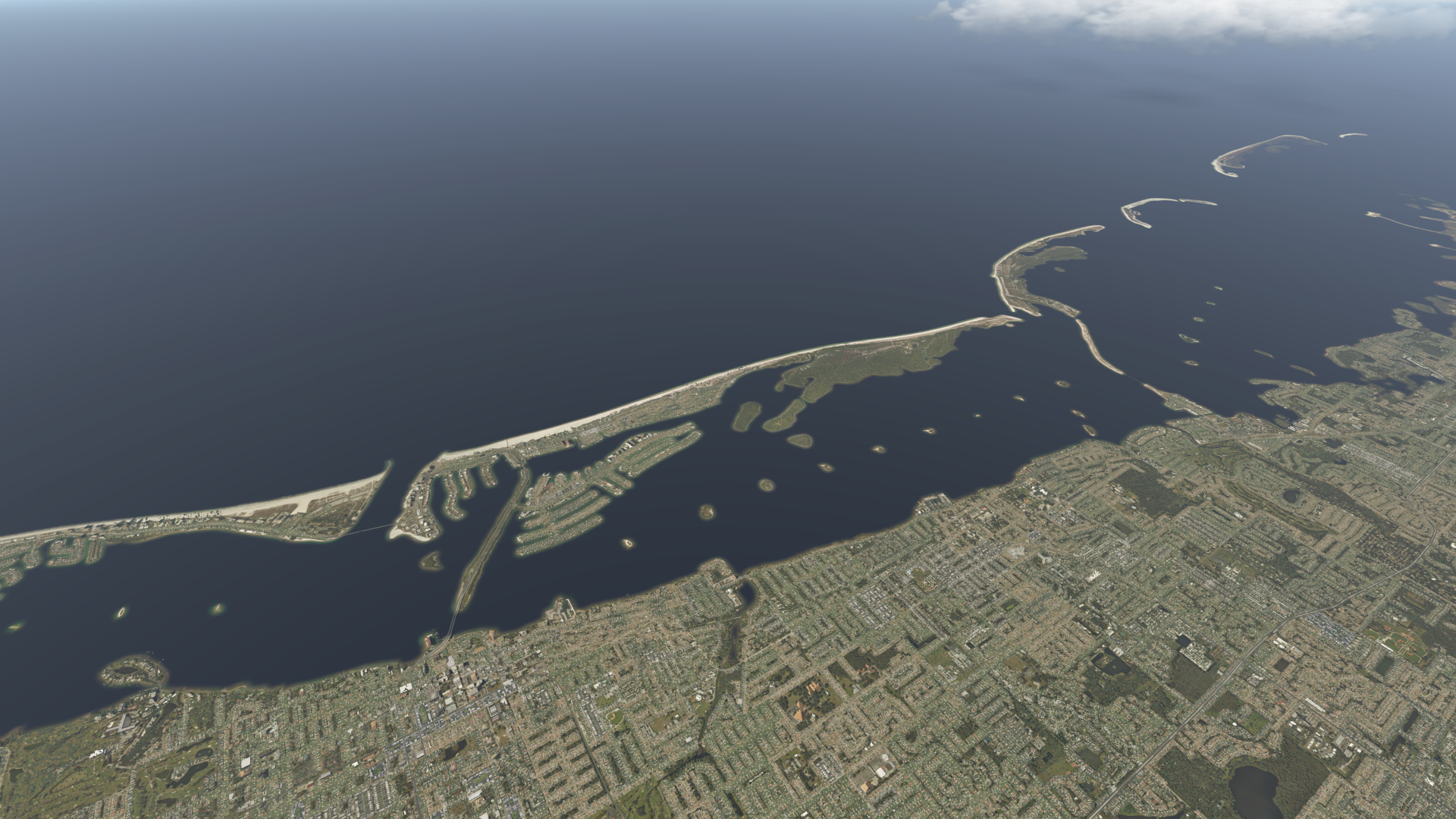
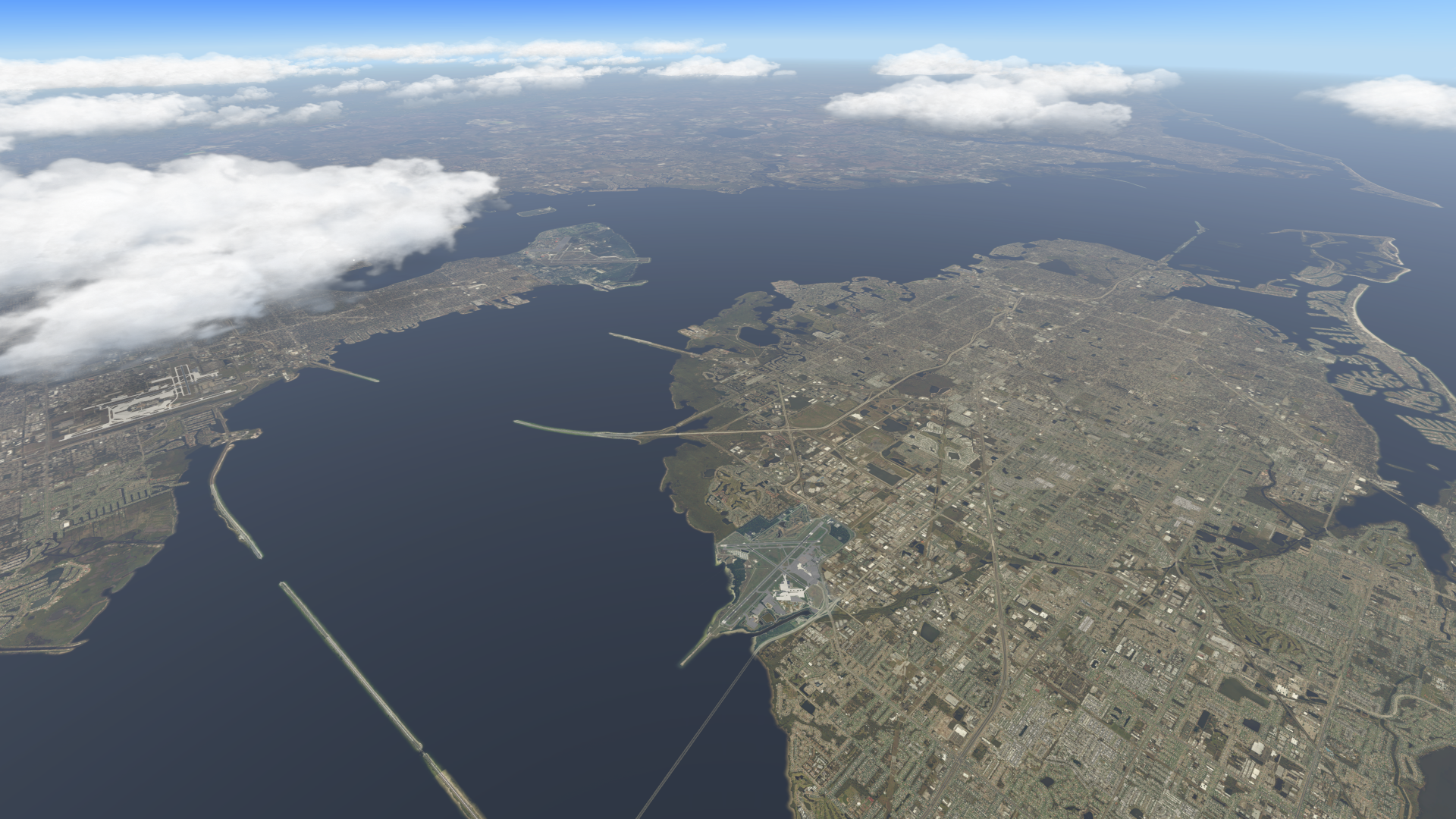
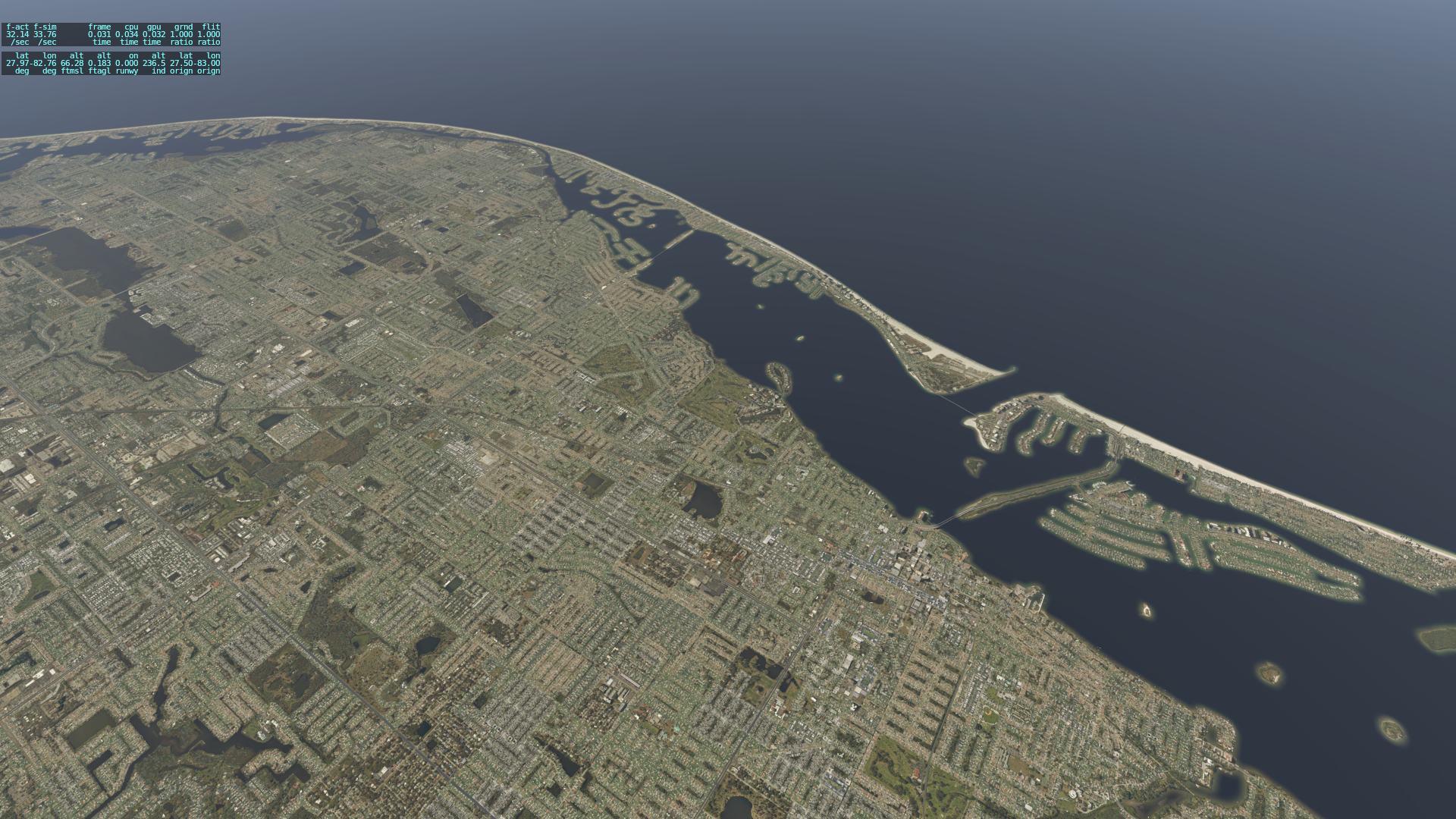
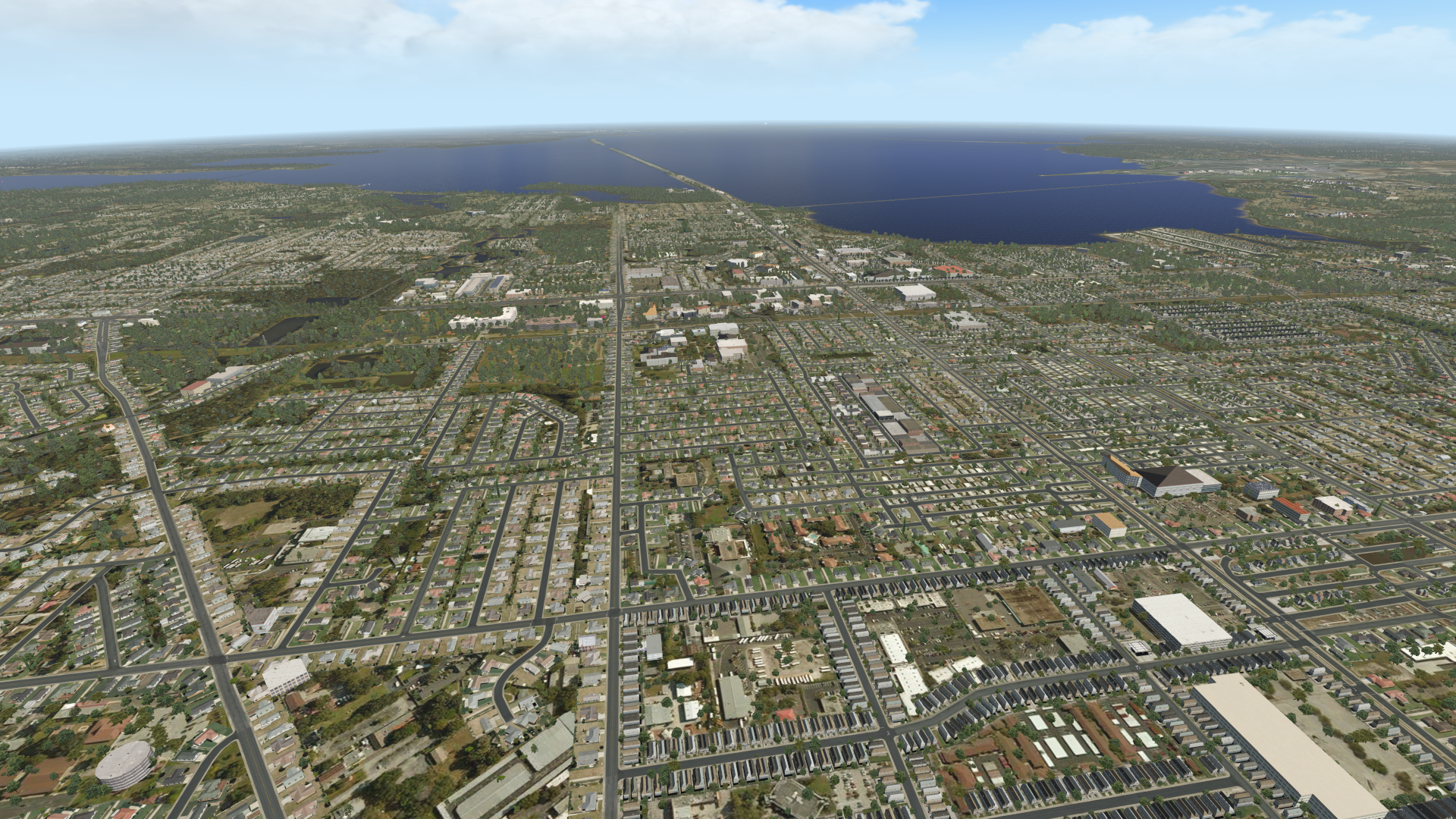
Readers know that I was lucky to be gifted a pretty big set of photorealistic ortho scenery for X-Plane. It covers a nice part of the West where I like to use the sim, but I also enjoy the Tampa area and didn’t have scenery for that part of the world. So today I downloaded Ortho4XP and generated my first two tiles, covering the greater Tampa area. I downloaded the Ortho4XP files from the creator here, followed the instructions in this brief video (and there is more information here if you need it), and that was all there was to it. It took about five minutes to get installed and running, and about 10 minutes per tile (but I do have a fast connection). Here are some screen grabs showing the results, and note that this is zoom level 17. With this process being so easy, there is absolutely no reason for X-Plane users to not be creating and enjoying photorealistic scenery for any part of the world in which they wish to fly. And best of all, it’s FREE.


Leave a Reply
You must be logged in to post a comment.